
Why Cruise Ship Connectivity is So Expensive, And Often Disappointing
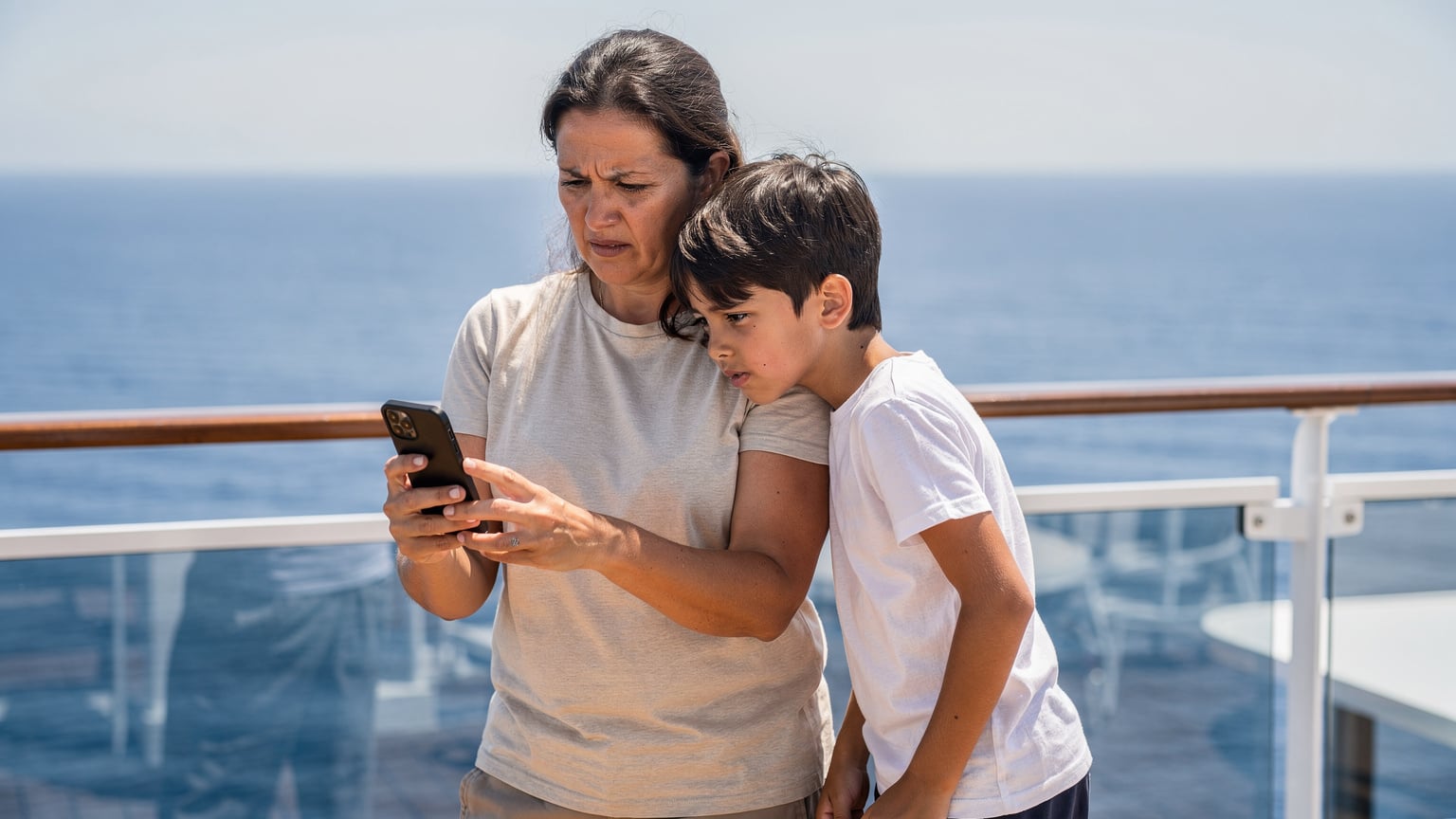
Ah, the cruise. The promise of endless buffets, sparkling pools, and the open sea. As a seasoned family travel planner, I know the allure, but I also know the hidden pitfalls, especially when it comes to staying connected. Cruise ship connectivity, whether it's the onboard Wi-Fi or the mysterious 'cellular at sea' roaming, has long been a sore spot for families. It's not just expensive, it's often frustratingly slow, especially when you have two kids trying to stream Disney+ on their iPads. The simple truth is, cruise lines operate in a very different connectivity environment than land-based providers, and those differences directly impact your wallet and your sanity.
The Physics of Satellite Internet: Why Bandwidth is a Premium
Unlike your home internet, which connects to a vast network of fiber optic cables and cell towers, cruise ships rely almost entirely on satellite internet. Imagine trying to pipe high-speed data from space, across hundreds or thousands of miles, to a moving vessel. It's a technological marvel, yes, but it comes with inherent limitations. The bandwidth available on a single ship is finite and has to be shared among thousands of passengers and crew. This scarcity is the primary driver of the high costs. Every megabyte is precious.
Limited Infrastructure: Sharing the Digital Pie with Thousands
Even with advancements in satellite technology, the sheer number of devices on a modern cruise ship creates a bottleneck. Everyone wants to upload photos, check social media, or, in my kids' case, keep their Minecraft worlds synced. During peak times, like dinner service or embarkation day, the network gets absolutely slammed. This isn't just an inconvenience, it can be a real problem if you need to access important travel documents or communicate with family back home. It's like everyone trying to use the same single-lane road at rush hour, except the road is in space.
Why Cruise Lines Charge a Premium: It's a Business Model
Let's be frank, cruise lines aren't just passing on costs, they're monetizing a captive audience. Connectivity is a convenience, and on a ship, it becomes a necessity for many. They know you'll pay a premium for it, especially when you're desperate to check on a pet sitter or share that perfect sunset photo. This isn't necessarily malicious, it's just smart business, but it's a business model that smart travelers can, and should, circumvent.
Breaking Down the Costs: Onboard Wi-Fi Packages vs. Cellular at Sea
When you're comparing connectivity options on a cruise, you'll typically encounter two main categories: the cruise line's Wi-Fi packages and 'cellular at sea' roaming. Both can lead to sticker shock, but they function very differently and have distinct pricing structures.
Understanding Onboard Wi-Fi Packages: The Devil is in the Data
Cruise Wi-Fi packages usually come in tiers, often advertised as 'basic' for messaging and email, 'premium' for streaming and video calls, or 'unlimited' for multiple devices. The key word here is 'advertised'. What 'unlimited' really means is often throttled speeds after a certain usage, or a single-device limit disguised as flexibility. For a family with multiple devices, those 'unlimited' packages can quickly add up. I've seen daily rates range from $15-$30 per device, or weekly packages of $100-$200 for a single user. Multiply that by two iPads and a phone for each parent, and suddenly you're looking at hundreds of dollars just to keep everyone connected.
| Cruise Line (Example) | Basic Wi-Fi Package (7-day, 1 device) | Premium Wi-Fi Package (7-day, 1 device) | Family Wi-Fi Package (7-day, 4 devices) |
|---|---|---|---|
| Royal Caribbean | $17.99/day ($125.93 total) | $24.99/day ($174.93 total) | $39.99/day ($279.93 total) |
| Carnival Cruise Line | $12.00/day ($84.00 total) | $18.00/day ($126.00 total) | $30.00/day ($210.00 total) |
| Disney Cruise Line | Not offered (only Premium) | $28.00/day ($196.00 total) | $45.00/day ($315.00 total) |
Cellular at Sea: The Silent Bill Shock Enabler
This is where things get truly murky. When your cruise ship is out at sea, far from land-based cell towers, it often operates its own mini cellular network, known as 'Cellular at Sea' or 'Maritime Roaming'. Your phone automatically connects to this network, and suddenly, every text, call, or tiny bit of background data usage is billed at astronomical international roaming rates by your home carrier. We're talking dollars per minute for calls, dollars per text message, and sometimes $10-$20 per megabyte for data. Accidentally leave data roaming on for a few hours with a kid's iPad refreshing apps in the background, and you could easily rack up hundreds of dollars in charges without even realizing it. I've heard horror stories of $500+ bills from a single cruise, and trust me, those are not urban legends. Always, always turn off data roaming when at sea, unless you've specifically purchased an expensive maritime roaming package from your home carrier, which is rarely good value.
The Myth of 'Unlimited' Onboard Wi-Fi and Its Real-World Limitations
Cruise lines love to throw around the word 'unlimited' when it comes to their Wi-Fi packages. But as a parent who's seen a kid's iPad chew through data faster than a hungry teenager at a buffet, I know 'unlimited' often comes with a hefty asterisk. It's more like 'unlimited, if you're very patient, and only use it for email'.
Throttling and Speed Caps: When Streaming Becomes Stuttering
Even with a premium package, you'll likely encounter throttling, where speeds are intentionally slowed down after a certain threshold, or general speed caps that prevent you from ever truly getting broadband-like performance. This means Disney+ for the kids will buffer endlessly, video calls with grandparents will drop, and even simple web browsing can feel like dial-up. It's particularly frustrating when you've paid a premium for what you thought would be a seamless experience.
Device Limits and Concurrent Usage Frustrations
Many 'unlimited' packages are actually 'unlimited for one device at a time'. This is fine for a solo traveler, but for a family, it's a nightmare. My kids aren't going to share one iPad for their games, let alone wait for me to finish my work email before they can watch YouTube Kids. Trying to manage multiple devices on a single, throttled connection can lead to arguments faster than you can say 'ice cream machine is broken'.
eSIMs: The Family Traveler's Secret Weapon for Connectivity in Port
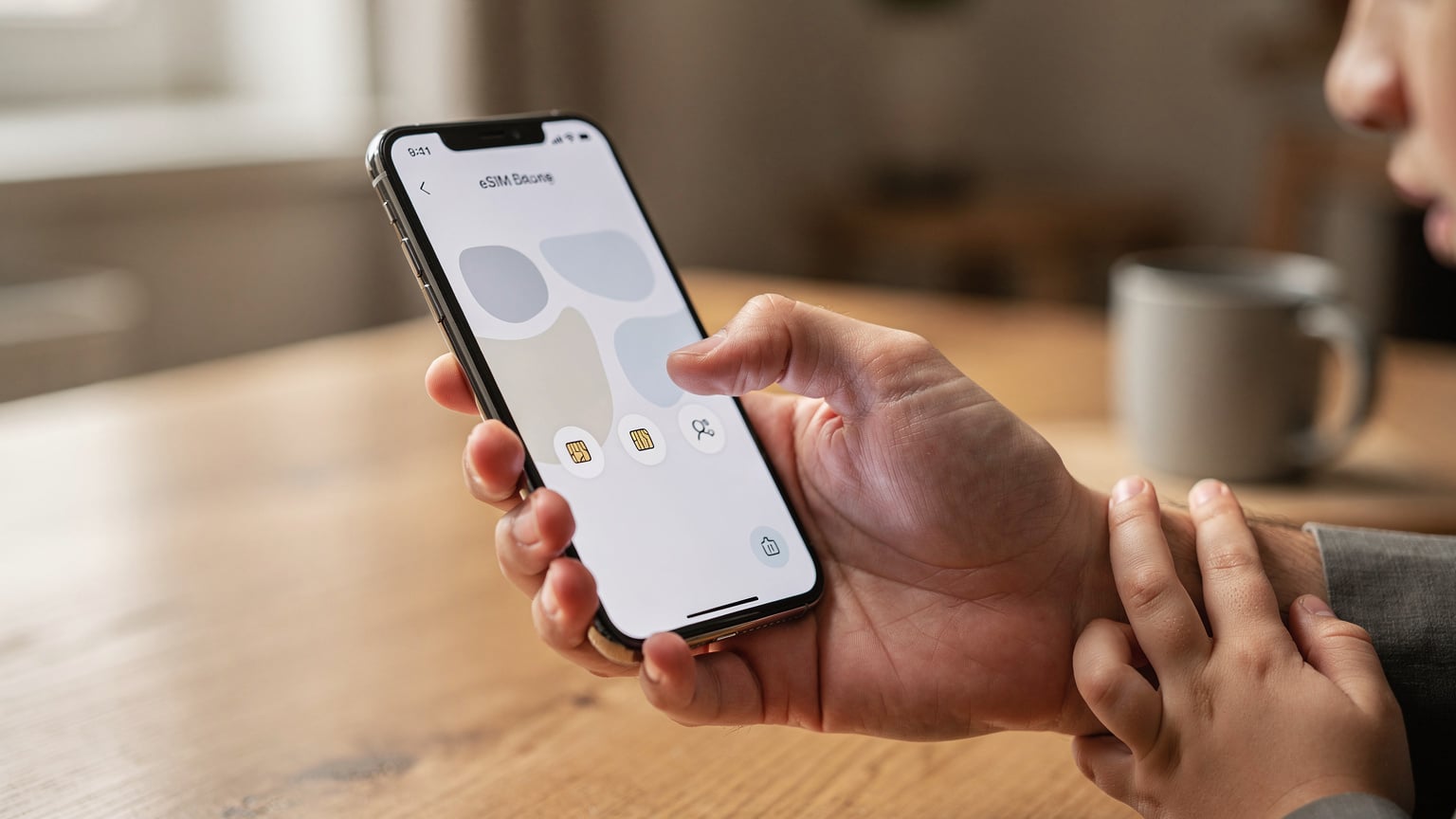
This is where the magic happens, and where smart planning truly pays off. While eSIMs can't help you with connectivity in the middle of the ocean (yet, stay tuned for satellite eSIMs!), they are an absolute game-changer for staying connected when you pull into port. And let's face it, that's when you really need data, right? To navigate a new city, find the best gelato, or keep the kids entertained during a long transfer.
What is an eSIM and Why is it Perfect for Cruises?
An eSIM, or embedded SIM, is a digital SIM card that's built directly into your phone. Instead of swapping physical plastic cards, you simply download a data plan to your device. This is brilliant for multi-country cruises because you can purchase a data plan for each country you visit before you even leave home. When you dock in Barcelona, your Spain eSIM automatically activates. When you arrive in Rome, your Italy eSIM kicks in. No hunting for local SIM cards, no exorbitant roaming charges, and crucially, no relying on the ship's flaky Wi-Fi.
Cost-Effectiveness: Real Savings for Your Family Budget
The biggest advantage for families is the cost. A Cellesim eSIM for Spain, for example, might offer 10GB of data for a week for around $15-20. Compare that to the $100+ you'd spend on a basic onboard Wi-Fi package, and the savings are undeniable. For a multi-country European cruise, you can purchase regional eSIMs that cover multiple countries, or individual country eSIMs for specific ports. This flexibility means you only pay for the data you need, when you need it.
| Connectivity Option | Typical Cost (1 week) | Speed/Reliability | Coverage Area | Parental Control Potential |
|---|---|---|---|---|
| Cruise Ship Wi-Fi (Premium) | $100 - $200 per device | Variable, often slow and throttled | Onboard ship only | Limited to device settings, no network-level control |
| Cellular at Sea Roaming | $500+ (if not careful) | Good when available, but very expensive | At sea (satellite) | None, direct billing to home carrier |
| Cellesim Regional eSIM (e.g., Europe) | $15 - $30 per device | Excellent, local 4G/5G speeds | In port in covered countries | Excellent, full device/OS controls work over eSIM data |
Reliable High-Speed Data in Port: Navigating with Confidence
When you're off the ship and exploring, you need reliable data. Whether it's using Google Maps to find the Colosseum, looking up restaurant reviews on Yelp, or letting the kids play Pokémon GO while you enjoy a coffee, an eSIM provides the local 4G or 5G speeds you'd expect. No more waiting for hotel Wi-Fi or searching for a café with a decent connection. This peace of mind is invaluable when you're trying to keep a family on schedule and happy in an unfamiliar city.
Choosing the Right eSIM for Your Family Cruise Itinerary
Selecting the perfect eSIM for your cruise involves a bit of planning, but it's far less stressful than trying to navigate onboard packages or avoid roaming fees. The key is matching the eSIM plan to your itinerary and your family's data needs.
Multi-Country Regional eSIMs for Seamless European Cruises
If your cruise is hopping between several European countries, a regional eSIM is often the most convenient option. These plans cover multiple countries under a single data package, meaning you don't have to switch eSIMs every time you dock. For example, a Europe-wide eSIM from Cellesim can cover you from Spain to Italy to Greece, activating automatically as you enter each country's cellular network range. This simplifies connectivity management immensely, especially when you're trying to wrangle kids off the ship and into a new adventure.
Single-Country eSIMs for Specific Port Stays
For cruises with longer stays in particular ports, or if you're only visiting a few countries, single-country eSIMs can sometimes offer more data for your money. For instance, if you have an overnight stay in Marseille, a dedicated France eSIM might give you more gigabytes than a regional plan for the same price. It's worth doing a quick comparison on the Cellesim site for each port of call. I usually plot out our itinerary, then check the eSIM options for each country, noting down the data amounts and prices. It's part of the pre-trip fun, I promise!
Considering Data Needs: How Much is Enough for Two Streaming Kids?
This is the million-dollar question for any parent. My rule of thumb for two kids (ages 8 and 12) who enjoy streaming Disney+ or YouTube Kids for an hour or two in the evenings, plus some light gaming like Roblox or Stardew Valley, is generally around 5-7GB per child per week. For parents, add another 5-10GB for navigation, social media, email, and occasional video calls. So, for a family of four, looking at a total of 20-30GB for a week-long cruise's port days is a safe bet. Remember, this is for port usage only, as sea days will be offline or on ship Wi-Fi. My older one, bless her heart, would happily burn through 10GB watching TikToks in a single afternoon if I let her, so planning is essential.
Managing Data and Parental Controls with Your eSIM for Kids' Devices
One of the often-overlooked benefits of using an eSIM for your kids' devices is the control it gives you. Unlike shared ship Wi-Fi where you have minimal oversight, an eSIM-enabled device is essentially a standalone cellular connection, allowing you to implement parental controls directly at the device or operating system level.
Leveraging iOS Screen Time and Android Digital Wellbeing
Both Apple's iOS Screen Time and Google's Android Digital Wellbeing are incredibly powerful tools for managing your children's device usage. When their device is using an eSIM for data, these features work flawlessly. You can:
- Set App Limits: Restrict how long kids can use apps like YouTube Kids, TikTok, or Roblox each day.
- Schedule Downtime: Automatically block access to most apps during specific hours, like during dinner or bedtime.
- Content & Privacy Restrictions: Prevent access to inappropriate websites, disable in-app purchases, or block certain apps entirely.
- Approve Purchases: Ensure all app downloads or in-app purchases require your approval, preventing unexpected charges.
These controls are far more robust and reliable than anything you'll find on a cruise ship's Wi-Fi network. For me, knowing I can control screen time even when they're using data in port is a huge relief. No one wants a kid glued to a screen when there's a Roman ruin to explore.
Data Usage Monitoring and Hotspotting Responsibly
Modern smartphones allow you to monitor data usage per app and per cellular plan. This is invaluable when you have a data-hungry teenager. You can see exactly which apps are consuming the most data and adjust accordingly. Furthermore, if one parent has a generous eSIM plan, they can often hotspot to other family members for short bursts of connectivity, like checking directions or sending a quick message. Just be mindful of data usage, as hotpotting can deplete a plan quickly, especially if those two streaming Disney+ kids suddenly latch on.
How to Set Up Your eSIM for a Family Cruise
Setting up an eSIM is surprisingly straightforward, but a little pre-planning goes a long way. Trust me, you don't want to be fumbling with QR codes at the gangway.
Before You Depart: The Golden Rule of eSIM Installation
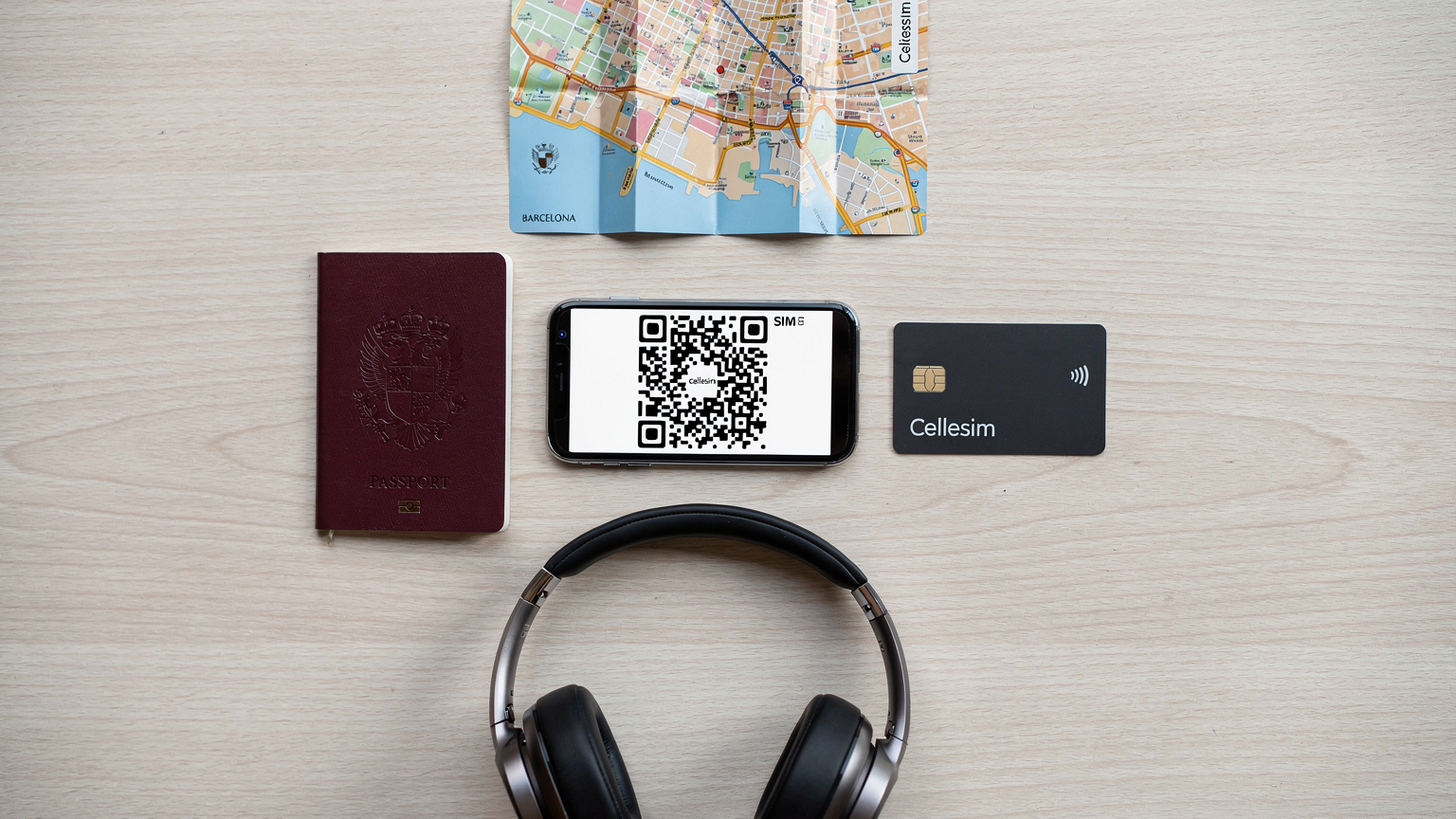
The absolute best time to install your eSIMs is before you even leave home, while you still have a strong, reliable Wi-Fi connection. Most eSIM providers, including Cellesim, send you a QR code via email. You simply scan this code with your phone (or enter details manually if scanning isn't an option), and the eSIM profile is added to your device.
Here's a step-by-step guide:
- Purchase Your eSIMs: Go to the Cellesim website, select your cruise destinations, and choose the data plans that best fit your family's needs. For example, if you're cruising the Mediterranean, you might pick a regional Europe eSIM.
- Receive Your QR Code: Cellesim will email you a QR code and activation instructions.
- Install on Wi-Fi: While still at home on your Wi-Fi, go to your phone's Settings > Cellular (or Mobile Data) > Add eSIM. Scan the QR code. Follow the prompts.
- Label Your eSIMs: Crucially, label your new eSIMs clearly, e.g., 'Spain Data', 'Italy Data', 'Kids Europe'. This prevents confusion when you're switching between lines.
- Turn Off Data Roaming on Your Home SIM: This is vital. In your phone settings, make sure data roaming is OFF for your primary home SIM, especially when you are at sea.
- Enable eSIM Data: When you arrive in a port, simply go to your Cellular settings and switch on the relevant eSIM for data. Your phone will then connect to the local network.
Activating and Deactivating eSIMs in Port
Once your eSIMs are installed, managing them is a breeze. As you sail into a new port, simply go into your phone's cellular settings, select the appropriate eSIM (e.g., 'Spain Data'), and turn on 'Data Roaming' for that specific eSIM. Your phone will connect to the local network and you'll have high-speed data. When you set sail again, simply turn off that eSIM's data roaming or switch it off entirely, and rely on either your downloaded content or the ship's Wi-Fi. This granular control is what makes eSIMs so flexible and powerful for cruise travel.
Real-World Scenarios: Where eSIM Shines on a Cruise
Let's talk about actual situations where an eSIM makes a world of difference for a family on a cruise.
Navigating Ancient Streets in Rome
We docked in Civitavecchia, the port for Rome. Instead of joining an expensive shore excursion, we decided to take the train into the city ourselves. With my Italy eSIM active, I could use Google Maps in real-time to navigate the train system, find our way from Termini Station to the Colosseum, and locate a fantastic little pizzeria near the Pantheon (because, priorities). The kids had their devices, but I was in control, using my data to ensure we didn't get lost. Imagine trying to do that with a patchy Wi-Fi signal only available at a specific café, or relying on a paper map while a 10-year-old complains about being hungry.
Keeping Kids Entertained During Long Transfers
Some port excursions involve long bus rides. Instead of hearing the dreaded 'Are we there yet?' every five minutes, my kids were happily engrossed in their pre-downloaded Netflix shows or playing offline games. While the eSIM wasn't actively used for streaming on the bus (I'd pre-loaded the content), the fact that I could quickly check bus times or look up information about our destination using my own data meant less stress for me, and more patience from them. And when we arrived at our destination, say, the Sagrada Familia in Barcelona, they could quickly check their Pokémon GO to see what was lurking nearby, all on their own eSIM data.
Emergency Communication and Peace of Mind
While we always hope for smooth sailing, emergencies can happen. During a trip to Athens, my youngest wandered a little too far in a bustling market. Having instant, reliable data on my phone meant I could quickly communicate with my husband, use a tracking app to locate her (she was just admiring some colourful trinkets), and calmly resolve the situation. This kind of immediate connectivity is something onboard Wi-Fi simply can't guarantee, and it's priceless for a parent. This is why having a robust data plan, like one offered by Cellesim, is not just a luxury, but a safety net.

What to Do About Sea Days and the Great Digital Detox
Ah, sea days. Those glorious days when the ship is truly in the middle of nowhere. This is where your eSIM won't help you, as it relies on land-based cellular networks. So, what's a connected family to do?
Embrace the Offline: Pre-load, Pre-load, Pre-load!
This is my number one tip for sea days, and honestly, for any travel with kids. Before you even board the ship:
- Netflix/Disney+/Amazon Prime Video: Download episodes or movies to their devices. Most streaming services allow this.
- Offline Games: Ensure their favorite games (Minecraft, Roblox, etc.) have been updated and any necessary content is downloaded for offline play.
- Audiobooks/Podcasts: Great for quiet time or winding down.
- E-books: Load up their Kindle apps with new books.
- Educational Apps: There are tons of fantastic learning apps that work offline.
By filling their devices with pre-loaded content, you transform them from data-hungry machines into self-contained entertainment centers. This significantly reduces the pressure to buy expensive onboard Wi-Fi.
Consider the Ship's Wi-Fi for Essential Needs Only
If you absolutely must have some connectivity on a sea day, consider purchasing the cruise line's cheapest Wi-Fi package, but only for essential messaging and email. Set strict rules for its use: no streaming, no large downloads. Use it to check in with family, quickly browse headlines, or send work emails if absolutely necessary. Think of it as a bare-bones utility, not a full internet experience. And for the love of all that is holy, make sure your kids understand these rules, or set parental controls to enforce them!
The Joy of Unplugging: A Digital Detox (Mostly)
Sea days can also be a wonderful opportunity for a digital detox. Encourage the kids to explore the ship, swim, play board games, read actual books, or just stare at the endless ocean. It's a rare chance to truly disconnect. My kids, surprisingly, often embrace this, especially when there's an exciting kids' club activity or a new pool to try. A little forced unplugging can be a good thing, even for the most screen-addicted among us. (I say this as I secretly hope my Cellesim eSIM for the next port will be blazing fast).
The Future of Connectivity at Sea, and Why eSIM is Ahead of the Curve
The telecommunications landscape is always evolving, and connectivity at sea is no exception. While satellite internet providers are constantly improving their offerings, and Starlink is making inroads into the maritime sector, the core advantages of eSIMs for in-port connectivity remain unchallenged for the foreseeable future.
Starlink and Next-Gen Satellite: Faster, but Still Pricey
The introduction of Starlink internet on cruise ships promises significantly faster speeds and lower latency. This is fantastic news for the overall onboard experience. However, it's important to remember that these services will still be priced at a premium. Cruise lines have invested heavily in this technology, and they will pass those costs on to passengers. While it might make the 'unlimited' packages genuinely unlimited and faster, it's unlikely to make them cheap enough to compete with local eSIM data rates in port.
"The beauty of eSIM lies in its decentralization. Instead of relying on a single, expensive pipe to a moving vessel, it taps into the robust, competitive land-based networks the moment you dock. For families, this translates directly to better value and more control."
eSIM and Global Reach: Always One Step Ahead
eSIM technology, by its very nature, is designed for global flexibility. As more countries adopt eSIM-only devices (like the latest iPhones) and more carriers offer eSIM support, the convenience and cost-effectiveness will only grow. For a company like Cellesim, which specializes in providing tailored data plans for nearly every country, this means we'll always be able to offer competitive options for cruisers in port. Whether your cruise takes you to the Mediterranean, the Caribbean, or even to more exotic destinations, there's likely an eSIM solution ready and waiting.
So, as you plan your next family cruise in 2026, remember the power of the eSIM. It's not just about saving money, it's about smart, reliable connectivity that puts you in control, frees you from onboard Wi-Fi woes, and lets your family enjoy every moment, both on and off the ship. Happy travels, and happy planning!
Frequently Asked Questions
Can I use my Cellesim eSIM while my cruise ship is in the middle of the ocean?
No, Cellesim eSIMs rely on land-based cellular networks (4G/5G) and will not work when your cruise ship is far out at sea. They are designed for use when you are docked in port and within range of a country's mobile network. For connectivity at sea, you would need to rely on the ship's satellite Wi-Fi or expensive 'Cellular at Sea' roaming.
How much data should I purchase for my family's port days on a cruise?
For a family of four with two children who enjoy some streaming and gaming, I recommend planning for approximately 20-30GB for a week-long cruise's port days. This allows for navigation, social media, light work for parents, and entertainment for kids. Monitor usage closely and consider purchasing a multi-country regional eSIM for convenience.
Can I use parental controls on my kids' devices when they're using an eSIM?
Absolutely, yes! One of the great advantages of eSIMs is that they provide a standard cellular connection. This means you can fully utilize built-in parental control features like iOS Screen Time or Android Digital Wellbeing to manage app limits, downtime, and content restrictions, just as you would with their regular phone plan.
Is it better to buy a regional eSIM or individual country eSIMs for a multi-country cruise?
For most multi-country European cruises, a regional eSIM (e.g., a Europe-wide plan) is generally more convenient, as it covers multiple countries under one plan and activates seamlessly. However, if you have longer stays in specific ports, individual country eSIMs might offer more data for a similar price. Compare options on the Cellesim website for your specific itinerary.
What should I do about connectivity on 'sea days' when the eSIM won't work?
For sea days, focus on offline entertainment. Pre-download movies and TV shows from streaming services, ensure games are updated for offline play, and load up e-books or audiobooks. This minimizes the need for expensive onboard Wi-Fi. If essential, purchase the ship's cheapest Wi-Fi package for messaging only, setting strict rules for usage.