
eSIM: Beyond the Buzz, What It Actually Is
Let's be real, new tech usually gets overhyped. eSIM is no different. But if you cut through the marketing jargon, you'll find a genuinely useful piece of technology, especially if you're a traveler watching your budget. Forget all the "future of connectivity" talk. Let's focus on what it actually means for your money and your stress levels, especially when you're trying to cross a busy border.
An eSIM, or embedded Subscriber Identity Module, isn't a plastic card. It's a tiny chip built right into your phone, just like your Wi-Fi chip. Think of it as a digital slot that can be loaded with different mobile network profiles. So, instead of buying a physical SIM when you land in, say, Bangkok, you just download a data plan directly to your phone. No more fiddling with those flimsy SIM trays, and definitely no more losing your home SIM at the bottom of your backpack (which I've definitely done, leading to a frantic search in a hostel dorm at 3 AM).
The Difference Between eSIM and Traditional SIM Cards
The main difference is simple: one is physical, the other is digital. A traditional SIM card is a piece of plastic you physically put into your phone. It's tied to one network until you swap it out. An eSIM, however, lives inside your phone and can hold multiple network profiles at the same time. You could have your home plan, a plan for Thailand, and another for Vietnam, all sitting on the same chip, ready to activate with a tap.
- Physical SIM: One network profile per card, requires physical insertion/removal, easily lost, limited by physical slots.
- eSIM: Multiple network profiles stored digitally, no physical card needed, impossible to lose (unless you lose your phone!), frees up physical SIM slot for home SIM or another local card.
Who Benefits Most from eSIM Technology?
Anyone can use an eSIM, but it's a real game-changer for specific kinds of travelers. I'm talking about backpackers hopping from country to country, digital nomads who absolutely need reliable internet for work, and anyone who's ever gasped at a huge roaming bill.
I once spent 8 days in Poland, going from Krakow to Gdansk. My total data cost was €12.50 for a 10GB eSIM. If I'd stuck with my home provider's roaming, that would have been closer to €50-€60. It's not just convenient; it's real money saved.
The Nuts and Bolts: How eSIM Technology Functions
So, how does this digital magic actually work? It's not super complicated, but knowing the basics can help if you run into trouble (and sometimes you do, because it's still technology). At its core, an eSIM uses a standard called Remote SIM Provisioning (RSP). This is the tech that lets a mobile network operator "push" a SIM profile to your phone wirelessly.
The Role of the eUICC Chip
Your phone has a tiny chip inside it called an eUICC (embedded Universal Integrated Circuit Card). This is the brain behind the eSIM. It's secure and designed to store multiple network profiles. When you buy an eSIM plan, you're essentially telling this eUICC chip to download and save a new profile. This profile contains all the info your phone needs to connect to a specific mobile network, like its unique ID (IMSI) and authentication keys.
Remote SIM Provisioning (RSP) Explained
RSP is the process that lets your eUICC chip receive and manage these profiles. There are two main types:
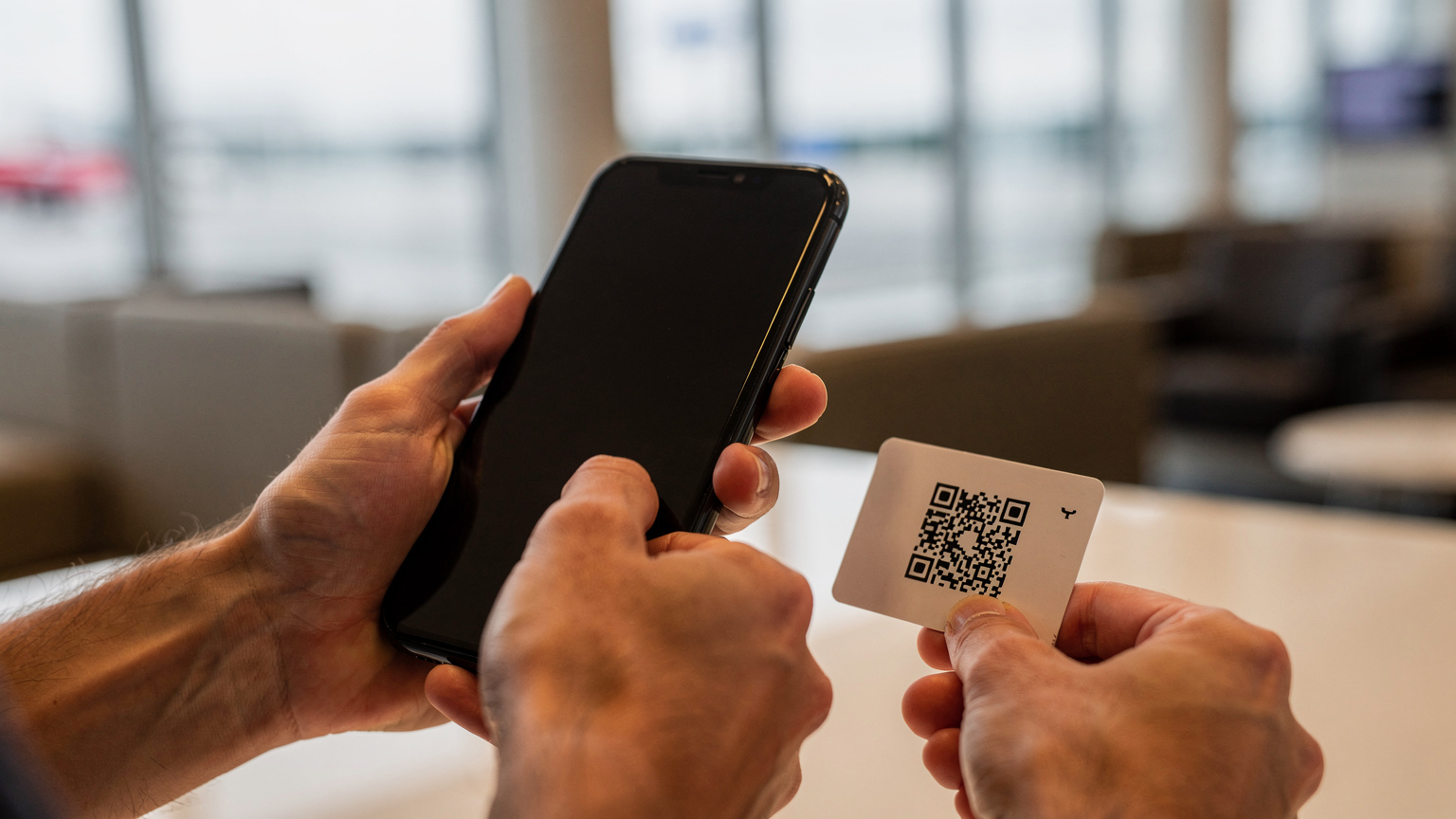
- Consumer RSP: This is what most travelers use. You buy an eSIM plan online, say from Cellesim. They give you a QR code or an activation code. Your phone scans the QR code or you type in the code, and boom, the eUICC chip downloads the profile from the carrier's server. It's like downloading an app, but for your phone's cellular connection.
- Machine-to-Machine (M2M) RSP: Less relevant for travelers, but still good to know. This is for IoT devices, like smart meters or connected cars, where the eSIM profile needs to be managed remotely without anyone touching it.
The whole process is encrypted and secure, keeping your personal data and network access safe. This means you can buy an eSIM for, say, your trip to India for Diwali while you're still at home and activate it the moment you land at Mumbai's Chhatrapati Shivaji Airport. No more waiting in line at the Vodafone counter after a 12-hour flight.
The Digital Handshake: How Your Phone Connects
Once the eSIM profile is on your phone, it's pretty much like having a physical SIM in there. Your phone does a "handshake" with the local network, verifying itself using the info stored on the eUICC. If all checks out, you're online. This whole process, from scanning a QR code to getting data, often takes less than five minutes. I've done it standing on the tarmac at Budapest Ferenc Liszt International Airport, just waiting for the seatbelt sign to switch off.
Why Travelers Are Ditching Physical SIMs for eSIM: The Real Savings
This is where it really matters for us budget backpackers. Convenience is great, but saving money is the real goal. Every euro saved on data means more money for another night in a hostel, a delicious street food meal, or a bus ticket to the next town.
Avoiding Expensive Roaming Charges
This is the big one. If you've ever forgotten to turn off data roaming and gotten a bill that made you want to cry, you know the pain. Regular roaming charges from your home carrier are crazy expensive. My UK provider charges €6/MB outside the EU. That's a WhatsApp message costing more than a beer in a Lisbon bar.
eSIMs completely bypass these charges. You're buying a local or regional data plan, often at local prices, even if you're buying it from an international provider like Cellesim. For example, a 5GB eSIM for Southeast Asia might cost €15, good for 30 days. That's a tiny fraction of what a single day of roaming could cost.
Flexibility and Convenience for Multi-Country Trips
If your travel plans look anything like mine (a month through the Balkans, a quick trip to Italy, then back to Germany), constantly swapping physical SIMs is a nightmare. With an eSIM, you can buy plans for each country beforehand, or even a regional plan that covers several. You just activate them as you cross borders. No more hunting for a tiny SIM ejector tool or trying to explain "data only" in a language you don't speak at a small kiosk.
"I remember trying to buy a local SIM in rural Montenegro. The only shop open charged double the standard rate because they knew I was a tourist and had no other options. Never again. Now, I load up my eSIM before I even get on the bus."
The Math: Making Your Data Budget Work
Let's crunch some numbers. On a backpacking trip, I usually use about 500MB of data per day. That covers Google Maps, WhatsApp, checking hostel reviews, and the occasional email. If I'm traveling for 20 days, I need about 10GB of data.
Scenario 1: Relying on expensive roaming.
| Provider | Daily Roaming Cost | 20-Day Total |
|---|---|---|
| Major UK Carrier | €6 / MB (approx) | Astronomical, likely hundreds of euros |
| EU Carrier (outside EU zone) | €2-€5 / MB | Still hundreds, if not thousands |
Scenario 2: Buying a local physical SIM.
Let's say a local SIM in Albania costs 1000 ALL (€9.50) for 10GB, valid for 30 days. This is good, but you have to find a store, register, and you lose connection with your home SIM. Not ideal if you're flying into Tirana at midnight.
Scenario 3: Using an eSIM.
A 10GB regional eSIM for the Balkans costs around €25-€30, valid for 30 days. I can buy and activate it from my phone before I even leave my house. This is where the budget backpacker wins. The convenience costs a little extra, yes, but it's a small difference compared to a physical SIM, and the logistical hassle it saves is priceless.
Choosing Your eSIM Plan: Data, Voice, and the Budget Backpacker's Math
Not all eSIM plans are created equal. You need to know what you're looking for so you don't overpay or, even worse, run out of data when you're lost in a new city. It's all about matching the plan to how much you actually use, not just picking the cheapest one.
Understanding Data Allowances: How Much Do You Really Need?
I keep a close eye on my data usage. On a normal day at home, I might use 2-3GB. On the road, with Wi-Fi in hostels, that number drops a lot. As I said, 500MB/day is a good estimate for light to moderate use. If you're a heavy user, streaming videos or on video calls, you might use 1-2GB/day. Here's a rough guide:
- Light User (5-10GB/month): Checking maps, WhatsApp, social media, light browsing. Perfect for a 1-2 week trip.
- Moderate User (15-20GB/month): All of the above, plus some video streaming, occasional work emails, uploading photos. Good for longer trips or if you don't always use hostel Wi-Fi.
- Heavy User (30GB+/month): Constant streaming, video calls, using your phone as a hotspot for other devices. You might need to look at "unlimited" plans, but be careful about their fair usage policies. Many "unlimited" plans have a catch.
Remember, most hostels and cafes have Wi-Fi. Use it! Download offline maps, get your podcasts ready, and update apps when you're on free Wi-Fi to save your valuable mobile data.
Voice and SMS: Are They Necessary Anymore?
Most travel eSIMs are data-only. For backpackers, this is usually fine. WhatsApp, Signal, and other messaging apps handle all communication, including voice and video calls. If you absolutely need a local number for reservations or local contacts, some eSIM providers offer plans with a local number or included minutes. However, these are usually more expensive. If you just need to call home, a VoIP app like Google Voice or Skype over data is much cheaper. For example, making calls from Egypt to Poland can be done without traditional roaming, saving you a lot of money.
Regional vs. Country-Specific Plans: Which One Saves More?
This completely depends on where you're going. If you're spending a month in just one country, a country-specific eSIM is often the cheapest option. For example, if you're taking a grand tour of France, a French-specific eSIM will probably give you more data for your euro.
However, if you're doing a whirlwind tour of Europe, hitting five countries in two weeks, a regional eSIM (like a Europe-wide plan) makes more sense. You might pay a little more per GB compared to a single-country plan, but the convenience of not having to switch every few days, and avoiding data blackouts at borders, is worth it. Think about the peace of mind of having continuous data as you cross from Slovenia into Croatia on a FlixBus.
| Plan Type | Best For | Pros | Cons |
|---|---|---|---|
| Country-Specific eSIM | Longer stays in one country (2+ weeks) | Often lowest cost per GB, stronger local network access | Needs new eSIM for each country, less flexible for multi-country trips |
| Regional eSIM | Multi-country trips, short stays per country | Seamless connectivity across borders, ultimate convenience | Slightly higher cost per GB, coverage can vary between countries |
| Global eSIM | True 'digital nomads' hitting many continents | One plan for almost anywhere, ultimate flexibility | Highest cost per GB, often limited data allowances |
Activating Your eSIM: A Step-by-Step Guide for iPhone & Android Users
This is usually the part that makes people nervous, but honestly, it's easier than setting up a new Wi-Fi router. The trick is to follow the instructions carefully and do it *before* you're in a panic at the airport. You'll need an internet connection to download the eSIM profile, so do it at home or use airport Wi-Fi.
For iPhone Users (iOS 16 and later)
- Go to Settings > Cellular (or Mobile Data): This is where you control all your data settings.
- Add eSIM (or Add Data Plan): You'll see an option to 'Add eSIM' or 'Add Data Plan'. Tap it.
- Scan QR Code or Enter Details Manually: Most eSIM providers will give you a QR code. Use your phone's camera to scan it. If that doesn't work, or if you're given activation details, choose 'Enter Details Manually' and type in the SM-DP+ Address and Activation Code.
- Label Your eSIM: Once activated, your phone will ask you to name your new eSIM (e.g., 'Travel Europe', 'Spain Data'). Do this, it makes a huge difference when you're switching between plans.
- Set Default Line and Data: Go back to 'Cellular' settings. Choose which line is your 'Default Voice Line' (usually your home SIM) and which is your 'Cellular Data' line (your new eSIM). Importantly, make sure 'Allow Cellular Data Switching' is OFF for your travel eSIM. Otherwise, your phone might switch back to your home SIM if the eSIM signal is weak, which could lead to roaming charges.
For Android Users (Samsung, Google Pixel, etc.)
- Go to Settings > Network & Internet (or Connections): The exact path might be slightly different depending on your Android version and phone brand (for example, Samsung calls it 'Connections').
- SIMs > Add eSIM (or Download a SIM): Look for a 'SIMs' or 'Mobile Network' section, then select 'Add eSIM' or 'Download a SIM'.
- Scan QR Code or Enter Details Manually: Similar to iPhone, you'll be asked to scan a QR code. If that's not possible, choose to enter the details manually.
- Activate and Label: Follow the on-screen instructions to activate the profile. Give it a clear name like 'Italy Trip' or 'Cellesim Data'.
- Manage Data Usage: In your 'Network & Internet' settings, you can choose which SIM to use for mobile data. Make sure your new eSIM is selected for data, and keep your home SIM active for calls/SMS if you need to receive them (but turn off its data roaming!).
It sounds like a lot of steps, but once you've done it once, it's really simple. The first time I set up an eSIM on my Pixel, I was amazed how fast it connected. My advice, especially for families traveling with multiple devices, is to do a practice run at home if you can, maybe using a free trial eSIM from a provider like T-Mobile if it's available where you are.
eSIM vs. Local SIM Card: The Border-Crossing Dilemma
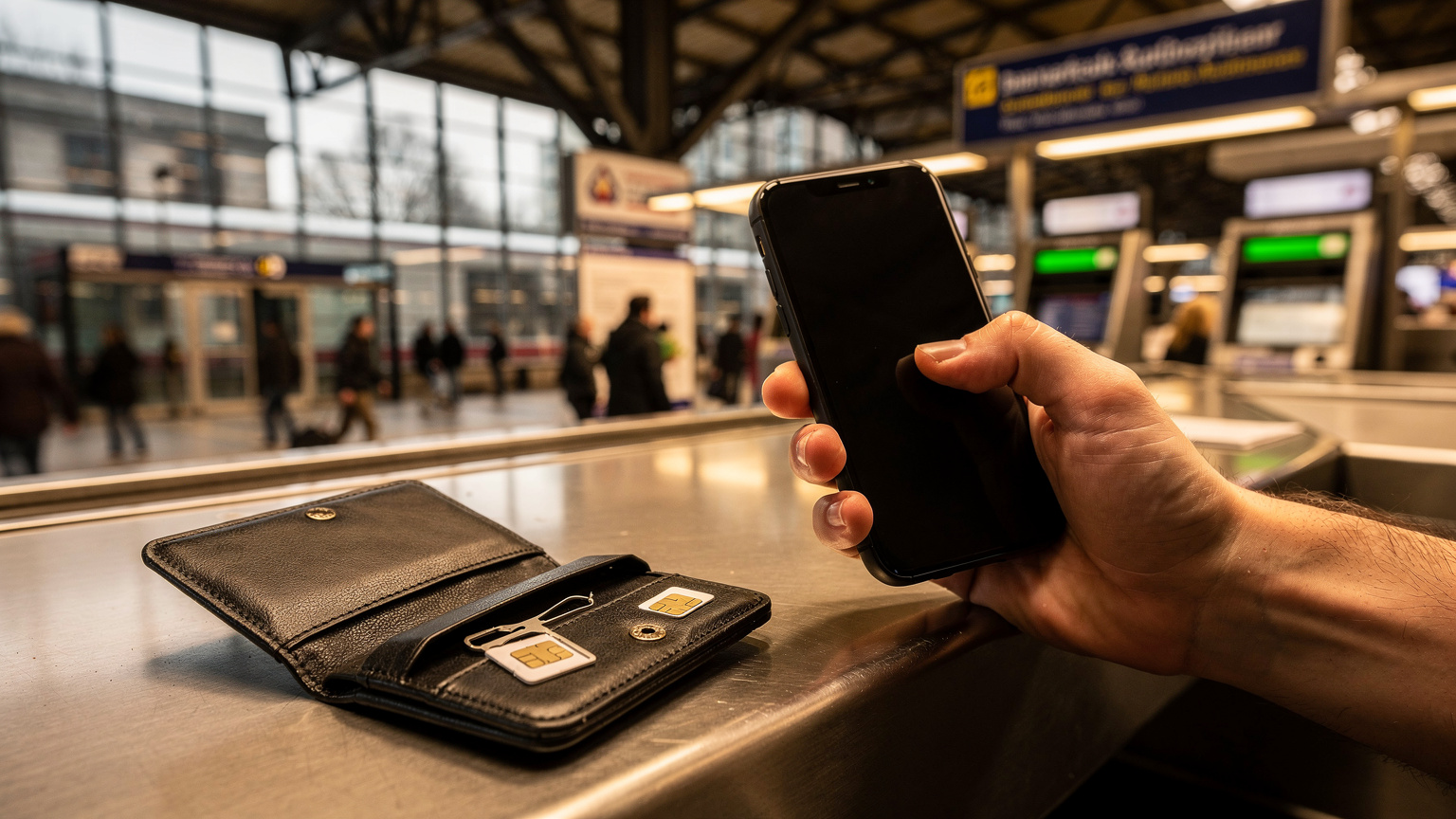
This is a classic debate for budget backpackers: eSIM convenience versus local SIM price. There's no single right answer, but knowing the pros and cons will help you make the best choice for your trip.
When a Local Physical SIM Might Still Win (Barely)
In a few specific situations, a local physical SIM can still be a tiny bit cheaper, but the gap is closing fast. This usually applies to:
- Long-term stays (months): If you're living in one country for an extended period, a local post-paid plan might offer better value per GB or truly unlimited data.
- Countries with very low data costs and minimal eSIM use: In some less-developed countries, where data is super cheap and eSIM infrastructure is still new, you might find better deals on physical SIMs. For example, in places like Cote d'Ivoire, a local SIM from Orange CI or MTN CI might still be the most cost-effective option for a lot of data, especially if you're willing to go through the often-annoying registration process.
- Specific local promotions: Sometimes local carriers have special deals for physical SIMs that eSIM providers can't match. You'd need to be there in person to find these.
The biggest downside of local SIMs is always the hassle: finding a trustworthy vendor (avoid the guys outside the airport offering "special deals"), handing over your passport for registration (which can be a privacy concern), and dealing with language barriers. Plus, you lose your home SIM's connection, which can be a problem if you need to receive one-time passwords for banking apps.
eSIM's Edge: Speed, Security, and Seamless Transitions
For most of us, the benefits of eSIM outweigh any small cost difference. The key advantages are:
- Instant connectivity: Buy and activate an eSIM before you even land. No waiting, no searching.
- Keep your home number active: You can usually keep your home SIM active for calls and texts (just turn off its data roaming!) while using the eSIM for data. This is super important for banking two-factor authentication.
- Security: No physical card to lose or get stolen, and the digital setup is secure.
- Border-crossing bliss: Imagine crossing from Laos to Cambodia via the Chong Mek/Vang Tao border. With a regional eSIM, your data just keeps working. No need to immediately find a new SIM vendor when you arrive in a new country.
The flexibility is a huge bonus. If your current eSIM provider isn't working well, you can easily switch to another without having to go out and buy a new physical card. This also means you can test options, like maybe a T-Mobile eSIM free trial if you happen to be in the US, before committing to a bigger plan.
Common eSIM Hiccups and How to Troubleshoot Them
Even the best tech has its moments. While eSIMs are generally reliable, you might run into a few issues. Knowing how to quickly fix them can save you a lot of stress (and money, if you're tempted to switch to expensive roaming).
No Service or Slow Data
This is the most common problem. First, don't freak out. Check these things:
- Are you in a supported area? Sometimes certain parts of a country have bad coverage. Check your provider's coverage map.
- Is mobile data turned on for your eSIM? Go into your phone's settings and make sure your eSIM is selected for cellular data.
- APN settings: Occasionally, you might need to manually enter APN (Access Point Name) settings. Your eSIM provider will give you these if necessary. Go to Settings > Cellular > Network Selection (iPhone) or Settings > Network & Internet > Mobile network > Access Point Names (Android).
- Restart your phone: The oldest trick in the book, but often it works.
- Check data limits: Have you used all your data? Many eSIM providers send SMS alerts when you're running low, but check your account dashboard.
If you're constantly getting slow speeds, especially if you're on a plan advertised as "unlimited" but with a lower-speed cap (like 256kbps), you might want to consider whether 256kbps is fast enough for what you need. For maps and messaging, it's usually okay, but streaming is a no-go.
eSIM Not Activating After Scanning QR Code
This usually means one of two things:
- No internet connection: Remember, you need an active internet connection (Wi-Fi or another cellular connection) to download the eSIM profile. If you're trying to activate in a remote area without Wi-Fi, it won't work.
- QR code issues: Make sure the QR code is clear, not bent, and your camera lens is clean. Try scanning again. If it still fails, contact your eSIM provider for manual activation details.
- Device compatibility: Double-check that your phone actually supports eSIM and is unlocked. Most newer smartphones (iPhone XS/XR and newer, Samsung Galaxy S20 and newer, Google Pixel 3 and newer) work with eSIM, but older models might not.
For more detailed troubleshooting, Cellesim has a huge FAQ section that covers most common issues with clear, step-by-step solutions.
Future of Travel Connectivity: What to Expect from eSIM in 2026 and Beyond
eSIM isn't just a passing fad; it's becoming the new normal. As we get further into 2026, we'll see even more progress and wider adoption. This means better deals, more reliable service, and an even smoother experience for travelers.
Wider Device Compatibility and Global Adoption
More and more devices, from smartphones to tablets and even smartwatches, are shipping with eSIM functionality. Apple has already gone eSIM-only in the US with its latest iPhones, which is a clear sign of where the industry is headed. This push will mean more innovation and competition among eSIM providers, which ultimately benefits us, the consumers. Expect even cheaper phones to include eSIM as standard in the next few years.
Enhanced Security Features and Integration
As eSIM technology gets better, we'll see stronger security and potentially new features like easier device switching (moving an eSIM profile from one phone to another). The underlying eUICC standard is constantly updated to ensure strong security against cyber threats, giving travelers peace of mind that their digital connection is protected, even on public Wi-Fi hotspots (though always use a VPN on public networks, no matter what!).
New Business Models and Cost Savings
The competition among eSIM providers is already tough, and it's only going to get tougher. This means more diverse plans, better prices, and more creative offerings. We might see more dynamic pricing based on location or time of day, or even super-local plans for specific neighborhoods or attractions. For backpackers, this means even more chances to save money and stay connected without spending a fortune. The days of paying €5 for 100MB are long gone, and good riddance.
Frequently Asked Questions
What exactly is an eSIM and how does it differ from a traditional SIM card?
An eSIM is a digital SIM built into your phone, letting you download and activate cellular plans wirelessly. Unlike a traditional physical SIM card, you don't need to insert or remove anything. This makes it much easier for travelers to switch between networks or keep their home number active while using a local data plan.
Can I keep my existing phone number while using an eSIM for data when traveling?
Yes, absolutely. One of the biggest perks of eSIM for travelers is that you can keep your primary physical SIM active for calls and texts from your home number, while using the eSIM just for mobile data in your destination. Just remember to turn off data roaming for your physical SIM to avoid unexpected charges.
How do I activate an eSIM on my smartphone?
Activating an eSIM usually involves scanning a QR code from your eSIM carrier or manually entering activation details in your phone's cellular settings. You'll need an internet connection (Wi-Fi or another cellular plan) to download the eSIM profile to your device. The whole process typically takes less than five minutes.
Is eSIM always cheaper than buying a local physical SIM card?
Not always, but often. For most short to medium-term travel, eSIMs offer similar or better value, especially when you consider the convenience. For very long stays in specific countries with extremely low local data rates or unique promotions, a physical SIM might be slightly cheaper, but you'll trade off the easy activation and flexibility at borders.
What if I experience issues with my eSIM, like no service or slow data?
First, check if mobile data is enabled for your eSIM in your phone's settings. Restarting your phone often fixes minor glitches. Also, verify your APN settings, make sure you haven't used up all your data, and check your provider's coverage map. If problems continue, contact your eSIM provider's customer support for help.
Are all smartphones compatible with eSIM technology?
No, not all smartphones support eSIM. Generally, newer models from big brands like Apple (iPhone XS/XR and later), Samsung (Galaxy S20 and later), and Google Pixel (Pixel 3 and later) are compatible. Always check your specific device's specs to confirm eSIM support before you buy a plan.