eSIM vs. Physical SIM: The Real Cost Difference
Let's talk about what really matters: your wallet. I just spent 8 days racing through Spain, hitting Barcelona, Valencia, and Seville. My total data cost for livestreaming daily, navigating with Google Maps, and keeping up with client emails was €280. My eSIM package cost me €25 for 10GB, and I still had 2GB left when I flew home. Compare that to what I saw other backpackers paying for physical SIMs at Barcelona El Prat Airport or the Estació Sants.
You'll spot people selling tourist SIMs for €35-€50 for 5GB or 10GB from Movistar or Orange. They often have hidden activation fees or daily limits that aren't clear. They really try to squeeze every euro out of you. If you manage to find a legitimate Movistar store and wrestle with the Spanish paperwork (and language barrier), a local SIM might cost €15-€20 for 10GB, but that's easily an afternoon wasted. My eSIM? I activated it before I even left my couch in LA. It took literally two minutes. Money saved, time saved, hassle saved.
| Feature | eSIM (Cellesim Spain) | Physical Local SIM (Movistar Spain) | Physical Roaming SIM (Airport Kiosk) |
|---|---|---|---|
| Cost for 10GB | €25 | €15-€20 (plus activation) | €35-€50 |
| Activation Time | 2-5 minutes (pre-departure) | 30-60 minutes (in-store, with ID) | 10-20 minutes (at kiosk) |
| Flexibility | Multiple profiles, easy switching | Single profile, physical swap needed | Single profile, physical swap needed |
| Convenience | Download and go, no physical handling | Store visit, paperwork, ejecting SIM tray | Kiosk purchase, ejecting SIM tray |
| Device Compatibility | Newer smartphones (iPhone XS/XR onwards) | All unlocked smartphones | All unlocked smartphones |
Why the traditional SIM card is a relic for budget travelers
Honestly, think about it. You land, you're exhausted, you're trying to find your hostel (Generator Hostel Barcelona, by the way, highly recommend), and the last thing you want to do is hunt down a tiny store, haggle in a foreign language, and hope they don't rip you off. That's at least an hour gone, an hour you could be spending eating tapas or marveling at the Sagrada Familia. For me, that's an hour of potential livestreaming revenue or content creation, which is a big deal. Plus, those tiny plastic cards are so easy to lose.
How Does an eSIM Actually Work Under the Hood?
An eSIM, short for embedded SIM, isn't a physical card at all. It's a tiny chip built right into your phone's logic board when it's made. Instead of swapping out plastic, you simply download a "profile" onto this chip. This profile holds all the same network details, your unique subscriber ID, and data plan info that a traditional SIM card would. Think of it as a software-based SIM.
When you buy an eSIM, you're essentially buying the right to download this profile. The network then recognizes your device's unique eSIM ID, authenticates the profile, and just like that, you're connected. It's a bit like updating your phone's software, but instead, you're updating its connection to a cellular network.
The magic of the eUICC chip
Every device that supports eSIMs has an eUICC chip (embedded Universal Integrated Circuit Card). This chip is a secure place to store multiple network profiles. Imagine it like a digital safe for all your SIM cards. If you get an eSIM from Cellesim for, say, a trip to Africa, the eUICC chip securely downloads and keeps that carrier's profile. Your phone then uses that profile to connect to the network. This ability to reprogram the chip is what makes eSIMs such a game-changer for frequent travelers.
This means you can keep your home SIM profile active for calls and texts while using a separate eSIM profile for data when you're abroad. No more carrying two phones or missing important calls because you swapped SIMs. It's like having a dual-SIM phone, but completely digital.
How networks identify your device with an eSIM
Each eSIM has a unique identifier, much like a physical SIM's ICCID. When you activate an eSIM, your device sends this identifier to the network. The network checks it against their database, just like they would with a traditional SIM. Once it's verified, your device gets access to the network's services, whether that's 5G data in London or 4G in a small German village. It's all about secure digital authentication, making sure only authorized devices can connect.
Activating Your eSIM: A Step-by-Step Breakdown
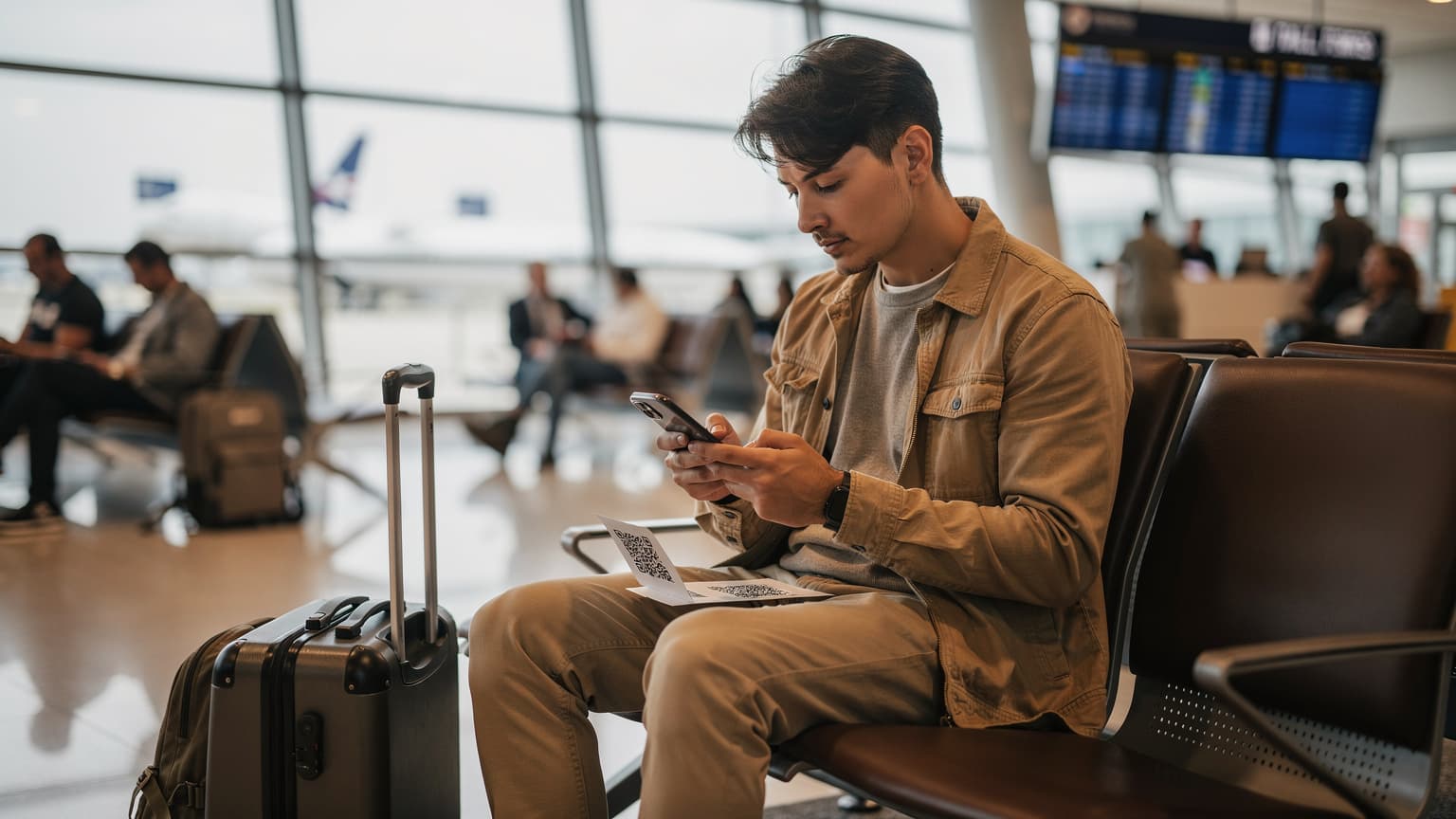
Activating an eSIM is usually quicker than making a cup of coffee. No tiny tools or fumbling with trays needed. I've activated dozens of these, often while waiting for my flight to board at LAX, and it's always been a breeze. The trick is to do it before you land, ideally with a good Wi-Fi connection.
Option 1: The QR Code method (my go-to)
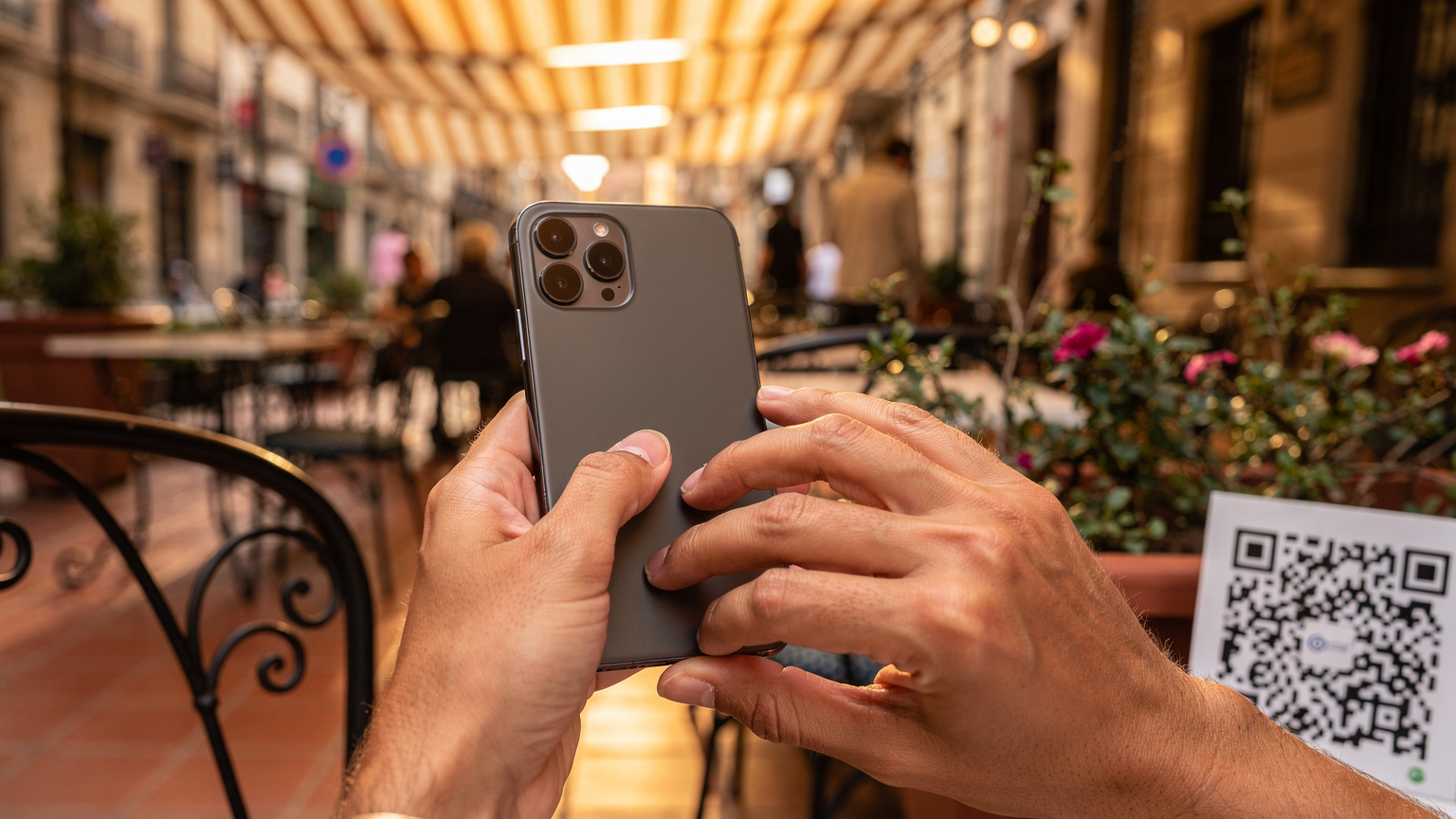
This is the fastest, easiest way to get online. Most eSIM providers, Cellesim included, will email you a QR code after you buy a plan.
- Buy your eSIM plan: Pick your destination (like Spain, where I used a Cellesim eSIM), how much data you need, and for how long.
- Get your QR code: Check your email. It will be there, usually with clear instructions. You can print it or just have it open on another device, like a laptop or a second phone.
- Go to your phone's SIM settings: On an iPhone, go to Settings > Cellular (or Mobile Data) > Add eSIM. On Android, it's usually Settings > Network & Internet > SIMs > Add eSIM.
- Scan the QR code: Your phone's camera will open. Point it at the QR code. It typically recognizes it right away.
- Follow the on-screen steps: Give your new eSIM a name (like 'Spain Data'), choose if you want to use it for data, calls, or both, and set it as your main data line when you're abroad.
- Turn on Data Roaming (for eSIM): This is super important. Your eSIM often needs data roaming enabled to work. Don't worry, since you're using a new, local plan with the eSIM, your home carrier won't charge you roaming fees.
That's it. Seriously. You'll be connected, usually within minutes, before you even get through customs.
Option 2: Manual entry (for the detail-oriented)
Sometimes, a QR code might not work (maybe your screen is cracked, or you don't have a second device). Manual entry is your backup plan.
- Get activation details: Your eSIM provider will also give you an SM-DP+ Address, an Activation Code, and sometimes a Confirmation Code. Keep these handy.
- Access manual eSIM setup: In your phone's SIM settings (like in step 3 above), look for an option like 'Enter Details Manually'.
- Type in the information: Carefully enter the SM-DP+ Address and other codes exactly as they appear. Even one typo will stop it from activating.
- Continue with prompts: Name your eSIM, set your preferences, and enable data roaming for the new profile.
It takes a little longer, but it's just as reliable. The main thing is to double-check every character.
Managing Multiple eSIM Profiles on One Device
This is where eSIMs really shine for international travelers. My phone currently has my US T-Mobile eSIM, a Cellesim profile for Germany (I was just there for Oktoberfest, don't ask about the beer budget), and another one specifically for when I cross into Mexico. Imagine having a bunch of physical SIM cards in your phone, all active and ready to switch with a tap. That's the kind of power you get.
Switching between different eSIMs
It couldn't be simpler. On an iPhone, go to Settings > Cellular (or Mobile Data). You'll see a list of all your installed eSIMs. Tap the one you want to use for cellular data and select 'Turn On This Line' or 'Use this Line for Cellular Data'. You can easily toggle between them. For example, I keep my US line active for calls and texts, but I switch my data to the local eSIM whenever I'm abroad. This stops any accidental roaming charges from my home carrier.
Using a physical SIM and an eSIM simultaneously
Most modern phones that support eSIMs also still have a slot for a physical SIM. This is a game-changer. You can keep your main physical SIM (your home number, for example) for calls and texts, and then use an eSIM just for data when you travel. This means:
- You keep your home number active: Friends and family can still reach you without racking up expensive international roaming fees.
- You get local data rates: No nasty surprises on your bill from your home carrier's ridiculously high data roaming charges.
- Continuous connectivity: No need to miss messages or calls while you're trying to swap SIMs.
It's truly the best of both worlds. I use this setup constantly, especially for work where I need my US number for client communication, but I'm burning through gigabytes livestreaming from some remote festival.
eSIM Compatibility: Is Your Device Ready for 2026?
While eSIMs are quickly becoming the norm, not every device supports them. Generally, if your phone was released in the last 3-4 years, especially if it's a higher-end model, you're probably good to go. But it's always smart to double-check before you buy an eSIM plan.
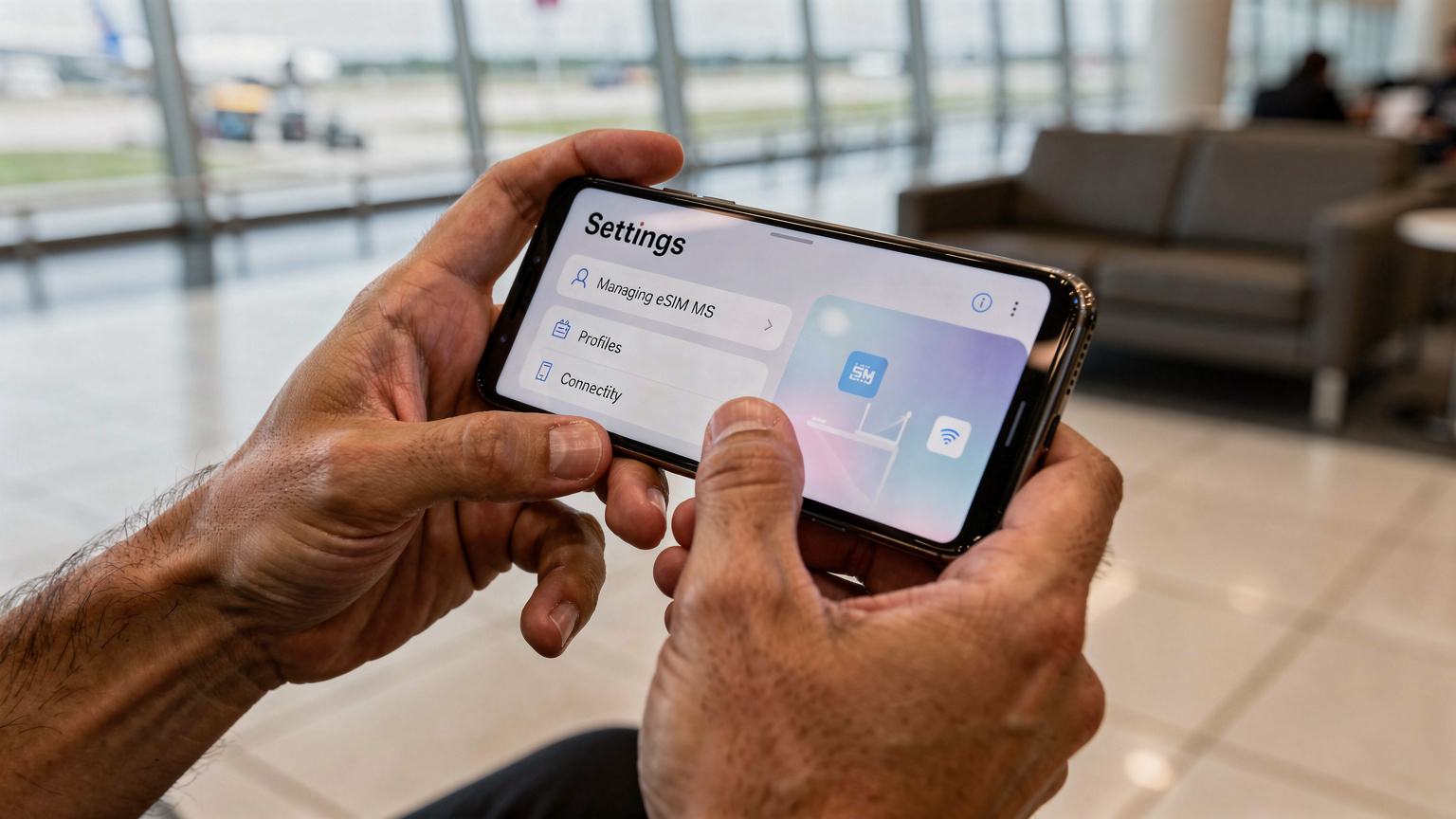
Popular phones and devices that support eSIMs
The list is growing fast, but here are some of the most common ones you'll see travelers using:
- iPhones: iPhone XS, XS Max, XR, and all models after that (11, 12, 13, 14, 15 series). Just a heads up, US models of the iPhone 14 and 15 are eSIM-only, meaning they don't even have a physical SIM slot.
- Samsung Galaxy: S20, S21, S22, S23, S24 series, Note 20 series, and newer Z Fold/Flip models.
- Google Pixel: Pixel 3, 4, 5, 6, 7, 8 series and later.
- Other Androids: Many newer flagship phones from Huawei, Oppo, Xiaomi, and others also support eSIM. You'll need to check your specific model.
Even some tablets and smartwatches, like Apple Watch and Samsung Galaxy Watch, have eSIM support. This means you can stay connected without needing your phone right nearby. That's super handy for a quick jog or when you want to leave your phone safely locked up at the hostel.
How to check if your phone is eSIM compatible
The easiest way to find out is to look in your phone's settings:
- iPhone: Go to Settings > General > About. Look for 'Add eSIM' or 'Digital SIM'. If you see it, you're all set.
- Android: Go to Settings > Network & Internet > SIMs or Mobile Network. Look for 'Add eSIM' or 'Download a SIM'.
Another option is to just do a quick Google search for "[Your Phone Model] eSIM compatibility". That will give you a definitive answer. Don't just guess; verify. There's nothing worse than buying an eSIM only to discover your old Samsung Galaxy S8 can't use it.
Data Usage and Budgeting: What You Really Need Abroad
This is where my inner budget backpacker gets serious. You don't want to spend too much, but you definitely don't want to run out of data when you're trying to find that obscure night bus station in Porto. Knowing how much data you typically use is crucial.
Understanding your data consumption habits
How much data do you actually use? Most people underestimate it. Here's a rough breakdown based on my own heavy usage:
- Navigation (Google Maps): Around 50-100 MB per hour (heavy use; downloading offline maps cuts this way down).
- Social Media (Instagram, TikTok, Facebook): 100-300 MB per hour (especially with video scrolling).
- Email/Messaging (WhatsApp, Gmail): Very little, maybe 10-20 MB per hour.
- Streaming Music (Spotify): Around 50-150 MB per hour.
- Streaming Video (YouTube, Netflix): 500 MB - 1 GB per hour (from standard definition to high definition). This is a massive data hog.
- Livestreaming (Twitch, Instagram Live): 1-2 GB per hour (high quality). This is my biggest data drain.
On an average day of exploring, finding hostels, and light social media, I typically use 1-2 GB. If I'm livestreaming or working intensely, that jumps to 3-5 GB. For a 10-day trip, I'd plan for 15-20 GB just to be safe. Even then, with Cellesim's rates, it's still much cheaper than most roaming plans.
| Activity | Estimated Data Usage (per hour) | Recommendation for Backpackers |
|---|---|---|
| Google Maps Navigation | 50-100 MB | Download offline maps before you go. |
| Social Media Browsing (videos) | 100-300 MB | Limit video autoplay, use Wi-Fi at hostels. |
| Email & Messaging (text only) | 10-20 MB | Negligible, almost always fine. |
| Music Streaming | 50-150 MB | Download playlists offline, use sparingly. |
| Video Streaming (SD) | ~500 MB | Avoid unless on Wi-Fi, burns data fast. |
| Livestreaming / Video Calls | 1-2 GB | High data usage, plan for large packages or prioritize Wi-Fi. |
Calculating your data needs for a trip
Let's do some quick math. Say your trip is 14 days long. You expect to use:
- 2 hours of navigation daily: 2 hours * 100 MB/hour = 200 MB/day
- 3 hours of social media daily: 3 hours * 200 MB/hour = 600 MB/day
- 1 hour of music streaming daily: 1 hour * 100 MB/hour = 100 MB/day
- Some extra use (email, messages): 100 MB/day
That's a total daily estimate of 200 + 600 + 100 + 100 = 1000 MB, or 1 GB per day.
For a 14-day trip, that's 1 GB/day * 14 days = 14 GB total. I'd round up to a 15 GB or 20 GB package to be safe. It's always better to have a little extra than to run out when you're trying to book your next Alsa bus ticket from Granada to Seville.
Remember, most hostels, cafes, and public spots have free Wi-Fi. Use it! Save big downloads, video calls, and deep social media scrolling for when you're on Wi-Fi. This strategy will make your paid data plan last much longer.
Border Crossing with an eSIM: The Ultimate Hack
This is where eSIMs really save you from a major headache. I still remember crossing from Thailand into Cambodia at the Poipet border. The local SIM card I'd bought in Bangkok instantly stopped working as soon as we left Thai cell tower range. Then, trying to find a Cambodian SIM at the border, surrounded by pushy touts, with no internet access? Never again.
With an eSIM, that whole problem is gone. You can literally buy and activate an eSIM for your next country while you're still in the one you're leaving, or even while you're standing in line at immigration.
Seamless transitions between countries
Picture this: You're on the high-speed train from France to Spain. As you get closer to the border, your French eSIM signal starts to fade. No stress. You open your phone settings, select your pre-purchased Cellesim Spain eSIM profile, and switch it on. By the time the train pulls into Figueres, you're already connected to a Spanish network, ready to look up directions to your next hostel.
This is incredibly useful for multi-country European trips or for crossing land borders in places like Southeast Asia or Latin America, where finding a reliable local SIM right at the border can be a pain. No downtime, no stress, just constant connection.
Regional eSIMs for multi-country travel
Many eSIM providers, Cellesim included, offer regional eSIMs that cover several countries. For example, a Europe eSIM will work across the entire EU, meaning you can cross from Germany to France to Italy without changing profiles. This makes things even simpler and can often be cheaper than buying individual country eSIMs if you're touring quickly.
Just make sure to check exactly which countries are included in the regional package. Some "Europe" eSIMs might exclude a country like Switzerland, so always read the fine print. This is a common trap for backpackers on a tight budget.
Common eSIM Problems and How to Fix Them
While eSIMs are generally pretty smooth, sometimes things go wrong. Usually, it's a simple user error or a setting that was missed. I've seen it all, from friends swearing their eSIM doesn't work to realizing they just forgot to turn on data roaming.
Troubleshooting activation issues
- No signal after activation:
- Check data roaming: Is it enabled for your eSIM profile? This is the most common reason. Go to Cellular/Mobile Data settings, pick your eSIM, and make sure 'Data Roaming' is ON.
- Restart your device: It's a classic fix for a reason. Sometimes your phone just needs a fresh start to recognize the new network profile.
- Network selection: Try manually selecting a network operator from your phone's settings. Sometimes the automatic selection gets stuck.
- APN settings: In rare cases, you might need to manually enter APN settings. Your eSIM provider will give these to you if needed, but it's not common with Cellesim.
- QR code won't scan:
- Lighting: Make sure there's good, even lighting. Avoid glare.
- Distance: Hold your phone steady, not too close, not too far.
- Screen issues: If your QR code is on a cracked screen or a screen with low brightness, try displaying it on another device.
- Contact support: If nothing else works, reach out to your eSIM provider's support. They can often figure out issues remotely or offer different activation methods.
What to do if your data stops working mid-trip
If your data suddenly cuts out, don't panic. This happened to a friend of mine in the UK when they were trying to find directions to Wembley Stadium. A few quick checks usually sort it out:
- Check your data balance: Did you run out of data? Log into your Cellesim account to see how much you have left. If you're out, buy a top-up.
- Toggle Airplane Mode: Turn on Airplane Mode for 30 seconds, then turn it off. This forces your phone to reconnect to the network.
- Check network status: Is there a local network outage? It's unlikely, but possible. Check local news or ask someone nearby if their service is down.
- Make sure eSIM is selected for data: If you have multiple SIMs/eSIMs, double-check that your travel eSIM is still set as the main one for cellular data. Sometimes phones can switch back to a home SIM.
Remember, most eSIM providers offer 24/7 customer support. Don't hesitate to use it if you're really stuck. They're there to help you get back online.
The Future of Travel Connectivity: Why eSIMs Are Here to Stay
It's clear where things are headed. eSIMs aren't just a passing trend; they're the next step in cellular technology. As devices get smaller and more integrated, physical SIM cards just don't make sense anymore. Apple removing the physical SIM slot entirely in US iPhone 14 and 15 models is a strong hint about the industry's direction.
Beyond smartphones: eSIMs in other devices
eSIMs aren't only for your phone. They're already built into smartwatches, laptops (hello, always-connected PCs!), and even cars. Imagine your car having its own data connection for navigation, streaming, and emergency services, all without needing a physical card. For digital nomads, an eSIM for your laptop means you're never dependent on unreliable Wi-Fi, perfect for getting work done in an Airbnb or a co-working space.
As more devices connect to the Internet (the Internet of Things, or IoT), eSIMs will be vital for linking everything from smart luggage to drones. They offer a flexibility and remote management that physical SIMs simply can't match.
Environmental benefits and reduced waste
And let's not forget the environmental side. Millions of plastic SIM cards are made, shipped, used for a short time, and then thrown away every year. This creates a lot of plastic waste. eSIMs completely get rid of this. No plastic, no packaging, no shipping, no tiny metal contacts. It's a small change, but when you add it up across billions of devices, it makes a real difference. As a backpacker who tries to minimize my impact, this really matters to me. Every little bit counts, right?
Frequently Asked Questions
Can I use my regular phone number with an eSIM?
Yes, absolutely. Most phones let you keep your physical SIM (your regular number) active for calls and texts, while using an eSIM for data. This is called dual SIM functionality, giving you the best of both worlds without expensive roaming charges.
Is an eSIM secure?
eSIMs are very secure. The eUICC chip is designed with strong encryption and authentication, making it just as safe, if not safer, than a physical SIM card. Your digital profile is encrypted and protected from anyone trying to access it without permission.
What happens if I lose my phone with an eSIM?
Losing a phone with an eSIM is like losing one with a physical SIM. You should contact your eSIM provider right away to suspend the service and stop anyone from using your data. Your digital profile can often be moved to a new device once you get one.
Can I get a refund if my eSIM doesn't work?
Refund policies differ by provider. Cellesim has a clear refund policy if the eSIM can't activate because of a technical problem on their end. Always check the specific terms and conditions before buying, especially from third-party sellers.
How many eSIMs can I store on my phone?
Most modern phones that support eSIMs can store several eSIM profiles, usually between 5 and 20. However, only one (or two, if your phone supports dual active eSIMs) can be active for data at any given time. This means you can have profiles for different countries or carriers ready to use.
Do eSIMs work in older phones?
No, eSIMs need specific hardware, the eUICC chip, to function. Older phones made before 2018-2019 generally don't have this chip, so they aren't eSIM compatible. Always check your device's compatibility before buying an eSIM plan.