Understanding 256kbps: The Reality on the Ground
You’re eyeing that eSIM deal, and the price looks right. Then you see the asterisk: "unlimited data at 256kbps after initial high-speed allotment." Or perhaps the entire plan is capped at that speed. For most people, 256 kilobits per second (kbps) sounds like a number, not a tangible experience. But after four years of living out of a carry-on, I can tell you exactly what that number feels like when you’re trying to book a last-minute Airbnb in a foreign city or coordinate with a client.
First, let's put 256kbps into perspective. Standard 4G LTE speeds can easily hit 20-50 Mbps (megabits per second), which is 20,000 to 50,000 kbps. So, 256kbps is a fraction of what you’re used to at home. It’s not dial-up slow, but it’s definitely not fast. Think of it as the internet of 2005, but on your phone.
This speed tier is often offered as a "throttle" once your high-speed data runs out. It's designed to keep you technically connected, not to enable seamless work or entertainment. For instance, when I was in Tbilisi, Georgia, working from the Impact Hub co-working space, their baseline Wi-Fi was easily 50 Mbps. When my Cellesim plan for the region throttled to 256kbps after I blew through my 10GB in a week, the difference was jarring. Suddenly, loading my Slack channels felt like watching paint dry. It was a stark reminder that while free Wi-Fi is great, having a reliable personal connection is non-negotiable for my work.
What Do the Numbers Mean: kbps vs. Mbps?
Let's clear up the jargon. Data speeds are typically measured in bits per second. A kilobit (kb) is 1,000 bits, and a megabit (Mb) is 1,000 kilobits, or 1,000,000 bits. So, 256kbps means 256,000 bits per second. This is a crucial distinction, as some providers might try to confuse you with "MBps" (megabytes per second), which is a different, much larger unit (1 byte = 8 bits).
When you're comparing eSIM plans, always look at the units. Are they quoting kbps or Mbps? If it's 256kbps, you're looking at a slower tier. If it's 256Mbps, you're in for a treat. But 256kbps is what we're dissecting here, and it's important to be realistic about what that actually delivers.
The Difference Between Download and Upload Speeds
Most eSIM plans quote download speeds, which is how fast you receive data from the internet. Upload speed, how fast you send data, is often lower and rarely highlighted. With a 256kbps connection, both download and upload speeds will be severely constrained. This matters for things like sending large emails, uploading photos to social media, or participating in video calls (which, spoiler alert, won't work well at this speed). Even basic tasks require a decent upload speed, especially if you're trying to sync files to a cloud service.
What Can You Actually Do with 256kbps eSIM Data?
So, you’re stuck with 256kbps. What’s still on the table? Surprisingly, more than you might think, but with significant caveats. It's about managing expectations and prioritizing your digital needs.
- Text Messaging (WhatsApp, Signal, Telegram): This is where 256kbps shines. Text messages are tiny data packets, so sending and receiving them is usually instantaneous. Group chats work fine. Voice notes on WhatsApp might take a few seconds to send or download, but they generally go through. I rely heavily on WhatsApp for coordinating with local fixers and friends, and for that, 256kbps is perfectly adequate.
- Email: Checking and sending plain-text emails or emails with small attachments is okay. Large attachments, however, will be a painful wait. Forget about downloading a 10MB PDF quickly; it could take several minutes. I usually save any heavy email lifting for when I’m on a faster Wi-Fi connection, like at the Regus co-working space I used in Ho Chi Minh City, Vietnam, which had fiber-optic speeds.
- Basic Web Browsing: This is a mixed bag. Text-heavy websites like news articles or blog posts (like this one!) will load, but images will be slow to render, and videos will buffer endlessly. Interactive sites or those with many ads will be frustratingly slow. I've found that using a browser like Opera Mini, which compresses data, can help significantly here.
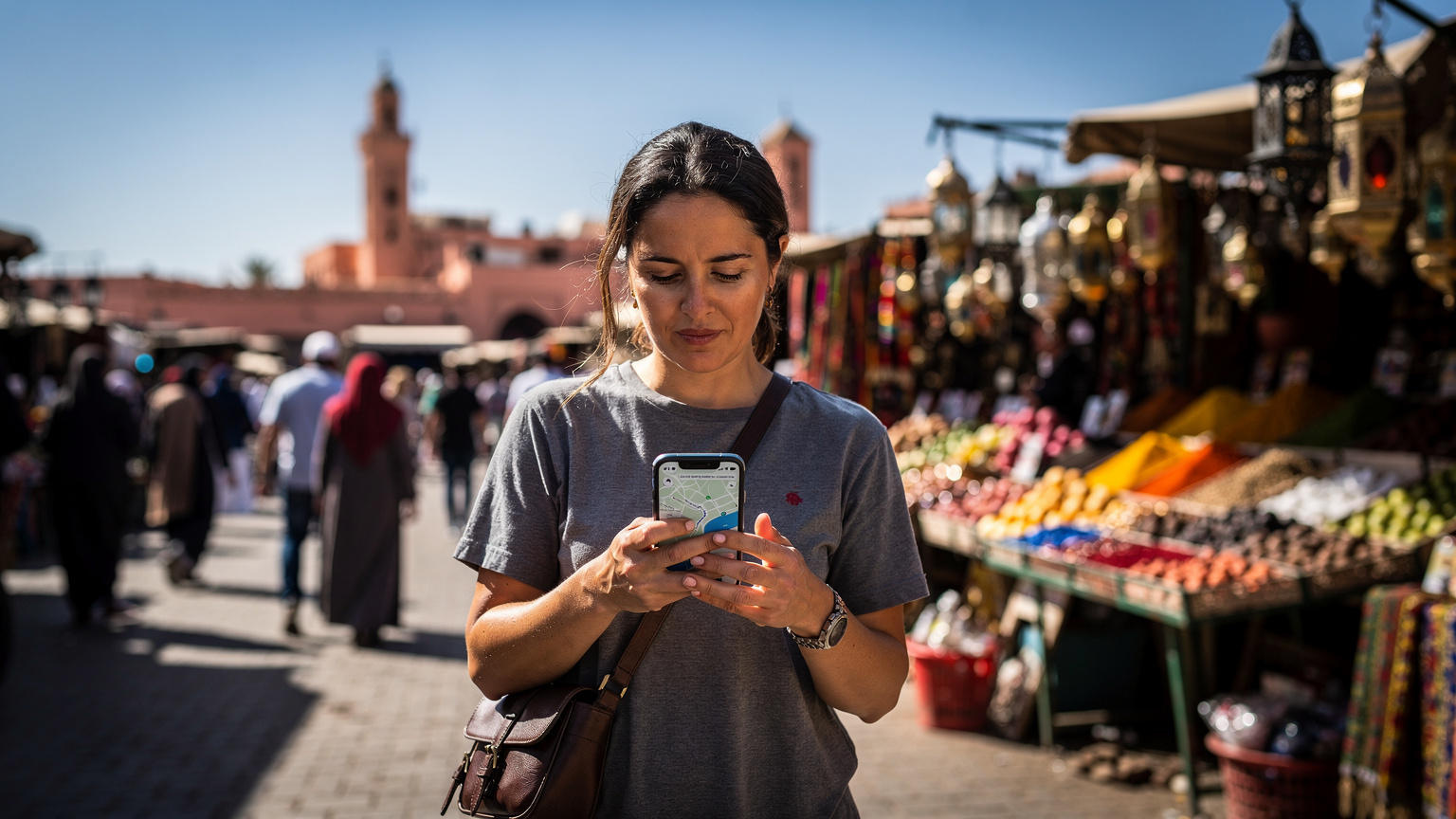
- Navigation Apps (Google Maps, Apple Maps): Surprisingly functional. Once the map tiles are cached, real-time navigation works quite well. It's the initial loading of a new area or searching for a complex route that might be slow. I’ve navigated through the labyrinthine streets of Marrakech with 256kbps, and while the map took its sweet time to populate, the blue dot tracking my location was responsive enough to keep me from getting truly lost.
- Light Social Media (Text-based feeds): Scrolling through Facebook or Twitter (now X) feeds is possible, but forget about high-resolution images or videos loading quickly. Stories on Instagram will take ages, if they load at all. It's a way to keep up with text-based updates, but not for media consumption.
Where 256kbps Falls Short: The Frustration Points
This is where the rubber meets the road, or rather, where the data hits a brick wall. Certain tasks are simply not feasible at 256kbps, and trying to force them will lead to immense frustration and wasted time.
- Video Streaming (YouTube, Netflix, TikTok): Absolutely not. Even at the lowest quality settings, video will constantly buffer. You’ll spend more time looking at a spinning wheel than watching content. Save your binge-watching for a decent Wi-Fi connection, like the one at my rented apartment in Palermo, Sicily, where I paid about €500 a month for a place with 100 Mbps fiber.
- Video Calls (Zoom, Google Meet, FaceTime): While audio-only calls might sometimes squeak through, video calls are a no-go. The latency will be terrible, the video quality pixelated and choppy, and you'll constantly drop out. This is a critical point for digital nomads who rely on video conferencing for work. If you need to jump on a client call, you need real speed.
- Large File Downloads/Uploads: Any file over a few megabytes will take an agonizing amount of time. Downloading a new app, updating your phone’s OS, or backing up photos to the cloud becomes an overnight project, if it completes at all.
- Online Gaming: Forget it. The latency (ping) will be too high, making any real-time multiplayer game unplayable. Even simple browser games might struggle.
- Hotspot/Tethering: While technically possible, trying to share a 256kbps connection with another device is like trying to share a single sip of water with a thirsty crowd. It won't work for anything beyond very basic email or text on the tethered device. If you're using an eSIM for PCs and Laptops, you absolutely need more than 256kbps.
- Certain Local Apps and Services: This is a big one. Some countries have apps that are critical for daily life, and they often demand a faster connection or even a local SIM for activation. In Brazil, for example, some banking apps require a local SIM to register and use. In India, the Aadhaar identity system often needs a stable connection for OTP verification. These are the moments when a throttled eSIM can leave you stranded, unable to pay for groceries or access essential services. Always check if your destination has such requirements.
The Frustration of Waiting
The biggest cost of 256kbps isn't monetary, it's psychological. The constant waiting, the dropped connections, the inability to quickly look something up when you're in a pinch. It adds a layer of stress to travel that you don't need. I remember being in a small town in rural Portugal, trying to confirm my bus ticket with 256kbps, and the website just wouldn't load the booking confirmation. I ended up having to walk to a café and beg for their Wi-Fi password. It's those moments that make you rethink saving a few dollars on a slower plan.
When a 256kbps eSIM is a Smart Choice for Travelers
Despite its limitations, there are specific scenarios where a 256kbps eSIM can be a perfectly sensible, even smart, choice. It's all about matching the tool to the task.
- Emergency Connectivity: If your primary goal is simply to have a lifeline for emergencies, to send a quick text to family, or to access a basic map if you get lost, 256kbps is sufficient. It's better than no connection at all.
- Budget-Conscious Backpackers: For travelers on a shoestring budget who prioritize saving every penny and are happy to rely on hostel Wi-Fi for anything substantial, a 256kbps plan as a backup can be ideal. They're often content with just WhatsApp for communication.
- Digital Detoxers: If you're actively trying to minimize screen time and avoid distractions, a slower connection forces you to be more intentional with your internet use. It effectively prevents casual browsing or endless scrolling.
- Long-Term Stays with Reliable Wi-Fi: If you're staying in one place for an extended period, say a month in Chiang Mai, Thailand, and your accommodation or local co-working space (like Punspace Nimman) has excellent, reliable Wi-Fi, then a 256kbps eSIM might be perfectly fine for when you're out and about for short periods. You're effectively using it as a stop-gap between Wi-Fi hotspots. My rent for a decent apartment in Chiang Mai was around 10,000 THB a month, and included solid internet, so my eSIM was just for transit.
- As a Backup After High-Speed Data Depletion: Many premium eSIM plans offer unlimited data, but throttle to 256kbps after a certain high-speed allowance (e.g., 5GB, 10GB). In this scenario, the 256kbps acts as a useful safety net, ensuring you're never completely offline, even if you’ve used up your fast data. This is often the most practical application of this speed tier.
| Task | 256kbps Feasibility | Notes |
|---|---|---|
| Text Messaging (WhatsApp, Telegram) | Excellent | Instant sending and receiving. Voice notes may take a few seconds. |
| Email (Text-based) | Good | Works well for plain text. Large attachments will be very slow. |
| Navigation (Google Maps) | Good | Responsive once map tiles are cached. Initial load is slow. |
| Light Web Browsing | Fair | Text-heavy sites load slowly. Image-heavy sites will be frustrating. |
| Social Media (Text feeds) | Fair | Text updates okay. Images/videos will be very slow or not load. |
| Video Calls (Zoom, FaceTime) | Poor | Frequent drops, pixelation, high latency. Not recommended. |
| Video Streaming (YouTube, Netflix) | Unusable | Constant buffering, impossible to watch. |
| Large File Transfers | Unusable | Extremely slow, likely to time out. |
The Hidden Costs of Slow Data: Time and Stress
As a tech performance editor, I’m obsessed with speed and latency. Not just because it's my job, but because I’ve seen firsthand how slow data can erode productivity and increase travel stress. It's not just about the numbers, it's about the real-world impact on your day, your work, and your sanity.
Think about it: every minute you spend waiting for a page to load is a minute you could have spent exploring, working, or relaxing. If you're a digital nomad, that translates directly to lost work time. If you're a content creator, lag-free upload speeds are non-negotiable, especially when uploading large video files. I've spent enough time testing T-Mobile eSIM activations against local carriers to know that a few kbps can make or break your day.
Beyond time, there's the stress. Trying to find a critical piece of information, like the gate number for your next flight or the address of your hotel, when your map app refuses to load, is incredibly frustrating. It can lead to missed connections, unnecessary detours, and general anxiety. For me, that alone is often worth paying a bit more for a faster plan. Being able to quickly confirm details, hail a Grab in Southeast Asia, or pull up a translation app without a hitch is priceless.
Productivity Hit for Digital Nomads and Remote Workers
If your travel involves any form of remote work, even part-time, 256kbps is a significant handicap. Basic tasks like checking project management tools (Asana, Trello), accessing cloud documents (Google Drive, Dropbox), or even just loading your company intranet will be painfully slow. You'll quickly find yourself tethered to Wi-Fi hotspots, negating the freedom that an eSIM is supposed to provide. This is especially true if your job involves any kind of real-time collaboration or data transfer.
The Impact on Content Creators
For content creators, this speed tier is a non-starter. Uploading even a short video clip to Instagram or YouTube will take an eternity. High-resolution photos, especially raw files, are out of the question. You simply cannot maintain a professional presence or meet client deadlines with such limited bandwidth. My field tests comparing Verizon and AT&T’s "International Day Pass" speeds against Cellesim’s eSIM networks consistently show that dedicated data plans offer superior performance for demanding tasks. If you're relying on your phone for content, you need speed, not just connectivity.
Choosing the Right eSIM Plan for Your Travel Style
The decision between a budget 256kbps plan and a faster, more expensive option really boils down to your personal travel style and connectivity needs. There's no one-size-fits-all answer, but here’s how I break it down for myself and the friends in my nomad WhatsApp groups.
Determining Your Data Needs
Before you even look at plans, assess what you actually *do* with your phone while traveling. Be honest. Do you:
- Message family occasionally? 256kbps might be fine.
- Need to check work emails daily and upload documents? You'll likely need faster.
- Stream music or podcasts on the go? You'll need more.
- Watch YouTube or Netflix in transit? Definitely not 256kbps.
- Use social media heavily, especially with video? You need significant speed.
- Rely on GPS constantly for driving or walking? 256kbps can work, but faster is smoother.
- Plan to make frequent video calls? Essential to have high-speed data.
Factor in your destination too. Some regions, like Southeast Asia, have pervasive, cheap, high-speed Wi-Fi everywhere from cafes to laundromats. Others, like parts of rural Europe or Central Asia, might have sparser Wi-Fi, making your eSIM connection even more critical. When I traveled through Uzbekistan, a reliable Central Asia eSIM with good speed was a lifesaver, as public Wi-Fi was spotty outside Tashkent.
| Traveler Type | Typical Data Use | 256kbps Suitability | Recommended Plan Type |
|---|---|---|---|
| Minimalist Backpacker | Text messaging, basic maps, occasional email | High | Budget plan with 256kbps; use free Wi-Fi for heavy tasks. |
| Casual Tourist | Messaging, navigation, social media browsing, some photo uploads | Medium | Mid-tier plan (5-10GB high-speed, then 256kbps throttle). |
| Digital Nomad / Remote Worker | Video calls, large file sync, extensive browsing, productivity apps | Low | High-speed plan (20GB+ or unlimited, minimal throttling). |
| Content Creator | Video uploads, live streaming, high-res photo sharing, cloud sync | None | Top-tier unlimited high-speed data, or local SIM with generous data. |
Considering Cellesim's Offerings
Cellesim, like many eSIM providers, offers a range of plans. Some are pure high-speed, others give you a set amount of fast data then throttle. This latter option is often the sweet spot for many travelers. You get the speed when you need it most, and then a fallback connection for basic tasks. When comparing plans for Australia & New Zealand cruises, for example, ditching ship Wi-Fi for an eSIM with a decent data allowance is always the smarter move, even if it eventually throttles.
Always check the fine print for:
- Total high-speed data included: This is your actual usable fast data.
- Throttle speed: Is it 256kbps, 128kbps, or something else? (Lower is worse).
- Validity period: How long does the plan last?
- Coverage: Does it cover all the countries you need?
Optimizing Your Phone for Slow Speeds
If you do find yourself on a 256kbps connection, there are ways to make the most of it. It’s about being strategic with your phone’s settings and app usage. I've had to do this more times than I care to admit, especially in places where even local SIMs struggle with connectivity.
Practical Steps to Conserve Data and Improve Performance
- Turn off automatic updates: Apps, OS, and cloud backups can chew through data in the background. Go into your phone settings and disable automatic updates for apps and your operating system. Also, pause cloud photo backups (Google Photos, iCloud) until you're on Wi-Fi.
- Enable Data Saver/Low Data Mode: Both iOS and Android have a "Low Data Mode" or "Data Saver" option. This tells apps to use less data, for example, by not pre-loading content or reducing image quality.
- Use Wi-Fi whenever possible: This sounds obvious, but actively seek out and connect to Wi-Fi. Cafes, co-working spaces, hostels, and even some public transport offer free Wi-Fi. In many cities, like Lisbon, you can usually find a decent cafe with free Wi-Fi, like Fábrica Coffee Roasters, where I’d spend afternoons catching up on anything that needed speed.
- Pre-download content: Before you leave a Wi-Fi zone, download maps for offline use, podcasts, music, and any videos you want to watch. This is crucial for entertainment and navigation.
- Use lightweight versions of apps: Some apps, like Facebook, have "Lite" versions designed for slower connections. These can make a noticeable difference.
- Disable background app refresh: Go through your app settings and turn off background refresh for anything that doesn't need to be constantly updated. This prevents apps from consuming data when you're not actively using them.
- Close unnecessary apps: While modern OS are good at managing background processes, actively closing apps you're not using can still help.
- Compress browser data: Browsers like Opera Mini or Chrome's Data Saver feature can compress web pages before they reach your phone, reducing the amount of data transferred.
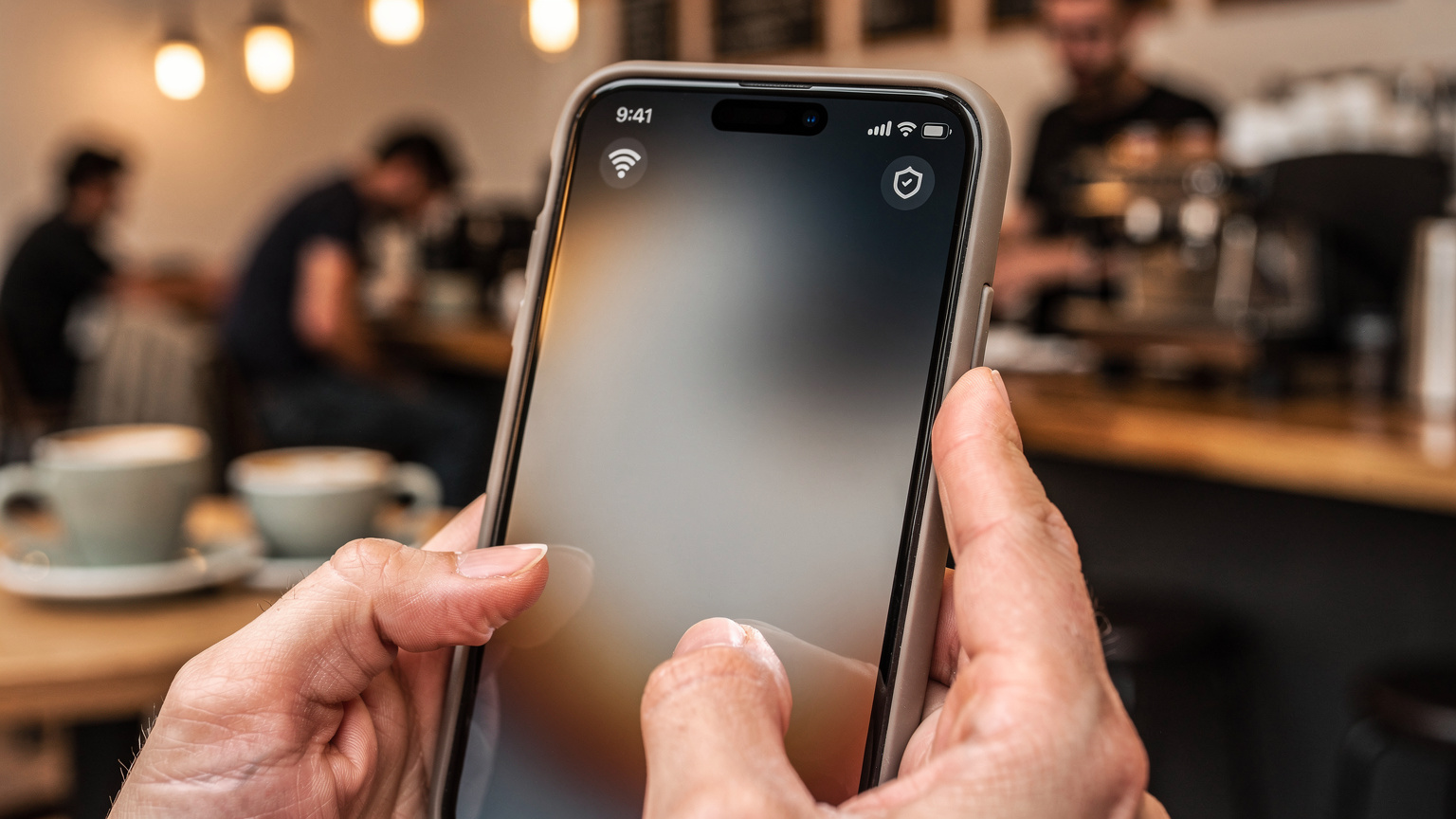
Real-World Scenarios: My Experience with 256kbps
I’ve been on the road for four years, and I've hit the 256kbps throttle more times than I can count. It's an inevitable part of extended travel, especially when you're trying to stretch your data. Here are a few concrete examples of how it played out for me.
Scenario 1: Navigating a New City in Europe
I was in Budapest, Hungary, trying to find a specific ruin bar in the Jewish Quarter. My Cellesim plan had throttled to 256kbps. Google Maps eventually loaded the route, but the initial search for the bar and loading the detailed street view took almost a minute. Walking around, the blue dot was responsive, but if I needed to quickly search for a nearby restaurant or check public transport times, there was a noticeable delay. It was functional, but definitely not seamless. (For comparison, getting around with a full-speed eSIM is like a breeze, whether you're taking the Metro in Paris or a tram in Vienna.)
Scenario 2: Staying Connected for Work in Southeast Asia
In Bali, Indonesia, after a week of heavy usage (uploading photos, video calls with family), my data slowed. I was trying to check Slack for urgent messages from a client. Loading the app took about 15-20 seconds, and images shared in channels were tiny placeholders. Sending a short text message worked fine, but downloading a small attached PDF took over a minute. I learned quickly to save any significant work for when I was at Dojo Bali, a co-working space in Canggu, which had blazing fast internet. My monthly rent for a guesthouse in Berawa was about 4,000,000 IDR, which usually included decent, but not always reliable, Wi-Fi.
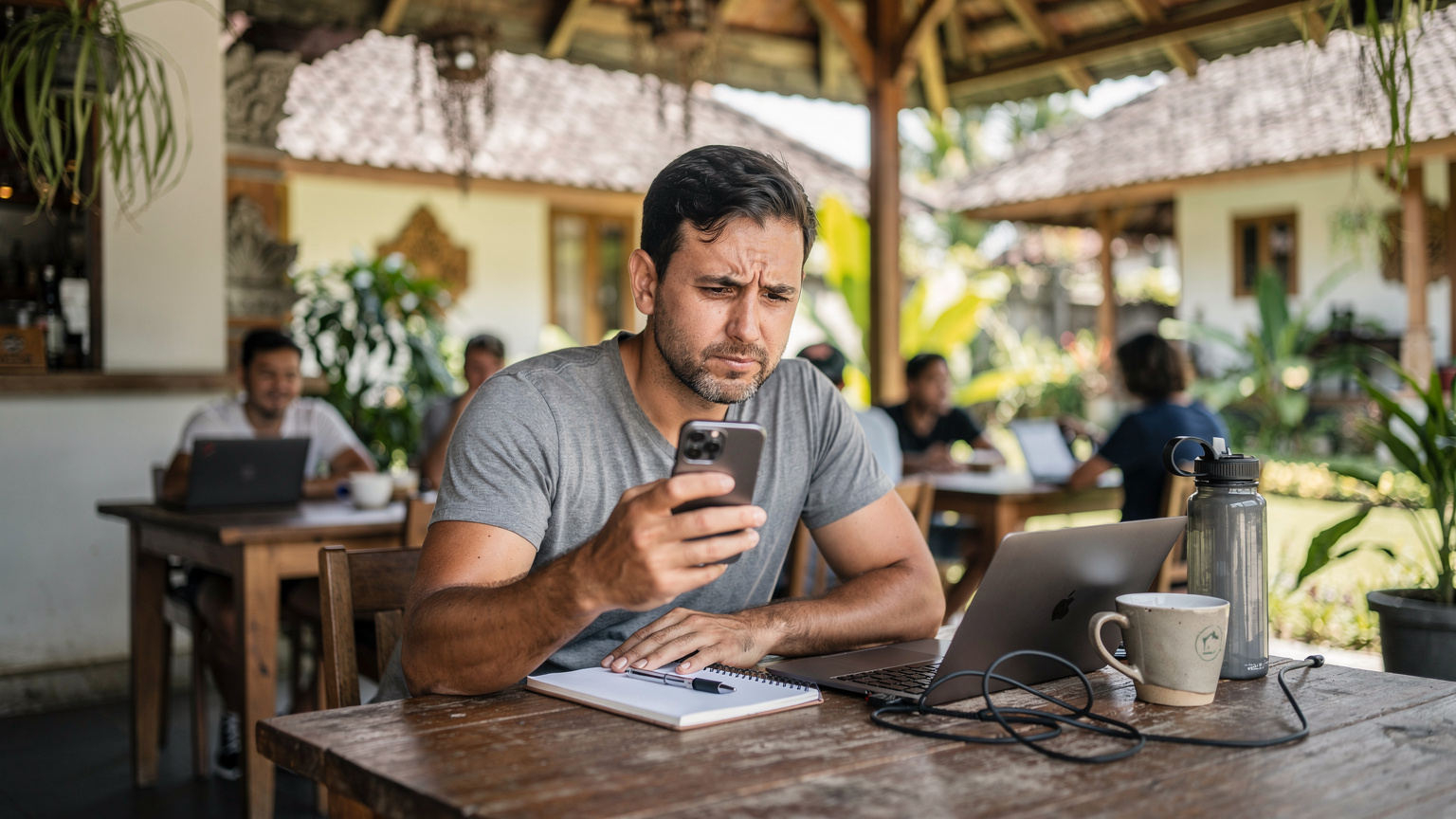
Scenario 3: Keeping in Touch with Family in South America
During a month-long stint in Medellín, Colombia, I relied on 256kbps for most of my personal communication. WhatsApp texts to my family and friends back home went through without a hitch. Sending voice messages was okay, though they took a few seconds to upload. What was difficult was trying to send photos or videos. A single photo could take 30-60 seconds, and videos would often fail to send. This meant I often waited until I was back at my apartment (rent was about 1,500,000 COP a month in Laureles, with a 50 Mbps internet connection) or at a café like Pergamino to share media.
Scenario 4: The Visa Application Nightmare
This is where slow data can really bite you. I was in Mexico City, and my visa for a subsequent country needed an urgent update. The immigration website was clunky to begin with, and with 256kbps, it was almost unusable. Forms wouldn't load properly, pages timed out, and uploading the required documents was a non-starter. I ended up having to trek to a local internet café, which felt like a step back in time, just to complete the application. This is a prime example of why crucial, time-sensitive tasks need more than baseline connectivity. Some countries, like India, have very particular digital visa processes that absolutely demand good speed.
Ultimately, 256kbps is a compromise. It's a lifeline, a basic utility, but it's not a performance solution. For the experienced nomad, it's a known quantity, a fallback. For new travelers, understand its limitations before you rely on it for anything critical.
Frequently Asked Questions
Is 256kbps enough for WhatsApp calls?
While text messaging on WhatsApp is fine, 256kbps is generally not enough for reliable voice or video calls. Audio calls may experience frequent drops and poor quality, and video calls will likely be unfeasible due to high latency and buffering.
Can I stream music or video with 256kbps speed?
No, 256kbps speed is insufficient for streaming music or video from platforms like Spotify, YouTube, or Netflix. You will experience constant buffering, low quality, and frequent interruptions, making for a frustrating and unwatchable experience.
What is the real-world difference between 256kbps and 1 Mbps?
256kbps is four times slower than 1 Mbps (1024kbps). While 256kbps struggles with anything beyond basic messaging and light browsing, 1 Mbps allows for smoother web browsing, reliable music streaming, and even low-quality video streaming without constant buffering. The difference in user experience is substantial.
Is 256kbps sufficient for using Google Maps and navigation apps?
Yes, 256kbps can be sufficient for using Google Maps and other navigation apps, especially if you pre-download maps for offline use. While initial map loading or searching for new routes might be slow, real-time GPS tracking and basic turn-by-turn directions generally work, albeit with slight delays.
Will 256kbps work for remote work like checking emails and Slack?
For checking text-based emails and sending short messages on Slack, 256kbps can function, but with noticeable delays. However, it is not suitable for downloading large attachments, participating in video calls, syncing cloud documents, or any task requiring consistent, fast data transfer, severely impacting productivity.
Why do some eSIM plans throttle to 256kbps instead of cutting off data entirely?
Providers throttle to 256kbps to offer a "never truly offline" experience, maintaining a basic level of connectivity after your high-speed data cap is reached. This allows for essential communication like messaging and emergency browsing, preventing a complete loss of service and providing a perceived value of unlimited data, even if it's very slow.