


The Great Escape: Why Holiday Weekends Demand a Better Data Strategy
Ah, the long weekend. For many, it's a beacon of hope, a chance to escape the daily grind and make some memories. For parents, it's often a meticulously planned operation, especially when those precious days off align with national holidays like US Independence Day and Canada Day. We're talking about the 2026 edition, where both holidays often fall close enough to create an epic extended break. Whether you're planning to visit family across the border, hit up a theme park, or finally take that international trip you've been dreaming about, one thing remains constant: the need for reliable data.
I've been there, staring at my phone in a foreign land, trying to figure out how to get directions to the nearest pharmacy for a sudden ear infection (yes, it happened in Rome, and no, the hotel Wi-Fi was not cutting it). Multiply that stress by two kids who need their YouTube Kids fix or want to play Roblox with their friends back home, and you've got a recipe for vacation meltdown. Our family, with kids aged 8 and 12, has crisscrossed 30 countries. Believe me, the data plan is just as crucial as packing enough snacks. This isn't just about posting pretty pictures, it's about navigation, emergency contacts, keeping the peace with digital entertainment, and making sure parental controls are still doing their job.
The Unique Challenges of Holiday Travel with Kids
Holiday weekends mean crowds, increased demand for everything, and often, higher prices. Connectivity is no exception. Local networks can get congested, and relying solely on hotel or airport Wi-Fi is a gamble. Add to that the complexity of cross-border travel, where your domestic carrier's roaming charges can quickly turn a fun trip into a budget nightmare. Imagine a theme park, bustling with excited kids, and suddenly your child decides they're absolutely famished for a specific type of churro that's only found at the far end of the park. Without data, that simple quest becomes an epic, tantrum-inducing odyssey.
This is where smart planning comes in. My secret weapon? eSIM. It's not just a convenience, it's a sanity saver. It means I can manage data for my phone, my husband's phone, and even the kids' iPads, all without swapping physical SIM cards or dealing with exorbitant fees. Think about it: a smooth transition from your home network to a foreign one, all while the kids are happily streaming Bluey or battling it out on their Nintendo Switch Online. Priceless, really.
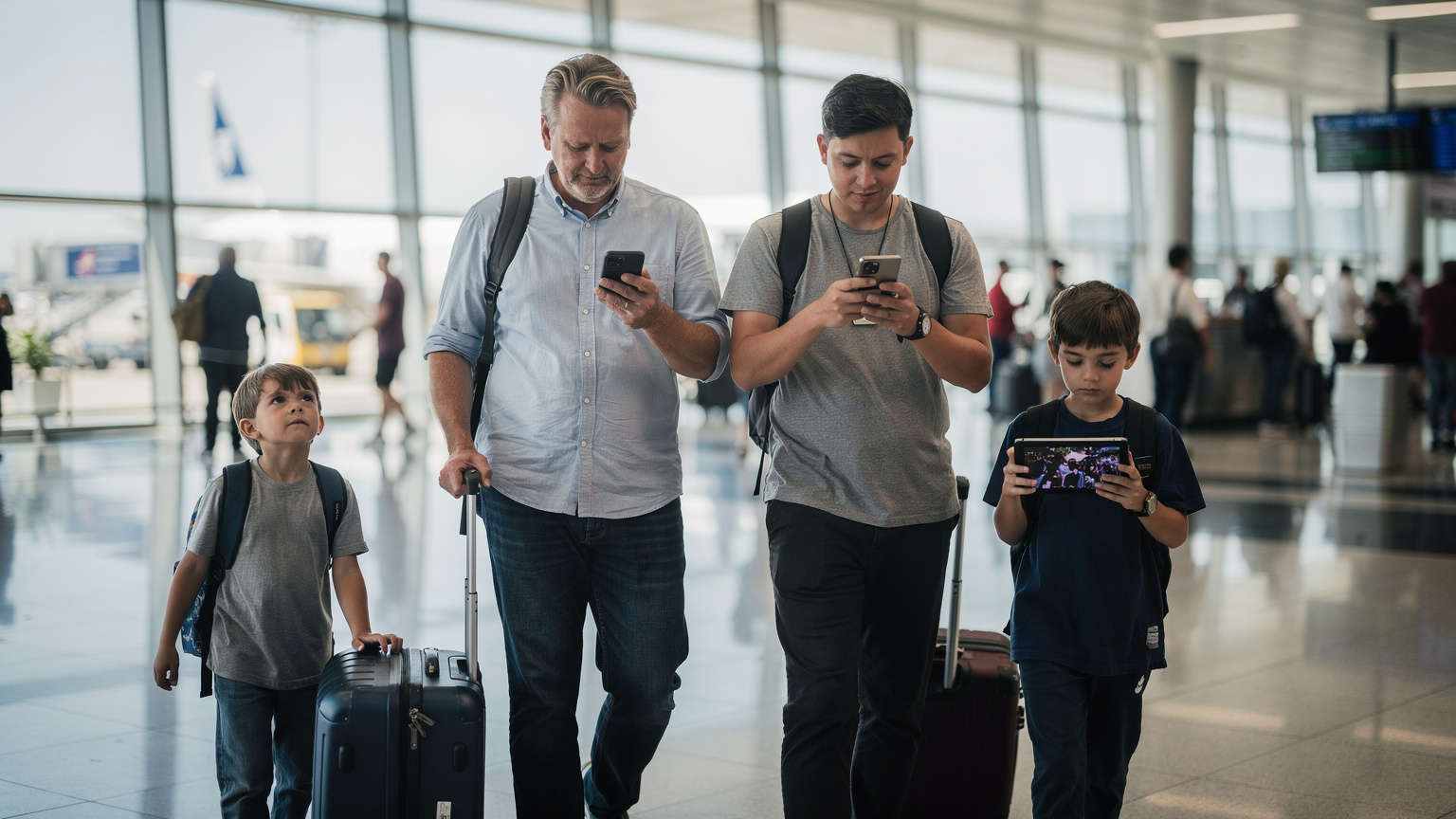
eSIM 101 for Parents: Your New Best Friend for Family Connectivity
For those of us who remember fumbling with tiny SIM cards and paperclip-sized ejector tools at airport kiosks, eSIM feels like a magic trick. For parents, it's even better. An eSIM, or embedded SIM, is a digital SIM card that's built directly into your phone or tablet. Instead of physically swapping out a chip, you simply download a profile from your chosen provider. This means you can have multiple data plans on one device, switching between them with a few taps. For families, this is revolutionary.
No more hunting for local SIM card stores in a new city while trying to wrangle tired kids. No more worrying about losing a tiny piece of plastic. And crucially, no more bill shock from accidental roaming. It's about control, flexibility, and convenience, all things we parents desperately crave on a family trip. If you're an iPhone user, the setup is incredibly straightforward, making global connectivity a breeze. You can learn more about eSIM for iPhones: Seamless Global Connectivity for iPhone Users in 2026, which details the process.
Why eSIM Beats Traditional Roaming and Local SIMs for Families
Let's face it, traditional roaming plans from your home carrier are often outrageously expensive. You pay premium prices for limited data, and any overage can send your bill skyrocketing. Local SIM cards are better on price, but they come with their own headaches: finding a vendor, language barriers, understanding local plans, and then repeating the process for every family member's device. Imagine doing that with a toddler hanging off your leg and a pre-teen sighing dramatically every five minutes.
eSIMs eliminate these hassles. You can purchase and activate your plan before you even leave home. This means landing in your destination already connected, ready to call that Uber, navigate to your hotel, or let the kids start their pre-approved screen time. For parents, the peace of mind knowing you're instantly connected upon arrival is worth its weight in gold. Plus, for those moments when you need to know your eSIM number for a support query, having a clear guide is always helpful, like our post on Finding Your eSIM Number: The Essential Travel Checklist for Parents 2026.
Compatibility Check: Does Your Family's Gear Support eSIM?
Most newer smartphones and many tablets now come with eSIM capability. iPhones from the XS onwards, most Samsung Galaxy S series and Note series (since the S20), and Google Pixel phones (from the Pixel 3) are generally compatible. For tablets, many cellular iPads support eSIM. It's always a good idea to double-check your specific device models before you plan your trip. A quick Google search for 'eSIM compatibility [your device model]' usually does the trick. Don't forget those crucial kids' devices, like their iPads, which often get overlooked in the connectivity planning.
Choosing the Right Data Plan for the Whole Crew (and Their Devices)
This is where the rubber meets the road. Picking an eSIM plan isn't just about finding the cheapest option, it's about finding the right fit for your family's unique data consumption. My kids, bless their tech-savvy hearts, can inhale data faster than I can say "Wi-Fi password." We're talking about two kids streaming Disney+, playing online games, and video chatting with grandparents. This isn't a single-user scenario, it's a multi-device data free-for-all.
When I'm planning, I always factor in a buffer. That 10GB plan for *my* phone might sound good, but when you add in my husband's work emails, my 12-year-old's TikTok habit, and my 8-year-old's obsession with Minecraft, suddenly that 10GB looks laughably small. Think about how much data your family uses at home, and then consider that you'll be using it even more for navigation, translation apps, looking up restaurant reviews, and of course, keeping the kids entertained during transit or downtime.
Sizing Up Your Family's Data Needs: The Disney+ Factor
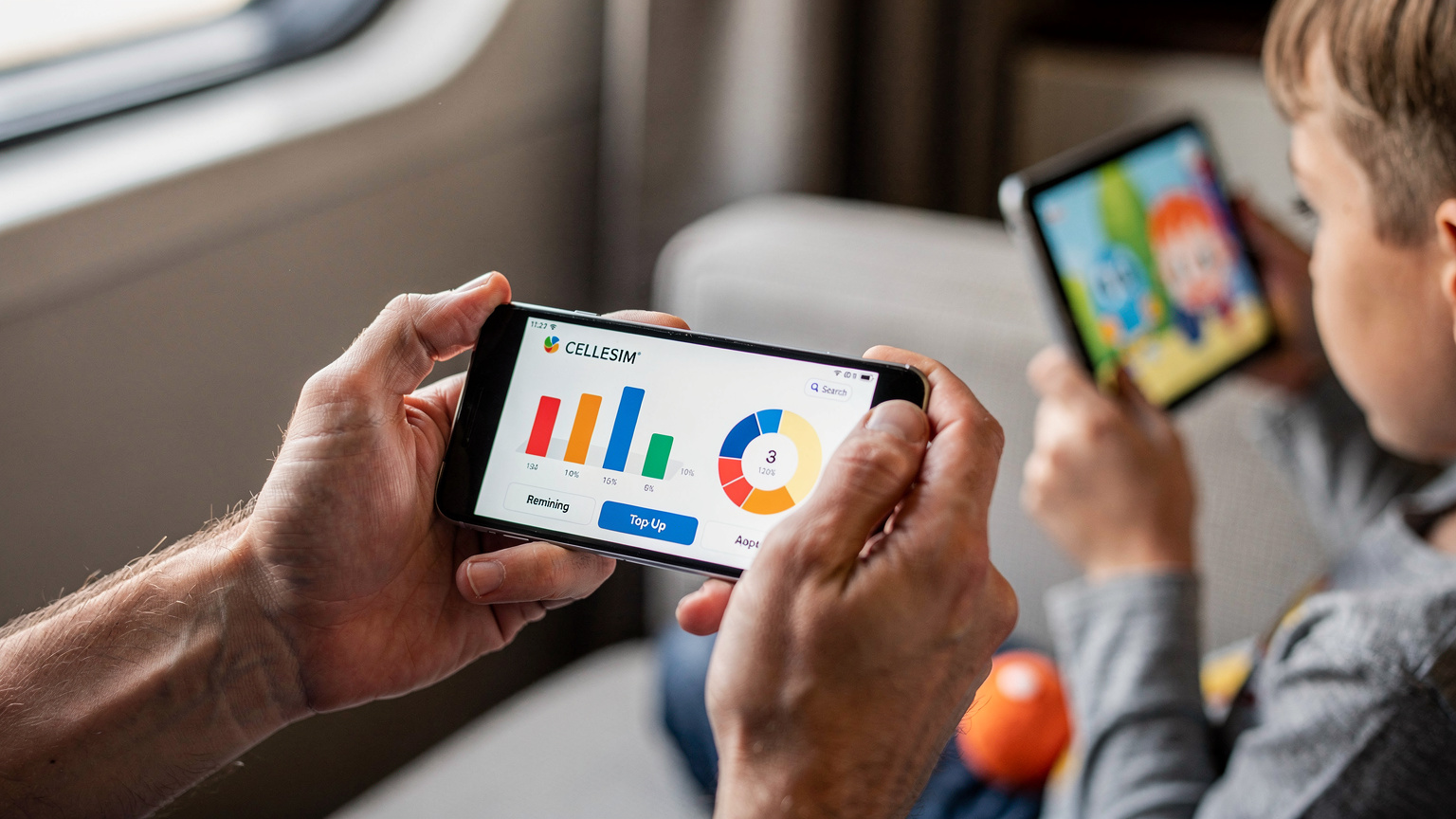
Let's get specific about data. Streaming video, especially in HD, is the biggest data hog. My rule of thumb for two kids streaming Disney+ for a few hours a day, plus general browsing, maps, and some light gaming, is to budget at least 5-7 GB per child, per week. For a short 4-day long weekend, if they're moderately using their devices, you're looking at potentially 3-5 GB each. Add that to your own data needs, and suddenly a 20GB or even 30GB family-shared plan starts to look more realistic. Some eSIM providers offer data bundles that are perfect for families, covering multiple devices under one generous allowance.
Consider these questions:
- How many devices need connectivity? Phones, tablets, smartwatches?
- What's your primary data usage? Streaming, gaming, social media, maps, work?
- How long is your trip? A weekend jaunt requires less than a two-week international adventure.
- Will you have consistent Wi-Fi access? Cruise ships and some hotels have notoriously spotty or expensive Wi-Fi.
| Activity | Estimated Data Usage (per hour) | Notes for Families |
|---|---|---|
| Streaming HD Video (Disney+, Netflix) | 1-3 GB | Main data hog. Pre-downloading content is key for long flights/drives. |
| Standard Definition Video (YouTube Kids) | 0.5-1 GB | Better for longer sessions, but still adds up. |
| Online Gaming (Roblox, Minecraft) | 50-150 MB | Surprisingly low, but bursty usage can increase. |
| Video Calls (Facetime, Zoom) | 300-500 MB | Essential for checking in with family back home. |
| Maps & Navigation (Google Maps) | 5-10 MB | Download offline maps beforehand! Saves data and stress. |
| Social Media & Browsing | 50-100 MB | Photos and videos consume more. |
| Music Streaming (Spotify) | 40-100 MB | Download playlists to save data. |
Cellesim: Multi-Country Coverage, Multi-Device Friendly
Cellesim offers a range of multi-country eSIM plans that are ideal for families. Instead of buying separate US and Canada plans, you can often find a regional North America plan that covers both, making those border crossings seamless. I particularly appreciate their flexibility, allowing for easy top-ups if the kids (or I) go a little overboard with data consumption. This multi-line context is crucial, as you're not just buying data for one phone, but for an entire ecosystem of family devices.
Cross-Border Hacks: US to Canada and Vice Versa
The US Independence Day and Canada Day holidays are perfectly positioned for cross-border adventures. Whether you're heading north to explore the Canadian Rockies or venturing south for some Florida sunshine, an eSIM can make the transition invisible, at least for your devices. I've done the drive from Seattle to Vancouver more times than I can count, and the moment my phone seamlessly switches networks without a hiccup is always a small victory.
Smooth Transitions: Activating Your Cross-Border eSIM
The beauty of an eSIM for cross-border travel is that you can activate it before you leave home. No need to wait until you're at the border, trying to get a signal. My routine involves activating the eSIM a day or two before departure, ensuring it's all set up. This way, as soon as we cross into Canada (or the US), the designated eSIM plan takes over for data. You can keep your primary SIM active for calls and texts if you wish, or forward calls, whatever works best for your family's communication needs. For instance, if you're an AT&T customer, navigating your AT&T eSIM Abroad: Navigating Your iPhone's Data Without Roaming Shocks 2026 can save you a lot of grief.
Step-by-Step Cross-Border eSIM Activation:
- Purchase Your eSIM Plan: Select a multi-country or North America regional plan from Cellesim that covers both your home country and destination.
- Install the eSIM Profile: Follow the instructions provided by Cellesim. This usually involves scanning a QR code or entering activation details manually in your phone's settings (Settings > Cellular/Mobile Data > Add eSIM). Do this a day or two before you travel.
- Label Your eSIMs: Once installed, label your eSIM (e.g., "Canada Data" or "US Travel") so it's easy to identify.
- Set Data Roaming Preferences: In your phone's cellular settings, you'll choose which SIM (your primary physical SIM or your new eSIM) is used for data. When you're in your home country, keep your primary SIM for data.
- Switch Data Upon Arrival: As you approach the border or arrive at your destination, manually switch your 'Cellular Data' setting to use your Cellesim eSIM. Your primary SIM can remain active for calls/texts if you wish, but ensure its data roaming is OFF to avoid charges.
- Monitor Data Usage: Keep an eye on your Cellesim app for data consumption. Top up if needed.
Connectivity in Theme Parks and Cruise Ships
Theme parks like Disneyland or Canada's Wonderland, or cruise ships sailing between US and Canadian ports, present their own unique connectivity challenges. Inside theme parks, while Wi-Fi might be available, it's often slow and unreliable due to the sheer number of users. Having your own robust eSIM data plan ensures you can use park apps for ride times, mobile ordering (a lifesaver with hungry kids!), and staying in touch with family members who might wander off to a different section.
"I once relied on a theme park's free Wi-Fi and ended up getting lost trying to find the stroller parking with two overtired kids. Never again. My eSIM is my lifeline for park maps and mobile ordering those much-needed snacks."
On cruise ships, traditional cellular service is often non-existent or outrageously expensive satellite roaming. If your cruise stays within coastal waters, a regional eSIM can provide coverage. However, once you're out at sea, Wi-Fi packages from the cruise line are usually your only option for reliable connectivity. Even then, an eSIM can be invaluable for the ports of call, allowing you to seamlessly connect as you step off the ship without worrying about cruise-specific roaming.
Beyond North America: International Travel with eSIM for Families
While the focus is on North American holidays, these long weekends are also prime time for slightly longer international trips. Perhaps a quick jaunt to Mexico, or even a hop across the Atlantic for Festival Hacking 2026: Europe eSIMs for Data, Not Debt. The principles of eSIM planning remain the same, but the scope of coverage expands. Cellesim offers extensive global coverage, meaning you can find a plan for almost any destination.
Ensuring Connectivity in Europe or Latin America
When heading further afield, especially with kids, pre-loading apps is crucial. Think about:
- Offline Maps: Download Google Maps or Apple Maps for your destination beforehand. This saves data and acts as a backup if you lose signal.
- Language Translation Apps: Apps like Google Translate with downloaded language packs are invaluable.
- Entertainment: Ensure Netflix, Disney+, and other streaming services have downloaded content to the kids' devices. Don't forget audiobooks or podcasts for downtime.
- Communication Apps: WhatsApp, iMessage, etc., for staying in touch with family back home.
For example, my family and I are eyeing a trip to the Riviera Maya in Mexico for the 2026 Independence Day, and I'll definitely be buying a Mexico eSIM from Cellesim well in advance. Having data ready for navigating Playa del Carmen or booking excursions from Tulum is a must.
| Destination Type | Recommended Cellesim Plan Type | Family-Specific Considerations |
|---|---|---|
| US & Canada Border Region | North America Regional eSIM | Seamless switching, ample data for multiple devices streaming. |
| Caribbean/Mexico | Latin America Regional or Specific Country eSIM | Check theme park/resort connectivity. Download offline entertainment. |
| Europe | Europe Regional eSIM | Great for hopping between countries. Ensure local navigation. |
| Asia/Oceania | Specific Country eSIM or Asia Regional | Consider time zone differences for calls home. Higher data needs for translation apps. |
Parental Control and Screen Time: Making eSIM Work for You
One of my biggest concerns as a parent who travels frequently is managing screen time and ensuring parental controls work effectively, even on a new data line. The good news is that most parental control features are device-based, not network-based, meaning they'll continue to function regardless of whether your child's iPad is using your home Wi-Fi, a hotel network, or a Cellesim eSIM.

Maintaining Digital Boundaries on the Go
I rely heavily on Apple's Screen Time or Google's Family Link to manage my kids' device usage. These tools allow me to set app limits, schedule downtime, and approve app downloads. When using an eSIM, these features continue to work seamlessly. The data connection from the eSIM simply provides the internet access that these control apps need to function and report usage.
However, there's a clever hack: you can use your phone's hotspot feature, powered by your Cellesim eSIM, to provide internet to your kids' devices. This gives you direct control over their internet access. If they've hit their screen time limit, or you want them to engage with their surroundings, simply turn off the hotspot. It's an immediate, no-fuss way to enforce digital boundaries. Just remember that hotspot usage can drain your phone battery and consume data quickly, so plan accordingly.
Using Parental Control Features with an eSIM Line
Here’s how I integrate eSIMs into my parental control strategy:
- Hotspot Control: My phone (with the Cellesim eSIM) is the primary internet source for the kids' devices. When it's time for a digital detox, the hotspot goes off.
- Device-Level Controls: Screen Time (iOS) or Family Link (Android) are set up on their devices. These controls are independent of the network and will continue to limit apps and usage.
- Pre-Download Everything: Before leaving home, I ensure all movies, shows, and educational apps are downloaded directly onto their devices. This reduces reliance on streaming and saves precious data.
- Offline Games: Many popular games offer an offline mode. I make sure these are installed and ready to go for flights or long drives when connectivity might be spotty.
- Data Usage Monitoring: The Cellesim app allows me to see how much data is being used. If I notice a particular device or app is being a data hog, I can address it.
Pre-Trip Checklist: Preparing Your Devices and Apps
Preparation is the cornerstone of any successful family trip, especially when it comes to technology. A few simple steps before you leave can save you hours of frustration and potential meltdowns (from both kids and adults). Think of this as your digital packing list.
Getting Your Family's Gadgets Ready for Travel
Before you even think about packing clothes, make sure your devices are primed for travel:
- Update All Software: Ensure all phones, tablets, and smartwatches have the latest operating system and app updates. This often includes security patches and performance improvements.
- Clear Out Unused Apps: Delete any apps your kids no longer use or that take up unnecessary space. This frees up storage for downloaded entertainment.
- Download Offline Content: This is huge. For flights, long car rides, or simply downtime at a hotel with unreliable Wi-Fi, having movies, TV shows, and audiobooks downloaded on Netflix, Disney+, Audible, or Spotify is a game-changer.
- Install Essential Travel Apps: Think maps (with offline regions downloaded), translation apps, airline apps, hotel apps, and any local transportation apps.
- Charge Everything: A no-brainer, but easily forgotten in the last-minute rush. Have portable power banks charged too!
- Activate Your Cellesim eSIM: As discussed, do this a day or two before you depart. Test it if possible by temporarily switching your data to the eSIM while still at home.
- Review Parental Controls: Double-check all Screen Time or Family Link settings to ensure they're appropriate for travel. You might adjust limits slightly for travel days, then revert.
The Power of Pre-Loaded Entertainment
My kids' iPads are typically loaded with a rotating selection of movies, educational games, and e-books before any trip. For my 12-year-old, it’s often a few episodes of The Mandalorian and some graphic novels on the Kindle app. For my 8-year-old, it's Bluey episodes and a few learning games. This strategy drastically reduces the amount of streaming data we need to consume on the go, making our Cellesim data plan last longer.
Troubleshooting on the Go: What to Do When Connectivity Flips Out
Even the best-laid plans can hit a snag. A momentary loss of signal, an app refusing to load, or the dreaded "no internet connection" message popping up. As the family tech support, you'll want to have a few troubleshooting tricks up your sleeve. Most issues are minor and easily fixable.
Common eSIM Glitches and Quick Fixes
Don't panic if your eSIM seems to be acting up. Here are the most common issues and what to do:
- No Signal / "No Service": This is often location-based. Try moving to a different spot (e.g., closer to a window, outside). If that doesn't work, toggle airplane mode on and off for 30 seconds. This forces your phone to re-scan for networks.
- Data Not Working Despite Signal: Check your phone's cellular settings. Make sure the correct eSIM is selected for "Cellular Data" and that "Data Roaming" is enabled for that eSIM (it's usually required when using an international eSIM). Sometimes, a simple restart of the phone can resolve this.
- Slow Data Speeds: This could be network congestion (common in crowded areas like theme parks or during peak holiday hours), or you might be in an area with weaker coverage. Try switching to 3G if 4G/5G is struggling, or look for a public Wi-Fi hotspot for heavy tasks.
- Cannot Make Calls/Texts: Remember that Cellesim eSIMs are primarily for data. If you need to make calls or send traditional SMS, ensure your primary SIM is still active for these functions, or use VoIP apps like WhatsApp or Facetime over your eSIM data.
- Data Used Up Too Quickly: Check your device's data usage settings to identify which apps are consuming the most data. Turn off background app refresh for non-essential apps. Consider reducing streaming quality. If all else fails, a quick top-up via the Cellesim app is usually available.
If you're still experiencing problems, remember Cellesim's customer support is available. Having their contact information saved (or accessible offline) is a good backup plan.
The Importance of Offline Alternatives
I cannot stress this enough: always have offline alternatives. My kids know that if the internet goes out, their pre-downloaded games and shows are their go-to. I also carry actual physical books or small travel games. It’s a good reminder that not every moment needs to be digitally connected, especially when you're exploring new places together.
The Cellesim Advantage: Why It's a Lifesaver for Traveling Families
Choosing an eSIM provider is a big decision for family travel, and from my experience, Cellesim consistently delivers on what matters most to parents: reliability, flexibility, and value. They understand that connectivity isn't a luxury, it's a necessity for modern family adventures.
Reliable Coverage, Transparent Pricing
One of the biggest anxieties for any parent traveling internationally is unexpected costs. Cellesim's transparent pricing and clear data allowances eliminate that fear. You know exactly what you're paying for, and there are no hidden roaming charges to spring a nasty surprise on your return home. Their coverage in North America and beyond is robust, partnering with major local carriers to ensure you get strong signal strength, whether you're in the bustling streets of Montreal or a quiet beach town in Florida.
For those times when your kids decide to start a spontaneous streaming marathon, their easy top-up options mean you're never truly stranded. This is crucial for maintaining peace and harmony, especially during those unpredictable moments on the road. It's a far cry from the days when activating a new plan felt like a cryptic quest, much like the T-Mobile eSIM QR Code: Budget Activation for Your Next Trip 2026, which can be a whole adventure in itself.
Family-Friendly Features and Support
Cellesim's app is intuitive, making it easy for even less tech-savvy parents to manage their eSIMs. You can monitor data usage across multiple devices (if you're using your phone as a hotspot), purchase new plans, or extend existing ones with minimal fuss. Their customer support is also responsive, which is a huge comfort when you're in a different time zone and have a connectivity question at 3 AM local time (don't ask).
Ultimately, Cellesim simplifies the connectivity aspect of family travel, freeing you up to focus on what truly matters: making incredible memories with your kids. No more stress about finding Wi-Fi or worrying about data overages. Just smooth sailing, or flying, or driving, with everyone happily connected.
Final Thoughts: Embrace the Freedom, Stay Connected
The US Independence Day and Canada Day long weekends in 2026 offer a fantastic opportunity for families to explore, relax, and reconnect. With a little foresight and the right tools, like a Cellesim eSIM, you can ensure your trip is as seamless and stress-free as possible.
From keeping the kids entertained with their favorite shows on their iPads, to navigating unfamiliar cities with ease, to simply staying in touch with loved ones, reliable data is the invisible thread that holds a modern family vacation together. Don't let the fear of roaming charges or spotty Wi-Fi dictate your travel plans. Embrace the freedom that eSIM technology offers, plan your data strategy for the whole family, and go make those unforgettable memories. Happy travels, and may your data always be plentiful!
Frequently Asked Questions
Will my children's iPads work with an eSIM for data?
Yes, many cellular-enabled iPads support eSIM functionality. You can install an eSIM profile directly onto their device, or alternatively, use your eSIM-enabled smartphone as a mobile hotspot to share your Cellesim data plan with their iPads. This allows them to stream, game, and browse using your travel data.
How much data should I budget for two kids streaming video during a long weekend trip?
For a long weekend (3-4 days), if two children are moderately streaming HD video (like Disney+) for a few hours daily, playing online games, and general browsing, you should budget at least 15-20 GB for their collective usage. Pre-downloading content before your trip can significantly reduce this need.
Can I use parental controls on my kids' devices if they're using an eSIM for data?
Absolutely. Parental control features like Apple's Screen Time or Google's Family Link are primarily device-based and will continue to function normally regardless of the network connection. An eSIM simply provides the internet access these features need to operate and report usage, allowing you to maintain digital boundaries.
What happens if I run out of data on my Cellesim eSIM while traveling?
If you run out of data, Cellesim offers easy top-up options directly through their app. You can quickly purchase additional data, which will be activated almost instantly, ensuring you and your family remain connected without interruption. This is a common and straightforward process.
Is connectivity reliable inside theme parks or on cruise ships with an eSIM?
In theme parks, an eSIM generally provides more reliable and faster data than overcrowded public Wi-Fi. On cruise ships, eSIMs typically work when close to shore or in port. For open sea, cruise lines often offer their own satellite Wi-Fi packages, as standard cellular service is unavailable. Always check specific coverage for your cruise route.
Can I share my eSIM data with other family members' devices?
Yes, if your smartphone supports hotspot functionality, you can use your Cellesim eSIM data to create a personal Wi-Fi hotspot. This allows other family members' phones, tablets, or even laptops to connect to the internet using your eSIM's data plan. Be mindful that hotspot usage can consume data quickly and drain your phone's battery.
See also: eSIM for Florida