New Phones, New Rules: Why eSIM is Non-Negotiable for 2026
Remember that frantic search for a tiny SIM ejector tool when you landed in a new country? Or, even worse, losing your home SIM card somewhere in a foreign airport? Yeah, that's not how we're doing things in 2026.
With the iPhone 18 and Samsung Galaxy Z Fold 7 on the way, physical SIM cards are officially old news, especially for anyone who travels outside their home country for more than a couple of weeks. These phones aren't just faster; they're built with eSIMs in mind, offering a smoother, more secure, and frankly, far less annoying way to stay connected.
For digital nomads like me, who've been on the road for four years, eSIMs aren't just convenient, they're essential. I've seen too many friends miss important client calls because their physical SIM got dropped in a humid cafe or just stopped working after a software update. My WhatsApp groups are full of these horror stories. This isn't just about data; it's about reliable stability. When you're trying to hit a deadline from 'The Common' co-working space in Canggu, Bali, and your internet cuts out, you need a backup that doesn't rely on a flimsy piece of plastic. Trust me, the 350,000 IDR (about $22 USD) monthly membership for reliable internet at 'The Common' is worth every penny, but only if your phone can actually connect to it, or even better, provide its own hotspot.
The Pain Points of Physical SIMs: A Nomad's Laundry List
- Easy to Lose or Damage: They're tiny, fragile, and disappear easily. I once saw a friend's entire month of data vanish when their SIM fell out of the tray and into a street drain in Hanoi.
- Slow Activation: You often have to wait in line at a foreign carrier store, deal with language barriers, and fill out endless paperwork. In places like India, a local SIM can even demand an Aadhaar ID or biometric verification, which tourists simply won't have.
- Stuck with One Carrier: Once you buy a local physical SIM, switching networks for better coverage or price means buying another physical SIM. Not ideal when you're crossing borders every few weeks.
- Security Risks: If your phone gets stolen, a physical SIM can be easily swapped out, potentially compromising your two-factor authentication for banking apps. That's a huge headache.
- Dual SIM Hassle: Balancing your home number and a local number often means juggling two physical cards, or using a dual-SIM phone. The iPhone 18 and Galaxy Z Fold 7 simplify this with eSIM technology.
Why eSIMs Are the Game Changer for 2026 Travel
eSIMs, or embedded SIMs, are built right into your device. No physical card, no tray, no ejector tool needed. You just download a digital profile. This means:
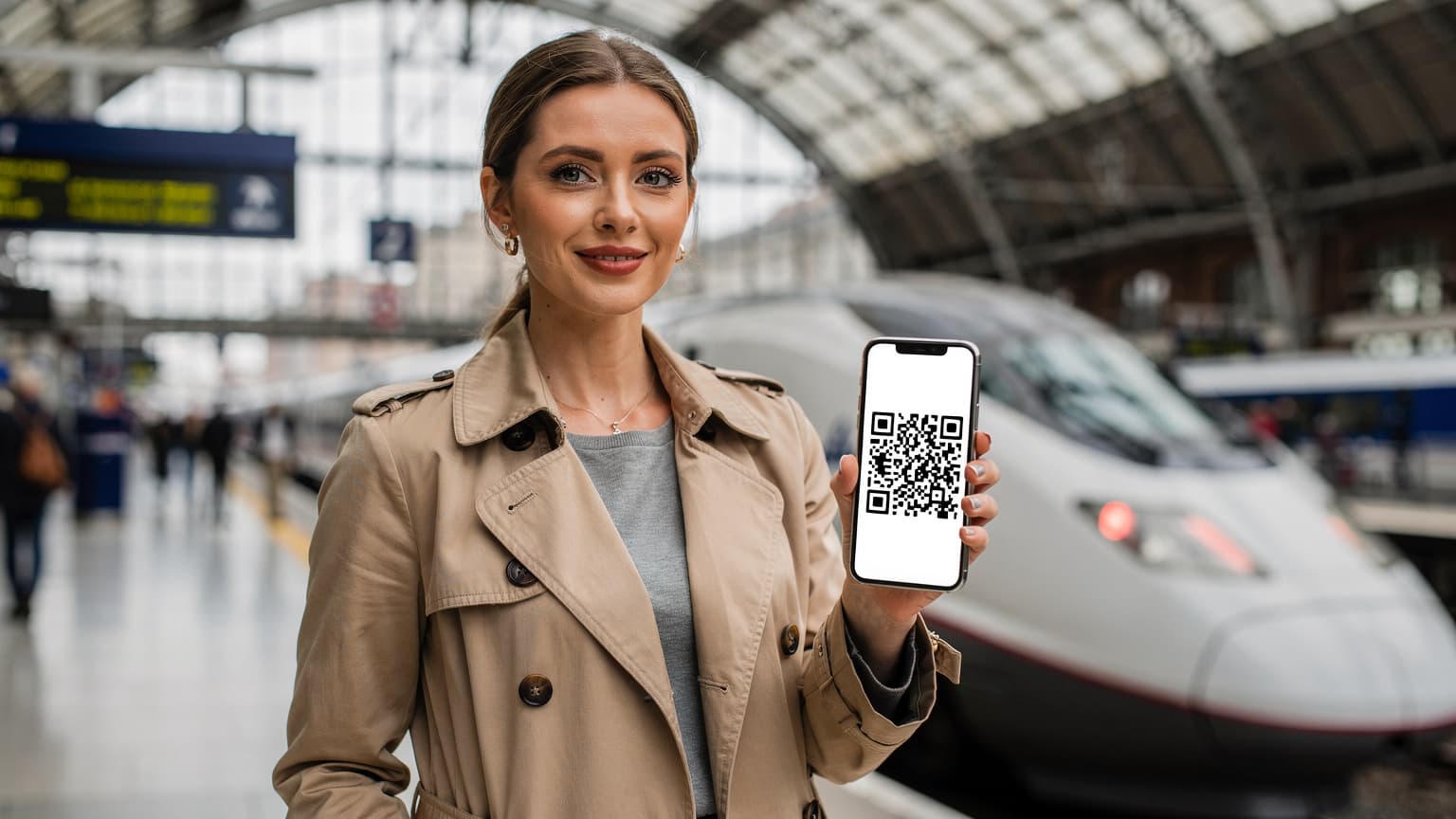
- Instant Activation: Buy a plan online, scan a QR code, and you're connected. It often takes mere minutes from purchase to having data.
- Multiple Profiles: You can store several eSIM profiles on your phone. Keep your home plan, a Thailand plan, a European plan, and an Africa eSIM for multi-country safari data all loaded up, switching between them with just a few taps.
- Enhanced Security: Without a physical card, it's much harder for someone to steal your number.
- Better for the Environment: Less plastic, less waste. It's a small win, but it adds up.
The iPhone 18 and Galaxy Z Fold 7 are really leaning into this technology, making the process smoother than ever. This isn't just about saving a few bucks on roaming; it's about reclaiming your time and peace of mind when you're traveling.
iPhone 18 eSIM Architecture: What Apple's Done This Time
Apple always pushes tech forward, sometimes whether we're ready for it or not. The iPhone 18, especially its US models, continues the eSIM-only trend. For international travelers, this is actually a good thing, even if it felt like a forced change at first.
What's new with the iPhone 18's eSIM support? Expect even more robust dual-eSIM capabilities. This likely means you can have two eSIMs actively connected at the same time for both data and voice. So, you could keep your primary US number active for calls and texts (yes, your old number still matters) while using a local data eSIM in, say, Barcelona. Plus, the improved modem and software optimizations should lead to faster profile switching and better network aggregation, meaning stronger signals across more bands.
iOS 18's eSIM Management Interface: A Closer Look
iOS 18 refines the eSIM management interface, making it more intuitive. You'll find options for designating primary and secondary lines, choosing which eSIM to use for data, and even setting up conditional forwarding if you still rely on your home number for important calls. It's all neatly organized under Settings > Cellular. I've found it much easier to manage multiple profiles on the latest iOS than on older versions, especially when I need to swap between my Indonesian data plan and my Thai one during a quick visa run from Jakarta to Penang. (That's a common nomad ritual, by the way, when you're trying to extend your visa beyond 60 days.) The ability to name each eSIM profile helps massively too; no more guessing if 'Travel 1' is Malaysia or Singapore.
| Feature | iPhone 18 (eSIM-only models) | Older iPhone (eSIM + physical SIM) |
|---|---|---|
| Physical SIM Slot | None | One |
| Active eSIMs | Dual active (eSIM + eSIM) | One active (eSIM or physical SIM) or dual active (eSIM + physical SIM) |
| Total Stored eSIM Profiles | 8-10+ | 5-8 |
| Ease of Switching | Optimised, faster UI | Good, but slightly less streamlined |
| Security | Highest (no physical card to remove) | High |
Galaxy Z Fold 7 eSIM Advantages and the Flex Factor
Samsung's Galaxy Z Fold 7 isn't just a cool foldable phone; it's also a connectivity workhorse, especially with its advanced eSIM support for 2026. The larger screen makes managing multiple eSIM profiles incredibly easy, and the phone's sturdy build is a big plus for travelers who tend to be a bit rougher on their gear.
The Z Fold 7 is expected to push Samsung's eSIM capabilities even further, possibly offering more active eSIMs at once or enhanced flexibility in prioritizing data. For me, the beauty of the Fold is its versatility. One minute it's a phone, the next it's a mini-tablet for watching Netflix in a quiet corner of a busy airport, all while keeping a strong, stable internet connection via eSIM. The ability to tether multiple devices (laptop, tablet) to a single eSIM data plan is a huge advantage, especially when the Wi-Fi at your AirBnB in Lisbon's Alfama district is, let's just say, 'unreliable'.
Android 16's eSIM Improvements on the Fold 7
Android 16, which the Z Fold 7 will run, is set to bring big improvements to eSIM management. Expect a more unified settings menu for cellular data, making it simpler to switch between profiles, monitor data usage for each, and even manage settings like preferred networks. Samsung's One UI skin usually adds thoughtful enhancements to Android, so anticipate some smart additions that make sense for a dual-screen device. Imagine having your primary eSIM data usage widget on one screen and your secondary eSIM on the other, for at-a-glance monitoring. This is really useful when you're trying to save data on a limited package while waiting for your next top-up.
| Feature | Galaxy Z Fold 7 | Traditional Samsung Galaxy |
|---|---|---|
| Screen Size & Management | Large foldable screen, ideal for multi-profile management UI | Standard smartphone screen |
| Active eSIMs | Dual active (eSIM + eSIM or eSIM + physical SIM) | Often eSIM + physical SIM |
| Total Stored eSIM Profiles | 8-10+ | 5-8 |
| Battery Life (Data Usage) | Optimised for demanding tasks, including hotspot sharing | Good for regular use |
| Use Case Advantage | Seamless switching for work/entertainment, superior tethering | Reliable daily use and travel |
How to Prep Your New Device for eSIM Travel
Getting your iPhone 18 or Galaxy Z Fold 7 ready for its first international eSIM trip isn't complicated, but there are a few steps you absolutely can't skip. Think of it like packing your digital backpack.
Before You Go: Your Pre-Departure Checklist
Before you even think about boarding that plane, make sure you do this:
- Update to the Latest OS: Make sure your iPhone 18 is running the latest iOS 18 or your Galaxy Z Fold 7 is on Android 16. New features and bug fixes, especially those related to cellular, are crucial.
- Backup Your Device: Always. Use iCloud or Google Drive. You know the drill.
- Unlock Your Phone: If you bought your phone through a carrier, call them and make sure it's unlocked for international use. This is a must for using eSIMs from other providers.
- Download the Cellesim App: This app makes managing and buying eSIMs incredibly easy. You can browse plans, purchase them, and install them directly. For example, if you're heading to Europe, you can load up Summer 2026: Last-Minute Holiday eSIMs for Europe plans well in advance.
- Familiarize Yourself with eSIM Settings: Spend a few minutes in your phone's cellular settings. Learn where to add an eSIM, how to switch between them, and how to set your data preferences.
Installing Your First eSIM: A Step-by-Step Guide
The actual installation is surprisingly straightforward, whether you're using an iPhone 18 or Galaxy Z Fold 7:
- Purchase Your eSIM Plan: Go to Cellesim.com/Thailand for example, or use the Cellesim app. Pick a plan that fits your data needs for your destination.
- Receive Your QR Code/Activation Details: Cellesim will email you a QR code or provide manual activation details.
- Go to Cellular Settings:
- iPhone 18: Settings > Cellular > Add eSIM.
- Galaxy Z Fold 7: Settings > Connections > SIM card manager > Add eSIM.
- Scan the QR Code: Your phone's camera will open. Scan the QR code. If you're using the Cellesim app, it might offer an in-app installation option, which is even faster.
- Follow On-Screen Prompts: Name your new eSIM (e.g., "Thailand Data" or "Greece Vacation"), set it as your primary for data, and you're good to go.
- Disable Data Roaming on Your Home SIM: If you're keeping your home SIM active for calls/SMS, make sure data roaming is OFF for that profile to avoid unexpected charges.
Choosing the Right eSIM Plan for Your Trip
Picking an eSIM isn't just about finding the cheapest gigabytes. It's about reliability, coverage, and what you actually need. My golden rule: always slightly overestimate your data needs, especially if you plan on working or streaming.
Single Country vs. Regional vs. Global eSIMs
- Single Country eSIMs: These are best for longer stays in one place, like spending two months exploring Azerbaijan with an eSIM. They often offer better per-GB rates.
- Regional eSIMs: Ideal for hopping between countries in a specific area, like a multi-week trip through Southeast Asia or a backpacking tour of Europe. The guide "Long-Stay Digital Nomads: Why Multi-Country eSIMs Beat Roaming Surprises in 2026" is a great resource here.
- Global eSIMs: These are convenient for whirlwind trips across continents, but sometimes give you less data for your money. Think of them as a stop-gap for initial arrival or emergencies.
Data Needs: How Much is Enough?
This is where experience really counts. Don't just pick 5GB because it sounds like a lot. Think about your daily habits:
- Light User (5-10GB/month): Checking emails, maps, social media, light browsing. If you're always on Wi-Fi at your accommodation or co-working space, this might be enough.
- Moderate User (15-30GB/month): Video calls, streaming music, frequent social media, some photo uploads. This is what I'd recommend for most short-term travelers.
- Heavy User (30GB+ /month): Daily video conferences, regular large file uploads/downloads, extensive streaming, using your phone as a hotspot for a laptop. If you're working remotely, you're likely in this category.
A quick note on data usage: I once rented a decent studio apartment in the Gracia neighborhood of Barcelona for 850 EUR/month. The Wi-Fi was supposedly 100 Mbps, but it would often drop to 10-15 Mbps during peak hours. My 50GB eSIM from Cellesim was a lifesaver for client calls. Always have a plan B.
Real-World eSIM Scenarios: What Actually Happens on the Road
The idea of eSIMs is great, but how does it actually work when you're in a new city, trying to find your hostel, or desperately needing to contact someone?
Arriving in a New Country: Instant Connectivity
This is where eSIMs truly shine. Instead of scrambling to find a SIM card vendor after a 12-hour flight, you land, switch on your iPhone 18 or Galaxy Z Fold 7, and activate your pre-purchased eSIM profile. No queues, no language barriers, just instant data. I did this recently arriving at Lisbon Airport, and within 30 seconds of landing, I had data, allowing me to hail an Uber without hunting for airport Wi-Fi. This is also critical for apps that require a local number to even function, like some Brazilian banking apps or ride-sharing services that demand local phone verification (a common annoyance in many developing economies).
Cross-Border Travel: Seamless Transitions
Imagine driving from Greece to Albania. With a regional eSIM, your phone automatically switches to the strongest local network as you cross the border. No need to buy a new SIM for each country. I've used this feature countless times when navigating Central Asia on the Silk Road, going from Uzbekistan to Kazakhstan, without a single data interruption. The monthly cost of living in Bishkek, Kyrgyzstan, for example, is around $600-800 USD including a decent apartment and food, but reliable data can be patchy without a good multi-country eSIM.
Staying Connected in Remote Areas
While eSIMs can't create a signal where there isn't one, they often give you access to multiple networks within a country. If one carrier has poor coverage in a rural area, your eSIM might automatically connect to another supported network. This is especially useful in places like the remote parts of Patagonia or the Georgian mountains. I've found that having access to two major carriers via a single eSIM profile (or two separate profiles) provides far better coverage than relying on a single physical SIM.
Troubleshooting Common eSIM Headaches and How to Fix Them
Even with advanced devices like the iPhone 18 and Galaxy Z Fold 7, things can occasionally go wrong. Here are the most common issues and my go-to fixes.