Unpacking the eSIM Advantage in 2026 Flagships
The iPhone 18 and Samsung Galaxy Z Fold 6/Flip 6 are top-tier phones for 2026, and a big reason they're so good for international travel is their sophisticated eSIM setup. Remember those days of awkwardly trying to open a tiny SIM tray at a foreign airport? They're mostly gone. These new phones take things further with improved dual eSIM support. That means you can have several plans stored and switch between them effortlessly, all without touching a physical card.
If you're new to this, eSIM stands for embedded SIM. It's a digital SIM that lets you activate a cellular plan from a carrier without needing a physical nano-SIM card. This is super helpful for travelers because you can buy and activate local data plans easily, often before your plane even lands. For example, in key markets like the US, the iPhone 18 continues its eSIM-only design. The Galaxy Z Fold 6, on the other hand, still offers a physical SIM alongside eSIM globally, giving more options for those who still need physical cards for certain places or services.
This year's flagship phones also come with better modems. They support a wider range of global 5G New Radio (NR) bands, including Sub-6 GHz and mmWave. For instance, the latest Qualcomm X75 modem (or Apple's equivalent) in these devices typically supports up to 10-carrier aggregation. This tech combines multiple frequency blocks for faster speeds and more bandwidth. It's really important when you're dealing with different networks. Think of navigating busy city networks like NTT Docomo in Tokyo's Shinjuku district, which might combine N78 (3.7 GHz) with N28 (700 MHz) for better coverage, versus more rural European areas where a single, broader band like B20 (800 MHz) might be the main connection.
Comparing eSIM Capabilities: iPhone 18 vs. Galaxy Z Fold 6
Both phones have strong eSIM features, but there are small differences in how you use them and what hardware they support. Apple's all-digital approach on some iPhone models means no SIM tray at all. This might seem minor, but it reduces places for dust and water to get in, which is a nice touch for travelers who face different weather conditions. Samsung keeps a physical SIM slot along with eSIM. Some users prefer this, perhaps to keep their home SIM active while using an eSIM for travel, or in places where eSIMs aren't as common yet.
| Feature | iPhone 18 (eSIM-only models) | Samsung Galaxy Z Fold 6 / Flip 6 |
|---|---|---|
| Physical SIM slot | No | Yes (single nano-SIM) |
| Active eSIM profiles | Up to 8 stored, 2 active simultaneously | Up to 8 stored, 2 active (eSIM + Physical SIM or 2 eSIMs) |
| Modem technology | Apple-designed (equivalent to X75 or newer) | Qualcomm Snapdragon X75 (or newer) |
| 5G NR band support | Extensive global Sub-6GHz and mmWave | Extensive global Sub-6GHz and mmWave |
| Dual SIM Dual Standby (DSDS) | Yes | Yes |
| Preferred eSIM management | Via Settings > Cellular > Cellular Plans | Via Settings > Connections > SIM Manager |
This flexibility is more than just handy; it's a real benefit for travelers. Whether you live a digital nomad lifestyle and need constant, reliable internet, or you're just a tourist trying to avoid huge roaming fees, being able to activate a local data plan within minutes of arriving - say, for a European city break - makes travel much simpler. How eSIMs actually work, from scanning QR codes to entering details by hand, is now well-tuned across both Apple and Samsung phones.
Initial eSIM Activation and Setup for iPhone 18 and Galaxy Z Fold 6
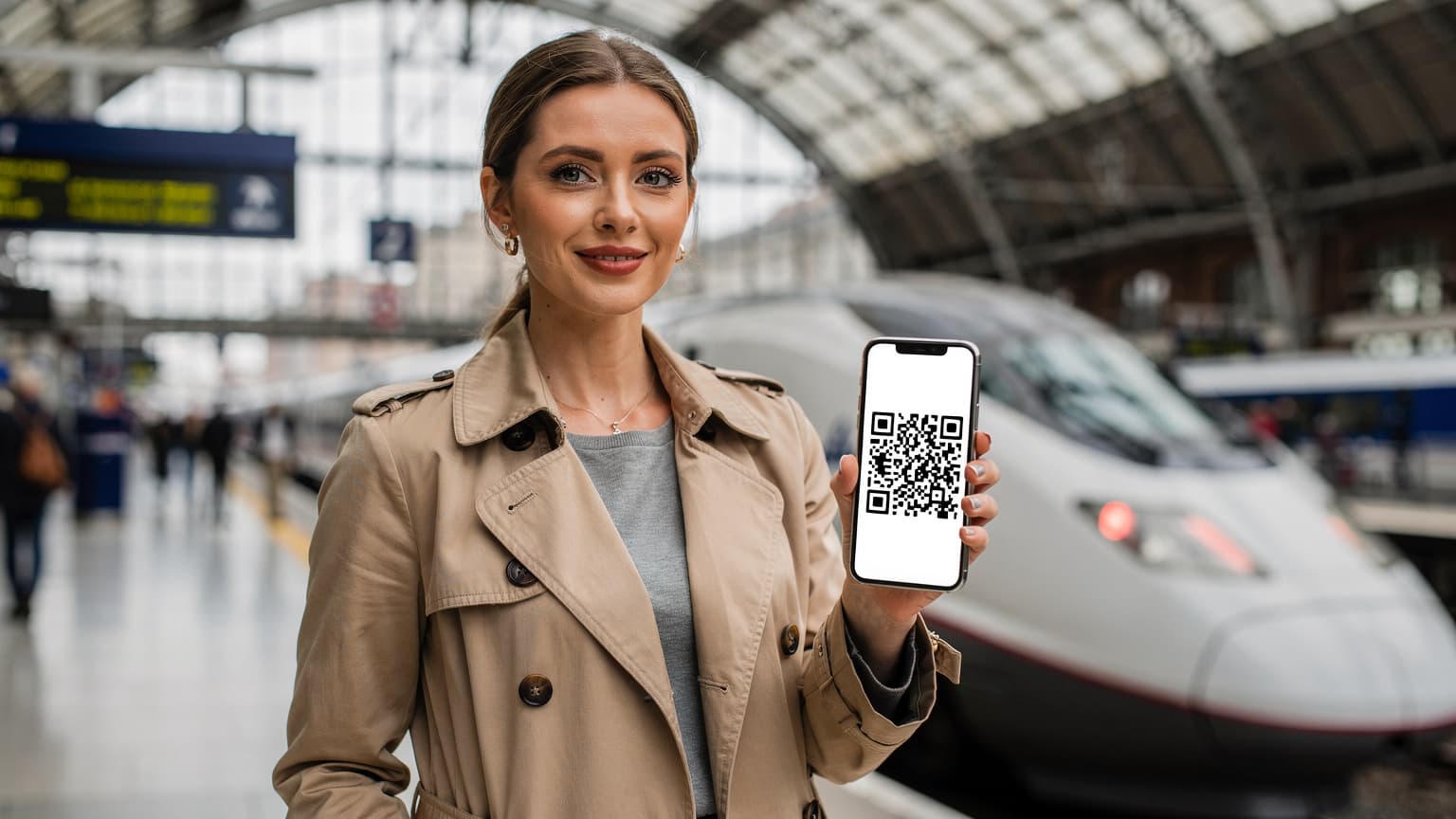
Setting up your new phone for international eSIM use is usually pretty easy. But a few key steps will ensure everything goes smoothly. You'll typically activate an eSIM by scanning a QR code from your provider. This code automatically configures your phone's network settings. For example, if you buy a Cellesim eSIM for a trip to Paris, you'll get a QR code that you scan with your phone's camera to start the setup.
Activating an eSIM on iPhone 18
Apple has always made eSIM activation easy, and the iPhone 18 continues that trend with a user-friendly interface.
- Go to Cellular Settings: Head to Settings > Cellular (or Mobile Data) > Add eSIM.
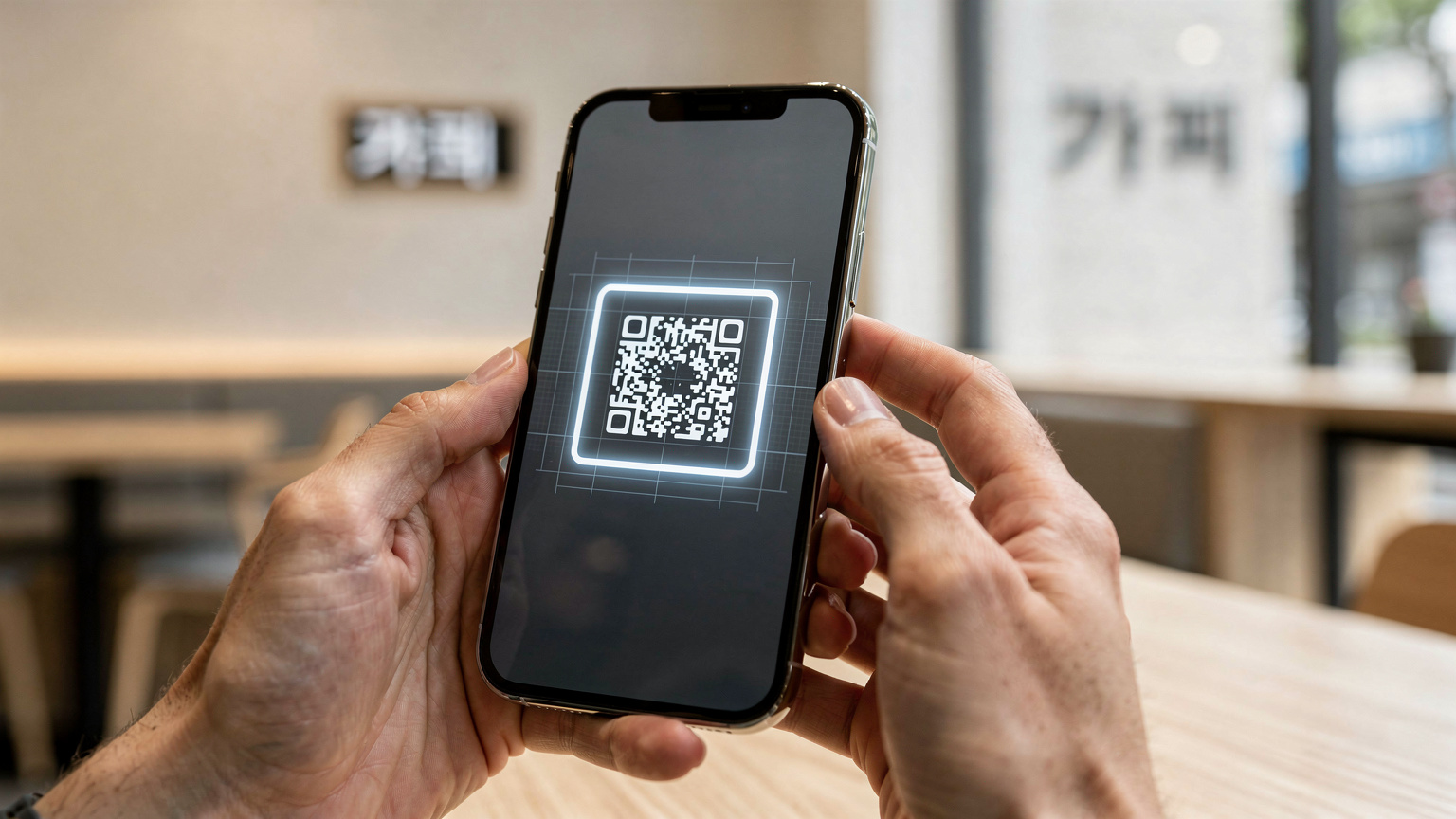
- Scan QR Code: Choose Use QR Code and hold your phone's camera over the QR code Cellesim gave you. Make sure you have good light and a steady hand.
- Confirm & Label: After scanning, follow the prompts to confirm your plan. You'll name your new eSIM, perhaps 'France Data' or 'Travel eSIM'. This is important for keeping track of multiple plans later.
- Set Default Line: Decide which line you want for calls and data. For international travel, you'll usually want your home line for calls (if you plan to use Wi-Fi Calling) and your travel eSIM for data.
- APN Configuration (if needed): Very rarely, an eSIM might need manual APN (Access Point Name) settings. On iPhone, you usually find this under Settings > Cellular > [Your eSIM Label] > Cellular Data Network. Most major carriers and eSIM providers set this up automatically, but some smaller or regional carriers might still require it. Always check your eSIM provider's instructions for any specific APN details.
I've seen situations where users with older iPhones (before iPhone 15) returning from parts of Asia had their APN settings stick, causing problems with new eSIMs. While less common on the iPhone 18, it's worth a quick check if your data isn't connecting.
Activating an eSIM on Samsung Galaxy Z Fold 6 / Flip 6
Samsung's process is just as easy, though the menus look a bit different since it's an Android phone.
- Open SIM Manager: Go to Settings > Connections > SIM Manager > Add eSIM.
- Scan QR Code: Choose Scan QR code from carrier and point your camera at the QR code.
- Confirm & Register: Your phone will detect the plan. Tap Add or Register and confirm the details.
- Label eSIM: Just like with iPhone, give your eSIM a clear name. This helps you tell it apart from your main SIM or other stored eSIMs.
- Set Preferred SIMs: In the SIM Manager, choose which SIM you want for calls, messages, and mobile data. For travel, set your new eSIM for data.
- APN Configuration (if needed): On Samsung phones, APN settings are usually under Settings > Connections > Mobile Networks > Access Point Names. Select your travel eSIM profile and check the APN. Samsung devices, especially the Z Fold series, are generally good at auto-configuring, but it never hurts to double-check.
One specific APN issue I've seen with some Android phones, particularly from certain Chinese brands, is when they default to an IPv6-only APN but the local network only uses IPv4. This can cause connection problems even with a strong signal. Always make sure your APN is set to 'IPv4/IPv6' or 'Dual Stack' if available, not 'IPv6 Only,' unless your provider specifically tells you otherwise. Cellesim's profiles are designed to handle this, but it's a useful tip for general troubleshooting.
Understanding Carrier Bands and Frequency Compatibility
This is where things get technical, like for a telecom engineer. Your new iPhone 18 or Galaxy Z Fold 6 is amazing, but how well it works abroad depends on the specific cellular bands the local network uses and, crucially, what your device supports. Think of cellular bands as lanes on a highway; the more lanes your phone can use, and the more lanes the local network offers, the smoother and faster your data will flow.
For 5G, the main bands are usually in the Sub-6 GHz range (FR1) and millimeter wave (FR2). Sub-6 GHz balances coverage and capacity, including bands like N78 (3.5-3.8 GHz), N77 (3.3-4.2 GHz), N1 (2.1 GHz), and N3 (1.8 GHz). Millimeter wave offers incredible speeds but has limited range, mostly found in busy city areas.
When you travel, it's good to know which bands are common where you're going. For instance, in Germany, carriers like Deutsche Telekom, Vodafone, and O2 widely use N78 for 5G, along with LTE bands like B3 (1800 MHz), B7 (2600 MHz), and B20 (800 MHz). If your phone doesn't support these important bands, your connection will be limited. You might end up with slower 3G (UMTS/HSPA) speeds, or even no service at all in some places.
| Region | Common 5G Bands | Common LTE Bands | Typical Download Speeds (5G) |
|---|---|---|---|
| Western Europe (e.g., France, Germany) | N78, N1, N3 | B3, B7, B20 | 50-300 Mbps |
| North America (e.g., USA, Canada) | N77, N78, N41, N5, N260 (mmWave) | B2, B4, B5, B12, B66 | 70-500+ Mbps |
| East Asia (e.g., Japan, South Korea) | N77, N78, N79, N257 (mmWave) | B1, B3, B8, B41 | 100-800+ Mbps |
| Southeast Asia (e.g., Thailand, Vietnam) | N40, N41, N78 | B1, B3, B5, B40 | 40-250 Mbps |
Before you buy an eSIM for a certain region, it's always a good idea to quickly check the main bands local carriers use. Cellesim provides this info, and sites like GSMArena or Kimovil often list all the band support for specific phone models. Most flagship phones from Apple and Samsung support almost all global bands, but knowing the specifics helps manage your expectations for performance, especially when you're going to less common places like Central Asia.
Carrier Aggregation and Its Impact on Speed
Carrier aggregation (CA) is a core technology in today's cellular networks. It lets your phone connect to multiple frequency blocks at the same time, effectively increasing your bandwidth. Imagine your internet traffic as cars on a road, and each frequency band as a lane. CA lets your device use several lanes at once, which significantly boosts your download and upload speeds. For example, a carrier might combine an LTE band like B7 (2600 MHz) with a 5G band like N78 (3.7 GHz), or even put multiple blocks within the same band together, such as 2x N78 components. This creates a primary band, usually LTE, along with extra 5G NR carriers, making the network faster and more capable overall.
Both the iPhone 18 and Galaxy Z Fold 6 are excellent at carrier aggregation, supporting complex combinations across various global networks. However, the actual aggregation you get depends entirely on what the local network offers. A network in downtown London might offer 3xCA on LTE (e.g., B3+B7+B20) plus 5G NR on N78, giving theoretical speeds well over 300 Mbps. In contrast, a regional network in rural Italy might only offer 2xCA on LTE (e.g., B3+B20) with basic N78 5G, resulting in speeds closer to 80-150 Mbps. That difference is noticeable, especially if you're uploading large video files for content creation.
Optimizing Data Performance and Avoiding Throttling
Once your eSIM is active, you want to get the best performance possible. Even with your cutting-edge phone, network conditions and your settings play a big role in how fast your data actually is. Throttling, whether it's done on purpose by carriers or just happens because of network congestion, is something smart users should be aware of.
Network Selection and Preferred Network Type
Your iPhone 18 or Galaxy Z Fold 6 will usually pick the best network automatically. But sometimes, changing it manually can improve things. If you're in an area with a weak signal, or if your eSIM provider's partner network isn't performing well, try choosing a different available network yourself.
- On iPhone 18: Go to Settings > Cellular > Network Selection. Turn off 'Automatic' and wait for networks to appear. Then, pick your preferred carrier.
- On Galaxy Z Fold 6: Go to Settings > Connections > Mobile networks > Network operators. Turn off 'Select automatically' and choose a network.
For 'Preferred Network Type' (often found under 'Mobile Networks'), setting it to '5G Auto' or '5G (recommended)' is usually best. This lets your phone smartly switch between 5G and LTE, prioritizing 5G when it's available but dropping to LTE to save battery or get a more stable connection in areas with weak 5G. For example, if you're at a busy airport like Changi in Singapore, Singtel's 5G network (N78/N1) will likely be faster. But if you're moving around and the signal fluctuates, '5G Auto' stops your phone from constantly searching for a weak 5G signal, which drains battery.
Understanding CGNAT and IPv6-only Networks
This is a technical detail that often confuses even experienced travelers, especially if they need specific network setups for VPNs or remote work. Many mobile networks, particularly those used by travel eSIM providers, use Carrier-Grade Network Address Translation (CGNAT). CGNAT allows many subscribers to share a single public IPv4 address, which helps save a limited resource. The downside is that your device doesn't get a unique, publicly accessible IPv4 address. This usually means you can't host services, set up port forwarding, or directly receive incoming connections to your device. For most people, this doesn't matter, but for specific uses, it's a big obstacle.
More and more, some networks are only offering IPv6 connectivity, often providing IPv4 through NAT64/DNS64 translation. While modern flagship phones handle IPv6 naturally, some older apps or services might struggle. The iPhone 18 and Galaxy Z Fold 6 are well-equipped for IPv6, but if you have trouble with certain apps or VPNs, it's worth checking if the network is IPv6-only. Very few eSIM providers offer a truly public, routable IPv4 address, and they usually cost more. Always check your eSIM provider's policy on this if you need it.
Data Limits and Fair Usage Policies
It's really important to understand your eSIM plan's data limits and fair usage policies (FUP). While some plans claim to offer "unlimited" data, most have a soft cap. After you hit that cap, your speeds are reduced (throttled). For example, a common FUP might say "unlimited data up to 20GB at 5G/4G speeds, then unlimited data at 256kbps." Knowing what 256kbps actually means for how you can use your phone is key. It's fine for basic messaging, email, and very light browsing, but definitely not for streaming video or uploading high-resolution photos.
For content creators or digital nomads who need a lot of upload bandwidth, a hard data cap or a high-speed soft cap (like 50GB before throttling) is better. Always read the fine print of "unlimited" plans carefully. Cellesim aims to be clear about its data allowances, plainly showing the difference between high-speed data and the slower speeds after a soft cap.
Voice over LTE and Wi-Fi Calling Gotchas Abroad
Voice over LTE (VoLTE) and Wi-Fi Calling are essential features for staying connected today, especially when you're traveling. They let you make and receive calls using a 4G/5G data connection or Wi-Fi. This often means better call quality and the ability to call from places with bad traditional cell service.
However, when you're using an international eSIM, there are important things to keep in mind:
- VoLTE with Travel eSIM: For VoLTE to work with your travel eSIM, the local carrier must support VoLTE on their network for your device, and your eSIM profile needs to be set up for it. Not all international eSIMs or local networks guarantee VoLTE support. If VoLTE isn't enabled, your phone will switch to 3G (UMTS) for calls, which can be slower to connect and use more battery. In places where 3G networks are being shut down (like the USA or parts of Europe), not having VoLTE on your travel eSIM could mean no voice calls at all.
- VoLTE with Home SIM while using Travel eSIM for Data: This is a common and often preferred setup. You can keep your home SIM active for calls and texts (turning off its data roaming) and use a travel eSIM for all your data. For your home SIM's VoLTE to work abroad, your home carrier needs to have roaming agreements with the local network that specifically include VoLTE roaming. Not all carriers support this. Sometimes, even if VoLTE roaming is supported, your home carrier might only allow it on certain partner networks.
- Wi-Fi Calling: Wi-Fi Calling is generally more reliable because it routes calls over any internet connection. If your home carrier supports Wi-Fi Calling, you can often make and receive calls as if you were home, even with your home SIM in airplane mode (as long as you have Wi-Fi, or your travel eSIM is providing data). The key here is that Wi-Fi Calling depends on your home carrier's setup, not the local network or travel eSIM. As long as your device can reach your home carrier's Wi-Fi Calling server, it should work.
Always test these features before you rely on them. A quick call to a friend or family member while connected to Wi-Fi or your travel eSIM data can confirm they're working. For travelers who want to make international calls without roaming fees, understanding these details is crucial.
Advanced Troubleshooting for eSIM Connectivity Issues
Even with an advanced iPhone 18 or Galaxy Z Fold 6, you might run into connection problems sometimes. Knowing how to quickly figure out and fix these issues can save you a lot of headaches.
Common Problems and Quick Fixes
- No Service or Emergency Calls Only: This usually means your phone isn't connecting to a local network.
- Solution: Restart your device. This forces it to try connecting to the network again. If that doesn't help, go to Settings > Cellular (or Connections) > Network Selection and manually pick an available network. Make sure your travel eSIM is enabled and chosen for mobile data.
- Data Not Working, but Calls/Texts Do: Often an APN issue or a data roaming setting problem.
- Solution: Double-check your APN settings against your eSIM provider's instructions. Make sure "Data Roaming" is turned on for your travel eSIM (it should be, since it's a roaming service even if you bought it locally). Also, confirm you haven't used up all your high-speed data.
- Slow Data Speeds: This could be network congestion, a bad signal, or throttling.
- Solution: Move to a different spot, ideally outside or near a window. Check your network signal strength. If speeds are still slow, compare your data usage to your plan's FUP. Try manually selecting a different carrier if your eSIM works with multiple networks.
When to Reset Network Settings or Reinstall eSIM
Sometimes, you need to take a more serious step. Resetting network settings can fix deeper configuration issues without deleting your personal data.
- Reset Network Settings:
- iPhone 18: Go to Settings > General > Transfer or Reset iPhone > Reset > Reset Network Settings. This clears all Wi-Fi passwords, cellular settings, and VPN setups. You'll have to re-enter Wi-Fi passwords.
- Galaxy Z Fold 6: Go to Settings > General management > Reset > Reset network settings. This will also clear Wi-Fi, Bluetooth, and mobile network settings.
- If nothing else works, and you think your eSIM profile might be damaged or set up wrong, contact your eSIM provider for assistance. They can help you troubleshoot or provide instructions for reinstallation if necessary.
- Important: Only remove an eSIM profile if you are certain you have a valid, unused QR code or manual activation details from your provider for reinstallation, or if specifically instructed by your eSIM provider. Removing a profile without a way to reinstall it will result in loss of service.
- iPhone 18: If instructed by your provider, go to Settings > Cellular > [Your eSIM Label] > Remove Cellular Plan. Then, add it back using the original QR code or new activation details provided by your carrier.
- Galaxy Z Fold 6: If instructed by your provider, go to Settings > Connections > SIM Manager > [Your eSIM Label] > Remove. Then, add it back using the original QR code or new activation details provided by your carrier.
These steps often fix even stubborn problems by making your device re-establish its connection from scratch. For more persistent issues, contacting Cellesim support (or checking their FAQ) with a detailed description of your problem and what you've already tried is the next best step.
Managing Multiple eSIM Profiles and Data Usage
One of the best features of the iPhone 18 and Galaxy Z Fold 6 is that they can store and manage many eSIM profiles. This is incredibly useful for frequent international travelers who might visit several countries or want separate lines for personal and business use.
Organizing Your Digital SIMs
Both iOS and Android give you great tools to manage multiple eSIMs:
- Labeling: Always give your eSIMs clear, descriptive names (e.g., "USA Home," "Europe Travel," "Japan Data"). This stops confusion when you're switching between plans.
- Default Lines: Set up default lines for calls, messages, and mobile data. For example, you might use your home SIM for calls and texts, and your active travel eSIM for all data. You usually find this under Settings > Cellular (iOS) or Settings > Connections > SIM Manager (Android).
- Switching Data Lines: When you move between countries, just go into your cellular settings and choose which eSIM to use for mobile data. This change is instant and doesn't require a reboot. For example, if you've just landed in Rome from Paris, you can switch from your 'France Data' eSIM to your 'Italy Data' eSIM in seconds.
Keep in mind, while you can store many eSIM profiles, usually only two can be active at the same time (either one physical SIM + one eSIM, or two eSIMs, depending on your device and region). If you need more than two active lines, you'll have to turn one off before enabling another.
Monitoring Data Consumption
Staying within your data allowance is key to avoiding surprise charges or slow speeds. Both phones have built-in tools to track your data usage:
- On iPhone 18: Settings > Cellular. Scroll down to "Cellular Data Usage" to see your total use. You can also see how much data individual apps are using and turn cellular data on or off for specific apps. This resets with your billing cycle, but you can manually reset statistics for your travels.
- On Galaxy Z Fold 6: Settings > Connections > Data usage > Mobile data usage. Here you can see data used over a period, set warnings, and even hard data limits. This is really helpful for prepaid eSIMs with strict caps.
Many eSIM providers like Cellesim also offer in-app data monitoring. This can give you real-time updates specific to your plan, often tracking your high-speed allowance more accurately than your phone's built-in tracker. This is especially important for plans with a soft cap, where knowing exactly when your speeds will drop is vital.
Security Considerations for eSIMs on the Go
While eSIMs are super convenient, they also bring up new security points, especially with advanced phones like the iPhone 18 and Galaxy Z Fold 6. Protecting your digital identity and data while traveling is a top priority.
Physical Security vs. Digital Security
With a physical SIM, if your phone was stolen or lost, a thief could potentially remove your SIM card and use it in another device, getting around your phone's lock screen. This is less of a concern with eSIM (because the profile is digitally linked to your device), but it introduces other risks.
- Device Security: Strong passcodes, Face ID, or Fingerprint authentication are more important than ever. If a phone with an active eSIM is lost or stolen, a thief could potentially use your data plan, racking up charges, or even access SMS-based two-factor authentication if your main number is still active on the device.
- Remote Wipe/Lock: Make sure Find My (iOS) or Find My Mobile (Samsung) is enabled. These services let you locate, lock, or wipe your device remotely, cutting off the digital link to your eSIMs.
- eSIM Profile Lock: Some carriers and eSIM providers offer a "PIN" or "lock" feature for your eSIM profile. This stops anyone from removing or transferring the eSIM without a specific code, adding an extra layer of protection. Always ask your eSIM provider about this feature.
The main idea is this: your phone is a very personal and valuable item. Protect its digital security as carefully as you would its physical security.
Public Wi-Fi and VPN Usage with eSIMs
Even with a good eSIM data plan, you'll still find yourself using public Wi-Fi at airports, cafes, and hotels. While handy, these networks are often unsecured. Using a Virtual Private Network (VPN) is essential when connecting to public Wi-Fi to encrypt your data and keep your privacy safe.
Your travel eSIM provides a secure data channel that's generally much more trustworthy than an open public Wi-Fi network. For any sensitive online activity, always choose to use your eSIM's mobile data over public Wi-Fi, or make sure your VPN is active. Both the iPhone 18 and Galaxy Z Fold 6 support native VPN client setups, and there are many third-party VPN apps available. How well your VPN performs, especially for video calls or large file transfers, will directly depend on the speed of your underlying eSIM connection.
The Future of eSIM Connectivity and What to Expect
eSIM technology is still growing. With phones like the iPhone 18 and Galaxy Z Fold 6 leading the way, we're seeing more integration and advanced features that will make international connectivity even easier.
Remote SIM Provisioning (RSP) Enhancements
The current standard for eSIM activation, GSMA's Remote SIM Provisioning (RSP), is constantly being improved. We can expect even smoother activation processes, potentially moving past QR codes to direct setup from carrier apps or even built right into the phone's operating system. Imagine buying an eSIM plan for your Vietnam trip and having it automatically show up as an option on your phone after payment, without needing to scan anything.
Also, new tech like iSIM (integrated SIM) and nuSIM, where the SIM functionality is built directly into the phone's main processor, might make the technology even smaller and more secure. For now, these are mostly for IoT devices. For consumer phones, eSIM will likely remain the main format for the foreseeable future, with ongoing improvements in how profiles are managed and set up.
Greater Carrier Adoption and eSIM-only Devices
As more flagship phones adopt eSIM-only designs (like the US iPhone models), carriers around the world will quickly follow suit. This means more local carriers will offer eSIMs directly, making the process even simpler for travelers. Smaller, regional carriers that have been slow to adopt eSIM will likely start offering them to stay competitive.
This wider adoption will probably lead to more competitive prices and a wider variety of plans, making international data even more affordable and accessible. The trend toward "unlimited" data plans with clear FUPs will also become standard, moving away from confusing tiered structures. Overall, things are moving towards a much smoother and stronger global connectivity experience for users of phones like the iPhone 18 and Samsung Galaxy Z Fold 6/Flip 6, firmly establishing eSIM as the standard for international travel in 2026 and beyond.
Frequently Asked Questions
Can I use two eSIMs simultaneously on my iPhone 18 or Galaxy Z Fold 6?
Yes, both the iPhone 18 and Samsung Galaxy Z Fold 6/Flip 6 support Dual SIM Dual Standby (DSDS). This means you can have two eSIMs active at the same time, or one physical SIM and one eSIM active. So, you could use one line for calls/texts and another for data, or manage two different data plans.
What happens if my travel eSIM doesn't support VoLTE?
If your travel eSIM doesn't support VoLTE (Voice over LTE) on the local network, your iPhone 18 or Galaxy Z Fold 6 will usually switch to a 3G (UMTS) network for voice calls. In places where 3G networks have been or are being shut down, this could mean you won't be able to make or receive traditional cellular calls. You'd then need to rely on Wi-Fi Calling or VoIP apps.
How do I check my remaining data on a travel eSIM?
You can typically check your remaining data through the eSIM provider's specific app or website. Most modern eSIM providers, including Cellesim, offer real-time data usage tracking. Your phone's own data usage monitor (Settings > Cellular on iPhone, or Settings > Connections > Data usage on Samsung) can also give you an estimate, but it might not perfectly match the provider's billing cycle or your high-speed allowance.
Is it better to use an eSIM or my home carrier's international roaming plan?
For most travelers, an eSIM offers much better value and flexibility compared to standard international roaming plans from carriers like Verizon's 'International Day Pass' or AT&T's equivalent. eSIMs usually give you local data rates, helping you avoid huge daily fees and often providing more generous data allowances. My own tests consistently show eSIMs offering faster speeds and lower latency compared to capped roaming plans.
What should I do if my eSIM is activated but I have no internet connection?
First, make sure 'Data Roaming' is turned on for your travel eSIM in your device settings. Then, check the Access Point Name (APN) settings against your eSIM provider's instructions, as sometimes these need to be set manually. If you still don't have a connection, try manually selecting a network operator in your phone's cellular settings. As a last resort, you could consider resetting network settings. If the issue persists, contact your eSIM provider for support.
Do iPhone 18 and Galaxy Z Fold 6 support mmWave 5G for international travel?
Yes, both the iPhone 18 and Samsung Galaxy Z Fold 6/Flip 6 come with full 5G NR modem capabilities, including support for millimeter wave (mmWave) bands. However, mmWave 5G is mostly found in busy city areas in specific countries (like parts of the US, Japan, South Korea). For most international trips, you'll mainly experience Sub-6 GHz 5G, which provides a better balance of speed and coverage.