


The October Half-Term Headache: UK Roaming Reality Check
October half-term is a blessing, a chance to escape the looming British winter for a week of sunshine or cultural immersion. For many UK families, it’s a quick dash to the Canaries, a city break in Rome, or perhaps a slightly more adventurous trip further afield. What often gets overlooked in the flurry of booking flights and packing is the lurking menace of mobile data costs. Post-Brexit, the 'free roaming' you once enjoyed across Europe is largely a distant memory, replaced by punitive daily charges that can quickly balloon your holiday budget into something unrecognisable.
I've heard too many stories from fellow nomads, usually in hushed tones over a tepid beer in a Bangkok co-working space like The Hive Thonglor, about returning home to a bill that looked more like a mortgage payment than a phone bill. Vodafone, EE, O2, Three, they all have their versions of daily roaming charges, typically ranging from £2 to £6 per day, per device, just to access your domestic allowance. Multiply that by seven days and four family members, and you're easily looking at £56 to £168 on top of your standard contract. And that's before you've even considered the shock of exceeding your bundled data.
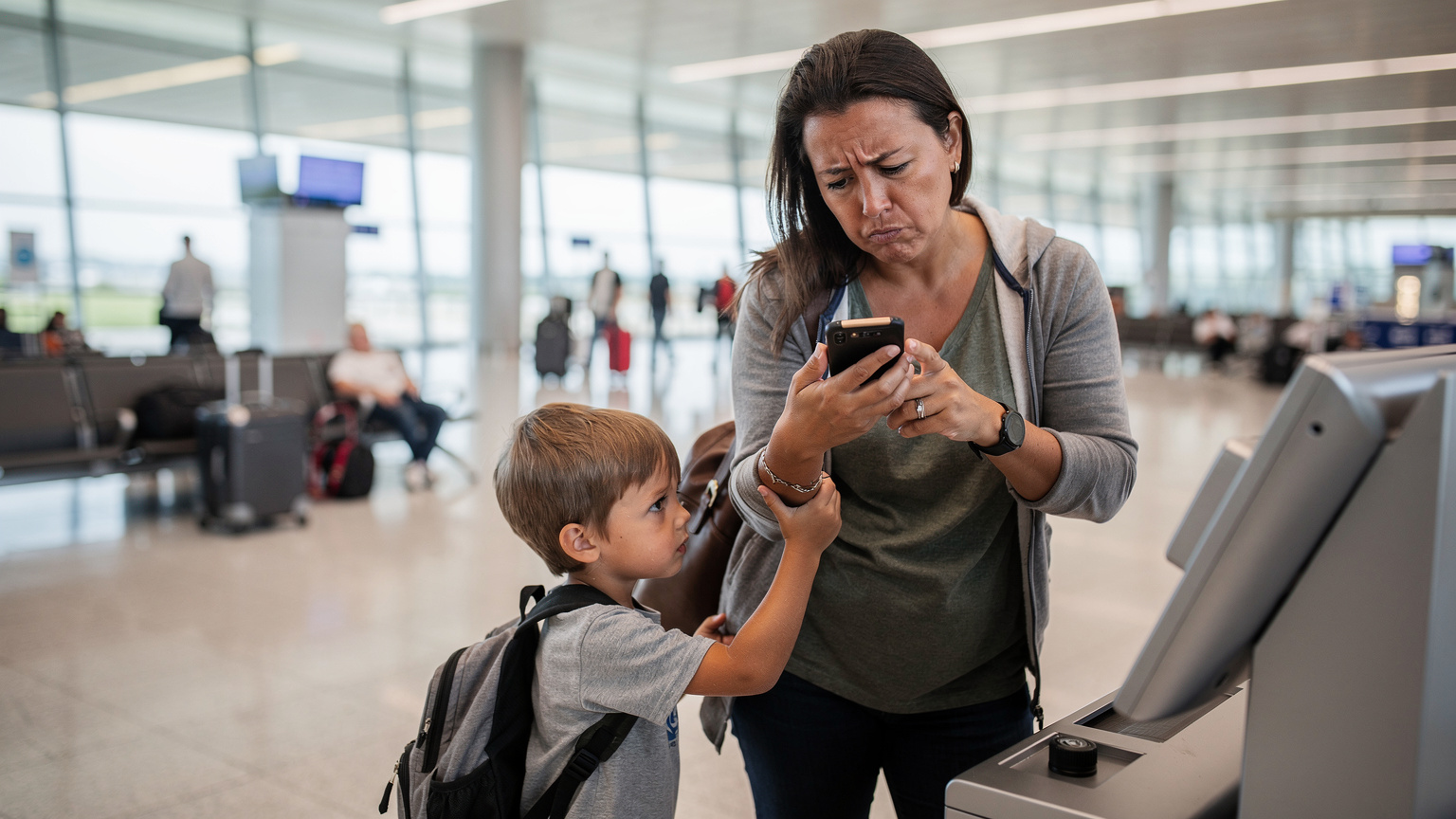
Think about it: one parent checking maps, another uploading holiday snaps, a teenager streaming TikTok, and a younger child glued to Peppa Pig on their tablet. Each device hammering your data plan, racking up those daily fees. This isn't just an inconvenience, it's a significant financial drain that catches too many families by surprise. The alternative of hunting for local SIM cards upon arrival, especially with tired kids in tow, is rarely a smooth process. You're usually dealing with language barriers, unfamiliar shops, and the constant worry of accidentally signing up for a contract you don't understand, or worse, a SIM that simply doesn't work reliably when you need it most. I’ve spent enough time in obscure phone shops trying to explain why my SIM isn't activating, usually in a language I barely speak, to know it's not a holiday activity I'd recommend to anyone.
The Hidden Costs of Traditional Roaming
It's not just the daily fee. Many UK networks cap your roaming data at a much lower threshold than your domestic allowance. For example, your 100GB plan might suddenly become a 25GB roaming allowance, and once that's gone, the per-MB charges can be astronomical. I've seen situations where a few minutes of video calls or a forgotten background app update chewed through a family's entire allowance in a day, leading to a scramble for Wi-Fi or a hefty surcharge.
Consider the average data consumption. Streaming a short cartoon for a child on YouTube can easily consume 200-300MB. A video call home to grandparents? Another 100-200MB. Social media browsing, navigation, checking emails, all of it adds up. For a family of four, expecting to use 1-2GB per day collectively is not unreasonable. At £6 per day per person, that's £24 per day just for the privilege of using your UK SIM abroad, for a week, that’s £168. This is where eSIMs truly shine, offering upfront, predictable costs.
The Hassle of Physical SIMs Abroad
Remember those days? Arriving in a new country, queuing at a specific kiosk at the airport, hoping they speak English, fumbling with a tiny SIM tray tool while your children are asking for snacks. Then, dealing with activation codes, reconfiguring APN settings, and praying it all works. And if you're travelling through multiple countries, you repeat the process. It's time-consuming, frustrating, and takes precious minutes away from your holiday. Plus, you risk losing your primary UK SIM card. I still have a collection of tiny, unlabelled plastic bags, each containing a forgotten local SIM from a different country. It’s not exactly a system I’d recommend replicating for a family holiday.
Why a Global eSIM is Your Family's Connectivity Solution
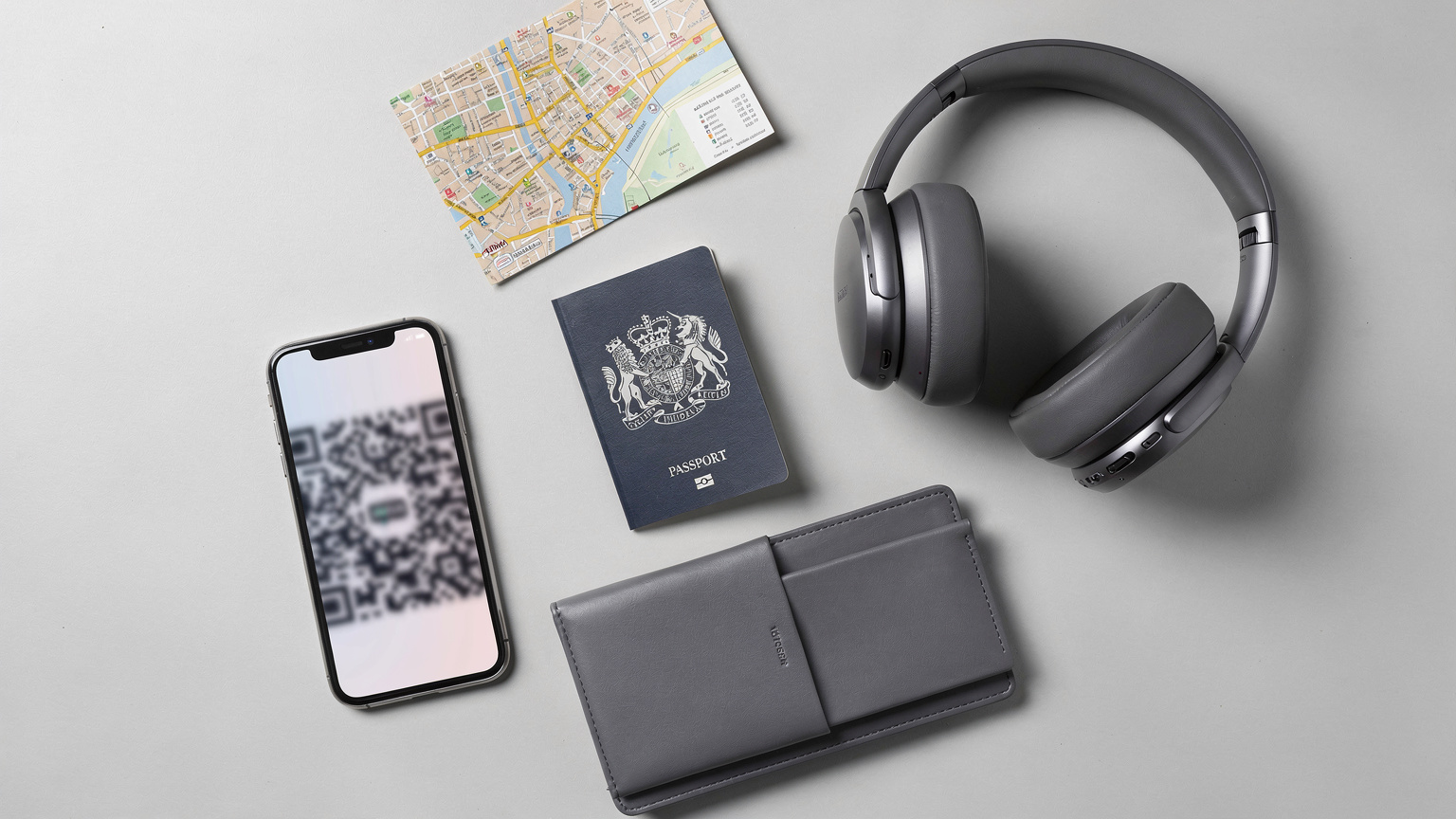
An eSIM, or embedded SIM, is essentially a digital SIM card. Instead of a physical chip, the network profile is downloaded directly to your phone. For families, this is revolutionary. No more swapping cards, no more searching for local vendors. You buy a data plan before you leave the UK, activate it with a QR code, and you're connected the moment you land. It’s like magic, but less prone to disappearing acts.
For a deeper dive into how this tech works and what it means for your wallet, you might want to check out our eSIM Explained: Your €20 Travel Data Reality Check for 2026 post. It breaks down the economics in plain English.
Cost-Effectiveness and Budgeting
This is where the rubber meets the road. Global eSIMs typically offer significantly better value than roaming. A 10GB global plan valid for 30 days might cost around £25-£35. That's for the whole family to share (if tethering is allowed and devices are compatible), or individual plans can be purchased for less than the cost of a single day's roaming charge from a UK network. For a week, this is a massive saving. You know exactly what you're paying upfront, no nasty surprises on your return. This predictability is golden when you’re managing a family budget, especially after shelling out for flights and accommodation.
| Provider | Daily Roaming Cost (EU) | 7-Day Family Cost (4 devices) | Typical eSIM Cost (10GB, 30 days) |
|---|---|---|---|
| Vodafone UK | £6.00 | £168.00 | £25-£35 |
| EE UK | £2.29 (with add-on) | £64.12 | £25-£35 |
| O2 UK | £2.00 | £56.00 | £25-£35 |
| Three UK | £2.00 | £56.00 | £25-£35 |
Global Coverage for Multi-Country Hops
Planning a grand tour of Europe? Maybe a few days in Paris, then a high-speed train to Rome, and finally a quick flight to Athens? A global eSIM handles this with ease. Instead of buying a new SIM in each country, one global plan covers multiple destinations. This is particularly useful for those whirlwind half-term trips where every hour counts. No more faffing about with local carriers or worrying if your French SIM will work in Italy.
I remember one time trying to get a local SIM in Brazil; while the data was cheap, some banking apps (like Nubank) absolutely require a local CPF (tax ID) and a Brazilian phone number to even set up an account. No eSIM is going to get around that. But for pure data, it's a godsend.
Convenience and Instant Activation
Imagine landing at Faro Airport, children are already asking for their tablets, and within minutes of turning on your phone, you have internet access. No airport queues, no paperwork, no waiting for activation. This is the reality with an eSIM. You purchase online, scan a QR code, and you're good to go. It reduces a significant amount of travel stress, especially when you're juggling luggage and small humans.
Getting Your Kids Connected: Tablets, Phones, and Laptops
Keeping the kids entertained is half the battle on any family holiday. Whether it's during long waits at the airport, train journeys, or simply downtime in the hotel, access to their favourite shows or games is a sanity saver. The good news is that many modern devices, beyond just smartphones, are now eSIM compatible.
eSIMs for Tablets and Secondary Devices
If your child's iPad or Android tablet has cellular capabilities, it likely supports eSIM. This means you can provision a separate data plan for their device, ensuring they have their own connection without draining your phone's battery or constantly asking you to tether. This independence is often worth its weight in gold. Just make sure to check the specific model; not all cellular tablets are eSIM ready, but most recent ones are.
For older tablets without eSIM, or even for laptops, remember that most modern smartphones can act as a mobile hotspot. You can purchase a generous eSIM data plan for your primary phone and then share that connection with other devices. This effectively turns your phone into a portable Wi-Fi router for the whole family.
Laptops and eSIM Compatibility
More and more laptops, particularly newer Windows models and some premium Chromebooks, are coming with integrated eSIM support. This is a game-changer for those quick work checks or for keeping older kids connected to online learning platforms while abroad. If you're travelling with a laptop that has eSIM capability, you can buy a dedicated data plan for it, ensuring you don't have to rely on patchy hotel Wi-Fi or constantly drain your phone's battery by tethering. We've got a detailed guide on eSIM for PC Abroad: Your Laptop's Global Data Upgrade in 2026, which is worth a read if you're bringing a work machine.
Real-World Data Needs for Family Travel: How Much Do You Really Use?
It's easy to overestimate or underestimate your data needs. Nobody wants to run out of data halfway through a trip, nor do you want to overpay for data you won't use. For family travel, it's about finding that sweet spot, balancing entertainment, navigation, communication, and budget.
Estimating Your Family's Data Consumption
Think about a typical day on holiday. You'll likely use data for:
- Maps and Navigation: Google Maps, Apple Maps, Citymapper, Waze. Essential for getting around, especially in unfamiliar cities. A few hours of navigation can use 50-100MB.
- Social Media: Instagram, Facebook, TikTok. Photo uploads, video viewing. Can be a big data hog, especially for teenagers. 200-500MB per hour, per user.
- Streaming Entertainment: YouTube Kids, Netflix, Disney+. Crucial for keeping younger children occupied. An hour of standard definition streaming is around 500MB, HD can be 1.5-3GB.
- Messaging Apps: WhatsApp, iMessage, Messenger. Text and voice calls are low data, but video calls add up.
- Email & Browsing: Quick checks, booking tickets, looking up restaurant reviews. Relatively low data use.
For a family of four on a week-long trip, I'd generally recommend a shared plan of at least 20-30GB for peace of mind. If you expect heavy streaming or multiple users on video calls, consider 50GB. It might sound like a lot, but a couple of hours of a cartoon for the kids and some social media browsing for the adults can chew through 5GB faster than you'd think.
Optimising Data Usage on the Go
Here are a few tricks I've learned from years on the road:
- Download Offline Maps: Before you leave your accommodation (or the UK), download maps of your destination onto your devices. Google Maps allows this, saving a significant amount of data for navigation.
- Pre-Download Entertainment: Encourage kids (and adults) to download movies, TV shows, and games onto their devices while on Wi-Fi. Netflix, Disney+, and even YouTube Premium offer offline viewing options. This is a crucial step for long flights or train journeys.
- Limit Background App Refresh: Go into your phone settings and disable background app refresh for non-essential apps. This stops apps from using data when you're not actively using them.
- Use Wi-Fi When Available: Always connect to secure Wi-Fi in hotels, cafes, or public hotspots when possible. Just be mindful of public Wi-Fi security.
Setting Up Your Family eSIM: A Step-by-Step Guide
Setting up an eSIM is far simpler than wrangling a traditional physical SIM, especially when you're doing it for multiple family members. The beauty is that you can do most of it before you even leave home.
Before You Depart
This is where you front-load the work and save yourself hassle later:
- Check Device Compatibility: Ensure all devices (phones, tablets, laptops) that you intend to use with an eSIM are actually eSIM compatible. Most iPhones from XS onwards, Samsung Galaxy S20 onwards, and Google Pixel 3 onwards support eSIM. Check your device manufacturer's website if unsure.
- Purchase Your eSIM Plan: Visit the Cellesim website (or your preferred eSIM for Italy provider, if that's your destination) and browse the available plans. You can choose a regional plan (e.g., Europe) or a global plan, depending on your itinerary. Select the data amount and duration that best suits your family's needs. You'll receive a QR code via email.
- Install eSIM on Primary Devices: While still connected to your home Wi-Fi in the UK, open your device's Settings, go to 'Mobile Data' (iOS) or 'Network & Internet' (Android), and select 'Add eSIM' or 'Add Mobile Plan'. Scan the QR code. Follow the on-screen prompts to label your new eSIM (e.g., 'Travel Data') and set it as your primary data line while abroad, keeping your UK SIM active for calls/texts if needed. Crucially, do not activate the data roaming for the eSIM until you land at your destination, unless specifically instructed otherwise.
- Set Up Hotspotting (Optional): If you plan to share your phone's eSIM data with other family members' devices (tablets, non-eSIM phones), configure your mobile hotspot settings. Make sure you know the password.
Upon Arrival at Your Destination
The moment you land is the moment your preparation pays off:
- Enable eSIM Data: As soon as you land, switch off airplane mode. Go into your phone's Mobile Data settings and select your 'Travel Data' eSIM for cellular data. Ensure data roaming is enabled for this eSIM (it typically is by default once activated).
- Disable UK SIM Data Roaming: This is critical. Go to your UK SIM settings and turn off data roaming for your domestic line. This prevents any accidental charges from your home network. You can usually keep your UK SIM active for receiving calls or texts, but ensure it's not using data.
- Connect Other Devices: If you're sharing data via hotspot, turn on your phone's personal hotspot and connect your children's tablets or secondary phones. They should instantly have internet access.
- Test Connectivity: Open a browser, check a map, send a WhatsApp message. Confirm everything is working as expected.
eSIM Management On The Go: Tricks for the Multi-Device Family
Managing multiple devices, multiple data plans, and multiple kids all wanting to watch something different can feel like herding cats. But with a few smart strategies, you can keep everyone happy and connected without losing your mind.
Centralised Control and Monitoring
I find it easiest to have one primary device (usually mine) with a larger eSIM data plan, and then tether other devices to it. This gives me central control over data usage. Most phones have a data usage monitor in their settings, allowing you to see which apps are consuming the most data. This helps you identify if a particular child’s device is streaming too much or if a background app is going rogue.
For example, if you're in a busy co-working space in Lisbon like Second Home Lisboa, you'll see people constantly checking their data usage, especially those on tiered plans. It's no different for a family, just with more crying if YouTube buffers.
Recharging and Troubleshooting
One of the beauties of eSIMs is that recharging is usually as simple as buying another plan online, often from the same provider. No need to visit a shop. If you run low, you can top up instantly. For troubleshooting, most eSIM providers have excellent online support. If you ever need to find your eSIM number, which can be useful for support queries, we have a helpful guide: How to Find Your eSIM Number: A Quick Guide for All Devices (2026).
- Check your data balance regularly: Most eSIM apps or provider websites will show your remaining data.
- Restart your device: The classic IT solution, but it often works wonders for connectivity issues.
- Verify APN settings: In rare cases, you might need to manually enter APN settings, but most eSIMs configure this automatically.
- Contact support: If all else fails, reach out to your eSIM provider's customer service.
Destination-Specific Insights: Where Your eSIM Shines
While a global eSIM offers broad coverage, understanding how it performs in specific regions can help you manage expectations and plan better. October half-term sees UK families flock to popular destinations, each with its own connectivity quirks.
Europe: The Go-To for UK Families
For most European destinations (Spain, France, Italy, Greece), a Cellesim regional Europe eSIM will connect you to major local networks like Orange, Vodafone, or Deutsche Telekom. Speeds are generally excellent, comparable to what you'd get from a local SIM. This means reliable navigation through the narrow streets of Rome, smooth streaming of cartoons in a Tuscan villa, and easy WhatsApp calls back home.
I’ve used eSIMs extensively across Europe. In Portugal, for instance, in my flat in the Graça neighbourhood of Lisbon (rent was about €900/month for a one-bed, for context), the eSIM connected effortlessly to the MEO or Vodafone Portugal networks, giving me consistent 5G speeds, far better than the often-patchy Wi-Fi at the local Padaria Portuguesa. Just remember, while your eSIM provides data, certain local services might still require a local number for verification, though this is rare for standard tourist activities.

Further Afield: The US and Beyond
If your half-term plans take you across the Atlantic to the US, a global eSIM is even more valuable. US roaming charges from UK networks are notoriously high. An eSIM will connect you to AT&T or T-Mobile's networks, offering broad coverage across the States. This is crucial for navigating vast areas or keeping track of travel plans when you're moving between cities like New York and Boston, or exploring national parks. For more detailed insights on US connectivity, you can check out T-Mobile eSIM Abroad: Your QR Code Guide for Family Travel (2026).
For destinations like Indonesia, where local SIMs can be a bit more complex, an eSIM provides a seamless alternative. Our post Telkomsel eSIM vs. Travel eSIM for Indonesia 2026: A Family Data Showdown offers a comparison that's directly relevant if you're considering a more exotic October escape.
Beyond Data: Essential Apps and Services for Family Travel
Having reliable data is just the first step. The real magic happens when you leverage that connectivity with the right apps and services to make your family holiday smoother, safer, and more enjoyable.
Navigation and Transport Apps
Beyond Google Maps, apps like Citymapper (for major cities) or local public transport apps (e.g., ATAC for Rome, RATP for Paris) are invaluable. They provide real-time bus, metro, and tram schedules, helping you navigate unfamiliar public transport systems with ease. For ride-hailing, Uber or local equivalents like Free Now (Europe) are essential for tired legs at the end of a long day.
I always make sure I have the local public transport app downloaded. In Prague, for instance, the PID Lítačka app is indispensable for buying tram and metro tickets; trying to figure out ticket machines with a screaming child is a special kind of hell. Also, ensure you have a good offline translation app like Google Translate ready for when you're ordering food at that tiny, authentic trattoria in Trastevere.
Communication and Safety
WhatsApp is practically universal for messaging and calls. Ensure everyone in the family (old enough to have a phone) has it. For emergencies, having local emergency numbers programmed into your phone is a good idea. Consider a family locator app like Life360, particularly useful if teenagers are given a bit more freedom to explore. For general travel safety advice, especially if you're heading to the Eternal City, our Vatican City Travel Safety: A Family Planner's 2026 Guide has some solid tips.
Entertainment and Education
As mentioned, pre-downloaded content is king. Beyond streaming apps, consider educational games or audiobooks for younger kids. For older children, apps like Duolingo can turn travel into a fun language-learning experience. Don't forget their favourite podcasts for those quieter moments.
The Final Word on Stress-Free October Half-Term Connectivity
October half-term is a precious window for family memories, not for battling with patchy Wi-Fi or exorbitant roaming bills. A global eSIM provides the robust, cost-effective, and convenient connectivity solution that modern family travel demands. It liberates you from the anxiety of data limits and the inconvenience of physical SIMs, allowing you to focus on what truly matters: enjoying your holiday with your loved ones.
From keeping the kids entertained on long journeys to navigating unfamiliar cities with confidence, an eSIM ensures everyone stays connected. The upfront cost and predictable spending mean no unpleasant surprises upon your return to the UK. Make the smart choice this half-term; embrace the simplicity and reliability of a global eSIM. It's one less thing to worry about, and frankly, we all need a bit of that when travelling with family.
Frequently Asked Questions
Can I use one global eSIM plan for my entire family across multiple devices?
Yes, if your primary phone has a global eSIM plan, you can typically use it as a mobile hotspot to share data with other family members' devices, such as tablets or secondary phones. Ensure your plan allows tethering and that your primary device's battery can handle the increased drain.
How do I know if my phone is eSIM compatible?
Most newer smartphones, including iPhones (XS and later), Samsung Galaxy (S20 and later), and Google Pixel (3 and later) models, support eSIM. Check your device settings under 'Mobile Data' or 'Network & Internet' for an option to 'Add eSIM' or 'Add Mobile Plan'. If unsure, consult your phone manufacturer's website.
What happens if I run out of data on my eSIM plan during my trip?
If you exhaust your eSIM data, you can usually purchase a top-up or a new data plan directly through your eSIM provider's app or website. This can be done instantly, often without needing Wi-Fi, allowing you to continue using data seamlessly. Just make sure to monitor your usage.
Will my UK phone number still work with an eSIM activated?
Yes, with most dual SIM devices (which includes eSIM compatible phones), you can keep your UK physical SIM active for calls and texts while using the eSIM for data. Just ensure you disable data roaming for your UK SIM to avoid unexpected charges, and set the eSIM as your default for mobile data abroad.
Is an eSIM secure for online banking or sensitive transactions abroad?
An eSIM provides a secure data connection, similar to a physical SIM. The security of your online transactions depends more on the websites or apps you use and your general online safety practices (e.g., using strong passwords, avoiding public Wi-Fi for sensitive tasks) rather than the eSIM itself. Always use trusted apps and secure connections.
Can I install an eSIM for my child's tablet or laptop?
If your child's tablet or laptop has cellular capabilities and is eSIM compatible, you can install a dedicated eSIM plan on it. Alternatively, you can use your smartphone's eSIM plan and share its internet connection via a mobile hotspot with any Wi-Fi-enabled device.