Why Speedtest Your eSIM: Avoiding the Slow Lane Trap
Spending money on travel data only to find it's slower than a snail race is a budget backpacker's nightmare. Imagine you've shelled out €28 for a 10 GB eSIM for a week in Bali, expecting to stream some tunes on the go, maybe upload a few stories to Instagram, and suddenly, nothing loads. That's €28 wasted, and now you're scrambling for Wi-Fi or a new, likely overpriced, local SIM.
My rule of thumb: if I'm planning to use more than 1 GB a day, I need to know the speed. For example, my 8-day trip to Indonesia involved about 1.5 GB per day for navigation, social media, and some light video calls. That's a total of 12 GB. If the connection is spotty, even 12 GB won't be enough because half of my attempts to load a map or find the next cheap hostel will time out.
You need to know if the eSIM provider is actually delivering on the promised network quality. Some providers might piggyback on secondary networks that are fine for basic messaging but terrible for anything else. This is especially true in crowded areas like the main streets of Seminyak or during a festival, where network congestion can choke even a good connection.

The Budget Hack: Free or Cheap eSIM Trials
This is where smart spending comes in. Before you commit to a big package, look for two things:
- Free eSIM Trials: Some providers, especially newer ones or those expanding into new markets, offer small free eSIMs, often with 100-500 MB of data valid for a day or two. This is your golden ticket. Install it, activate it, and run your speed tests.
- Low-Cost Entry Packages: If a free trial isn't available, check for the absolute cheapest, smallest data package. We're talking 500 MB for €2-€5. This is a small investment to guarantee you don't waste more on a larger, unusable plan. Think of it as an insurance policy for your data budget.
For fairness, consider the local alternatives. In Indonesia, for example, a physical Telkomsel SIM card with 2 GB might cost you IDR 30,000 (around €1.75) at a street vendor, which is incredibly cheap. If you're comparing an eSIM, make sure its performance justifies any price difference. For more on local options, you might want to read Telkomsel eSIM: Bali, Jakarta, and Beyond in 2026.
Running the Test: Your Toolkit
Once you have an active eSIM, even if it's just a trial, you need the right tools. Skip the in-built network status bars; they're rarely accurate enough. You need real numbers.
- Speedtest.net by Ookla: This is the gold standard. Download the app (available on iOS and Android) and run it. It will show you your ping, download speed, and upload speed.
- Fast.com by Netflix: A simpler alternative, great for quickly checking download speeds, which is often what matters most for streaming or browsing.
- Nperf: Another solid option, offering more detailed analysis beyond just speed, including browsing and streaming tests.
Run these tests in different locations: inside your hostel common room, walking down a busy street, maybe even on a bus or train. Network performance can vary wildly even within a few blocks. (I once had great signal at my hostel in Medellín, but two blocks away, it was dead zone.)
What Do the Numbers Mean for Your Wallet?
Let's talk brass tacks. If your trial eSIM gives you 5 Mbps download speed, that's barely enough for basic browsing and messaging. Forget video calls or anything requiring real bandwidth. If you're paying €30 for 10 GB at those speeds, you're getting ripped off. You'll chew through data trying to load pages that time out.
Here's a quick guide to what speeds mean for your daily usage and budget:
| Speed (Mbps) | What You Can Do | Budget Impact |
|---|---|---|
| 1-5 Mbps | Basic messaging (WhatsApp), text emails, very slow web browsing. | High risk of wasted data from timeouts; frustration; likely needing more data. |
| 5-15 Mbps | Social media, standard definition streaming, voice calls, basic navigation. | Acceptable for light use; might struggle in congestion; moderate data consumption. |
| 15-30 Mbps | High definition streaming, reliable video calls, fast browsing, large file uploads. | Good performance for most travelers; efficient data use; less need for extra purchases. |
| 30+ Mbps | Seamless live streaming, 4K video, heavy gaming, very large downloads. | Excellent performance; minimal data waste; premium experience, worth paying for if you need it. |
Understanding Your Results: What to Look For
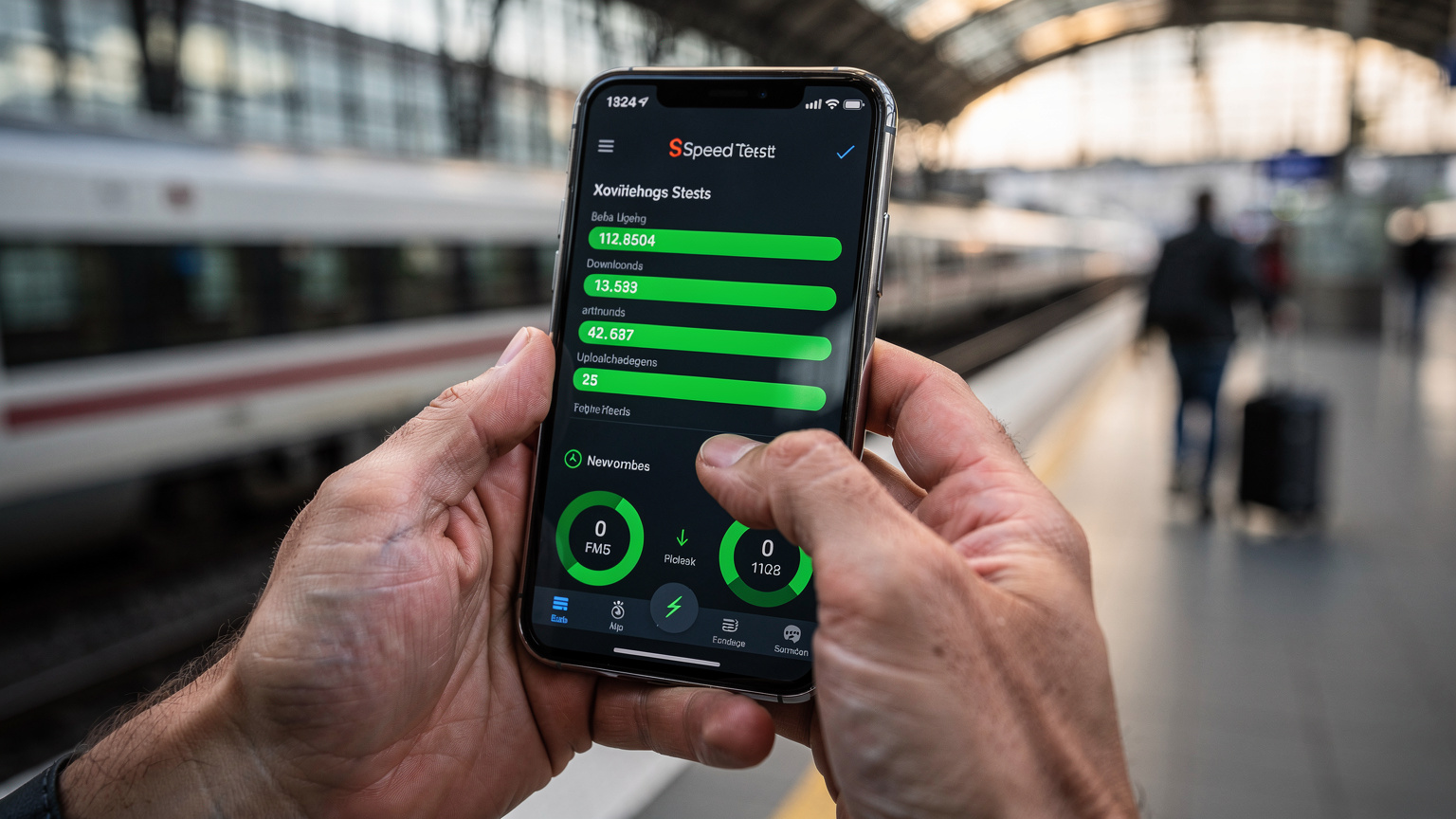
When you run a speedtest, you'll see three main metrics: ping, download speed, and upload speed.
- Ping (Latency): This is the reaction time of your connection, measured in milliseconds (ms). Lower is better. Below 50ms is excellent, good for real-time applications like video calls. Above 100ms and you'll notice lag.
- Download Speed: How quickly you can pull data from the internet, measured in megabits per second (Mbps). This is crucial for browsing, streaming, and loading maps. For a comfortable travel experience, aim for at least 15-20 Mbps.
- Upload Speed: How quickly you can send data to the internet, also in Mbps. Important for sending photos, uploading stories to Instagram, or making video calls. At least 5-10 Mbps is good.
Remember, these numbers are dynamic. A speedtest at 3 PM might be great, but at 7 PM when everyone in the hostel is streaming Netflix, it could tank. Always test during your expected peak usage times if possible.
For those diving deep into network reliability, especially for things like streaming live events, knowing how to interpret these tests is vital. For more on tracking connectivity, take a look at eSIM GPS Trends 2026: getting around the Real-World with Data You Can Trust.
When a Physical SIM Wins: The Border Crossing Exception
Sometimes, an eSIM might not be the absolute cheapest or most reliable option, especially when crossing borders in less-developed regions. I've been there, staring at a 'No Service' message at a remote border post between Bolivia and Peru. The eSIM I bought online just wouldn't connect. My friend, who had snagged a local physical SIM from an Claro kiosk in La Paz before we left, had full bars.
For places like Bolivia, where infrastructure can be spotty, or if you're planning a multi-country trip with tricky overland crossings, a physical SIM bought directly from a major local carrier (like Tigo or Entel in Bolivia) can offer a more robust connection, often at a lower per-GB cost. They might not have the same convenience as an eSIM, but sometimes reliability trumps all, especially when your next meal or bed depends on a quick online search.
Always check the local carrier options. Sometimes, the €5 you save on a Cellesim eSIM might be worth it, but if the local physical SIM offers 50% more data for the same price and you're in a high-risk connectivity area, it's worth considering. You can find more specific advice for challenging locations in posts like Bolivia eSIM: Which Carrier Connects Best in 2026?. This isn't about loyalty; it's about making sure your euros get you connected, every single time.
Frequently Asked Questions
Can I speedtest an eSIM before I buy a large data package?
Yes, you absolutely can and should. Look for free eSIM trials or purchase the smallest, cheapest data package available. This allows you to test the actual network speed and reliability in your travel location before committing to a larger, more expensive plan.
What apps should I use to speedtest my eSIM connection?
The most reliable apps for speedtesting are Ookla Speedtest.net, Fast.com by Netflix, and Nperf. Download these apps to your smartphone and run tests in various locations to get a comprehensive understanding of the network performance.
What is a good speed for an eSIM when traveling?
For comfortable travel usage, aim for a download speed of at least 15-20 Mbps and an upload speed of 5-10 Mbps. Ping should ideally be below 50ms. These speeds will support browsing, social media, navigation, and even reliable video calls.
How can network congestion affect my eSIM speed?
Network congestion, common in crowded areas like city centers, festival grounds, or busy airports, can significantly slow down your eSIM connection, even if the general coverage is good. Always test speeds during peak usage times if possible to gauge real-world performance.
Are physical SIM cards always cheaper than eSIMs?
Not always, but sometimes. In certain regions, particularly less developed countries or for specific local promotions, a physical SIM card bought from a local carrier might offer more data for a lower price. Always compare local physical SIM deals with eSIM options to ensure you get the best value.