Why eSIM Trumps Festival Wi-Fi: A Deep Dive into Congestion
You're at a summer festival, maybe Primavera Sound in Barcelona or Outside Lands in San Francisco. The music is great, the vibe is incredible, but good luck getting a stable internet connection. Festival Wi-Fi is often a nightmare: slow, patchy, and generally unusable. From a technical standpoint, it's a clear case of severe congestion.
Picture thousands of people all trying to stream, upload, and text at the exact same time, all hitting a limited number of Wi-Fi access points. It's like trying to force a river through a tiny straw. An eSIM, on the other hand, hooks you into the local cell towers. While even cellular networks can get crowded, they're built to handle far more users, using smart tech like carrier aggregation to manage traffic. This means your eSIM connects to a robust, pre-existing cellular network, instead of battling for scraps of bandwidth on an overwhelmed festival router.
The Myth of Free Festival Wi-Fi: Costs and Compromises
Sure, festivals often boast about "free Wi-Fi," but it usually comes with hidden costs. Beyond the frustration of painfully slow speeds, these networks are a playground for hackers. Public Wi-Fi, especially at big events, is a prime target for anyone looking to snoop on your data, intercept information, or even set up fake hotspots. Your logins, payment info, and private messages could all be at risk. With an eSIM, your data travels over encrypted cellular channels, giving you much better security. This is super important when you're using mobile payment apps for everything from food to merch.
Cellular Bands and Performance in Dense Environments
It helps to know a bit about the cellular bands local operators use. In Europe, for example, major carriers often use bands like B3 (1800 MHz), B7 (2600 MHz), and B20 (800 MHz) for 4G LTE. For 5G, you'll often see n78 (3.5 GHz) and n1 (2100 MHz). Higher frequency bands like B7 and n78 offer more capacity, which is great for crowded areas, but their signal doesn't travel as far. Lower frequencies like B20 cover wider areas but offer less capacity. Festivals often bring in temporary cell towers, called Cells on Wheels (COWs) or Mobile Cell Sites (MCSs), to boost coverage. Even with these, the sheer number of people can push networks to their limit. Expect download speeds to jump around, maybe 5-10 Mbps at peak times and 50-80 Mbps during quieter moments. That's a huge step up from the 0.5-2 Mbps you might get on a swamped festival Wi-Fi.
Understanding Network Capacity at Mass Gatherings
Big events like music festivals pose a unique challenge for phone networks. It's not just about having a cell tower nearby; it's about how many people that tower can actually serve at once. This is where network capacity becomes a huge deal.
Mobile carriers pour money into tech designed to handle heavy traffic, things like advanced antennas, small cells, and robust backhaul systems. But even the best networks have their limits. When millions of devices converge in a relatively small space, say, the fields of Worthy Farm for Glastonbury, signals can degrade, and network resources get scarce. That's why even a top-tier eSIM can't promise blazing speeds during the headliner's set, but it will almost certainly give you a more stable and usable connection than any shared festival Wi-Fi.
The Role of Carrier Aggregation in Festival Connectivity
Carrier aggregation, or CA, is a clever technology that mobile networks use to boost both speed and capacity. It lets your phone connect to several frequency bands at once, effectively combining them to create a fatter data pipe. For instance, your phone might connect to both B3 (1800 MHz) and B7 (2600 MHz), using the bandwidth from both. At festivals, where every bit of spectrum is precious, CA is even more critical. A phone that can aggregate multiple bands will generally perform better than one stuck on a single band, assuming the network supports it. When you're looking at eSIM options, if you can find detailed technical specs, ask about the local partner networks and their 4G/5G CA capabilities, especially for something like an eSIM in Spain.
Predicting Peak Performance: Times and Locations
You can't guarantee anything, but you can definitely predict when the network will struggle most. Expect performance to dip during:
- Headliner performances: When everyone flocks to the main stage to record and share.
- Set changes: Those brief moments when huge crowds move between stages, causing a surge in new connections.
- Major announcements: Anything that triggers a flood of social media updates or calls.
- Entry and exit points: As people arrive or leave, creating localized congestion.
On the flip side, early mornings, quiet mid-afternoon periods (between big acts), or areas further from the main stages will likely offer better connectivity. If you absolutely need to make an important call or upload a big file, try finding a less crowded spot.
Selecting the Right eSIM for Your Festival Destination
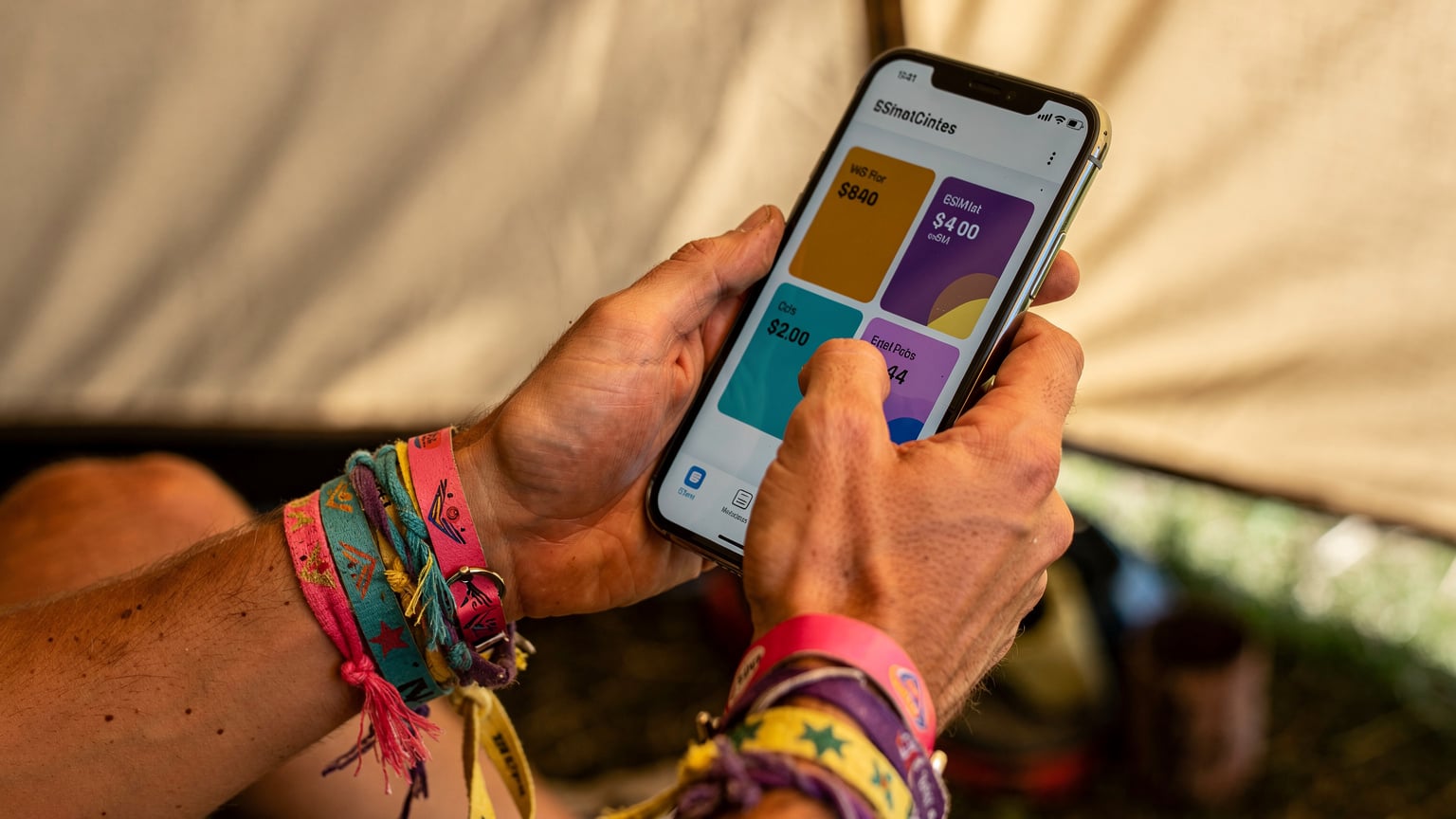
Choosing an eSIM for your summer festival adventure is more than just grabbing the cheapest data plan. You need to think about the local network, what your phone can do, and how much data you'll actually use. While a multi-country eSIM seems convenient, a country-specific plan often gives you better rates and a stronger connection to the best local network.
Local Carrier Partnerships and Coverage
When you buy an eSIM from a provider like Cellesim, you're tapping into one or more local mobile networks. It's smart to know who these partners are. For instance, if you're hitting a festival in Germany, your eSIM might connect to Telekom Deutschland, Vodafone DE, or O2 (Telefónica). Each has different coverage, especially in the more rural areas where some festivals happen. Check their official coverage maps for the exact festival site. A good rule of thumb: the biggest carriers (like Telekom or Vodafone in Germany) usually have more robust infrastructure, including better support for features like VoLTE for iPhone eSIM users abroad. Their networks typically offer 4G LTE speeds from 25-150 Mbps download and 5-40 Mbps upload, with 5G potentially even faster, assuming the network isn't completely swamped.
Data Plan Types and Fair Use Policies
eSIM plans come in a few flavors: fixed data bundles (like 5GB or 10GB), "unlimited" plans (which usually have a soft cap), and different validity periods (7, 15, or 30 days). For a festival weekend, a 7-day or 15-day fixed bundle is usually enough. Be careful with "unlimited" plans, as they often slow your speeds dramatically after you hit a certain data limit (e.g., 20GB at full speed, then down to 128 kbps). Always read the fine print. Also, check if the plan allows tethering, which is super handy if you need to connect your laptop or another device.
Comparison: eSIM vs. Local Physical SIM at Festivals
| Feature | eSIM (via Cellesim) | Local Physical SIM | Festival Wi-Fi |
|---|---|---|---|
| Purchase & Activation | Digital, pre-arrival, quick activation | Physical store visit, passport registration, queueing | No purchase, instant access (if working) |
| Network Reliability | Leverages MNO, generally reliable, but can face congestion | Leverages MNO, generally reliable, but can face congestion | Highly unreliable, severe congestion |
| Security | High, encrypted cellular connection | High, encrypted cellular connection | Low, vulnerable to interception |
| Cost | Transparent, prepaid data bundles | Varied, may require top-ups, local currency | Free (but performance cost) |
| Flexibility | Easy switching between multiple eSIMs, dual SIM support | Requires physical SIM swap, limited by device slots | Tied to venue, not portable |
| Voice Calls | VoLTE/VoWiFi dependent on carrier, often data-only | Standard voice calls, VoLTE/VoWiFi common | VoIP apps only (WhatsApp, FaceTime) |
Optimizing Your eSIM Performance: Tips from the Field
Even with a great eSIM plan, a festival environment calls for a few adjustments to get the best out of your connection. These are tricks I've learned from dealing with challenging signal conditions time and again.
Manual Network Selection and Band Prioritization
Your phone usually tries to pick the "best" network automatically, but sometimes it gets it wrong, especially when there are multiple carrier partners available. If your connection is struggling, try manually selecting a network in your phone's settings. You might find that a different carrier, even if not the default, offers better stability or a less congested band at that specific moment. For example, in a certain area, one carrier's small cell on B40 (2300 MHz, TDD LTE) might be less saturated than another's FDD LTE on B3. It's a bit of trial and error, but it can make a big difference.
APN Settings: The Often Overlooked Detail
For most eSIMs, the Access Point Name (APN) settings configure themselves automatically. But occasionally, especially with certain Android devices or older iOS versions, you might need to set them manually if your data isn't working. The APN tells your phone how to connect to the internet. If you have no data, check the APN your eSIM vendor provided (e.g., 'internet' or 'data.access.com'). On some Android phones, incorrect APN settings can even prevent VoLTE calls from working. Always double-check this if you're troubleshooting basic connection issues.
Battery Management and Power-Saving Modes
Your phone constantly hunting for a network, especially in crowded spots, eats up battery fast. Managing your phone's battery is absolutely essential for festival survival. Turn on low power mode, disable background app refresh for anything non-critical, and definitely bring a portable power bank. Dimming your screen and turning off unnecessary notifications also helps. A phone struggling for a weak signal can drain its battery 30-40% faster than usual.
eSIM Activation: A Pre-Festival Checklist
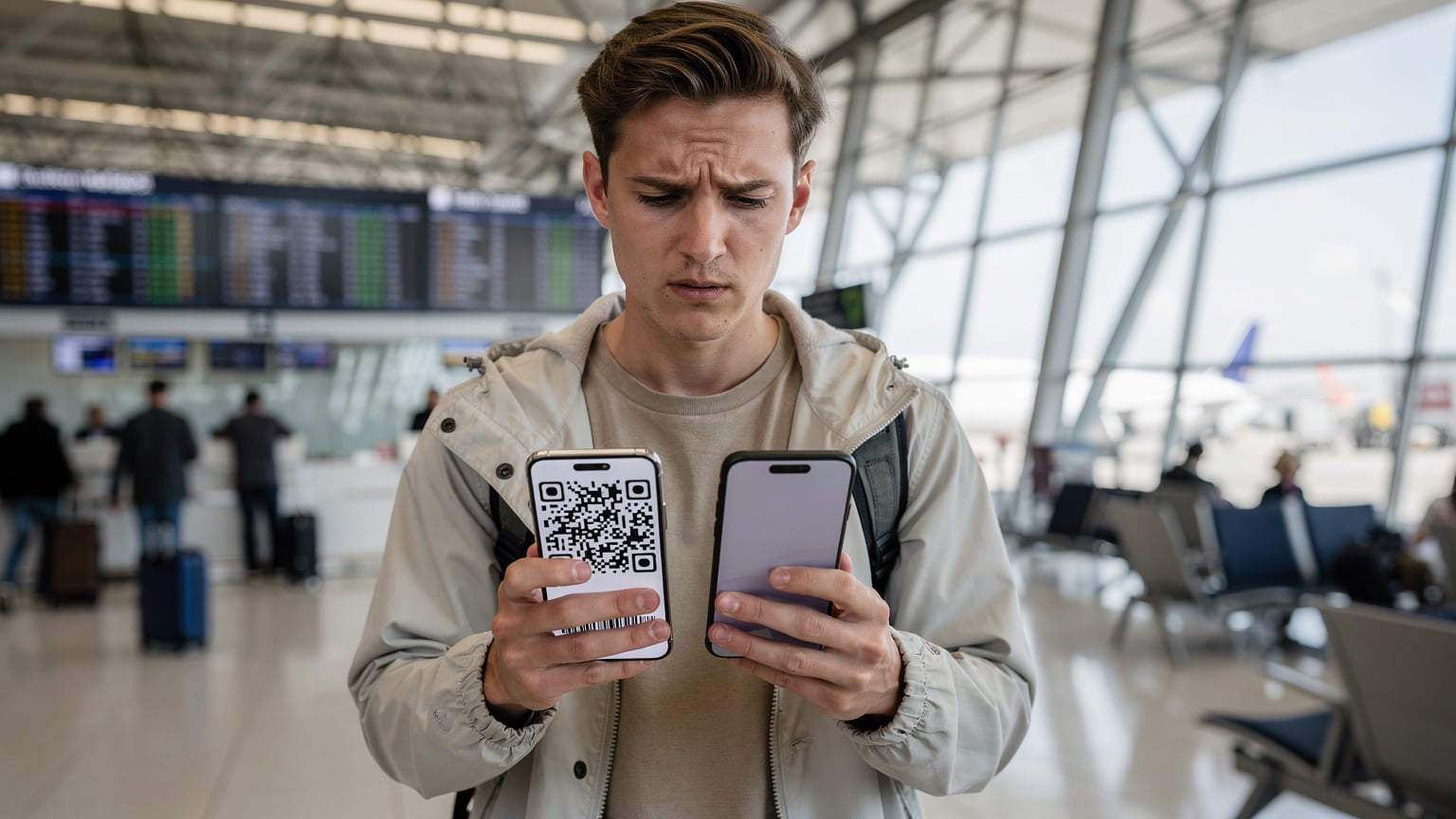
The last thing you want is to show up at the festival gates only to find your eSIM won't work. A few simple steps before you leave can save you a ton of stress.
Step-by-Step Pre-Departure Activation
- Buy Your eSIM: Pick your destination (like a France eSIM for Rock en Seine) and data plan from Cellesim.
- Get Your QR Code/Details: You'll usually get an email with a QR code or manual activation info.
- Install eSIM Profile (Before You Go): Scan the QR code using your phone's settings (Settings > Cellular/Mobile Data > Add eSIM). Do this at home or your hotel before you even think about the festival. Make sure you have solid Wi-Fi during installation.
- Label Your eSIM: Give your new eSIM plan a clear name, like 'France Festival eSIM' or 'Belgium Festival Data'. This helps avoid mixing it up with your main SIM.
- Turn Off Primary SIM Roaming: Once installed, switch off data roaming for your primary physical SIM to avoid surprise charges.
- Test Connectivity: If possible, enable your eSIM data line and confirm it tries to connect to a network. You won't get data until you're in the destination country, but you can check that the profile is active.
Device Compatibility and iOS/Android Nuances
Not every phone supports eSIM, though most newer flagship models do (iPhone XS and up, Samsung Galaxy S20 and up, Google Pixel 3 and up). Always double-check your device's compatibility. On iOS, eSIM management is straightforward, built right into the Cellular settings. Activating a T-Mobile eSIM with a QR code, for example, is simple. Android, however, can vary wildly depending on the manufacturer and software version. Some Android phones might require you to dig deeper into 'Network & Internet' or 'Connections' settings. Also, make sure your phone's software is updated, as newer OS versions often bring stability improvements for eSIMs.
Voice over LTE and Wi-Fi Calling Considerations
Being able to make calls at a festival is often critical, whether you're finding friends or dealing with an emergency. The old ways of making calls are pretty much gone, especially when roaming, so understanding VoLTE and VoWiFi is a must.
Ensuring Clear Calls with VoLTE and VoWiFi
Voice over LTE (VoLTE) lets you make calls using the 4G LTE data network. This means clearer audio and faster call setup compared to older 2G/3G networks. Most modern eSIMs support VoLTE, but it really depends on the local partner carrier. If your eSIM's network partner doesn't offer VoLTE for international visitors, your phone might drop to 2G/3G for calls. In some 5G-only areas (standalone 5G, or SA 5G), you might not be able to make calls at all without VoLTE. Always check if your specific eSIM plan or carrier supports it. Wi-Fi Calling (VoWiFi) is another excellent option; it lets you make calls over any Wi-Fi network. Even if festival Wi-Fi is terrible for data, it might just have enough juice for a VoWiFi call, especially if you find a quieter corner.
Gotchas and Device-Specific Settings
A common issue with VoLTE and VoWiFi is that they often need specific settings enabled on your phone. On iOS, go to 'Settings > Cellular > Cellular Data Options > Enable LTE' and make sure 'Voice & Data' is selected. For Wi-Fi Calling, navigate to 'Settings > Phone > Wi-Fi Calling' and turn it on. On Android, these settings are usually under 'Network & Internet > Mobile Network' or 'Connections > Mobile Networks'. Some phone models, especially those bought in certain regions, might have VoLTE locked to specific home carriers, meaning it won't work with a roaming eSIM. This is less common now but still pops up occasionally. If you can't make calls despite a strong data connection, these settings are the first place to check.
Security Implications: E-Wallets and Data Protection
Festivals are increasingly ditching cash, relying on mobile payments and e-wallets. This move, while convenient, means secure connectivity is more important than ever. Your eSIM plays a crucial role here.
Protecting Your Financial Transactions
Using your eSIM's cellular data for e-wallet transactions (Apple Pay, Google Pay, Revolut, etc.) is way more secure than using public Wi-Fi. Cellular networks use strong encryption protocols (like those in 3GPP standards) to protect your data as it travels. Public Wi-Fi, even if it has a password, often lacks the end-to-end encryption you need for sensitive financial activities. Think of it this way: your cellular connection is like a private, encrypted tunnel, while public Wi-Fi is a shared, potentially unmonitored road. When your bank account is involved, you want the private tunnel.
Best Practices for Data Security at Festivals
- Use a VPN: Even on cellular data, a Virtual Private Network (VPN) adds another layer of encryption, which is particularly useful if you're accessing sensitive info.
- Strong Passwords & 2FA: Make sure all your online accounts, especially for banking and social media, are protected with strong, unique passwords and two-factor authentication (2FA).
- Beware of Phishing: Festival-goers are often targeted with fake Wi-Fi networks or scam texts (e.g., 'Your ticket is invalid, click here to re-verify'). Stay alert.
- Device Security: Keep your phone locked with a strong PIN, pattern, or biometrics. If it gets lost or stolen, remote wipe features are invaluable.
Troubleshooting Common eSIM Issues on the Go
Even with the best planning, problems can pop up. Knowing how to quickly fix common eSIM issues can save your festival experience.
No Service or Limited Connectivity
If your eSIM shows 'No Service' or 'Limited Service', start with the basics:
- Check eSIM Status: Go to your phone's cellular settings and make sure your eSIM profile is active and enabled for data.
- Restart Your Phone: A classic for a reason, a full reboot often helps your phone reconnect to the network.
- Manual Network Selection: As mentioned earlier, try manually picking a different available carrier.
- Toggle Airplane Mode: Turn airplane mode on for about 30 seconds, then off. This can force your phone to search for a new network.
- Verify APN Settings: Double-check the APN against what your eSIM provider gave you. If it's wrong, your data won't work.
- Check Data Roaming: For eSIMs that work as a roaming service, make sure 'Data Roaming' is turned on for that specific eSIM line.
Slow Data Speeds and Intermittent Connection
If you have a connection but it's painfully slow, or keeps cutting out:
- Move to a Less Crowded Area: More people around you means more network congestion. Even a short walk can often improve things.
- Check Network Type: Make sure your phone isn't stuck on 2G/3G if 4G/5G is available. In your phone settings, set 'Preferred Network Type' to 'LTE/5G Auto'.
- Disable Low Data Mode: Some phones have a 'Low Data Mode' or 'Data Saver' that can intentionally slow down your speeds.
- Clear App Cache: Sometimes, misbehaving apps can hog bandwidth or cause issues.
- Contact Support: If all else fails, reach out to your eSIM provider's customer support. They can check network status and plan validity.
Real-World Scenarios and Data Usage Expectations
Understanding how much data you'll actually use is key to choosing the right eSIM plan. Festival activities can burn through data surprisingly fast.
How Much Data Do You Really Need?
Here's a look at typical data usage for common festival activities:
| Activity | Estimated Data Usage (per hour) | Festival Impact |
|---|---|---|
| Social Media Browsing (photos/stories) | 50-150 MB | High, constant sharing |
| Live Streaming (e.g., Instagram Live) | 500 MB - 1 GB+ | Very High, expect buffering |
| Video Calls (e.g., FaceTime, WhatsApp) | 200-400 MB | High, for coordinating with friends |
| Navigation/Mapping (e.g., Google Maps) | 5-20 MB | Moderate, for finding stages/friends |
| Music Streaming (High Quality) | 100-150 MB | Moderate, if not using offline playlists |
| Cashless Payments/App Usage | ~1 MB per transaction | Low, but critical for functionality |
For a typical 3-day festival, with some social media, navigation, and a few video calls, a 5GB to 10GB eSIM plan is a good starting point. If you plan on a lot of live streaming or hooking up multiple devices, consider a larger plan or one with a higher soft cap.
The Challenge of Upload Speeds
While everyone focuses on download speeds, upload speeds are just as important at a festival. Sharing those high-res photos and videos to Instagram stories, TikTok, or WhatsApp chats needs decent upload bandwidth. In crowded cellular environments, upload speeds can drop much faster than download speeds. You might still get 10-20 Mbps for downloads, but uploads could be a sluggish 1-5 Mbps. This difference often frustrates people trying to share their festival moments.
The Future of Festival Connectivity: Beyond 2026
Mobile connectivity is always changing, and festivals are often the first place new tech gets tested. Looking past 2026, we can expect even smarter solutions.
5G Slicing and Private Networks
One exciting development is 5G network slicing. This tech lets mobile carriers create separate, virtual networks on a shared 5G infrastructure, each optimized for specific uses. Imagine a "slice" dedicated just to festival emergency services, guaranteeing super-fast, super-reliable communication, or a premium slice for VIP attendees, ensuring top-tier bandwidth. This goes beyond basic carrier aggregation to offer much more precise control over network resources. We might also see more festivals building their own private 5G networks, providing dedicated, high-performance connectivity within the venue itself, rather than relying solely on public carrier infrastructure. This would be huge for big events wanting to offer augmented reality (AR) experiences or interactive installations that need robust, low-latency connections. Think about the potential for eSIMs in Indonesia supporting these cutting-edge applications at events like the Bali Spirit Festival.
Low Earth Orbit Satellite Connectivity
While it's still early days for everyday consumer use, Low Earth Orbit (LEO) satellite constellations like Starlink, and the direct-to-device satellite features coming to future smartphones, could offer a backup or even primary connection for festivals in truly remote areas. Bandwidth will be limited at first, but the ability to send emergency messages or even basic data from places completely out of cell tower range could be a game-changer for safety and communication at wilderness festivals or remote art installations. This tech is still developing, but its potential to fill coverage gaps is huge.
Frequently Asked Questions
Will my eSIM work in all areas of the festival?
Your eSIM's performance depends on the local cellular network. While major carriers usually set up temporary towers (COWs) at big festivals, extreme congestion near main stages or in distant parts of the venue can still lead to reduced service or dead spots. It's a good idea to check the carrier's coverage map for the festival's exact location.
Can I use my eSIM to make calls and send texts at a festival?
Yes, if your eSIM plan supports VoLTE (Voice over LTE) or if you use internet-based calling apps like WhatsApp or FaceTime. Standard SMS messages will typically work. However, making traditional cellular calls (without VoLTE) might be tough if the 2G/3G network is really crowded or being phased out. Always enable Wi-Fi Calling if it's an option.
What happens if my eSIM data runs out during the festival?
If you run out of data on your eSIM plan, your internet connection will stop working. Most eSIM providers, including Cellesim, let you top up your plan directly through their app or website. It's smart to keep an eye on your data usage and maybe get a slightly larger plan than you think you'll need, especially for crucial things like navigation or emergency communication.
Is an eSIM secure for mobile payments at a festival?
Yes, using your eSIM's cellular data for mobile payments is much more secure than relying on public festival Wi-Fi. Cellular networks use strong encryption to protect your data. Always make sure you're on a secure cellular connection when making transactions, and consider using a VPN for extra security.
Can I use my eSIM with an older phone model?
eSIM compatibility is generally found in newer smartphones, typically iPhone XS/XR and later, Samsung Galaxy S20 series and later, and Google Pixel 3 and later. Older phone models or certain regional versions might not support eSIM functionality. Always verify your device's compatibility before buying an eSIM.
How does an eSIM handle roaming for international festivals?
When you buy an eSIM for an international trip, it usually acts like a local data plan, connecting directly to a partner network in that country. This helps you avoid the usual international roaming fees from your home carrier. Your phone's dual SIM capabilities mean you can keep your primary SIM active for calls and texts while using the eSIM for data.