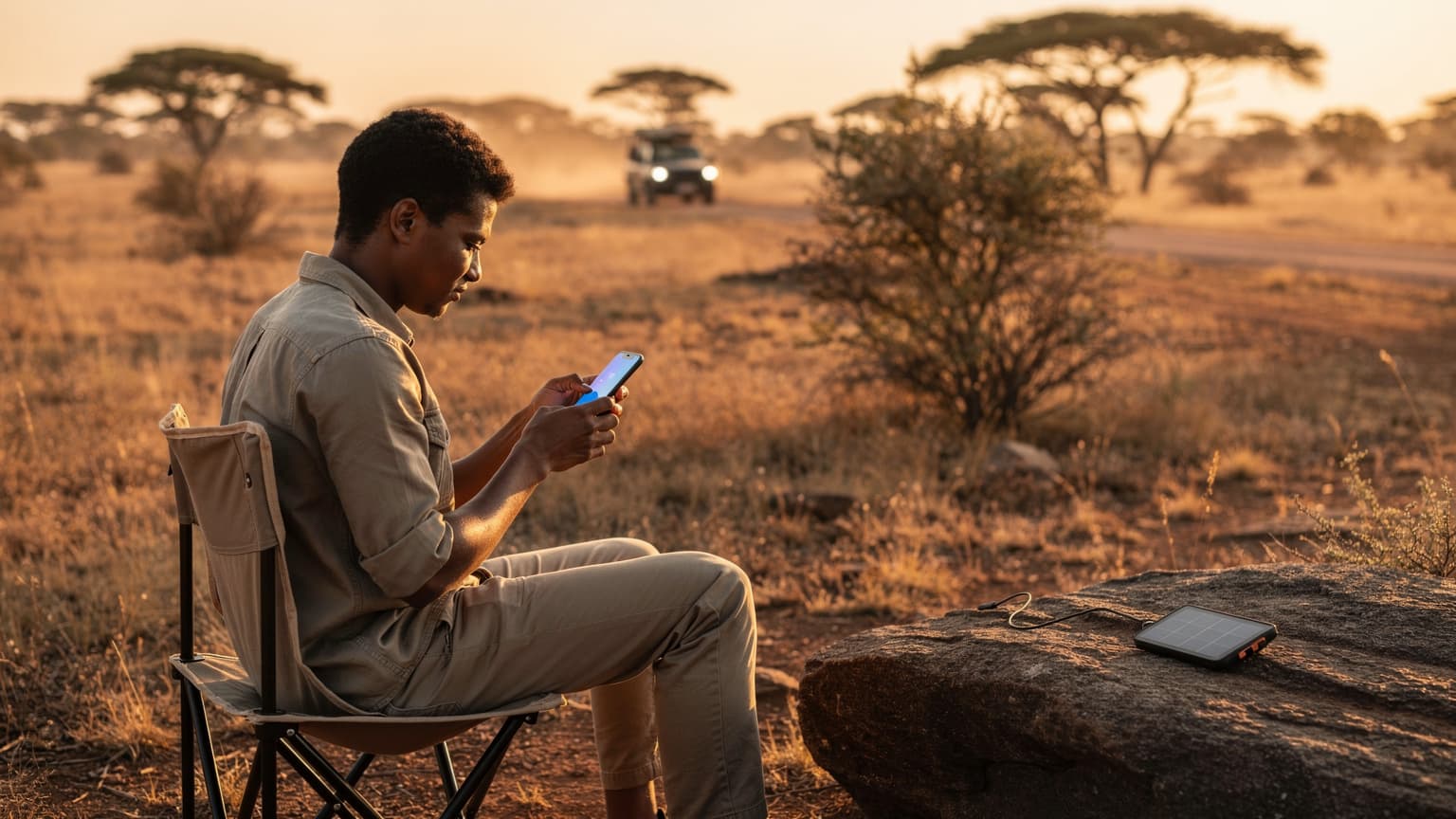
Indonesia Connectivity, Then & Now: A Traveler's Evolution
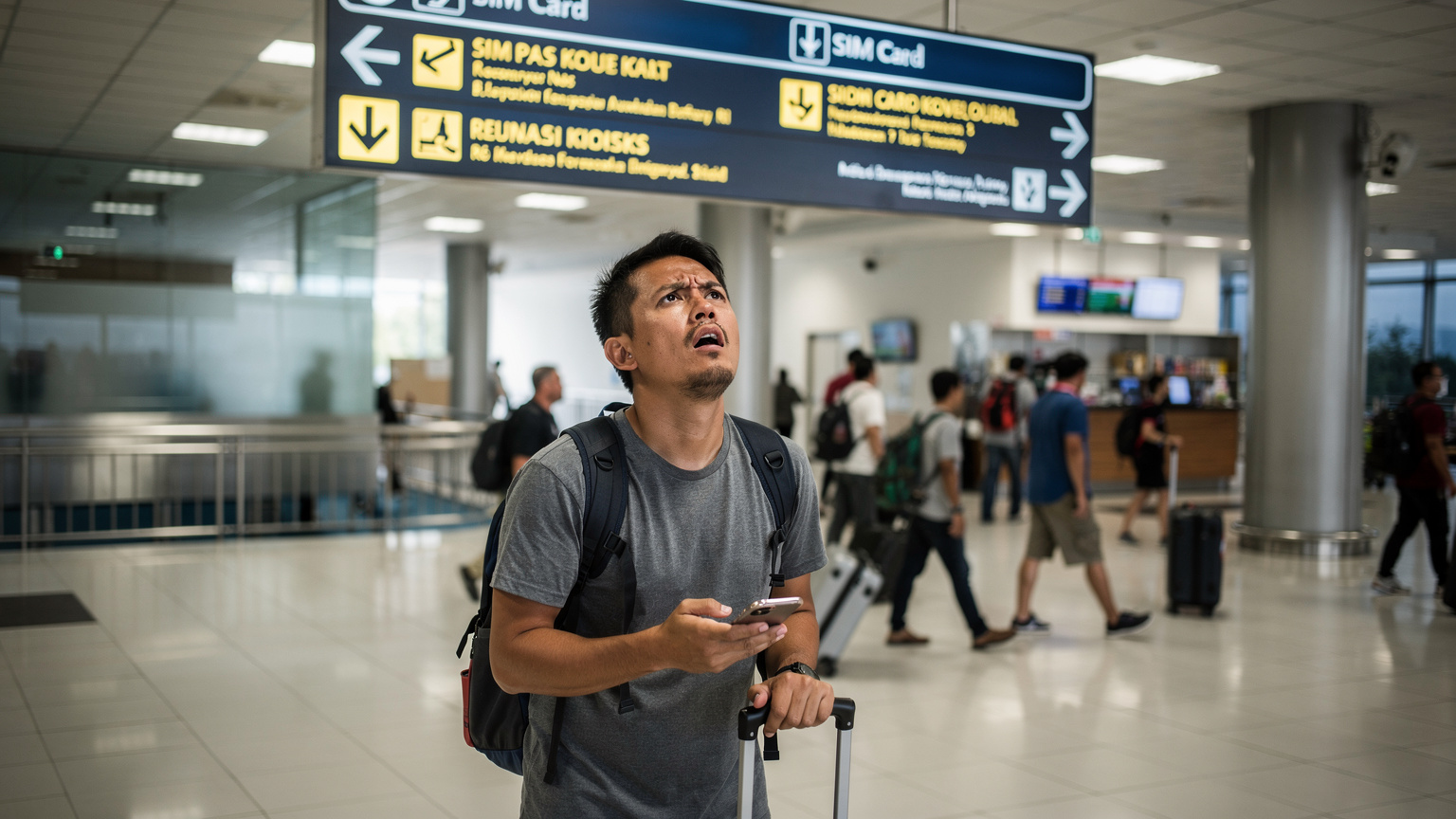
I remember my first time landing at Ngurah Rai International Airport in Denpasar, back in '08. The air was thick with humidity and the smell of frangipani, but my mind was stuck on one thing: getting a local SIM card. I needed to call my guesthouse in Canggu, arrange a scooter, and let my folks know I'd landed. Back then, it meant heading straight for the kiosks, trying to decipher data plans with broken Indonesian, and hoping the guy behind the counter actually activated it correctly. More than once, I've walked away from an airport kiosk only to discover my new SIM was a dud, leaving me stranded without maps or ride-hailing.
Fast forward to today, and the game has changed. Indonesia, always a step ahead in embracing digital conveniences, is now firmly in the eSIM era. Telkomsel, the country's largest mobile network operator, has been at the forefront of this shift, offering digital SIM solutions that promise to streamline connectivity for millions of travelers. No more fumbling with tiny plastic cards, no more registration forms filled out in a language you barely understand, and thankfully, no more wasted hours at the airport trying to get online. The country has truly embraced the digital push, from Jakarta's bustling Sudirman business district to the serene shores of Lombok.
What is Telkomsel eSIM for Tourists? Your Digital Ticket to Indonesia
So, what exactly are we talking about when we say Telkomsel eSIM? Simply put, it's a digital version of a traditional SIM card that's embedded directly into your phone. Instead of popping in a physical chip, you download a profile directly onto your device. For tourists heading to Indonesia, this means you can purchase a data plan online, often before you even leave home, and activate it with a QR code or manual setup once you arrive. Telkomsel has been rolling out these options steadily, especially for newer, eSIM-compatible devices.
The convenience factor is huge. Imagine landing at Jakarta's Soekarno-Hatta (CGK) airport, breezing through immigration, and having instant access to Google Maps to navigate to your hotel in Menteng, or calling a Grab car without searching for Wi-Fi. It's the kind of seamless experience that seasoned travelers like myself appreciate deeply. No more hunting for a Telkomsel Grapari (service center) during their operating hours, which can vary wildly, sometimes closing as early as 4 PM on Saturdays in smaller towns.
How eSIM Works: A Quick Refresher
For those new to the concept, an eSIM stores your cellular plan information digitally. Most modern smartphones, particularly Apple's iPhone series from the XS onwards, and many Samsung Galaxy and Google Pixel models, come with eSIM capabilities. When you purchase a plan, a QR code or activation details are sent to you. A quick scan, and your phone connects to the network, just like that. This process is far simpler than the old days of needing a paperclip to open your SIM tray, a pain point I've hit more times than I care to admit, usually when my phone decided to take an unexpected swim in the Mekong River.
The Tourist SIM Card Hassle: A Familiar Story
Let's face it, the traditional tourist SIM card experience in Indonesia, while functional, often comes with its own set of minor aggravations. I've spent countless mornings in Bali, specifically around Seminyak's busy streets, trying to find a reputable vendor, only to be offered various SIM cards at wildly different prices. Then there's the registration process.
Airport Kiosks: The First Hurdle
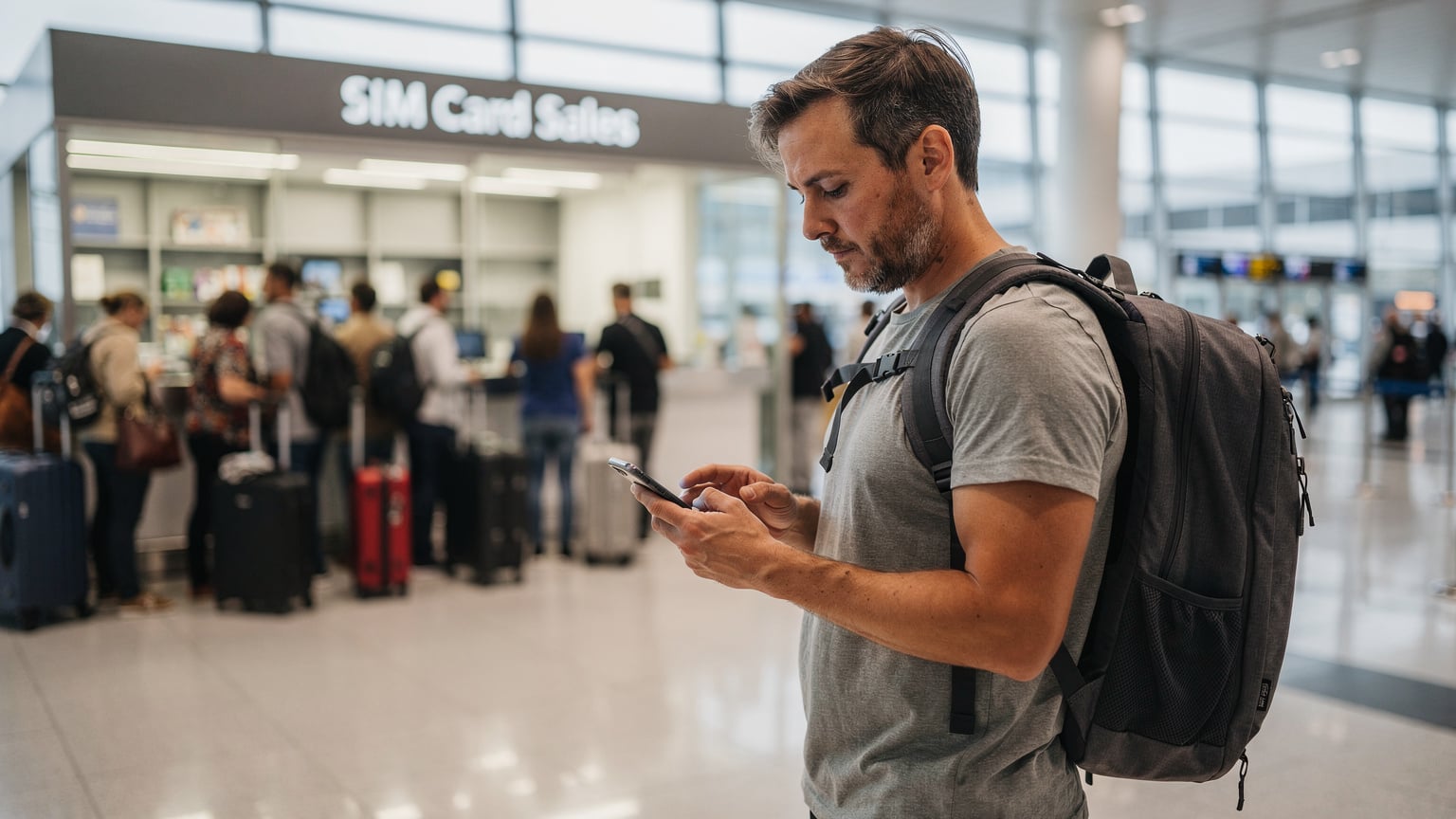
Upon arrival, the most common route is to buy a SIM at an airport kiosk. At Ngurah Rai, or even smaller regional airports like Lombok International (LOP), you'll find stalls selling Telkomsel, Indosat Ooredoo, and XL Axiata SIMs. The prices are usually inflated compared to what you'd pay in a city center, and the data packages might not be the best value. But the real friction point is often the mandatory registration. You'll need your passport, and sometimes, the process can be slow, especially if there's a queue. I once waited nearly an hour at Makassar's Sultan Hasanuddin Airport (UPG) just to get a SIM working, missing my connection to Raja Ampat.
Paperwork and Activation: What to Expect
Indonesian law requires all SIM cards to be registered to an individual's ID. For tourists, this means your passport. While this is a security measure, it adds a layer of bureaucracy. You provide your passport details, the vendor registers it, and then you wait for activation. Sometimes it's instant, other times it can take a few minutes, or even longer. And if there's a typo, or a system glitch, you're stuck. Finding your eSIM number is often a simpler process than remembering the IMEI of a physical device you just registered.
| Feature | Telkomsel eSIM | Physical Tourist SIM |
|---|---|---|
| Purchase Location | Online, pre-arrival or on-demand | Airport kiosks, street vendors, official stores |
| Activation Process | QR code scan, digital setup, often instant | Manual SIM insertion, passport registration, waiting period |
| Physical Handling | None, embedded in device | Small plastic card, easy to lose/damage |
| Travel Flexibility | Switch between plans/carriers digitally | Tied to one physical card, limited flexibility |
| Cost (Average) | Potentially higher upfront for convenience, competitive long-term | Cheaper initial purchase, hidden activation fees possible |
Why Telkomsel eSIM Makes Sense for Your Trip
For me, the strongest argument for an eSIM, especially in a sprawling country like Indonesia, comes down to pure unadulterated convenience. My last trip, exploring the quiet corners of Flores and Komodo National Park, highlighted this. I landed at Labuan Bajo's Komodo Airport (LBJ) and within minutes, my Cellesim eSIM was active. No fuss, no waiting, just data for my Grab ride into town and to check into my hostel in the Kampung Ujung area.
Instant Connectivity Upon Arrival
The ability to land and immediately be connected is a game-changer. Whether you're trying to hail a ride-share like Gojek or Grab (essential for getting around in cities like Surabaya or Bandung), checking your hotel booking, or simply letting family know you're safe, having data from the moment you step off the plane is invaluable. It removes a layer of travel stress that many of us have grown accustomed to, but certainly don't enjoy.
Keeping Your Home Number Active
Another often overlooked benefit is the ability to keep your primary SIM active. With an eSIM, you can often run both simultaneously, meaning you won't miss important calls or texts to your home number. This is crucial for two-factor authentication for banking apps, or just staying in touch with friends and family back home. It's a small detail, but one that can save a lot of headaches, especially if you're like me and constantly rely on that home number for essential services.
Environmental Impact: A Small Win
While not the primary driver for most, choosing an eSIM also has a minor environmental benefit. Less plastic production for physical SIM cards, less packaging, and less waste. It's a small contribution, but every little bit helps, particularly in a region as ecologically diverse and vulnerable as Southeast Asia.
Coverage and Speed: Telkomsel's Footprint Across the Archipelago
When you're travelling through a country as vast and varied as Indonesia, coverage is king. From the bustling streets of Jakarta to the remote islands of Raja Ampat, you need a network you can rely on. Telkomsel is, without a doubt, the dominant player in the Indonesian telecommunications market, and for good reason.
Telkomsel's Network Strength
Telkomsel boasts the widest network coverage across Indonesia. This isn't just marketing fluff, it's a verifiable fact on the ground. They have invested heavily in infrastructure, reaching areas where other providers simply don't. While in Java, particularly in cities like Yogyakarta or Malang, you'll find robust 4G and increasingly 5G services, it's in the more remote regions, say the Gili Islands or the interior of Sumatra, where Telkomsel truly shines. Their network often provides the only reliable signal, a critical factor if you're off the beaten path and need to, say, look up ferry schedules or contact your homestay.
| Location (Indonesia) | Telkomsel 4G/5G Availability | Other Carriers (e.g., Indosat, XL Axiata) |
|---|---|---|
| Jakarta (CBD, Menteng) | Excellent 4G/5G | Good 4G/5G |
| Bali (Ubud, Seminyak, Canggu) | Very Good 4G/5G | Good 4G, limited 5G |
| Yogyakarta & Central Java | Strong 4G, growing 5G | Fair to Good 4G |
| Lombok & Gili Islands | Reliable 4G | Patchy 4G, often no signal on smaller islands |
| Flores & Raja Ampat | Often the only reliable 4G/3G | Very limited or no service |
Data Speeds: What to Expect
While coverage is about being connected, speed is about how effectively you can use that connection. In major urban centers and popular tourist areas, Telkomsel's 4G LTE speeds are generally excellent, allowing for smooth video streaming, quick downloads, and reliable video calls. I've often found myself relying on Telkomsel's connection for my remote work from cafes in Canggu, even over the local Wi-Fi. In areas with 5G deployment, primarily Jakarta, Surabaya, and some parts of Bali, speeds can be incredibly fast, rivaling what you'd find in major cities like London or New York (though perhaps not quite matching the MTA's underground Wi-Fi).
Of course, speeds will vary depending on your exact location, network congestion, and the time of day. During peak tourist season in Kuta, for example, even Telkomsel's network can feel a bit sluggish. However, on average, it outperforms its competitors significantly, especially once you venture beyond the main population hubs. Remember, for a truly global experience, you might even consider a provider like T-Mobile eSIM for broader international coverage before you commit to local plans.
Setting Up Your Telkomsel eSIM: Step-by-Step Activation
The beauty of the eSIM is its straightforward setup. Gone are the days of fiddling with trays and worrying about damaging delicate pins. If you've got an eSIM-compatible device, you're halfway there.
Pre-Arrival Purchase and Preparation
Your journey with a Telkomsel eSIM begins before you even pack your bags. Numerous online platforms, including Cellesim directly, offer packages for Indonesia. You select the data amount and duration that suits your trip. Once purchased, you'll receive a confirmation email, usually containing a QR code or detailed manual activation instructions. It's critical to ensure you have a stable internet connection when you're ready to activate.
Pro-tip: Download any necessary apps, like the Cellesim app, before you leave home. This way, if you encounter any initial connectivity hiccups upon arrival, you have the tools ready on your device.
Activating Your eSIM: A Simple Process
Here’s a general guide for activating your Telkomsel eSIM. While specific steps might vary slightly depending on your phone's operating system (iOS or Android), the core process remains consistent.
- Ensure Wi-Fi Connection: Before you attempt to activate, make sure your device is connected to a stable Wi-Fi network. This could be your home Wi-Fi, airport Wi-Fi, or even a friend's hotspot.
- Access Cellular Settings: On an iPhone, go to Settings > Cellular (or Mobile Data). On Android, typically Settings > Network & Internet > SIMs (or Mobile Network).
- Add eSIM/Cellular Plan: Look for an option like "Add eSIM," "Add Data Plan," or "Add Cellular Plan."
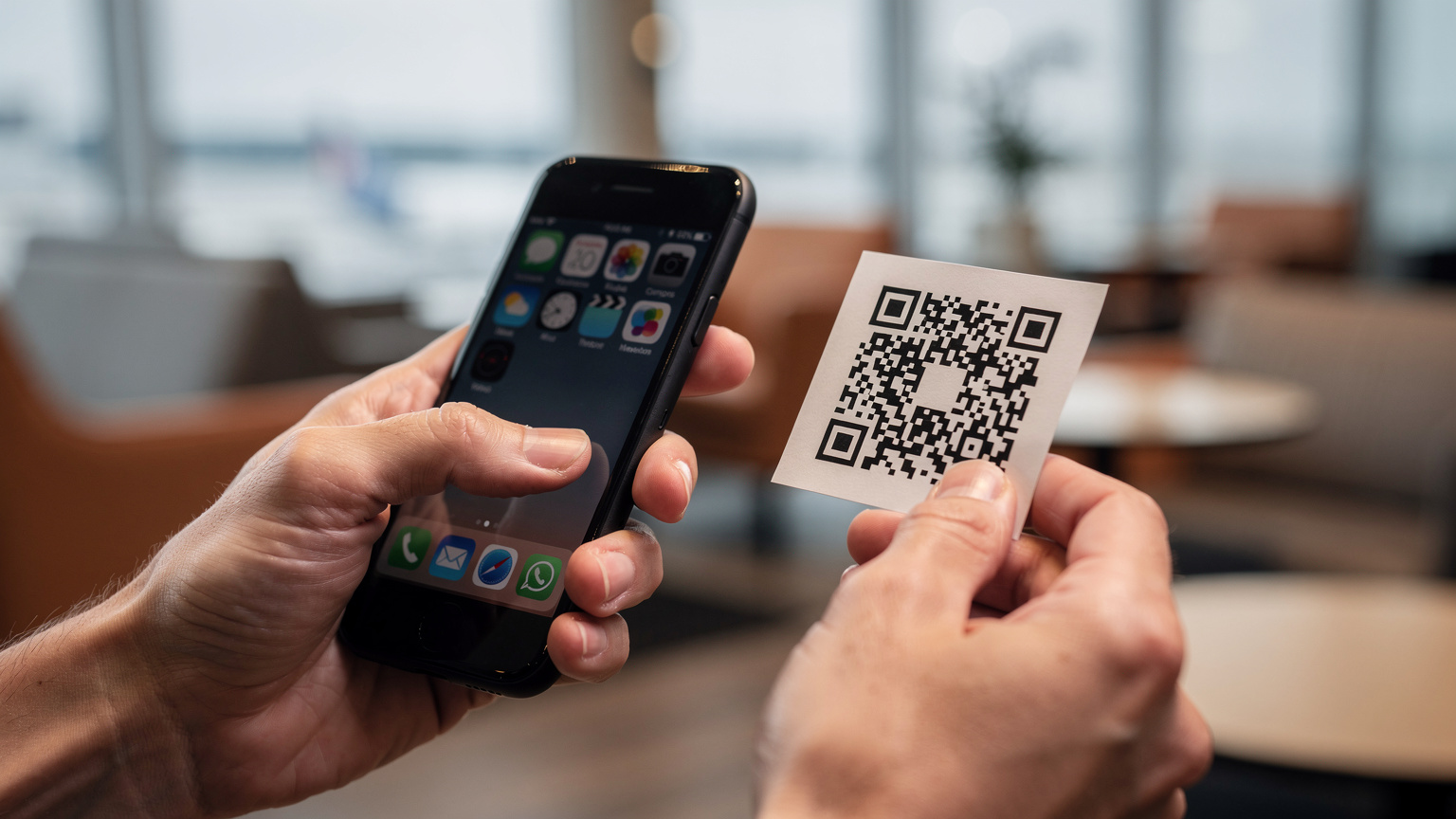
- Scan QR Code: If provided with a QR code, your phone's camera will open. Align the QR code within the frame to scan it. If you have manual details, select the option to "Enter Details Manually" and input the provided information (SM-DP+ Address, Activation Code).
- Confirm & Label: Your phone will prompt you to confirm adding the plan. You'll likely be asked to label your new eSIM (e.g., "Indonesia Travel" or "Telkomsel"), which is very helpful for distinguishing it from your home SIM.
- Set Default Line: Decide if you want to use the eSIM as your primary line for data, calls, or both. For most travelers, setting it as the primary for data is the goal, while keeping the home SIM for occasional calls/texts.
Post-Activation Checks
Once activated, do a quick check to ensure everything is working. Try loading a website, sending a message, or making a quick call. If you're having trouble, often a simple restart of your device can resolve minor connectivity issues. Remember, your home carrier's roaming might still be active, so ensure your data settings prioritize the new eSIM to avoid unexpected charges. This is especially true if you're coming from a carrier like AT&T and using their eSIM activation for families abroad, which can sometimes override local settings if not managed carefully.
Troubleshooting Common eSIM Issues on the Go
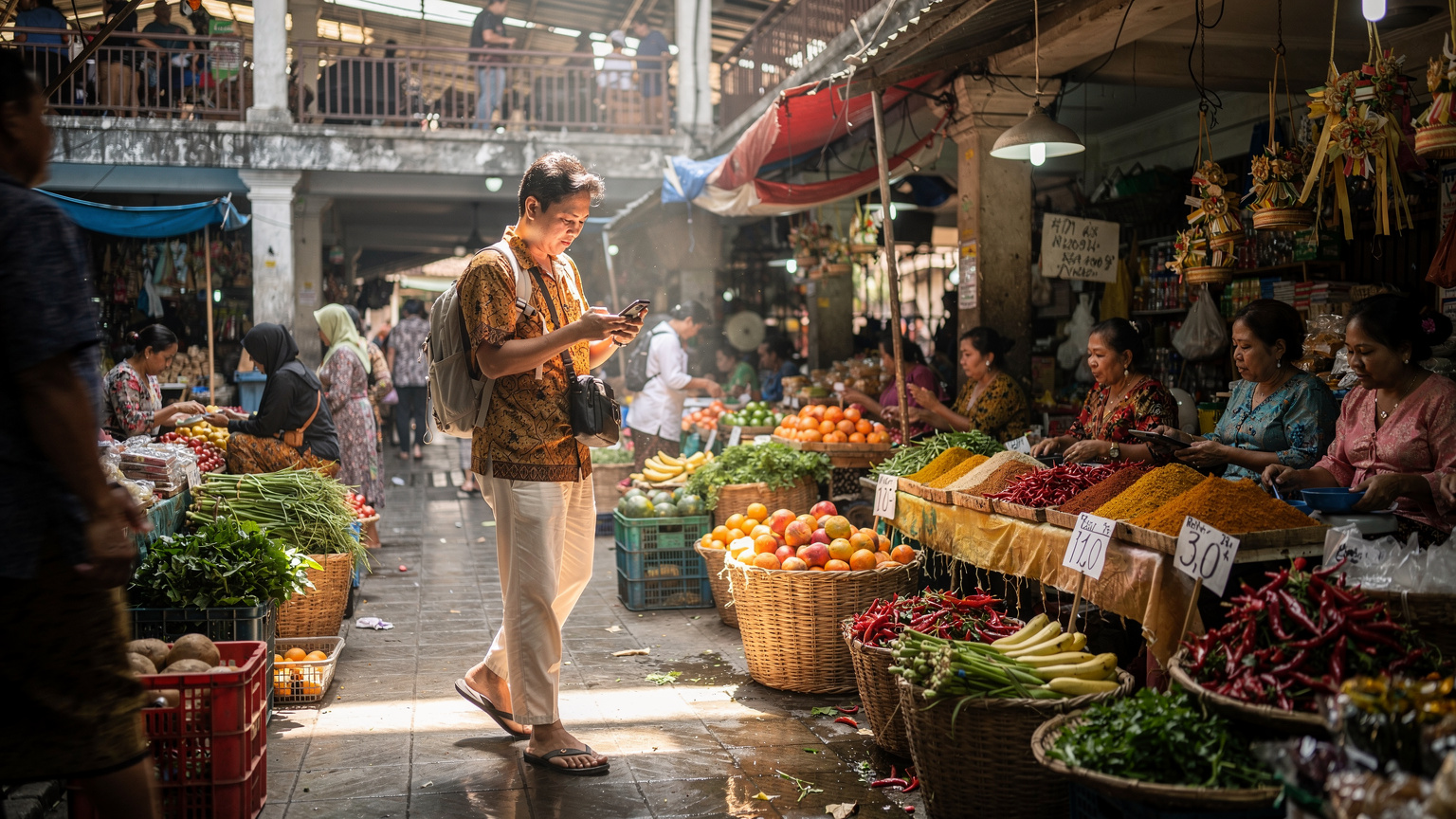
Even with the best preparation, travel sometimes throws a curveball. While eSIMs generally offer a smoother experience, it's wise to know a few common troubleshooting tips. I've been in plenty of situations where my phone decided to act up at the worst possible moment, like trying to order a Gojek from a quiet street in Sanur after a late dinner.
No Signal or Slow Data
If you find yourself with no signal, or data that's crawling, here are a few things to try:
- Restart Your Device: The classic fix. A simple reboot can often re-establish a connection with the network.
- Check APN Settings: Sometimes, the Access Point Name (APN) settings aren't configured automatically. You can usually find the correct Telkomsel APN settings with a quick online search (when you have Wi-Fi) or by contacting support. Navigate to your cellular settings, find the APN section, and ensure it's set to "internet" or the specific Telkomsel APN.
- Toggle Airplane Mode: Turning Airplane Mode on for 30 seconds and then off can force your phone to search for a new network connection.
- Ensure Data Roaming is Off (for your home SIM): Double-check that data roaming is disabled for your home SIM to prevent accidental charges, and confirm that mobile data is enabled for your Telkomsel eSIM.
eSIM Not Activating
If your eSIM simply won't activate after scanning the QR code, consider these:
- Stable Wi-Fi: Reconfirm you have a strong, stable Wi-Fi connection. A weak connection can interrupt the download of the eSIM profile.
- QR Code Validity: Ensure the QR code hasn't expired (some have a time limit) and that you're scanning the correct one if you've purchased multiple plans.
- Device Compatibility: While rare for newer phones, double-check your phone's model number against Telkomsel's or Cellesim's compatibility list. Older devices might not support eSIM.
- Contact Support: If all else fails, reach out to Cellesim's customer support. They can often diagnose the issue remotely or provide alternative activation methods.
Making the Right Choice for Your Indonesian Adventure
Deciding between a Telkomsel eSIM and a physical tourist SIM really boils down to your priorities and travel style. Are you someone who values every minute of their vacation, or are you budget-conscious and willing to spend a bit of time at the airport?
When to Choose Telkomsel eSIM
Go for the Telkomsel eSIM if:
- You value convenience and speed: You want to land and be connected instantly, without queues or paperwork.
- Your device supports eSIM: This is a non-negotiable prerequisite.
- You need to keep your home number active: For banking, two-factor authentication, or family contact.
- You're making multiple stops: If you're flying between islands or cities, the flexibility of digital activation is a lifesaver.
- You prefer online management: Managing your data plan and top-ups digitally is more appealing than finding a physical store.
When a Physical Tourist SIM Might Still Be Preferable
A traditional SIM might still suit you if:
- You're on a very tight budget: Sometimes, local street vendors might offer slightly cheaper initial packages, though often with less transparency.
- Your phone doesn't support eSIM: This is the most obvious reason.
- You're traveling to very remote areas: While Telkomsel's network is extensive, in extremely isolated spots, a local physically purchased SIM might have undergone a more robust local registration, though this is becoming less of an issue with modern eSIMs.
- You prefer face-to-face transactions: Some travelers simply prefer talking to a person when setting up their connectivity.
| Factor | Telkomsel eSIM Experience | Physical SIM Card Experience |
|---|---|---|
| On-Arrival Experience | Seamless, instant connectivity, no queues. | Potential queues at airport, registration forms, waiting. |
| Cost Efficiency | Transparent pricing, often competitive data plans. | Varied pricing, potential for inflated airport rates. |
| Data Management | Easy online top-ups and plan changes via app/website. | Requires finding physical top-up vendors or stores. |
| Security | Less susceptible to physical theft/tampering. | Physical card can be lost or stolen. |
| Environmental Impact | Reduced plastic waste. | Generates plastic waste. |
Future of Connectivity: Indonesia and Beyond
The telecommunications landscape is constantly evolving, and Indonesia is no exception. With Telkomsel leading the charge, eSIM technology is only going to become more prevalent and user-friendly. I've seen this trend globally, from the launch of eSIM-only iPhones in the United States to major carriers like T-Mobile expanding their eSIM offerings.
Growing eSIM Adoption
As more device manufacturers integrate eSIM technology into their products, and as travelers become more aware of its benefits, the demand for digital SIMs will continue to grow. This means more competitive pricing, more diverse data plans, and even easier activation processes. We're moving towards a future where physical SIM cards might become a relic of the past, much like dial-up internet. This is a topic I cover extensively as Global Tech News Editor, and the trends are clear.
Innovation in Travel Tech
Companies like Cellesim are at the forefront of making this technology accessible to travelers worldwide. By providing a seamless platform to purchase and manage eSIMs, they're not just selling data plans, they're selling peace of mind. The days of hunting for a local SIM card vendor, especially when you're jet-lagged and disoriented, are quickly fading into memory. It reminds me of the early days of online travel agencies, transforming how we book flights and accommodation. The shift to eSIMs is just as fundamental for connectivity.
Frequently Asked Questions
Is Telkomsel eSIM available for tourists in Indonesia?
Yes, Telkomsel offers eSIM services for tourists in Indonesia. You can purchase these through various online platforms, including Cellesim, before or upon your arrival. This allows for a much smoother activation process compared to traditional physical SIM cards.
What are the main advantages of using a Telkomsel eSIM over a physical SIM card?
The primary advantages include instant activation upon arrival, the ability to keep your home number active simultaneously, and avoiding the hassle of finding a physical SIM card vendor or going through lengthy registration processes at airport kiosks. It offers unparalleled convenience for travelers.
Do I need an internet connection to activate my Telkomsel eSIM?
Yes, a stable internet connection is required to download and activate your eSIM profile. This can be your home Wi-Fi before you travel, airport Wi-Fi upon arrival, or a temporary hotspot from another device. Once activated, you'll use Telkomsel's cellular network.
Is Telkomsel's network coverage good throughout Indonesia with an eSIM?
Telkomsel has the widest and most reliable network coverage across Indonesia, extending from major cities like Jakarta and Bali to more remote islands. Using an eSIM does not change the underlying network quality or coverage, so you can expect the same strong signal as with a physical SIM.
Can I use my Telkomsel eSIM for calls and texts, or just data?
Telkomsel eSIMs typically support both data and traditional voice calls/SMS, just like a physical SIM card. However, many travelers primarily use eSIMs for data and rely on VoIP apps (WhatsApp, Messenger) for communication, keeping their home SIM active for essential calls.
What phones are compatible with Telkomsel eSIMs?
Most modern smartphones released in recent years support eSIM technology. This includes iPhone models from XS onwards, many Samsung Galaxy S and Note series, and Google Pixel phones. Always check your specific device's compatibility before purchasing an eSIM plan.
Heading there? Compare data plans on our Bali eSIM page and install before you fly.