

AT&T eSIM Nedir ve Neden Aileler İçin Önemli?
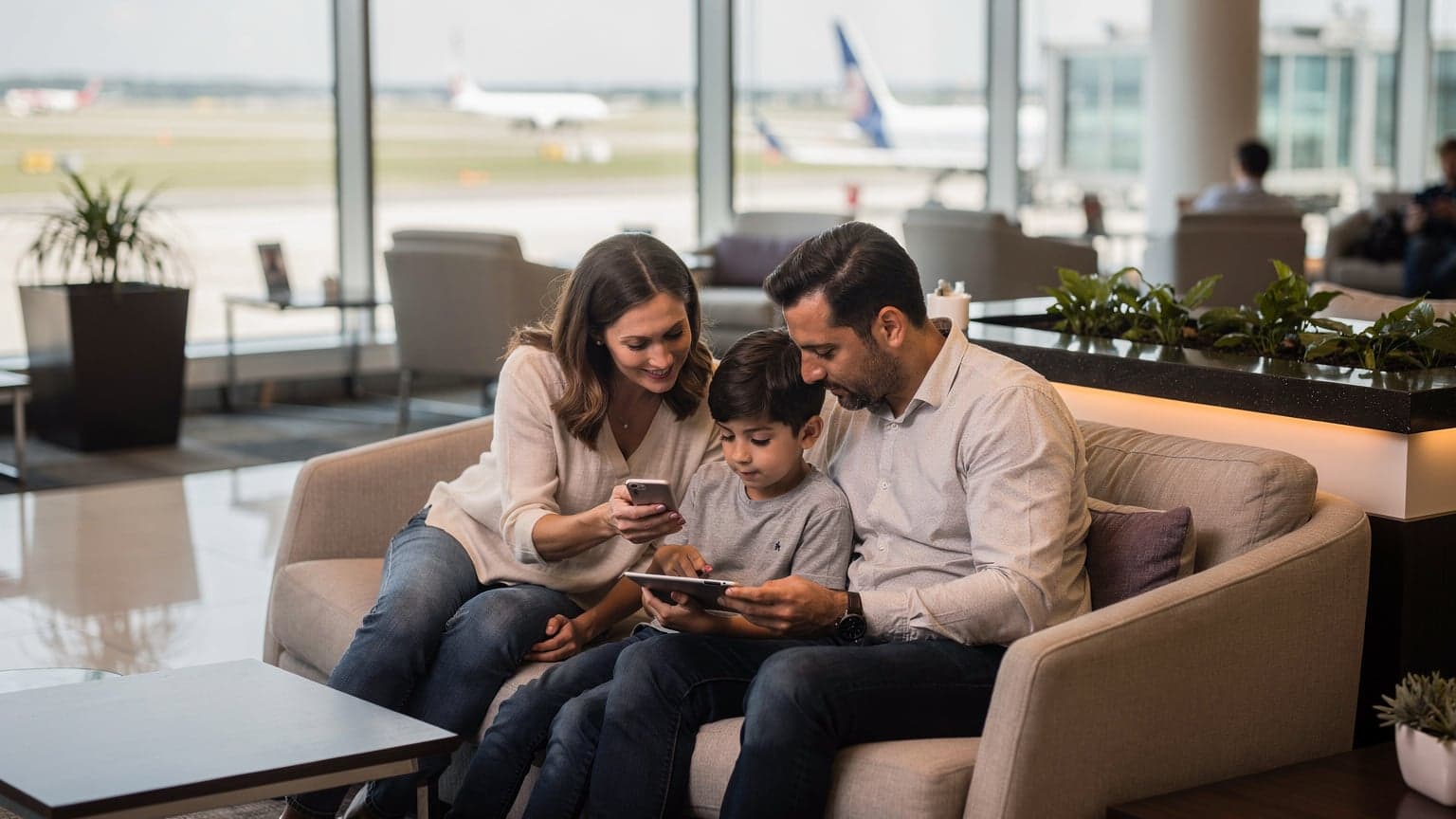
As a seasoned family travel planner, I've learned that a solid data plan is the bedrock of any successful international trip, especially when you're juggling multiple devices for kids aged 4 to 12. AT&T's eSIM technology, an embedded SIM, offers a fantastic solution for bypassing the old physical SIM card swap, which, let's be honest, is a fumbling nightmare when you're trying to keep track of tiny plastic cards and even tinier children. Instead of swapping out a physical SIM, your phone downloads a digital profile.
For families, this means a few key benefits. First, your primary AT&T number remains active for calls and texts (hello, school notifications!), while the eSIM handles the local data. This dual-SIM capability is a lifesaver for parental controls, as it allows you to manage screen time or app usage through your home network while still having a robust data connection for navigation, ride-sharing, or even streaming a much-needed episode of Bluey on an iPad. No more desperate searches for hotel Wi-Fi that inevitably cuts out just as the kids reach a critical plot point.
Secondly, it simplifies the whole process. Imagine arriving at Charles de Gaulle with two overtired kids and not having to hunt for a local SIM card vendor, fumbling through language barriers. With an eSIM, you can activate your data plan before you even leave home. This pre-planning flexibility is truly a gift for parents who value efficiency and avoiding on-the-spot crises. (And who doesn't, really?)
eSIM, Fiziksel SIM Kartlara Karşı: Temel Farklar
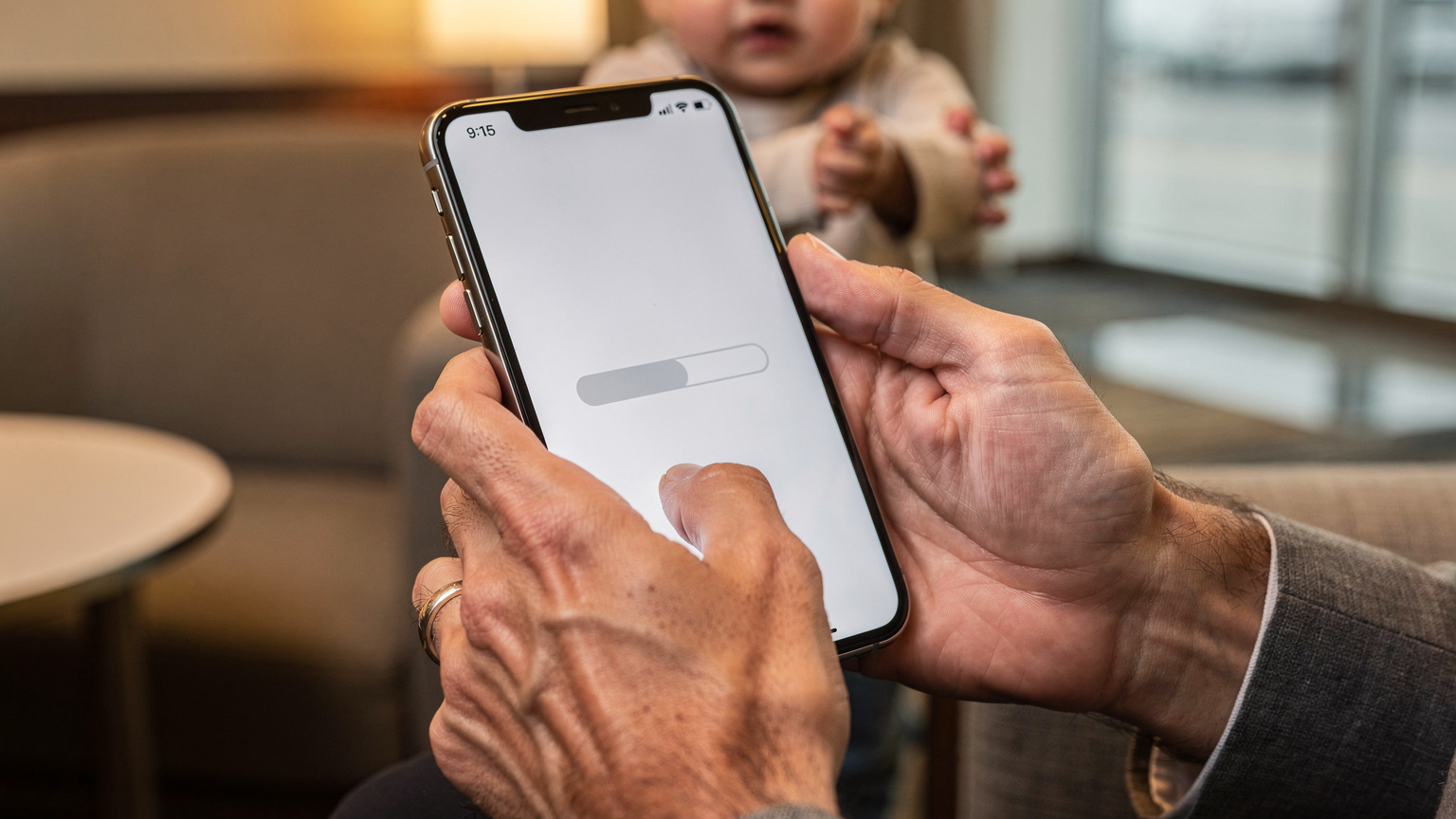
The core difference between an eSIM and a traditional physical SIM card lies in its form. A physical SIM is a tiny chip you insert into your device. An eSIM, on the other hand, is a small chip already embedded in your phone or tablet. Instead of swapping plastic, you simply download a profile. This means newer devices, like the iPhone 18 and Galaxy Z Fold 7, are increasingly designed with eSIM as the primary or sole connectivity option.
- No Physical Card: You never have to worry about losing or damaging a tiny piece of plastic. This is especially good news if your kids are anything like mine and consider small, shiny objects prime candidates for investigative disassembly.
- Dual SIM Capability: Most modern phones with eSIM support allow you to have both your AT&T physical SIM (or another eSIM) and a travel eSIM active simultaneously. This means you can still receive calls and texts on your main number while using the travel eSIM for data.
- Remote Activation: Purchase and activate your data plan from anywhere, often with a QR code or app, significantly streamlining your pre-departure checklist.
Neden Aileler Uluslararası Seyahatte eSIM'i Tercih Etmeli?
For families, the reasons to embrace eSIM are plentiful. Beyond the convenience, it's about control, cost, and connection. Think about it: managing multiple devices, from your phone to your kids' iPads and even a Nintendo Switch for online gaming during downtime, requires a robust data strategy. For example, when we planned our trip to South Korea, knowing we could manage data for multiple devices made the whole process less stressful. You can check out our South Korea Travel Safety & Advisory: A Family Planner's 2026 Guide for more tips on staying connected and safe.
The ability to monitor and control data usage on individual devices, often through the eSIM provider's app, means you can allocate data strategically. No more surprise data overages because someone decided to stream 4K videos of rollercoaster POVs. It also means consistent access to essential apps like Google Maps for navigation, Google Translate for deciphering menus, or even just keeping the kids entertained with their favourite shows on Disney+ or Netflix Kids while you navigate a busy train station. This continuity is a game-changer for reducing travel stress.
Before you even think about leaving, make sure all kids' devices have their favourite shows, audiobooks, and games downloaded for offline use. Even with the best eSIM, there will be dead zones (hello, cruising the Mediterranean!) or moments when you just don't want them glued to a screen. A pre-loaded iPad is a happy iPad, and a happy iPad means a happier parent.
AT&T eSIM ile Uluslararası Seyahat Planlaması, Çocuklar İçin Veri Yönetimi
Planning is my love language, especially when it comes to family travel. When you're dealing with varying data appetites, from my teenager's TikTok obsession to my younger one's constant demand for Roblox, a one-size-fits-all approach to data simply won't cut it. This is where a thoughtful eSIM strategy comes into play, ensuring everyone's needs are met without breaking the bank or creating a network bottleneck.
Aile Üyeleri İçin Veri Planları Nasıl Seçilir?
The key to successful family connectivity lies in understanding usage patterns. My husband and I might need 10-15 GB each for maps, social media, and work emails. But for the kids? That's where things get interesting. Two kids streaming Disney+ in an Airbnb will chew through data faster than you can say "Are we there yet?" I usually budget at least 20-30 GB for their collective devices if they're going to be doing any serious streaming. When planning for a trip to Europe, say, for Summer 2026: Last-Minute Holiday eSIMs for Europe, Italy, Greece & Spain Roaming, I always look for multi-country plans that offer generous data pools.
Consider individual eSIMs for each data-hungry device, or a central hotspot device with its own eSIM if you want to strictly control access. For our last trip, I got individual eSIMs for my phone and my husband's, and then a separate, larger data eSIM for an old phone we repurposed as a dedicated kid-device hotspot. This allowed us to easily pause data on the hotspot when it was screen-free time, without impacting our own connectivity.
| User Profile | Typical Data Needs (per week) | Recommended eSIM Plan |
|---|---|---|
| Parents (General Use) | 10-15 GB | Individual 10-20 GB country-specific or regional plan |
| Teens (Social Media, Light Streaming) | 15-25 GB | Individual 20-30 GB country-specific or regional plan |
| Younger Kids (Streaming, Games) | 20-30 GB+ | Shared hotspot plan or individual larger data eSIM (e.g., 50 GB) |
| Light User (Emergency Calls, Messaging) | 5 GB | Small 5-10 GB plan, focused on validity period |
Çocuk Cihazları İçin Parental Control ve Ekran Süresi Ayarları
This is where the planning truly pays off. Many eSIM providers offer apps that allow you to monitor data usage in real-time. Combine this with your device's native parental controls (like Apple's Screen Time or Google's Family Link) and you have a robust system. I always set strict app limits and downtime schedules before we even leave. For instance, when we were exploring the bustling markets of Marrakech, knowing I could pause data on their devices meant they were looking up at the vibrant surroundings instead of down at a screen.
Another tip: some eSIMs can be tethered to a single device, preventing accidental hotspot sharing or unauthorized usage. This is crucial for managing unexpected data drain. I also remind my kids that their iPad data isn't limitless, and if they blow through it watching too many YouTube shorts, there won't be any more until we're back on Wi-Fi. It's a harsh lesson, but a necessary one for future travel.
Uçuştan Önce Yapılması Gerekenler: Uygulamalar ve Haritalar
This is non-negotiable for smooth sailing. Before any flight, especially long-haul ones, I ensure every device, ours and the kids', is loaded with offline content. Think: a season of their favorite show on Netflix or Disney+, several audiobooks, and a few pre-downloaded games that don't require an internet connection. My children swear by Minecraft Earth and Toca Life World, both of which have robust offline modes.
For us adults, offline maps are paramount. I always download Google Maps regions for our destination. This way, even if we hit a connectivity dead zone in a remote village or a crowded theme park like Disneyland Paris, we can still navigate. Essential travel apps, like local transit apps (e.g., Citymapper in London, Moovit in Rome), airline apps, and accommodation booking apps, should all be updated and logged into. The less you have to rely on patchy airport Wi-Fi, the better your start to the trip will be.
AT&T eSIM Nasıl Alınır ve Yüklenir, Adım Adım Rehber
Getting your AT&T eSIM set up for international travel can feel a bit daunting the first time, but it's really quite straightforward once you know the steps. My best advice, as with any travel planning, is to do this well in advance of your departure. Don't wait until you're at the airport gate!
AT&T'den eSIM Profili Edinme Seçenekleri
AT&T offers a few ways to get an eSIM profile, whether you're converting your existing physical SIM or activating a new line with eSIM. The easiest method for international travel is often to use a dedicated travel eSIM provider like Cellesim, but if you want to stick with AT&T's international plans, here's how:
- Through the My AT&T App: For many modern AT&T devices, you can initiate an eSIM conversion or activation directly within the My AT&T app. Look for an option related to "Manage SIM" or "Upgrade SIM." This usually involves a few taps and a verification process.
- Contacting AT&T Customer Service: This is often the most reliable method, especially if you're feeling unsure. Call AT&T's international support line (dial +1.314.925.6925 from abroad, or 611 from your AT&T phone in the US). Explain that you need an eSIM profile for international use to avoid roaming charges. They can often provision an eSIM for you remotely, which will then be delivered via email as a QR code or directly pushed to your device.
- Visiting an AT&T Store: If you prefer in-person assistance, an AT&T retail store can help you activate an eSIM. Just be prepared for potential wait times, especially if you're visiting a busy location. I usually avoid this option right before a trip unless absolutely necessary, as it adds another errand to an already packed schedule.
Once you have your eSIM profile (usually a QR code or an activation code), the installation process is largely similar across devices, though iPhones and Androids have slight variations.
iPhone ve Android Cihazlarda eSIM Yükleme Adımları
Regardless of your device, the core principle is the same: you're adding a cellular plan. For a deeper dive into iPhone-specific eSIM setup, you might find eSIM for iPhones: Bypass Roaming Fees in 2026, From Setup to Seamless Data a useful resource.
For iPhones (iOS 17 and later):
- Go to Settings: Tap "Settings" > "Cellular" (or "Mobile Data").
- Add eSIM: Tap "Add eSIM" or "Add Data Plan."
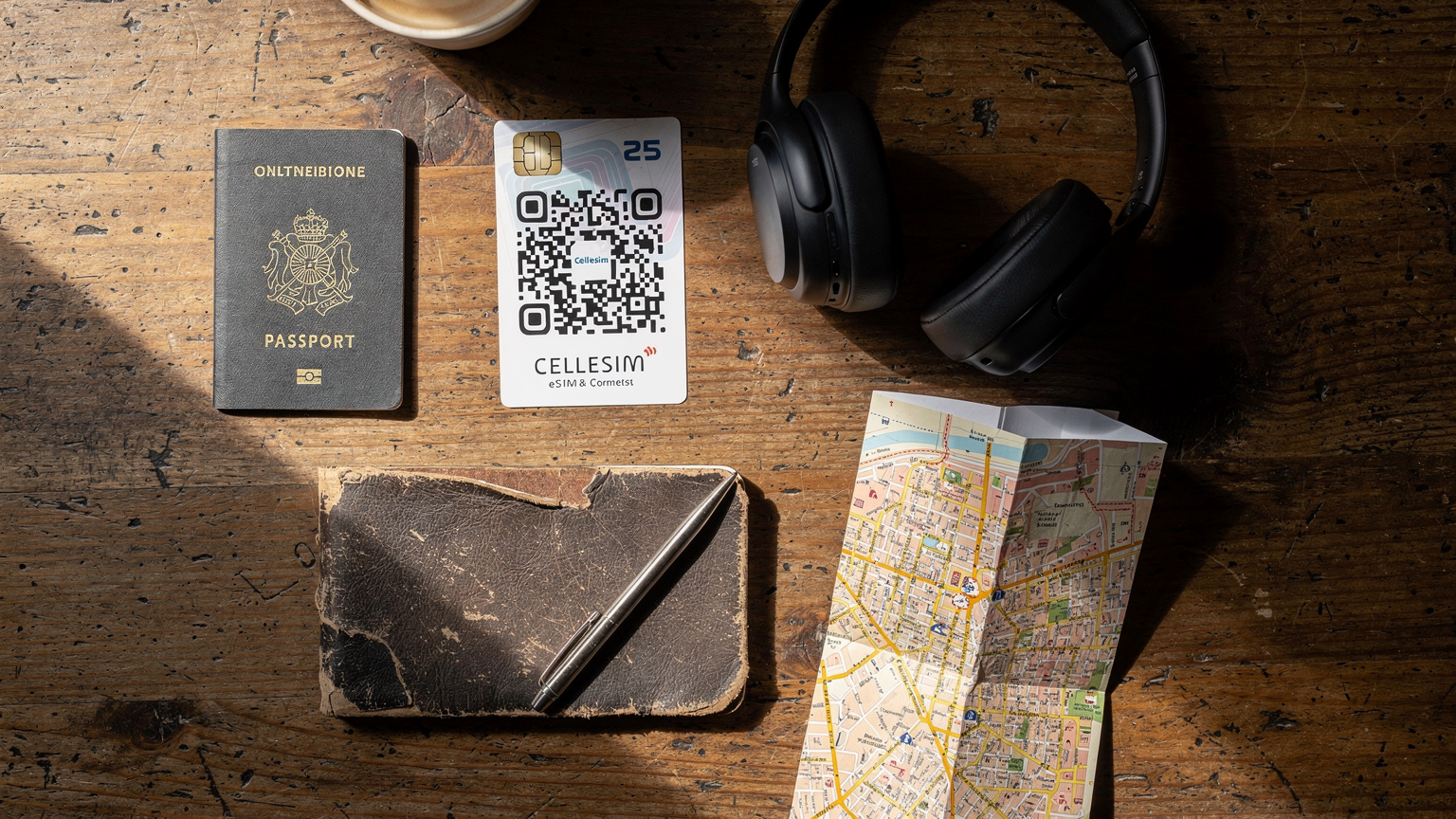
- Scan QR Code or Enter Details: If you received a QR code from AT&T or a Cellesim travel eSIM provider, choose "Use QR Code" and scan it. If you have activation details, select "Enter Details Manually."
- Label Your Plans: Once activated, your iPhone will prompt you to label your cellular plans (e.g., "Primary" for AT&T, "Travel" for your eSIM). This is crucial for managing which line uses data and which is for calls.
- Set Default Line: Go to "Settings" > "Cellular" > "Cellular Data" and choose your travel eSIM as the primary for data while abroad. Ensure "Allow Cellular Data Switching" is turned off to prevent accidental roaming on your AT&T line.
For Android Devices (Samsung Galaxy, Google Pixel, etc.):
- Access Network Settings: Navigate to "Settings" > "Network & internet" (or "Connections" on Samsung devices) > "SIMs" (or "SIM card manager").
- Add Mobile Network: Look for "Add mobile network" or a plus (+) icon next to "SIMs."
- Download eSIM: Select "Download a SIM instead?" (or similar phrasing).
- Scan QR Code or Enter Details: Use your phone's camera to scan the QR code provided, or manually enter the activation code if applicable.
- Configure Data Usage: Once the eSIM is active, go back to your SIM manager settings and set the new eSIM as your preferred SIM for mobile data. You can usually toggle between your physical AT&T SIM and the eSIM as needed.
Aktivasyon Öncesi ve Sonrası Kontrol Listesi
Before you even think about boarding that plane, a quick checklist can save a lot of headaches:
- Check Device Compatibility: Not all phones support eSIM. Double-check your specific model. For instance, many older iPhones (pre-XS) and some budget Android phones might not.
- Unlock Your Phone: Your AT&T phone must be unlocked to use an eSIM from another provider (like Cellesim). If it's still locked to AT&T, you'll need to request an unlock code from them.
- Download Cellesim App: If using a Cellesim eSIM, download the app before you leave. It's often the easiest way to manage your plan, top up data, or troubleshoot.
- Test Connectivity: Once activated, test your eSIM connection. Make a quick call or browse a website to confirm it's working before you're in a foreign country.
Post-activation, make sure your primary AT&T line is set to only handle calls and texts, and that data roaming is disabled for it to prevent surprise bills. Your travel eSIM should be the sole source of mobile data while you're abroad.
eSIM Verilerinizi ve Cihazları Yurt Dışında Yönetmek
So, you've landed, the kids are already asking for Wi-Fi, and your eSIM is active. Now comes the ongoing task of managing that data. This is where planning meets reality, especially when you have multiple devices and a limited data budget.
Veri Kullanımını İzleme ve Top-Up Seçenekleri
Most eSIM providers, including Cellesim, offer an intuitive app or a web portal where you can track your data usage in real-time. This is incredibly useful for preventing unexpected run-outs. I check ours daily, especially after a particularly heavy streaming session from the kids. If you're nearing your limit, don't panic, most providers offer easy top-up options. These usually involve purchasing additional data directly through the app or website, which activates almost instantly. It's a far cry from hunting down a local store and buying scratch cards, which was my life ten years ago.
For instance, if you're exploring the ancient streets of Tbilisi, and the kids are burning through data watching travel vlogs, you can quickly add more GBs from your phone. This kind of flexibility is a cornerstone of hassle-free family travel. If you're considering a longer stay, you might be interested in the Tbilisi Digital Nomad Visa 2026: Your eSIM Connectivity Blueprint for more on long-term data solutions.
Tema Parkları ve Seyir Gemilerinde Bağlantı İpuçları
Connectivity in theme parks and cruise ships is a beast of its own. Theme parks like Universal Studios Orlando or Disneyland often have their own Wi-Fi, but it can be notoriously spotty and slow, especially during peak hours. Your eSIM, leveraging local networks, will almost always be more reliable. We found this out the hard way at Epcot, where the official app for wait times just wouldn't load on the park Wi-Fi. My eSIM saved the day.
Cruise ships are another story. While some newer ships offer satellite internet packages, they are often expensive and slow. Your eSIM will only work when the ship is near land, within range of a cellular tower. Once you're out to sea, you're relying on the ship's satellite Wi-Fi or going completely offline. This is where those pre-downloaded movies and games become invaluable. I also use this as an opportunity for some intentional screen-free time, encouraging board games or reading (though the occasional iPad top-up request from a bored 10-year-old is inevitable, even at sea).
Çoklu Cihazları Yönetmek: eSIM Hotspot veya Bireysel Planlar
This is a perpetual debate in our household. Do we get individual eSIMs for everyone, or do I become the human hotspot? Here's my breakdown:
- Individual eSIMs: Best for older kids (10+) who need their own autonomy and data. It's also great if you want to apply specific parental controls to their device's data usage, or if they're using their own phone. The downside is managing multiple eSIM profiles and possibly higher costs.
- Dedicated Hotspot Device: This is my preferred method for younger kids' iPads or Nintendo Switches. I take an old, unlocked phone, install a high-data eSIM, and then use it as a Wi-Fi hotspot. This allows me to easily toggle the hotspot on and off, manage screen time from one central point, and prevent data abuse. It also keeps my primary phone's battery from draining quickly. Just make sure the hotspot device has enough battery life or carry a portable power bank.
Always remember to disable data roaming on your primary AT&T line and ensure your Cellesim plan is set as the default for mobile data when abroad. This simple step prevents bill shock.
AT&T Roaming Paketlerine Karşı eSIM, Maliyet Karşılaştırması
This is where the rubber meets the road for any budget-conscious family traveler. AT&T's international roaming plans, while convenient, can be notoriously expensive, especially when you factor in multiple devices. Let's compare the options.
AT&T Uluslararası Roaming Ücretlerinin Analizi
AT&T primarily offers two international roaming options: International Day Pass and Pay-Per-Use. The International Day Pass typically costs around $10-15 per day per line and allows you to use your domestic plan's talk, text, and data allowances. Sounds okay, right? Until you do the math for a family of four over a two-week trip. That's $40-60 a day, or $560-840 for two weeks, just for basic connectivity. Plus, your data speeds might be throttled after a certain threshold. It adds up faster than kids can spend money on overpriced hotel snacks.
Pay-Per-Use is even worse. We're talking dollars per MB, which means even a quick check of Instagram or a few minutes of video streaming can result in hundreds of dollars in charges. It's a recipe for heart palpitations when the bill arrives. For parents, this financial uncertainty is just another layer of stress we don't need.
| Feature | AT&T International Day Pass | Cellesim eSIM (Example) |
|---|---|---|
| Cost (per line, 14 days) | $140 - $210 | $20 - $50 (depending on data) |
| Data Speed | Domestic plan speed (may throttle) | Local network speed (often full speed) |
| Data Allowance | Uses domestic plan allowance | Dedicated data package (e.g., 20GB, 50GB) |
| Activation | Automatic upon use abroad | Manual QR code scan or app activation |
| Flexibility | Limited, tied to existing plan | High, choose plans by country/region/data need |
| Parental Control | Device-level only | Device-level + often eSIM provider app monitoring |
eSIM Sağlayıcılarının Fiyatlandırma ve Plan Seçenekleri
This is where dedicated eSIM providers like Cellesim shine. They offer a vast array of plans tailored for specific countries, regions, or even global coverage. You can find plans ranging from a few gigabytes for a short trip to hundreds of gigabytes for extended stays, all at a fraction of the cost of AT&T's roaming. For example, a 20 GB plan for Europe valid for 30 days might cost you around $30-40. That's less than three days of AT&T's International Day Pass for one person! Multiply that by a family, and the savings are substantial enough to cover a few extra gelato cones.
When choosing a Cellesim plan, I look for a few things: sufficient data (remember the Disney+ streaming!), a generous validity period (some plans are 7 days, others 30 or 90), and multi-country coverage if we're hopping between borders. For instance, when travelling to Europe, a regional eSIM covering Italy, Greece, and Spain is a much more economical choice than individual country plans.
Para Tasarrufu İpuçları ve En İyi Değeri Bulma
- Buy Regional Plans: If visiting multiple countries in a region (e.g., Europe, Southeast Asia), a regional eSIM is almost always cheaper than buying individual country plans.
- Monitor Data Usage: Use your phone's built-in data usage monitor (Settings > Cellular/Mobile Data) and the eSIM provider's app to keep tabs on consumption.
- Leverage Free Wi-Fi: When available and secure, use hotel or café Wi-Fi for heavy data tasks like uploading photos or downloading large files. Just be mindful of public Wi-Fi security.
- Pre-Download Content: As I mentioned, downloading movies, shows, and games before you leave home saves a tremendous amount of data.
- Consider a Data-Only eSIM: If you primarily need data and can rely on messaging apps (WhatsApp, iMessage) for communication, a data-only eSIM is often cheaper than one with call/text allowances. Remember eSIM SMS Abroad 2026: Why Your Old Number Still Matters (And How to Text) for situations where you might need your old number.
Ortak Sorunlar ve Çözümler, eSIM Aktivasyonunda Karşılaşılan Engeller
Even with the best planning, travel can throw curveballs. eSIM activation, while generally smooth, can sometimes present a few hiccups. Being prepared for these common issues can save you a lot of frustration when you're already dealing with jet lag and demanding little ones.
Aktivasyon Hataları ve Çözümler
The most common activation error is simply a missed step or a weak Wi-Fi connection during the initial setup. Remember, you need a stable internet connection to download the eSIM profile.
- "Unable to Add Data Plan" Error: This often means your device isn't eSIM compatible, or it's still locked to your previous carrier. Ensure your phone is unlocked and supports eSIM. A quick search for "[Your Phone Model] eSIM compatibility" will usually clarify.
- QR Code Not Scanning: Make sure the QR code is clear, well-lit, and not wrinkled or smudged. Try holding your phone steady at varying distances. If all else fails, most eSIM providers offer a manual activation code you can type in.
- No Service After Activation: First, restart your phone. Often, that's all it takes. Second, check your device's cellular settings to ensure the new eSIM is selected for data and that data roaming is enabled for that specific eSIM (it's often off by default for new profiles). If you're using a Cellesim eSIM, double-check the APN settings in your phone's cellular data options, as these sometimes need manual configuration based on the provider's instructions.
- Internet but No Calls/Texts: If you opted for a data-only eSIM, this is normal. If your plan includes calls/texts, ensure your phone's network settings are configured correctly to use the eSIM for these services, or that you're using Wi-Fi calling.
AT&T Müşteri Hizmetleriyle İletişim
If you're having trouble specifically with your AT&T eSIM or your AT&T line while abroad, don't hesitate to contact their international support. As mentioned before, dial +1.314.925.6925. Be prepared to explain your situation clearly, as sometimes the first-line support might not be fully versed in international eSIM nuances. I've found it helpful to be very specific: "I have an AT&T eSIM, I'm in [Country], and I'm experiencing [specific issue]."
For issues with your Cellesim eSIM, their customer support is typically very responsive via chat or email, which is often more convenient when you're in a different time zone. I always save their support contact info in my phone before I leave, just in case.
Yedekleme Planları ve Acil Durum Çözümleri
Even the best-laid plans can go awry. My backup plan always includes:
- A Physical SIM Card: I always travel with an old, unlocked phone and a spare physical SIM card from a generic global provider, just in case my primary phone or eSIM fails. This is a low-cost, high-reward safety net.
- Offline Maps: Cannot stress this enough. If all else fails, you can still navigate.
- Printed Reservations: A physical printout of hotel bookings, flight details, and emergency contacts. Because technology sometimes fails, and sometimes you just need to show a paper to a taxi driver.
- A Local SIM: As a last resort, if your eSIM strategy completely collapses, you can always purchase a local physical SIM card upon arrival. It's not ideal, but it's a guaranteed way to get connected.
AT&T eSIM ile Bağlantılı Kalmak ve Eğlenceyi Sürdürmek
Staying connected isn't just about practicalities; it's about peace of mind and keeping the family happy. For me, that means ensuring the kids' entertainment devices are always ready, and that our own phones are reliable for everything from navigation to capturing those fleeting family moments.
Çocuklar İçin Çevre Dışı Eğlence Seçenekleri
While an eSIM ensures connectivity, I'm a firm believer in balancing screen time with real-world exploration. We always pack a few small, engaging items for downtime: mini sketch pads and pencils, a deck of cards, a compact travel board game like Bananagrams, or a couple of their favorite graphic novels. These are lifesavers during long train rides, restaurant waits, or when you just need a moment of quiet without resorting to a screen. (Though, let's be real, sometimes a screen is absolutely necessary.)
When we were on a safari in Africa, our Africa eSIM 2026: Multi-Country Safari Data, Simplified kept us connected in towns, but in the bush, offline activities were crucial. We focused on spotting animals and sketching them, using the downtime as an opportunity to connect with each other and the environment.
Bağlantı Kopması Olmadan Seyahat Anılarını Paylaşma
One of the joys of travel is sharing your experiences. With a reliable eSIM, you can instantly upload photos and videos to family group chats, post updates on social media, or even do a quick video call with grandparents back home. No more waiting until you find strong Wi-Fi. This real-time sharing is especially precious when you're creating lifelong memories with your children. I've found that my kids, even the younger ones, love seeing their adventures pop up on my Instagram stories, making them feel like part of the "content creation" process.
Acil Durumlar İçin Önemli Uygulamalar
Beyond entertainment, connectivity is vital for safety. Before you leave, make sure these apps are downloaded and familiar to you:
- Local Emergency Numbers: Have them saved in your contacts, and also know how to dial them.
- Translation Apps: Google Translate or DeepL can be lifesavers for communicating in a pinch. Make sure to download offline language packs.
- Ride-Sharing Apps: Uber, Bolt, Grab, or local equivalents. Essential for quick, safe transport.
- Banking Apps: For monitoring transactions and freezing cards if lost or stolen.
- Messaging Apps: WhatsApp or Messenger for reliable communication with family back home.
Having a functioning eSIM ensures these critical applications are always within reach, offering peace of mind no matter where your adventures take you.
Geleceğe Bakış, eSIM Teknolojisi ve Aile Seyahatleri
eSIM technology is still evolving, and its future looks incredibly bright for travelers, especially families. As devices become more integrated and our global footprint expands, seamless, affordable connectivity will only become more critical.
eSIM Teknolojisindeki Son Gelişmeler
We're seeing rapid advancements. More devices, beyond just phones and tablets, are incorporating eSIMs. Think smartwatches that can make calls independently, or even connected cars with their own data plans. The trend is towards greater flexibility and ease of use. I anticipate more global eSIM providers offering truly seamless multi-country, multi-device plans, simplifying data management even further for families. The ability to switch between profiles with a few taps, monitor usage across all connected devices from a single dashboard, and even pre-load data for upcoming legs of a trip will become standard.
AT&T'nin Gelecekteki eSIM Stratejileri
Major carriers like AT&T are also investing heavily in eSIM. While their international roaming options still lag behind dedicated travel eSIM providers in terms of cost and flexibility, I expect to see them adapt. Perhaps more competitive international eSIM plans, or easier integration with multi-device family plans. As the technology becomes ubiquitous, AT&T will likely offer more streamlined ways for their customers to manage international data without resorting to exorbitant daily fees. One can hope, anyway!
Aileler İçin Seyahat Bağlantısında Daha Fazla Kolaylık
Ultimately, the goal is effortless connectivity. For family travel, this translates to fewer meltdowns (from both kids and parents), less stress about unexpected costs, and more time focusing on making memories. eSIM technology is a huge step in that direction. It empowers us to provide reliable internet for educational apps, entertainment, and essential communication, all while maintaining control over usage and budget. The days of hunting for sketchy Wi-Fi or swapping tiny SIM cards are, thankfully, becoming a distant memory, paving the way for more connected, and therefore more enjoyable, family adventures.
Frequently Asked Questions
Can I use my AT&T eSIM for international travel?
Yes, you can use your AT&T eSIM for international travel, but it will typically fall under their international roaming plans like the International Day Pass. For more cost-effective solutions, consider using a dedicated travel eSIM from providers like Cellesim, which allows you to maintain your AT&T number for calls/texts while using a local data plan.
How do I activate an AT&T eSIM for my family's devices?
You can activate an AT&T eSIM for your devices by contacting AT&T customer service, using the My AT&T app, or visiting an AT&T store. For international travel, many families opt for travel eSIMs from third-party providers, which are typically activated via a QR code scan on each compatible device.
Will an eSIM work on my kids' iPads or Nintendo Switch for streaming abroad?
eSIMs work on compatible iPads (usually cellular models) and can be used to create a hotspot for devices like a Nintendo Switch. For iPads, ensure it's an eSIM-compatible model. For a Switch, you'd need to tether it to a phone or a dedicated hotspot device that has an active eSIM plan with sufficient data for streaming and online gaming.
How much data should I get for two kids streaming Disney+ on a trip?
For two kids streaming Disney+ (or similar services) regularly, I recommend budgeting at least 20-30 GB of data per week for their combined devices. Streaming is data-intensive, so opting for a generous data plan or using a dedicated hotspot with a high-capacity eSIM is advisable to avoid unexpected data depletion.
What are the best parental control features for eSIM data abroad?
The best parental control features involve a combination of your device's native parental controls (like Apple Screen Time or Google Family Link) and the eSIM provider's app, if available. Use these to set app limits, schedule downtime, and monitor data usage. If using a hotspot, you can simply toggle the data connection on and off from the primary device.
Is it cheaper to use AT&T roaming or a Cellesim eSIM for international travel?
For most international travel scenarios, using a Cellesim eSIM is significantly cheaper than AT&T roaming, especially for families. AT&T's International Day Pass can cost $10-15 per day per line, quickly adding up. Cellesim offers dedicated international data plans that provide more data at a fraction of the cost, giving better value for multi-device family usage.