Understanding Telkomsel eSIM for Tourists: Why It Matters for Families
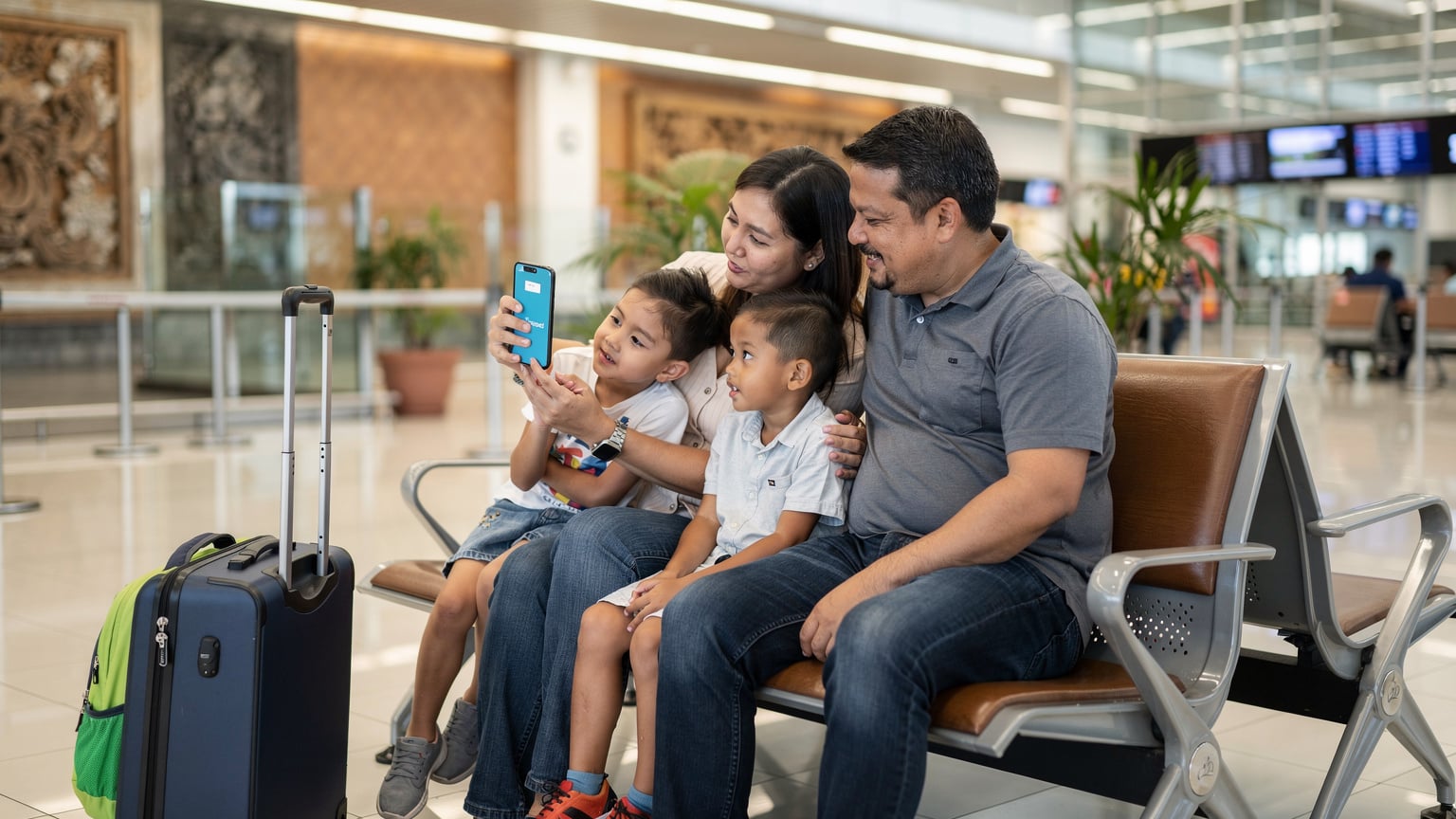
As a seasoned family travel planner (my kids, now 10 and 12, have seen more countries than most adults), I can tell you that reliable connectivity is not a luxury, it's a necessity. Especially when you're managing schedules, mapping out the next batik workshop, and fending off the inevitable "are we there yet?" with a well-timed episode of Bluey. The Telkomsel eSIM is a game-changer for tourists because it sidesteps the physical SIM card hassle, meaning you can get connected before you even touch down at Ngurah Rai International Airport.
For families, this means one less thing to worry about upon arrival. No fumbling for tiny SIM cards, no trying to explain your data needs in broken Indonesian at a bustling counter. You can set it up from your living room, ensuring that as soon as you land, your phone (and critically, your kids' devices) have data. This is particularly useful for those moments when you need to quickly summon a Grab or Gojek from the airport, or when a child's iPad needs a quick data top-up to finish downloading that last episode of Miraculous Ladybug before the long drive to Ubud.
Telkomsel's network covers most major tourist destinations exceptionally well. From the bustling streets of Jakarta to the serene beaches of Lombok and the ancient temples of Yogyakarta, you'll generally find strong 4G LTE signals. While 5G is rolling out in some urban centers, 4G LTE is the workhorse you'll rely on, and it's perfectly sufficient for video calls back home, navigating with Google Maps, and yes, even keeping two kids streaming Disney+ in the back of a taxi (more on that data usage later). Knowing which areas have stronger coverage helps a lot in planning the daily adventures.
Data Needs for Family Travel: How Much is Enough?
Ah, the eternal question: how much data? When it's just me, I can usually get by on a few gigabytes for a week. Add two children with their own iPads, a Nintendo Switch (because online multiplayer is life, apparently), and a penchant for streaming anything with a cartoon character, and suddenly that small plan looks like a sad puddle in a desert.
Let's break down typical family data usage. My kids, bless their digital hearts, can chew through data like nobody's business. An hour of Disney+ streaming in standard definition uses about 1 GB per device. So, two kids, two hours a day, that's 4 GB gone. Easily. For a week, that's 28 GB just for streaming. Add in my navigation, social media, sending photos to Grandma, and checking hotel bookings, and we're looking at a serious data requirement.
Here's a rough guide for a 7-day family trip to Indonesia with two school-aged children (ages 8-12):
| Activity | Estimated Data Usage Per Device (per day) | Family Total (2 adults, 2 kids, 7 days) |
|---|---|---|
| Basic Browsing, Maps, Messaging (per adult) | 500 MB | 7 GB |
| Social Media, Photo Uploads (per adult) | 1 GB | 14 GB |
| Streaming Video (Disney+, Netflix, YouTube Kids) (per child) | 2-3 GB (SD) | 28-42 GB |
| Online Gaming (Nintendo Switch, Roblox) (per child) | 500 MB - 1 GB | 7-14 GB |
| Video Calls (e.g., FaceTime with grandparents) | 500 MB | 3.5 GB (if occasional) |
| Recommended Total for 7 Days | N/A | 50-70 GB |
As you can see, a shared family plan of at least 50 GB is a good starting point for a week-long trip. If your kids are heavy streamers or gamers, err on the side of more. It's always better to have too much data than to run out mid-trip and face the inevitable screen-time meltdown. Remember, you can always top up your Cellesim eSIM if you miscalculated, but avoiding that scramble is always the goal.
Before you even leave home, make sure those crucial apps are pre-loaded and updated on all devices. Offline maps (Google Maps, Maps.me), downloaded movies on Disney+ or Netflix, and any educational games that don't require an internet connection are your best friends on long flights or drives. I always make sure the kids' tablets are stocked before we hit the airport, just in case the plane WiFi is patchy or, more likely, non-existent.
Activating Your Telkomsel eSIM: A Step-by-Step for Parents
Installing an eSIM is surprisingly straightforward, even for those of us who still occasionally ask our kids to fix the router. The beauty of an eSIM is that you activate it digitally, often by scanning a QR code. For a parent, this means you can do it well in advance, from the comfort of your home, ensuring everything is ready to go.
Here's a simplified process, assuming you've purchased your Telkomsel eSIM from a reputable provider like Cellesim (which I highly recommend for their clear instructions and customer support, believe me, I've used them).
- Purchase Your eSIM: Go to the Cellesim website (or similar provider) and select an Indonesia eSIM plan that fits your family's data needs. As discussed, aim for at least 50GB for a week with two kids. You'll receive an email with your eSIM's QR code and activation instructions.
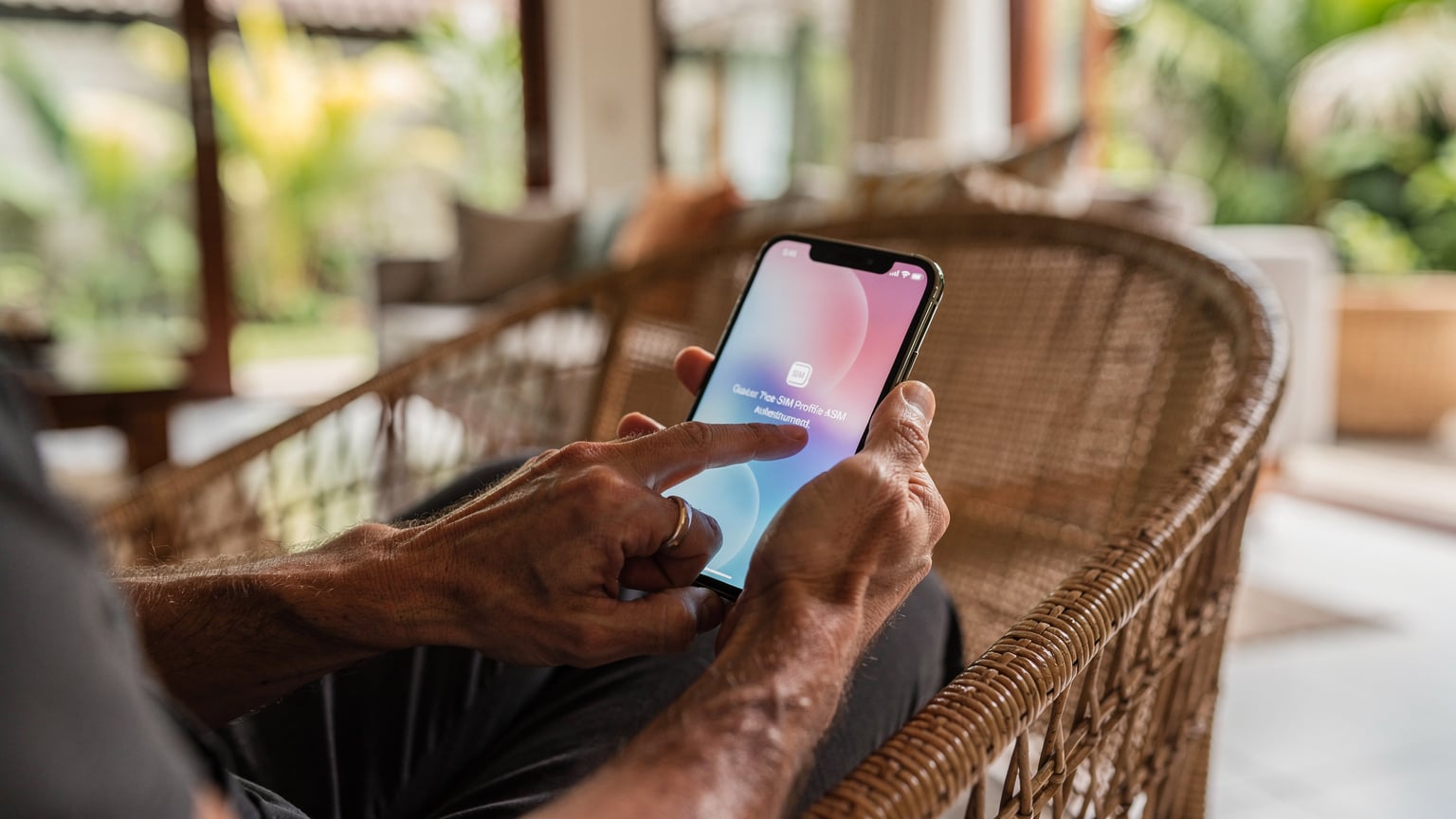
- Scan the QR Code: On your smartphone (ensure it's eSIM compatible, of course), go to your Settings > Cellular/Mobile Data > Add eSIM. You'll usually have the option to "Use QR Code." Scan the code from the email.
- Label Your eSIM: This is a crucial step for family travel. Label your new eSIM something clear, like "Indonesia Travel" or "Telkomsel Trip." This helps you differentiate it from your home line. If you're managing multiple devices, ensure each device has a unique label too (e.g., "Mom's Indonesia," "Kid 1's Data").
- Set as Primary for Data (Temporarily): Once activated, your phone might ask which line to use for data. Select your new Telkomsel eSIM. You can still keep your home line active for calls and texts (just remember those roaming charges if you answer!).
- Enable Data Roaming (for the eSIM): This sounds counter-intuitive, but for eSIMs, you generally need to enable data roaming for the eSIM profile to connect to the local network. Don't worry, this isn't enabling roaming on your expensive home plan.
- Test It Out: If you're still at home, you won't get a signal, but you can confirm the eSIM is installed. Once you land in Indonesia, you should connect almost instantly. Try opening a browser or a messaging app.
For a more detailed, visual guide, especially if you're new to eSIMs, I always recommend checking out Cellesim's installation walkthrough for iPhone and Android. It's incredibly clear and saves a lot of headaches.
Connectivity Beyond the Mainland: Theme Parks and Cruise Ships
Indonesia isn't just rice paddies and temples. For families, there are theme parks like Trans Studio Bali or Taman Safari Indonesia, and many embark on island-hopping adventures or cruises through the Komodo National Park. These environments pose unique connectivity challenges.
Inside theme parks, Telkomsel generally provides good coverage. These areas are usually high-traffic zones, so operators invest in robust infrastructure. You'll likely have no problem using your eSIM for checking ride wait times on their apps, finding your way around, or sharing those inevitable "look at my kid on a roller coaster" photos. The real test is usually when everyone converges for a parade or a show, but Telkomsel tends to handle it better than smaller local providers.
Cruise ships are a different beast entirely. Once you're out at sea, your Telkomsel eSIM will likely lose its signal. Cruise ships typically rely on satellite internet, which is notoriously slow and expensive. My advice? Embrace the digital detox while at sea. Load up those offline games and movies before you board. Most modern cruise lines offer WiFi packages, but they are often priced per device and can be quite restrictive. For emergencies, you'll still have satellite phone access, but for day-to-day data, plan to be disconnected. When you reach port, say in Lombok or Flores, your Telkomsel eSIM will spring back to life, giving you local data and the ability to download any accumulated school emails or fresh episodes of whatever the kids are currently obsessed with.
The key here is managing expectations. Don't promise the kids constant TikTok access on the boat, or you'll be hearing about it for days. A little pre-trip communication about when and where they'll have internet access goes a long way in preventing arguments.
Parental Controls and Screen Time Management with eSIM
One of the less obvious but incredibly valuable benefits of using an eSIM for family travel is how it integrates with parental control strategies. As parents, we're always looking for ways to manage screen time, especially when routines are disrupted by travel. An eSIM plan, particularly one from a global provider like Cellesim, offers a surprising level of granular control.
Most modern smartphones (both iOS and Android) allow you to manage data usage on a per-line basis. If you've assigned a Cellesim eSIM to your child's device, you can use your phone's built-in parental controls (like Apple's Screen Time or Google's Family Link) to:
- Set daily data limits: You can often restrict how much data an app can use, or set a total data cap for the eSIM line. This is fantastic for preventing an entire day's worth of data from disappearing during one long YouTube Kids binge.
- Schedule downtime: You can schedule specific times when data access is blocked, like during dinner, bedtime, or when you're exploring a temple. This forces kids to engage with their surroundings or, gasp, talk to each other.
- App restrictions: Block access to certain apps or categories of apps when using the travel eSIM, ensuring they're not accidentally racking up charges or accessing inappropriate content.
- Remote management: Through Family Link or Screen Time, you can often monitor and adjust these settings from your own device, even if you've handed your child their tablet for the day.
While Telkomsel itself offers some basic parental controls on traditional SIM plans, using a Cellesim eSIM provides an extra layer of management that's tied directly to the data connection itself. For example, if you've purchased a data-only plan for a child's iPad, you can set strict limits on that specific line, without affecting your own phone's data or calls.
It's also worth noting that many popular apps for kids, like YouTube Kids, Roblox, and certain educational games, have their own in-app parental control features. Combine these with your device's native controls and the eSIM's data management, and you've got a pretty solid digital safety net for your globetrotting offspring. (And yes, I've absolutely used these controls to force a 'no data for an hour' rule during long car rides, just to enjoy the silence.)
Telkomsel eSIM Alternatives and Multi-Country Options
While Telkomsel is a top-tier choice for Indonesia, it's not the only player, and sometimes your travel plans extend beyond a single country. For multi-country family adventures, a regional eSIM can be a better fit, offering data across several destinations without needing to switch plans.
For instance, if your Indonesian adventure is part of a larger Southeast Asian tour that includes Malaysia or Singapore, a dedicated Telkomsel eSIM might be limiting. This is where providers like Cellesim shine, offering regional eSIMs that cover multiple countries. This means one purchase, one installation, and continuous data as you hop from Bali to Bangkok, or from Jakarta to Kuala Lumpur.
| Provider/Option | Coverage Focus | Best For | Key Benefit for Families |
|---|---|---|---|
| Telkomsel eSIM (Direct or via Cellesim) | Indonesia (extensive) | Dedicated Indonesia trips, deep local coverage | Strongest local network, reliable in remote areas |
| Cellesim Asia Regional eSIM | Multiple Asian countries (e.g., Indonesia, Thailand, Malaysia) | Multi-country Southeast Asia tours | Seamless connectivity across borders, single plan management |
| Local SIM Cards (Telkomsel, Indosat Ooredoo) | Indonesia | Long-term stays, local phone number required | Good value for voice calls, physical presence for support |
When considering alternatives, always look at the fine print: data allowances, validity periods, and whether the plan supports hotspotting. Hotspotting is essential for families, as it allows you to share your phone's data with your kids' iPads or a portable gaming device like the Nintendo Switch. I've often used my phone as a mobile hotspot for the kids when hotel WiFi was slow or nonexistent (which, let's be honest, is more common than we'd like to admit). When comparing options for family travel to Indonesia from France, for example, the convenience of a single eSIM often outweighs a marginal price difference.
For some, the appeal of a local SIM card from providers like Indosat Ooredoo or XL Axiata might be tempting for slightly lower prices. However, these often require physical registration at a store, which can be a time-consuming hassle upon arrival, especially with tired, cranky children in tow. For most short-term tourists, the convenience of an eSIM for Indonesia is simply unbeatable.
The Bottom Line: Your Family's Indonesian Connectivity
For families traveling to Indonesia, a Telkomsel eSIM is not just a convenience, it's a strategic move. It offers the best balance of extensive coverage, reliable speeds, and the digital ease of activation that modern parents crave. You can skip the airport SIM card queues, manage your family's data usage with built-in parental controls, and ensure your kids' devices are pre-loaded and ready for those crucial moments of digital distraction.
My experience across dozens of countries with my own children has taught me that meticulous planning, especially for connectivity, prevents countless headaches. By choosing a robust eSIM plan, you're not just buying data, you're buying peace of mind. It means less stress for you, more uninterrupted exploration, and fewer arguments over who gets to watch what on the shared tablet. Focus on making memories, not on finding a WiFi signal. And remember, a little planning goes a long way in ensuring everyone, from the littlest traveler to the most data-hungry teen, stays happily connected.
Frequently Asked Questions
Can I get a Telkomsel eSIM as a tourist in Indonesia?
Yes, tourists can acquire a Telkomsel eSIM. You can typically purchase these from online providers like Cellesim before your trip, receiving a QR code for easy activation upon arrival. This avoids the need to physically buy a SIM card at the airport or a local store.
How much data do I need for a family trip to Indonesia with an eSIM?
For a family of four (two adults, two school-aged children) on a week-long trip, you should aim for at least 50-70 GB of data. This accounts for streaming on kids' devices, navigation, social media, and general browsing. Streaming video can consume 2-3 GB per child per day.
Does Telkomsel eSIM work in popular tourist spots like Bali and the Gili Islands?
Yes, Telkomsel boasts extensive coverage across Indonesia, including popular tourist destinations like Bali, Lombok, the Gili Islands, Jakarta, and Yogyakarta. You can expect strong 4G LTE signals in most frequented areas.
Can I use parental controls with a Telkomsel eSIM for my kids' devices?
Absolutely. By assigning a Cellesim eSIM to your child's device, you can use your smartphone's built-in parental controls (like Apple Screen Time or Google Family Link) to set data limits, schedule downtime, and restrict app access on that specific eSIM line. This offers granular control over their internet usage.
Is hotspotting allowed with a Telkomsel eSIM for tourists?
Most Telkomsel eSIM plans offered to tourists, especially through providers like Cellesim, do support hotspotting. This is incredibly useful for sharing your phone's data connection with other devices, such as your children's tablets or portable gaming consoles, when public WiFi is unavailable or unreliable.
What should I do if my kids run out of data on their Telkomsel eSIM?
If your children's devices run out of data, you can typically top up your Cellesim eSIM plan directly through the provider's website or app. It's a quick process that allows you to add more data to your existing plan, ensuring continuous connectivity without interruption.