Anonymous
Used in CH, solid experience. The connection was perfect. Setup was solid.
Great
4.4/5 · Based on 10,690 reviews
Showing our 4 & 5 star reviews
No app needed
iPhone & Android
The app is optional: your eSIM also arrives by email and in your account on cellesim.com.
1Tap the button in your email
“Install on iPhone” or “Install on Android” opens your phone's eSIM setup screen for you.
2Or scan the QR code
Open the QR on a computer, then scan it in Settings → Mobile/Cellular → Add eSIM on your phone.
3Your codes stay in your account
Account → My eSIMs always has the QR, the install buttons and the codes for manual entry.
One-tap install needs iOS 17.4+ on iPhone or Android 10+; on older phones, use the QR code.
Set up in 1 minute
Free VPN included
1Pick your plan and pay
Your eSIM arrives in seconds, by email and in the Cellesim app.
2Tap “Install” in the app
No QR code needed: the eSIM is added to your phone in one tap.
3Connect when you land
The line joins One NZ automatically. Your plan starts on first connection.
Free VPN included
Every active eSIM unlocks our VPN at no extra cost.
Not using the app? You can also install with the QR code in your email.
Yes. We know that a New Zealand trip involves exploring the wild. Our eSIM connects to the country’s top-tier networks (typically Spark or One NZ) to ensure you have reliable coverage not just in cities like Auckland and Wellington, but also in remote tourist spots like Queenstown, Milford Sound, and Hobbiton. Note: Signal may naturally vary in extremely deep valleys or mountain passes.
Absolutely. New Zealand is famous for its campervan road trips. Our eSIM provides high-speed 4G/LTE data, which is perfect for using GPS navigation (Google Maps/Waze), finding nearby campsites via apps like CamperMate, and streaming music during your long drives across the country.
This specific plan is designed exclusively for New Zealand. Since many travelers combine New Zealand and Australia in one trip, if you plan to visit Sydney or Melbourne as well, you will need a separate eSIM for Australia or check our Oceania / Global eSIM plans to stay connected in both countries with a single purchase.
Yes. Tethering (Personal Hotspot) is fully supported. This allows you to share your data connection with your travel companions, iPad, or laptop. It’s a great way to keep the whole family entertained or to work remotely from your campervan when campsite Wi-Fi is slow or unavailable.
We highly recommend setting it up before you fly. Buying a SIM card at Auckland or Christchurch airport often involves waiting in long queues after a tiring long-haul flight. With Cellesim, you receive your QR code instantly via email. You can install it at home and be online the moment your plane lands, letting you order an Uber or contact your rental car agency immediately.
Yes, WhatsApp, FaceTime, and other video/voice calling apps work perfectly fine in New Zealand over a data connection.
New Zealand has no restrictions on Voice over IP (VoIP) services, so you can freely use your preferred communication apps to stay in touch with friends and family. Whether you're making video calls or just quick voice messages, these services operate normally as long as you have an active data connection.
Your eSIM will provide this connection by automatically connecting to the strongest available major mobile network in New Zealand. The exact network your eSIM connects to can vary by plan, but all major networks support these services without issue. Just ensure you have sufficient data on your eSIM plan for extensive calls, as video calls can consume data quickly.
Yes. You will generally have reliable 4G signal throughout the Hobbiton tour in Matamata, perfect for instantly uploading photos of yourself in front of the Bag End door to social media.
Coverage is extremely limited to non-existent. Milford Sound is a notorious "dead zone" due to the steep fjord walls; it is essential to download your cruise tickets and offline maps before leaving Te Anau.
Absolutely. While offline maps exist, active data is vital to check real-time availability, read recent reviews of campsites, and find nearby dump stations or public toilets while freedom camping across New Zealand.
Connectivity is intermittent. You will have strong signal leaving Wellington and arriving in Picton, but coverage often drops out while crossing the open water of the Cook Strait and navigating the Marlborough Sounds.
| Trip | Typical use | Good fit |
|---|---|---|
| Auckland or Queenstown, a few days | Maps, bookings, messaging | 3–5 GB |
| Campervan or road trip, 2–3 weeks | Navigation, campsite bookings, photos | 10–20 GB |
| Working holiday or long stay | Video calls, hotspot | unlimited, long validity |
Plans run up to 180 days, which suits a longer working holiday as well as a short trip.
Cities and most State Highways near towns are well covered. On the South Island there are long gaps: the West Coast road around Haast, the road from Te Anau to Milford Sound, Arthur's Pass and much of Fiordland have stretches without signal. Multi-day walks such as the Milford, Routeburn or Abel Tasman tracks are mostly offline. Because the plan uses one network, there is no second network to fall back on in these areas. Download offline maps, ferry tickets and your campsite bookings before you leave town.
A New Zealand plan works only in New Zealand. For the Australian leg you need an Australia eSIM, or a regional plan that covers both countries.
No, our plans are data only. If you need a local number for a job during a working holiday, a local SIM is the better choice.
Near Wellington and Picton, yes. In the middle of Cook Strait the signal can drop for a while.
Based on 19 reviews
Very reliable
Flawless network setup for international roaming. The bandwidth was perfect for maps and streaming. Setup was extremely quick and straightforward. Solid 5 stars from me.
Highly recommended
Superb experience using this eSIM abroad. Excellent coverage throughout my stay. No need to look for physical SIM cards anymore
Highly recommended
flawless network setup for international roaming. the connection was much better than hotel wifi. fair pricing for a generous amount of data. solid 5 stars from me.
Great eSIM
Great service for global travelers. Excellent coverage throughout my stay. Installation instructions were very clear. Solid 5 stars from me.
Very reliable
Highly convenient for international travel. Excellent coverage throughout my stay. Activation via QR code took less than two minutes. Solid 5 stars from me.
Mixed experience
Needed internet for my trip. Data was fast and very reliable. Way cheaper than roaming. Highly recommend it! Noted.
安くて速い通信
海外旅行に非常に便利なeSIMです。 5Gの速度がとても速く、安定していました。 QRコードをスキャンするだけで即座に設定完了。 本当におすすめです!
Très recommandé
Parfait pour mon séjour. Connexion très stable et aucun problème de réseau. Bien moins cher que les frais de roaming habituels. Un service parfait.
Schnelles Internet
Sehr zufrieden mit der Verbindung. Überall stabiles Netz und keine Abbrüche. Keine physische SIM-Karte mehr nötig. Absolut perfekt gelaufen.
Bonne couverture
Très pratique pour les voyages à l'étranger. Connexion très stable et aucun problème de réseau. Installation simple et rapide. Je recommande vivement Cellesim !
Ótimo custo-benefício
Excelente opção para viagens internacionais. Sinal estável durante todo o tempo. Muito mais barato que a minha operadora. Recomendo muito!
Rapide
Vacances géniales. Internet très rapide et fiable. Facile à installer avec le QR code. Parfait.
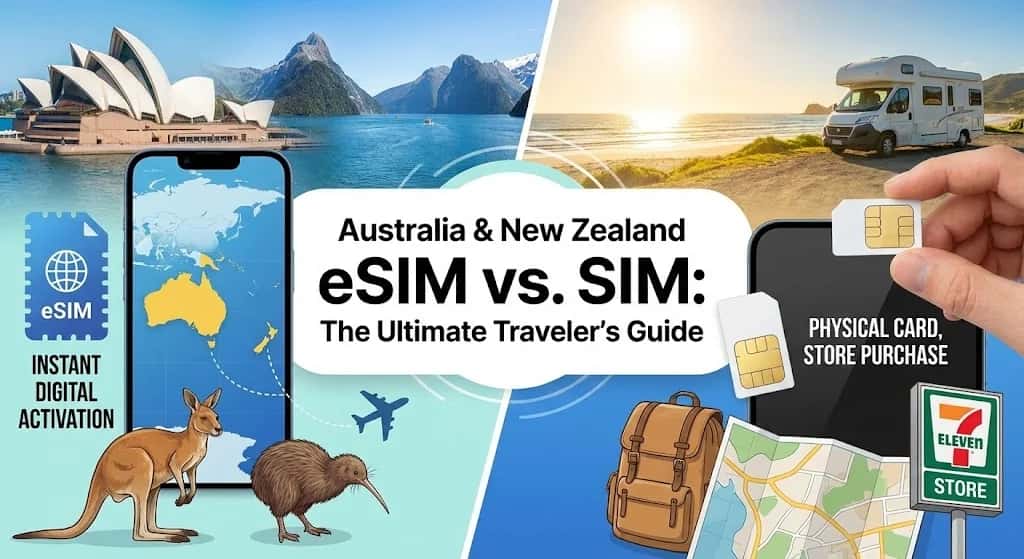
Planning a trip to Australia & NZ? Our guide breaks down the Australia New Zealand eSIM vs SIM debate, helping you choose the best data plan for seamless travel.
Planning an epic road trip across Australia and New Zealand? This guide shows you how to use an eSIM to get affordable, instant mobile data the moment you land.
Leaving NZ for an overseas trip? Our ultimate guide reveals the best eSIM for international travel, helping you avoid massive roaming fees and stay connected effortlessly.
Planning a trip from NZ to Europe? Our guide breaks down everything you need to know about finding the best eSIM to ditch high roaming costs and stay connected.
Don't fall for overpriced roaming in Australia & NZ. Compare hidden costs of local SIMs, pocket WiFi, & discover how eSIM saves you up to 80% on your 2026 trip.
Discover the best eSIM for Argentina in 2026. Get instant, reliable data across Buenos Aires, Patagonia, and more. Avoid roaming fees & stay connected.