The Dilemma of OTPs Abroad
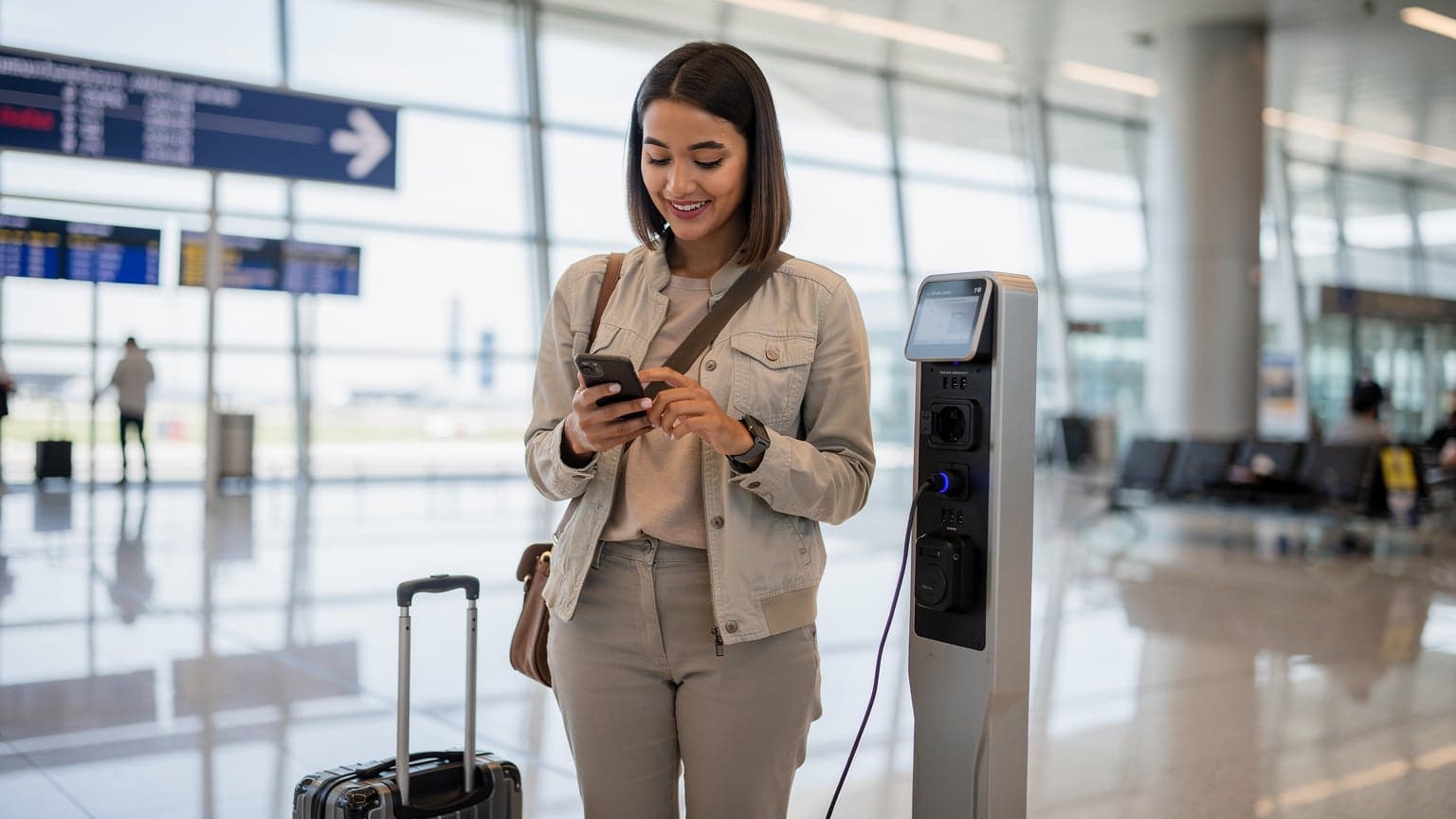
The scenario is familiar: you're trying to log into an online banking portal, access your email, or make a purchase, and a security prompt demands a one-time password. For most of us, this OTP arrives as an SMS to our primary phone number. But what happens when you're in Kyoto, your home SIM card is tucked away, and your phone is running on a local data-only SoftBank eSIM that doesn't support SMS? Suddenly, a routine security measure becomes a significant barrier.
This isn't just an inconvenience, it's a security and access issue. Many critical services, from financial institutions to social media platforms, rely on SMS-based 2FA, or two-factor authentication. While there are more secure and flexible alternatives, SMS OTPs remain prevalent. The core problem for travelers is simple: to receive an SMS, your phone needs an active cellular connection on the number registered with the service. If your home SIM is inactive, removed, or in a state where SMS roaming is not configured, those OTPs won't arrive.
eSIM vs. Physical SIM for OTP Reception
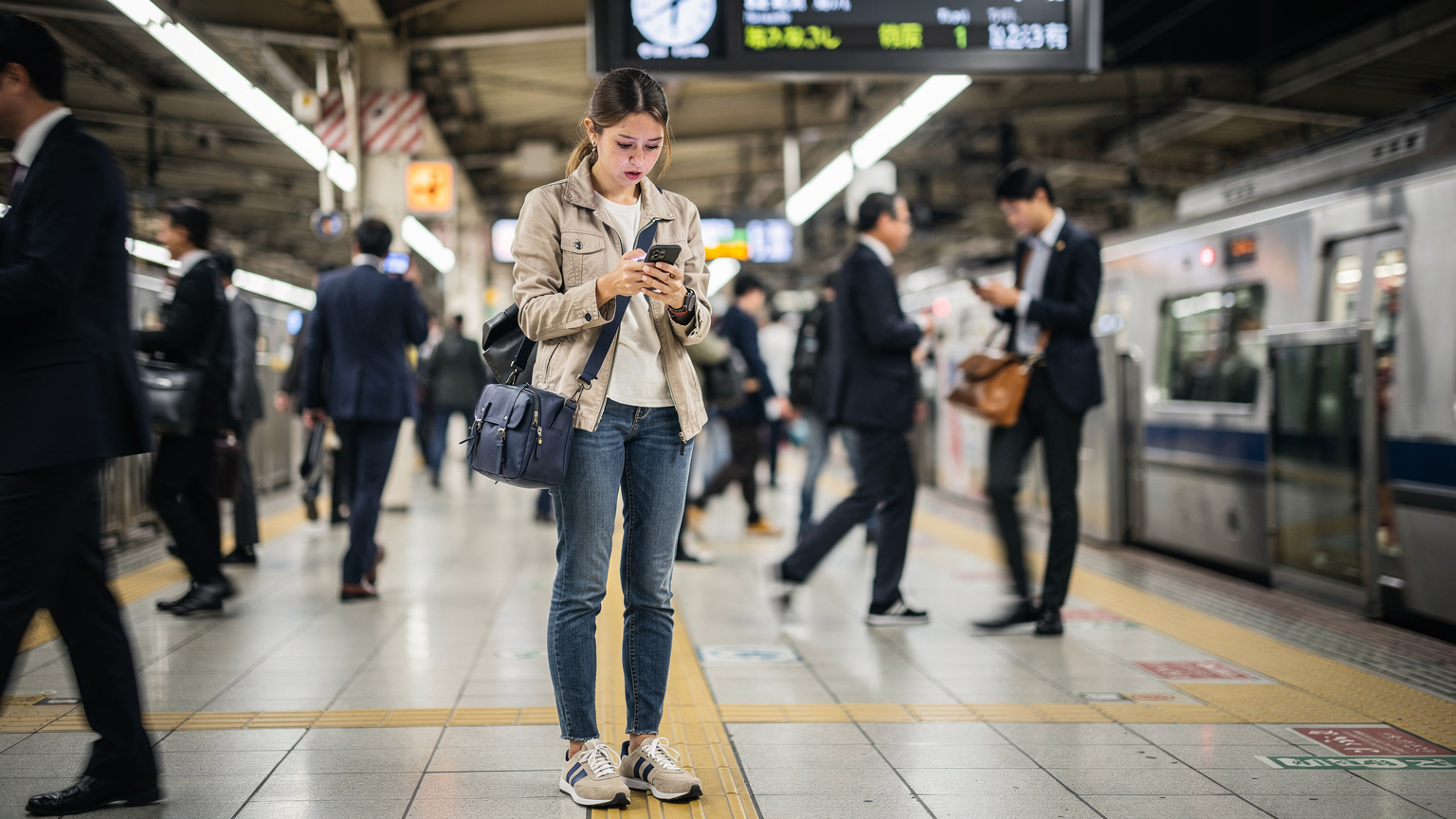
For managing OTPs while traveling, the choice between a physical SIM and an eSIM primarily affects how you handle your primary phone number. Both have their advantages and disadvantages for SMS reception.
With a traditional physical SIM, if you remove your home SIM to insert a local one for data, your primary number becomes inactive. No data, no calls, and crucially, no SMS messages, including OTPs. This means you have to swap SIMs back and forth, which is not only cumbersome but also carries the risk of losing your tiny physical SIM card.
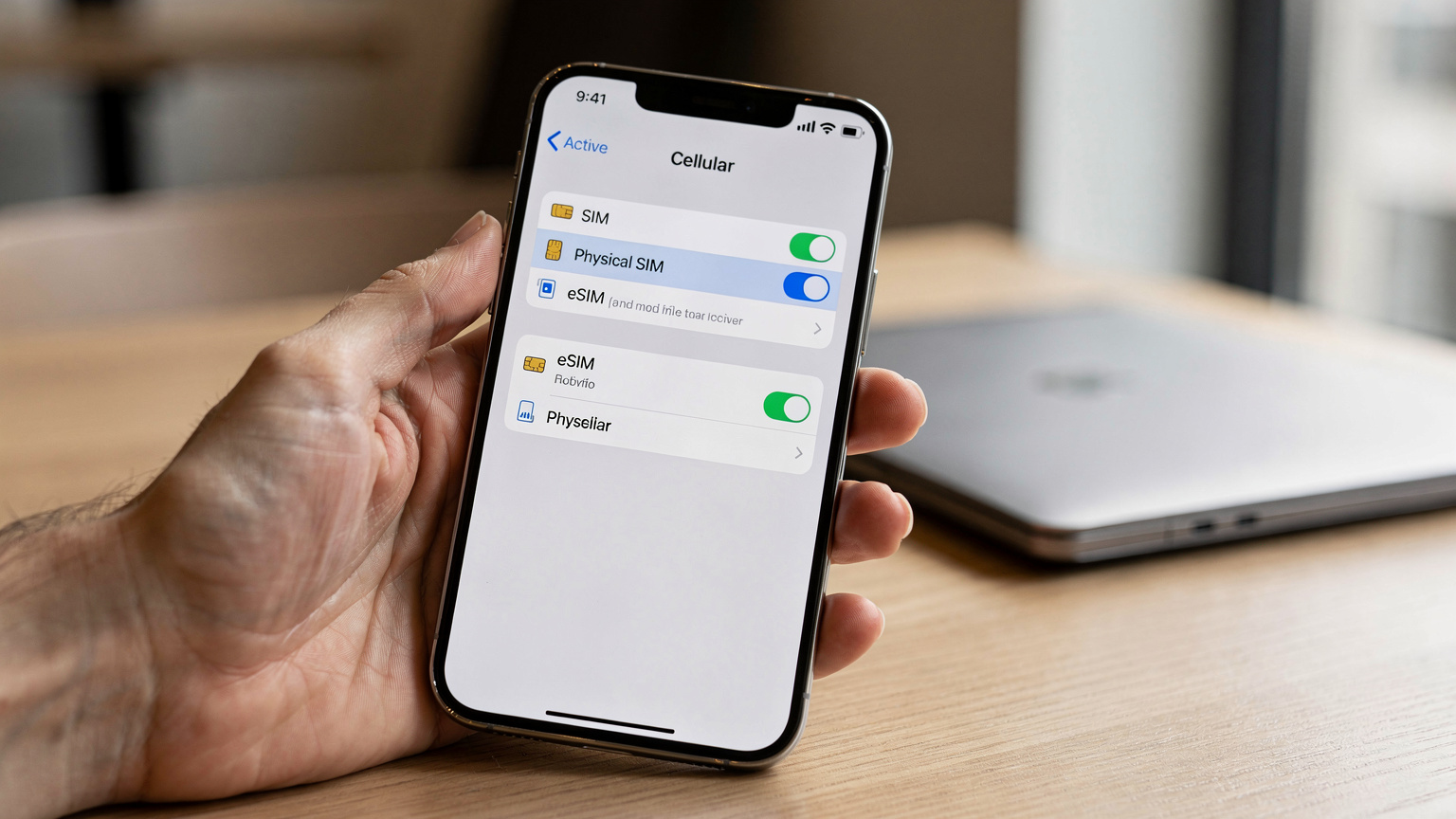
ESIMs, however, offer a dual-SIM functionality that changes the game. Most modern smartphones, particularly flagship models from Apple (iPhone XS and newer) and Samsung (Galaxy S20 and newer), support both a physical SIM and one or more eSIM profiles simultaneously. This means you can keep your home physical SIM active for calls and SMS while using an eSIM for your travel data. This configuration is often referred to as 'Dual SIM Dual Standby' (DSDS), meaning both numbers are active and can receive calls and texts, though only one can actively use data at a time. For instance, you could have your US T-Mobile SIM on the physical tray and a Cellesim France eSIM for data, ensuring you get those crucial OTPs on your T-Mobile number while browsing French networks on bands like B3 (1800MHz) and B7 (2600MHz).
| Feature | Physical SIM for Travel Data | eSIM for Travel Data (DSDS) |
|---|---|---|
| Primary Number Status | Inactive if removed | Active, can receive SMS/calls |
| SMS OTP Reception | None if SIM removed, requires swap | Reliable on primary number (if roaming active) |
| Data Connectivity | Local SIM provides data | eSIM provides data, primary SIM can also roam for data if enabled |
| SIM Swapping | Frequent, risk of loss | None needed for primary number |
| Cost for OTPs | Potentially high roaming SMS rates on primary SIM if active for calls/SMS only | Typically free to receive SMS, only pay for active roaming calls or data |
Maintaining Your Primary Number with an eSIM
This is where the real benefit of eSIMs for OTPs comes into play. By installing a travel eSIM for your data needs, you can leave your home SIM (the one tied to all your OTPs) in its physical tray. When you land in a new country, you simply activate your Cellesim data plan. Your phone automatically connects to the fastest available local network, say O2 in Germany on band n78 (3.5 GHz) for 5G, or Vodafone in Italy on B3. Meanwhile, your home SIM remains active, typically in a low-power state, specifically for receiving SMS messages and perhaps very occasional emergency calls.
The key here is understanding your home carrier's roaming policies for SMS. Most US carriers, like T-Mobile and AT&T, allow international SMS reception without incurring significant charges, even if you don't have an active international roaming package for data or calls. This means your bank's OTP will still arrive. Just be sure to check your carrier's specific terms; some older plans might have different rules. For example, some legacy plans might charge per incoming SMS if you don't have an active international add-on, though this is increasingly rare for major carriers.
Consider a scenario where you're using a Swisscom eSIM in Switzerland for local data. With your US physical SIM still active for SMS, you could be downloading at 100-200 Mbps on Swisscom's 5G network (bands n1, n78) while still receiving banking OTPs from your American bank on your home number. This setup provides continuous connectivity without compromising your critical two-factor authentication access.
Carrier Support and Roaming Gotchas
While the dual-SIM setup with an eSIM is generally robust for OTPs, there are nuances to consider. Firstly, not all devices handle dual-SIM functionality identically. Some Android devices, particularly older models, might have specific APN settings that can interfere with SMS delivery if not configured correctly. For instance, some phones require the APN for SMS to be explicitly set to 'default' or 'MMS' alongside the data APN. My Samsung Galaxy S21 had a brief hiccup in Nepal with an Ncell eSIM where I had to manually adjust this to ensure OTPs came through on my home T-Mobile SIM.
Secondly, VoLTE and VoWiFi, while beneficial for call quality, can sometimes introduce complexities. If your primary SIM relies on VoWiFi for SMS when abroad and you're connected to a public Wi-Fi network with strict firewall rules (like some hotel or airport Wi-Fi), those SMS might get blocked. This is less common with dedicated cellular roaming for SMS, but it's a known edge case. Always ensure your primary SIM is configured to receive SMS over the cellular network if available, even if data roaming is off.
Finally, confirm your home carrier's roaming agreements. While SMS reception is usually free, some remote destinations might not have roaming partners that support SMS on your specific home network. For example, if you're traveling to a truly off-grid location, even a minimally active primary SIM might not connect to a partner network for SMS. It's rare for popular tourist spots, but for deeper dives into places like the African continent, checking specific country roaming partners for your home carrier, like with MTN eSIM in Africa, becomes critical.

Alternative 2FA Methods and When to Use Them
While eSIMs significantly simplify OTP reception, it's always wise to have backup 2FA methods, especially for critical accounts. SMS OTPs, while convenient, are inherently less secure than other forms of two-factor authentication.
Here are some more robust alternatives:
- Authenticator Apps: Apps like Google Authenticator, Microsoft Authenticator, or Authy generate time-based one-time passwords (TOTPs) that don't require a network connection. Once set up, they work offline. This is my preferred method for services that support it, as it completely bypasses cellular network reliance for OTPs.
- Hardware Security Keys: Devices like YubiKey offer the highest level of security. They plug into your device or connect via NFC and require a physical touch to authenticate. These are excellent for extremely sensitive accounts.
- Backup Codes: Many services provide a list of one-time backup codes you can print out and keep in a secure place. These are lifesavers if you lose your phone or can't access your primary 2FA method. Make sure to generate new ones after each use or if you feel they might be compromised.
- VoIP Numbers: Services like Google Voice or Skype offer virtual phone numbers that can receive SMS messages over Wi-Fi. While not always accepted for all 2FA registrations (some services block VoIP numbers), they can be a useful backup for less critical accounts.
Before you depart, I recommend reviewing all your critical accounts and upgrading your 2FA methods where possible. For instance, switching your primary banking 2FA from SMS to an authenticator app can save you a lot of stress. However, many institutions still default to SMS, making the eSIM strategy crucial.
Making the Best Choice for Your Trip
The optimal strategy for managing OTPs abroad depends on your travel style, the duration of your trip, and your comfort level with technology. For most budget-conscious travelers who need reliable data and SMS access, the dual-SIM eSIM approach is the clear winner.
Here's a breakdown:
| Scenario | Recommended Approach | Key Considerations |
|---|---|---|
| Short Trip (under 2 weeks), Critical OTPs | eSIM for Data, Physical SIM for OTPs (Active Roaming) | Ensures continuous OTP reception. Check home carrier's SMS roaming costs; often free for incoming SMS. Minimal setup. |
| Long Trip (2+ weeks), Budget-Focused | eSIM for Data, Physical SIM for OTPs (Minimal Roaming) | Cost-effective data. Confirm home carrier allows free incoming SMS without active data roaming package. Consider alternative 2FA for sensitive accounts. |
| Extremely Remote Travel | Physical SIM with Full International Roaming OR Pre-trip 2FA Audit | If cellular signal is very sparse (e.g., trekking where only Ncell in Nepal has coverage), rely on satellite phones or switch to authenticator apps. Full roaming might be the only cellular option. |
| No Dual-SIM Device | Physical SIM Swap (Painful) OR Pre-trip 2FA Audit | Carry a SIM ejector tool. Swap SIMs when an OTP is needed. High risk of SIM loss. Prioritize authenticator apps. |
My strong recommendation for anyone with a dual-SIM capable phone is to leverage an eSIM for your travel data needs. This allows you to keep your primary, home-country SIM active in its slot, ready to receive those crucial OTPs without interruption. While you'll still be relying on your home carrier's roaming agreements for SMS, the cost for receiving texts is almost universally negligible, if not entirely free, even if you turn off data roaming for that line.
The downside, albeit a minor one, is that your home physical SIM will be drawing a small amount of power to maintain its connection to a local roaming partner for SMS. This can slightly impact battery life compared to having no physical SIM inserted at all. However, the convenience and security of consistent OTP access far outweigh this minimal power drain for most travelers.
Ultimately, a quick setup of a data eSIM from Cellesim before you depart, combined with a quick check of your home carrier's SMS roaming policy, can prevent a lot of headaches and keep you connected and secure throughout your journey. For travelers considering a dedicated local SIM, remember that for many countries, especially those with stringent registration rules like South Africa with RICA for Vodacom, securing a local physical SIM can be more of a hassle than simply activating an eSIM.
Frequently Asked Questions
Can I receive OTPs on my home number if I'm using an eSIM for data?
Yes, if your phone supports Dual SIM Dual Standby (DSDS), you can keep your home physical SIM active for calls and SMS while using a travel eSIM for data. Most major carriers allow free incoming SMS while roaming.
Will my home carrier charge me for receiving SMS OTPs while abroad?
Generally, receiving standard SMS messages, including OTPs, is free for most major US and European carriers, even when roaming internationally. However, it's always prudent to check your specific plan's terms before traveling.
What if my phone doesn't support eSIMs or dual SIM?
If your phone only supports one physical SIM, you'll need to swap your home SIM back in to receive OTPs. Alternatively, switch to authenticator apps or use backup codes for critical services before you travel to avoid this hassle.
Are there any apps that can help with OTPs when I don't have a signal?
Yes, authenticator apps like Google Authenticator, Microsoft Authenticator, or Authy generate time-based one-time passwords (TOTPs) that work entirely offline once set up. These are highly recommended for critical accounts.
Can I use Wi-Fi Calling to receive OTPs if my home SIM is inactive?
Wi-Fi Calling (VoWiFi) can sometimes deliver SMS, but it relies on an active Wi-Fi connection and your home SIM being enabled for Wi-Fi Calling. If your physical SIM is removed, this usually won't work. It's less reliable for OTPs than keeping the SIM in the phone.
What's the most secure way to get OTPs while traveling?
The most secure way is to switch your 2FA methods from SMS to an authenticator app or a hardware security key for services that support them. For services that only offer SMS, keeping your home SIM active via a dual-SIM setup with an eSIM for data is the next best option.