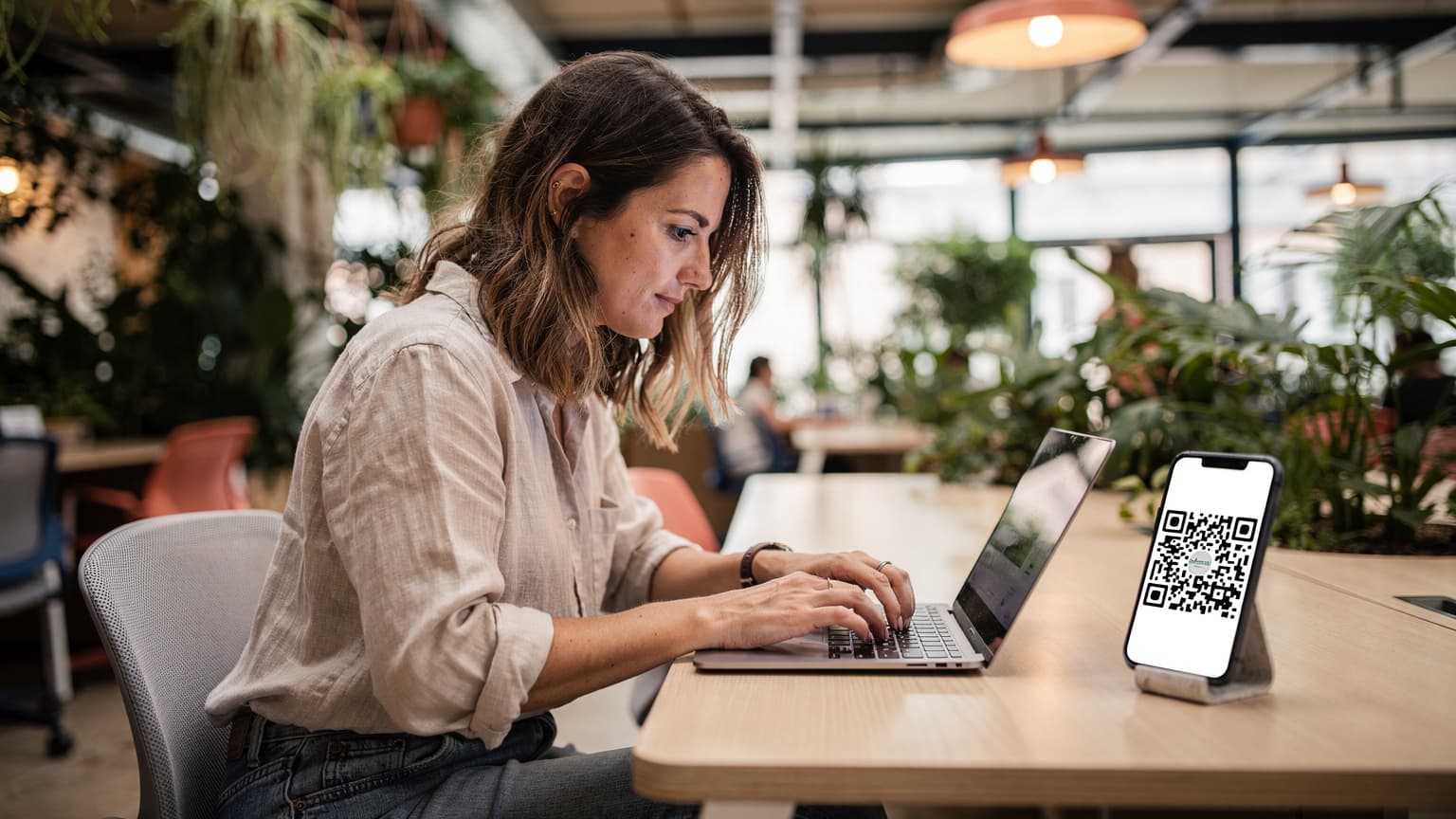
What Exactly is an eSIM, and Why Should You Care?
Look, after four years of living out of a carry-on, I've had my share of physical SIM card dramas. I lost a tiny card in a crowded Bangkok market once. Another time, I spent an hour trying to explain "data plan" to a confused vendor in rural Morocco. Then my phone got bricked by a dodgy network in Vietnam. An eSIM, or embedded SIM, cuts all that out. It's essentially a small, programmable chip built right into your phone, tablet, or even smartwatch. Instead of swapping physical plastic, you download a digital profile from a carrier.
Why should you care? Because it streamlines your life on the road. No more fiddling with ejector tools, no more worrying about losing your home SIM, and definitely no more language barriers just to get connected. For someone like me, who might be in Lisbon for a month, then off to Athens, and then maybe somewhere in Central Asia, it's a non-negotiable. It means I can land, scan a QR code, and be online, usually before I even clear customs. It's about efficiency and avoiding unnecessary headaches, which, trust me, you'll have enough of when you're trying to find an apartment in a new city or figure out the local bus system.
The Nomad's Pain Point: Why Physical SIMs Are a Relic
Think about it. Every time you cross a border, you're faced with the same questions: Where do I buy a local SIM? How much does it cost? Will my phone be unlocked? Do I need my passport? In some places, like India, you practically need to submit your DNA to get a local SIM, and it can take days to activate. I remember trying to get an Aadhaar-linked SIM, a requirement for many local apps and services there, and it was a bureaucratic nightmare. With an eSIM, those concerns mostly disappear. You buy it online, scan a code, and you're good. It's a game-changer for staying flexible.
More Than Just Data: A True Connectivity Hub
An eSIM isn't just about avoiding physical cards, it's about optimizing your entire mobile setup. Most modern phones, especially iPhones since the 14 in the US market, support multiple eSIM profiles. This means you can keep your home number active for calls and texts, while using an eSIM for data in your current location. This dual-SIM functionality is incredibly useful. You can tell your WhatsApp contacts to use your home number, but use the local data for mapping, ride-sharing apps, and those inevitable video calls back home. It's about having the best of both worlds without carrying two phones.
The Tech Under the Hood: How eSIMs Actually Work
Forget the old days of a physical chip with a hard-coded ID. An eSIM, at its core, is a tiny, embedded Universal Integrated Circuit Card, or eUICC. Unlike its physical counterpart, this chip isn't tied to a single network. It's like a blank slate that can be programmed and reprogrammed remotely. When you purchase an eSIM plan, Cellesim, or any carrier, sends a digital profile to your device, usually via a QR code or an app. This profile contains all the necessary network credentials, like your subscriber identity module (SIM) information, enabling your phone to connect to the local cellular network.
This remote provisioning is the magic. It's standardized by the GSMA, the global body for mobile operators, which ensures compatibility across different manufacturers and carriers. This means a Cellesim eSIM for your iPhone will work just as well as it would for a compatible Android device, provided the device supports eSIM technology. It's a fundamental shift from hardware to software in how we manage mobile connectivity.
Remote Provisioning: The Digital Handshake
The process of getting your eSIM profile onto your device is called remote provisioning. When you scan a QR code, your phone connects to a secure server, authenticates the request, and downloads the carrier's profile. This profile then instructs your phone on how to connect to the network, which frequencies to use, and how to identify itself as a legitimate subscriber. It's a secure, encrypted process, designed to prevent unauthorized access to your mobile service.
This is also why you'll often need a Wi-Fi connection to activate a new eSIM, especially the first one on a new device. The phone needs internet access to download that initial profile. After that, you're good to go, and can even switch between multiple installed eSIMs without Wi-Fi.
Understanding the E-UICC Chip
The eUICC chip itself is tiny, often smaller than a nano-SIM, and permanently soldered onto your device's motherboard. This makes it more robust than a physical SIM, which can be damaged, lost, or improperly inserted. It also opens up possibilities for smaller, sleeker devices, and more space for other components like larger batteries or better cameras. For a long-term traveler, this robustness is key. I've seen too many phones get water damage or drop-damage where a physical SIM tray would be a weak point. Eliminating that physical slot means one less thing to worry about.
Setting Up Your eSIM: A Step-by-Step Walkthrough
Setting up an eSIM is far less intimidating than it sounds, especially if you're used to fiddling with physical SIMs. The process is generally straightforward, but it helps to know the steps beforehand. I've done this dozens of times in various countries, from setting up a Telkomsel eSIM in Indonesia to getting data in Brazil, and it usually takes less than five minutes.
Pre-Activation Checklist: What You Need
Before you even think about scanning that QR code, make sure you have a few things sorted:
- eSIM-compatible device: Most newer smartphones (iPhone XR and later, Samsung Galaxy S20 and later, Google Pixel 3 and later) support eSIMs. Double-check your specific model.
- Unlocked phone: Your phone must be unlocked by your home carrier to use an eSIM from another provider.
- Stable Wi-Fi connection: You'll need this to download the eSIM profile. Do it at home, at your hotel, or at a reliable co-working space like Impact Hub in Vienna (their Wi-Fi is rock solid).
- Your eSIM QR code or activation details: This will be provided by Cellesim after purchase.
The Activation Process: A Simple Guide
Here's how to get your eSIM up and running, typically:
- Purchase your eSIM plan: Visit the Cellesim website, choose your destination (e.g., eSIM Greece), and select a data package that suits your trip duration and usage.
- Receive your QR code: After purchase, Cellesim will send you an email with a QR code and detailed instructions. Keep this email handy, perhaps on another device or printed out.
- Access your phone's settings:
- For iPhone users: Go to Settings > Cellular (or Mobile Data) > Add eSIM.
- For Android users: Go to Settings > Network & Internet > SIMs > Add more (or a similar path, varies by manufacturer).
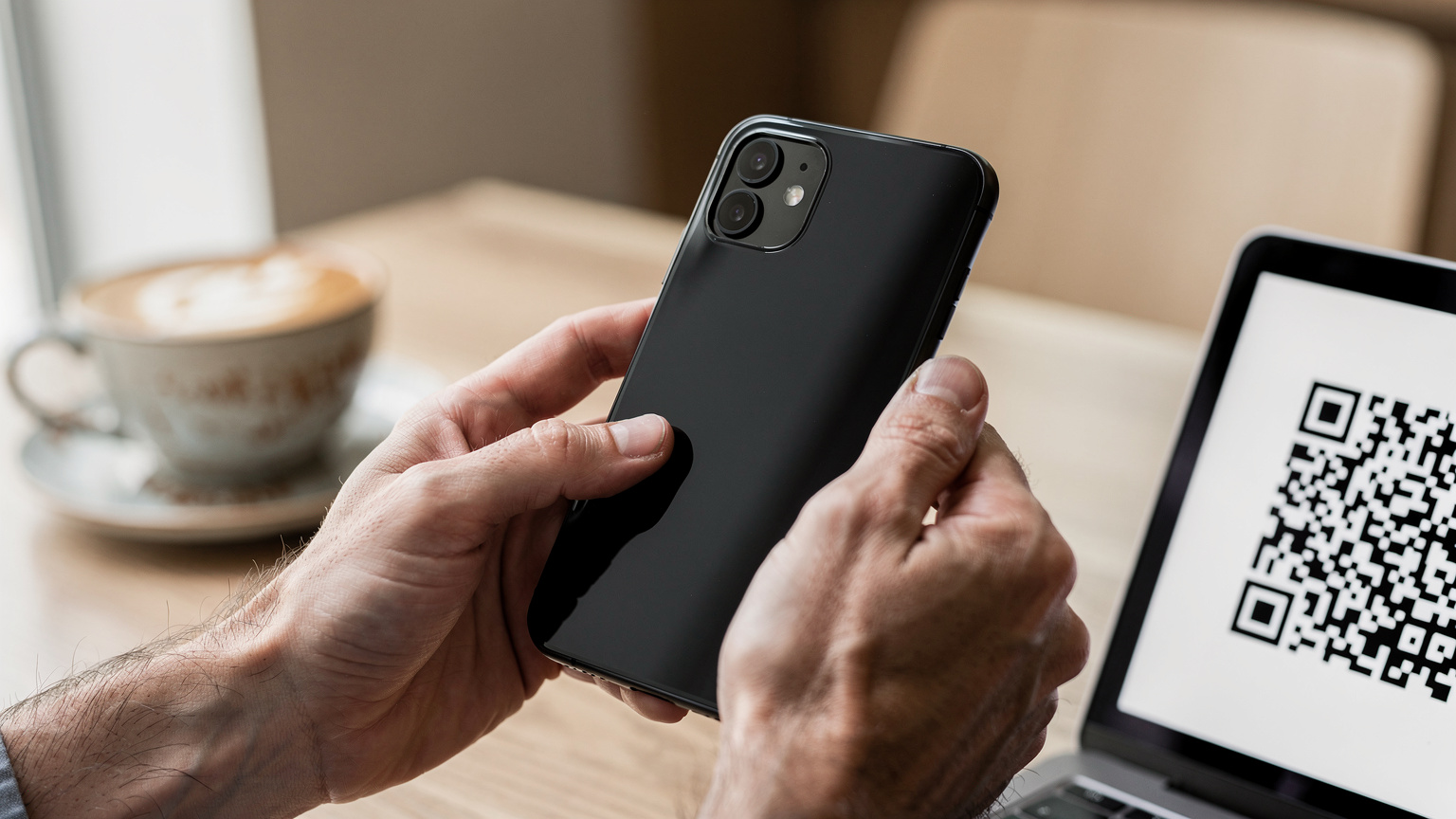
- Scan the QR code: Your phone's camera will open. Scan the QR code provided by Cellesim. If scanning isn't an option (e.g., if you only have one device), you can usually enter the details manually.
- Follow on-screen prompts: Your phone will guide you through naming the eSIM (e.g., "Greece Data"), setting it as your primary for data, and configuring other preferences.
- Enable data roaming (if necessary): For some eSIMs, you might need to enable data roaming in your phone's settings for the eSIM profile to connect to the network. This is different from your home carrier's roaming and won't incur extra charges if it's a local eSIM.
- Test your connection: Once activated, try browsing a website or sending a message to ensure everything is working correctly.
Managing Multiple eSIMs
One of the biggest perks of eSIMs is the ability to store multiple profiles on a single device. Most phones can store 5-10 eSIMs. This means I can have my main US number, a general EU data eSIM, and a specific Middle East eSIM ready to activate whenever I land. You can easily switch between these profiles in your phone's cellular settings. It's a lifesaver for long-term travel or if you're bouncing between countries frequently, avoiding the need to activate new ones every time.

Physical SIM vs. eSIM: The Real-World Differences
The core difference between a physical SIM and an eSIM boils down to convenience and flexibility. A physical SIM is a tangible piece of plastic, limited by its physical form factor. An eSIM is a digital profile, offering unparalleled adaptability. I've used both extensively, and for a digital nomad, the eSIM wins hands down, especially when dealing with the unpredictable nature of travel.
| Feature | Physical SIM | eSIM |
|---|---|---|
| Activation | Insert card, potentially register in-store | Scan QR code or activate via app |
| Management | Swap cards physically, easy to lose | Switch profiles digitally in settings, multiple stored |
| Availability | Purchase at kiosks, stores, airports | Purchase online, instant delivery |
| Security | Can be stolen or damaged physically | More secure, harder to tamper with physically |
| Device Compatibility | All phones with SIM slot | Newer, unlocked smartphones, tablets, smartwatches |
| Cost for Travel | Local rates, but requires effort to acquire | Often competitive, instant, no physical hassle |
The Hassle Factor: Why Physical SIMs Break My Workflow
When you're constantly on the move, every minute counts. Hunting for a local SIM card can eat up hours. I've spent entire afternoons trying to find a telco shop that's open, then dealing with registration processes that sometimes require a local address or even a local ID. In places like Brazil, some banks or ride-share apps like 99 need a local CPF (tax ID) to even verify your account, and often require a Brazilian phone number that's tied to that CPF. A physical SIM might get you a number, but tying it to local digital infrastructure is another hurdle. With an eSIM, while you still might need to jump through some hoops for local services, getting connected to the internet is immediate, allowing you to research those local requirements from the comfort of your Airbnb or co-working space (shoutout to CoLAB in Manila, great Wi-Fi).
Environmental Impact: A Small Win for Sustainability
Okay, maybe it's a minor point, but it adds up. Think of all the plastic SIM cards, packaging, and paper waste generated globally every day. eSIMs eliminate that. For someone trying to minimize their footprint while traveling, it's a small but tangible benefit. Every little bit helps, especially when you're thinking about the cumulative impact of millions of travelers.
Who Benefits Most from eSIM? Travelers and Nomads
While anyone can benefit from an eSIM, certain groups find it an indispensable tool. Frequent business travelers, luxury vacationers, and especially digital nomads are the primary beneficiaries. We're the ones constantly battling unreliable hotel Wi-Fi, exorbitant roaming fees, and the sheer inconvenience of physical SIMs. An eSIM is more than just a convenience, it's a fundamental part of a streamlined travel toolkit.
The Business Traveler's Advantage
For the corporate warrior bouncing between time zones, an eSIM is a godsend. Imagine landing in Frankfurt, needing to join a video conference in minutes, and not having to find a local SIM. With an eSIM, you've pre-purchased your data, activated it on the tarmac, and you're ready to go. No downtime, no frantic searches for a local provider. It means you can stay productive from the moment you land. Plus, keeping your home number active for client calls while using a separate data plan ensures you're always reachable on your primary line without incurring massive roaming charges.
The Digital Nomad's Essential Tool
This is my wheelhouse. As someone who lives in a new country every few months, the eSIM has fundamentally changed how I approach connectivity. When I moved to Mexico City, my monthly rent for a decent apartment in Roma Norte was around $900 USD, with utilities another $100. That's a significant chunk of change, and I needed reliable internet for my work. My first stop was always a cafe with solid Wi-Fi, like Blend Station, to activate my new eSIM and get my bearings. It's not just about getting online, it's about establishing a digital foothold quickly and efficiently. It means I can focus on finding a comfortable co-working space, (like HackerHouse CDMX, decent internet and coffee), rather than stressing about basic connectivity. This is also why posts like Solo Nomad vs. Family Travel: eSIM Plans for Remote Working Parents 2026 are so valuable, as they break down specific use cases.
Saving Money, Seriously
Let's talk money, because that's where the rubber meets the road. I've got friends who still rely on their home carrier's roaming packages, and they consistently complain about bill shock. An eSIM from Cellesim can offer significantly cheaper data rates compared to international roaming. For example, a 10GB roaming plan from a major US carrier might cost $50-$100 for a week. A Cellesim eSIM for the same region and data could be half that, or even less, especially for longer durations. That's money saved that can go towards a good meal, an extra visa fee, or just topping up your emergency fund. Every dollar saved on data is a dollar earned for experiences.
Multi-Country Coverage and Data Management with eSIMs
This is where eSIMs truly pull ahead for the long-haul traveler. The ability to manage multiple regional or global plans from a single device changes the game. No more country-specific physical SIMs cluttering your wallet. You can literally switch between data plans for different continents as you fly over them, all from your phone's settings.
Regional eSIMs: The Smart Traveler's Choice
Instead of buying individual eSIMs for each country, consider a regional eSIM package. Cellesim offers these for areas like Europe, Asia, or the Middle East. This means one purchase covers multiple countries. So, if you're hitting up France, Italy, and then Greece, a single EU eSIM will keep you connected across all of them. This is especially useful for those Middle East eSIM 2026: Seamless Data Across 11 Countries plans, where you might cross several borders in a short time. It simplifies your data management and often works out cheaper than buying individual country plans.
Data Pooling for Families or Small Teams
Some eSIM providers, including certain Cellesim plans, allow for data pooling or sharing. This is fantastic for families or small remote teams traveling together. Instead of everyone buying their own individual data package, you can pool a larger amount of data and share it amongst devices. This is particularly useful for parents traveling with kids, ensuring everyone stays connected without overspending. Solo Nomad vs. Family Travel: eSIM Plans for Remote Working Parents 2026 delves into this in more detail.
Tracking Usage: Staying Within Budget
Most eSIM providers, and your phone's operating system, offer tools to track your data usage. This is crucial for staying within your budget and avoiding unexpected charges. I make it a habit to check my usage every few days, especially if I'm doing a lot of video calls or streaming. Setting data limits on your phone for specific eSIM profiles can also prevent accidental overspending. It's about being proactive, not reactive, when it comes to your data bill.
Potential Pitfalls and How to Avoid Them
While eSIMs are fantastic, they're not entirely without their quirks. Like any technology, there are specific scenarios where things can go sideways. Knowing these potential issues and how to sidestep them can save you a lot of grief on the road. I've hit most of these snags myself, so learn from my mistakes.
Device Compatibility: Not All Phones Are Equal
The most common issue is device compatibility. While many newer phones support eSIM, older models or certain region-locked devices might not. Always double-check your phone's specifications before purchasing an eSIM. Don't assume. My friend bought an eSIM for a trip to Japan, only to realize his older model Samsung wasn't compatible. He ended up having to buy a physical SIM at Narita airport, which was more expensive and a total pain.
Network Issues: The "No Service" Scare
Sometimes, even with an active eSIM, you might encounter a "No Service" message. This can be due to a few reasons:
- Data Roaming: For some eSIMs, particularly those from a third-party provider like Cellesim that aggregates local carriers, you might need to enable "Data Roaming" for that specific eSIM profile in your phone's settings. (Don't confuse this with your home carrier's roaming, which costs a fortune.)
- APN Settings: Rarely, you might need to manually configure the Access Point Name (APN) settings. Cellesim provides these in their instructions if needed.
- Weak Signal: Just like with physical SIMs, you could be in an area with poor coverage. Check the carrier's coverage map.
- Carrier Activation Delay: Occasionally, there's a short delay for the network to fully register your eSIM. Give it a few minutes, or try restarting your phone.
If you're still stuck, check out T-Mobile eSIM QR Code: Activate Abroad, Avoid Roaming Rip-offs 2026 for specific troubleshooting tips; even if you're not on T-Mobile, some of the principles apply.
Visa Limitations and Local SIM Requirements
This is a big one. While an eSIM provides data, it usually doesn't give you a local phone number that's recognized for official purposes. In some countries, like India or parts of Africa, you might need a local physical SIM for specific government services, banking apps, or even verifying a local address. For instance, in Brazil, many banking apps absolutely require a local SIM tied to a CPF. If you plan a long stay and need full local integration, a physical SIM might still be a necessary evil alongside your eSIM. Always research the specific requirements of your destination country, especially concerning long-stay visas or if you intend to open a local bank account.
eSIM for Local Apps and Banking: A Critical Consideration
This is where the rubber meets the road for long-term nomads. While an eSIM is fantastic for data, the lack of a local phone number often means you can't register for critical local services. I've run into this problem more times than I care to admit, and it's a significant point of friction. It's not just about getting online, it's about being able to integrate locally.
The Two-Factor Authentication Hurdle
Many local banking apps, payment platforms, and even some ride-sharing services rely heavily on SMS-based two-factor authentication (2FA) with a local phone number. If your eSIM only provides data and no local number, or if the number isn't tied to a local ID, you're stuck. I learned this the hard way in India, where even booking a local train ticket through the IRCTC app was nearly impossible without an Aadhaar-linked local SIM for 2FA. The same goes for some Brazilian banks, where you need a local number to even open an account, let alone use their mobile banking app. Always check if a local number is provided with your eSIM, and if that number is compatible with local 2FA systems.
WhatsApp and Other Messaging Apps
Most nomads rely on WhatsApp for everything, from coordinating with local friends to finding apartment listings. While WhatsApp can function over data with your home number, some local groups or services might prefer a local number for adding you to chats or verifying identity. This isn't usually a deal-breaker, but it's another layer of complexity. If your eSIM doesn't come with a voice plan and a local number, you'll be limited to data-only usage for messaging, which is fine for most, but not for all official local communication.
Navigating Local Services: The Physical SIM Backup
For truly deep integration into a country's digital ecosystem, a physical local SIM might still be necessary. I usually buy a cheap local physical SIM if I'm staying somewhere for more than a month, just for those specific local phone number needs. I keep my primary eSIM for data and my home number for calls, and use the local physical SIM for any official SMS verification. It's a bit of a hybrid approach, but it keeps me connected and able to access everything I need. When I was in Buenos Aires, renting an apartment in Palermo Soho for $700 USD a month, I picked up a Claro physical SIM for about 300 ARS (around $3 USD at the time) specifically for local calls and 2FA, while my Cellesim eSIM handled my data needs.
The Future of Connectivity: What to Expect by 2027
The eSIM landscape is evolving rapidly. What's cutting-edge today will be standard tomorrow. By 2027, we're looking at an even more streamlined, integrated, and potentially cheaper global connectivity experience. The push towards eSIM-only devices, especially from major manufacturers, is only accelerating this shift.
eSIM-Only Devices: The New Normal
Apple's move to eSIM-only iPhones in the US market was a clear indicator of where the industry is heading. Expect more phone manufacturers to follow suit globally. This means that within a few years, physical SIM slots might become a rarity. For travelers, this will simplify choices, as eSIM will be the default, forcing carriers to offer more competitive and user-friendly digital plans. This also means greater security, as removing a physical SIM to evade tracking will no longer be an option.
Seamless Global Connectivity: Beyond Borders
We're moving towards a future where your device automatically connects to the best available network, regardless of country, with minimal input from you. Imagine landing in a new country and your phone automatically configuring an optimal data plan based on your preferences, without you even having to scan a QR code. This kind of intelligent connectivity is the ultimate goal, driven by advancements in eSIM technology and AI. Dynamic eSIM profiles that adapt to your travel patterns and budget are not far off.
Integrated eSIMs in More Devices
eSIMs aren't just for phones. They're already in smartwatches, tablets, and even some laptops. By 2027, expect to see them in a much wider range of IoT devices, from connected cars to smart luggage. This will create a truly interconnected ecosystem, where all your devices stay online effortlessly, no matter where you are in the world. This is particularly exciting for digital nomads who rely on multiple devices for work and staying connected.
Final Thoughts on Making eSIM Work for You
At the end of the day, an eSIM is a tool, and like any tool, its effectiveness depends on how you use it. For me, it's become as essential as my passport and my noise-canceling headphones. It's about optimizing, streamlining, and taking control of your connectivity, rather than being at the mercy of expensive roaming or unreliable local options.
My advice? Don't wait until you're already scrambling at an airport kiosk. Plan ahead. Research eSIM options for your next destination before you even pack your bags. Get familiar with the activation process. Understand its limitations, especially regarding local phone numbers for banking and official services. Once you embrace it, you'll wonder how you ever traveled without it.
The world's not getting any smaller, but staying connected across it is getting a whole lot easier. Just remember, a little preparation goes a long way, and your eSIM is one of the best ways to ensure a smoother, less stressful journey, no matter where the road takes you next.
Frequently Asked Questions
What is an eSIM and how does it differ from a physical SIM card?
An eSIM is a digital SIM embedded directly into your phone, allowing you to download and activate cellular plans digitally. Unlike a physical SIM, which is a removable plastic card, an eSIM eliminates the need for physical swapping, offering greater flexibility and convenience for managing multiple data plans.
Do I need Wi-Fi to activate an eSIM?
Yes, typically you need a stable Wi-Fi connection to download the initial eSIM profile onto your device. Once activated, the eSIM uses cellular data, but the initial setup requires internet access to communicate with the carrier's servers.
Can I use my home number and an eSIM simultaneously?
Absolutely. Most modern eSIM-compatible phones support dual SIM functionality, allowing you to keep your home number active for calls and texts while using a separate eSIM for data in your travel destination. This is ideal for avoiding roaming charges on data while remaining reachable on your primary number.
What kind of devices support eSIM technology in 2026?
In 2026, most flagship smartphones, including iPhone XR and newer models, Samsung Galaxy S20 series and up, and Google Pixel 3 and up, support eSIM. Many tablets and smartwatches also feature eSIM capabilities. Always check your specific device's specifications to confirm compatibility.
Are eSIMs more secure than physical SIM cards?
Yes, eSIMs are generally more secure. Since they are embedded and not physically removable, they are less susceptible to theft or physical tampering. The digital provisioning process also incorporates strong encryption to protect your subscriber data.
Will an eSIM give me a local phone number for banking or official apps?
Most data-only eSIMs from third-party providers like Cellesim do not include a local phone number. While you can use messaging apps over data, critical services like local banking apps or government verification often require a local physical SIM tied to a local ID. Always check your destination country's specific requirements.