The eSIM-Only Future: What iPhone 18 & Galaxy S26 Mean for You
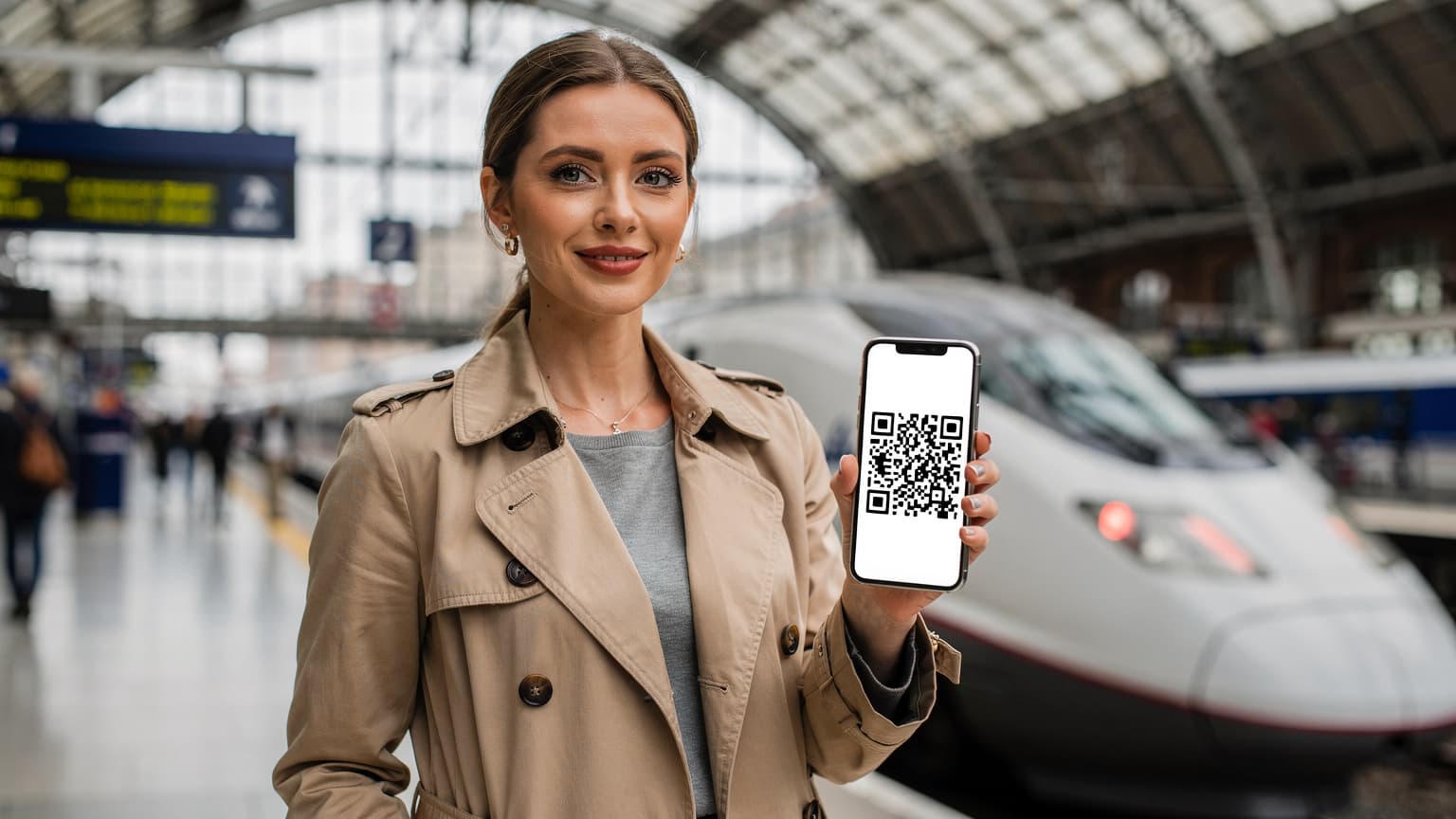
Remember those frustrating moments trying to find a tiny pin to open your SIM tray, fumbling with minuscule cards in a crowded airport? Those days are quickly fading, especially if you plan to upgrade to the latest flagship phones. The iPhone 18 and Samsung Galaxy S26 are expected to push the eSIM-only transition that Apple started in the US, and Samsung has been steadily working on globally. For us long-term travelers, this isn't just about convenience; it's a fundamental change in how we stay connected. You won't have to worry about losing a physical SIM when you're country-hopping or accidentally bending it while trying to force it into a cheap local phone you bought in a pinch.
For years, I've carried a small, waterproof pouch with old physical SIMs, just in case. Honestly, it's been gathering dust. The shift to eSIM is a definite improvement, but it does mean you need to plan a bit more. You can't always just walk into a corner store and grab a physical SIM anymore, so knowing your options before you land is crucial. This is especially true if you're going to a country where certain banking apps or government services (like India's Aadhaar) still demand a local SIM registered in your name. It's a hassle, but it's the reality. Always check local requirements; trust me, I've spent too many hours in bank queues abroad.
The iPhone 18: Expanding on the eSIM-Only Precedent
Apple's history suggests the iPhone 18 will likely continue the eSIM-only approach we've seen in its US predecessors, bringing it to even more international markets. This means if you buy a new iPhone in late 2026 or early 2027, you might get a device with no physical SIM tray at all, no matter where you are. It's a bold move, but it makes sense for global travelers. You'll be able to store multiple eSIM profiles on your phone, switching between them as easily as changing Wi-Fi networks.
This is fantastic for someone like me. I might spend a month in Lisbon, use an eSIM from Cosmote Greece for a quick festival trip, then head to Spain. I can preload the next country's data plan without even thinking about hardware. However, it does mean you rely more on stable internet for initial setup. If you land in a new city and your current eSIM is low on data, finding good Wi-Fi at the airport or your accommodation becomes even more important for activating a new plan. I've had to use the notoriously slow airport Wi-Fi at Suvarnabhumi Airport in Bangkok more times than I'd like to admit, just to get online.
Samsung Galaxy S26: Dual eSIM and Enhanced Flexibility
Samsung's Galaxy S series has usually offered a hybrid approach, often including both physical SIM and eSIM support, or even dual eSIM alongside a single physical slot. The Galaxy S26 is expected to take this further, possibly offering robust dual eSIM functionality across all models. This provides a great backup for those who still need a physical SIM for specific local services or just prefer having one. Having two active eSIMs lets you keep your home number active for calls and texts while using a separate data-only eSIM for travel, a setup I totally swear by.
A dual eSIM setup on a Galaxy S26 could mean you have a long-term Nordic eSIM active for work contacts and a temporary one for your current country. This flexibility is incredibly valuable for keeping costs down and staying connected across different networks. Plus, for those of us who travel with family, this dual capability can be a lifesaver. Imagine having your primary data plan and a backup data eSIM for your kids' tablets, avoiding panic when they run out of data at the zoo. I always recommend looking into family eSIM plans for summer 2026 to keep everyone connected without bill shock.
New Features and Functionality: What to Expect from the Latest Flagships
Beyond just ditching the physical SIM tray, the iPhone 18 and Galaxy S26 are likely to bring some serious internal improvements that will directly impact our travel experience. Think better network prioritization, more efficient power usage for cellular radios, and possibly tighter integration with travel-specific apps. These aren't just minor updates; they're designed to make your phone an even more reliable travel buddy.
Enhanced Network Prioritization & Reliability
One of the unsung heroes of new phone chipsets is how they manage network connections. The iPhone 18 and Galaxy S26 are expected to have advanced modems that offer better band support and smarter network switching. This means less time staring at a 'No Service' message (and fewer moments wondering why your eSIM shows no service) and more consistent connectivity, even in busy places like festival grounds or crowded co-working spaces. I often struggled for decent service at 'The Hub' co-working space in Bali's Canggu, but newer devices usually cut through the noise better.
This improved reliability is vital for digital nomads. When your income depends on a stable internet connection for video calls or uploading large files, every bit of network stability counts. These new phones will probably be better at intelligently switching between available cellular bands and even prioritizing Wi-Fi over cellular when it makes sense, extending battery life and improving overall performance. It's the kind of thing you don't really notice until it's gone, and then you're scrambling for a signal in a remote Airbnb.
Improved Power Efficiency for Longer Battery Life
We've all been there: it's midday, you're exploring a new city, and your phone battery is almost dead from constant GPS use and background data. The new processors in the iPhone 18 and Galaxy S26 are expected to be much more power-efficient. This means your cellular modem won't drain your battery so fast, allowing you to stay connected longer without hunting for a power outlet. (Definitely a win when you're relying on Google Maps to find that elusive street food stall.)
Longer battery life isn't just convenient; it's a safety feature when you're traveling solo. It means you can confidently explore a new city, knowing your phone will last until you get back to your hostel or Airbnb. I once got stuck in a small town in rural Vietnam with a dead phone, trying to explain to a local bus driver where I needed to go. Never again. Better battery life means fewer stressful moments and more focus on enjoying the experience.
Activating Your eSIM on New Devices: A Step-by-Step Guide
Getting your eSIM up and running on a new iPhone 18 or Galaxy S26 is usually pretty easy, but knowing the exact steps can save you a lot of time and frustration. The process is largely standard, using QR codes or direct carrier activation, but there are always small differences. Always make sure you have a stable Wi-Fi connection when you start, as your phone needs to download the eSIM profile.
Activating an eSIM via QR Code (Most Common Method)
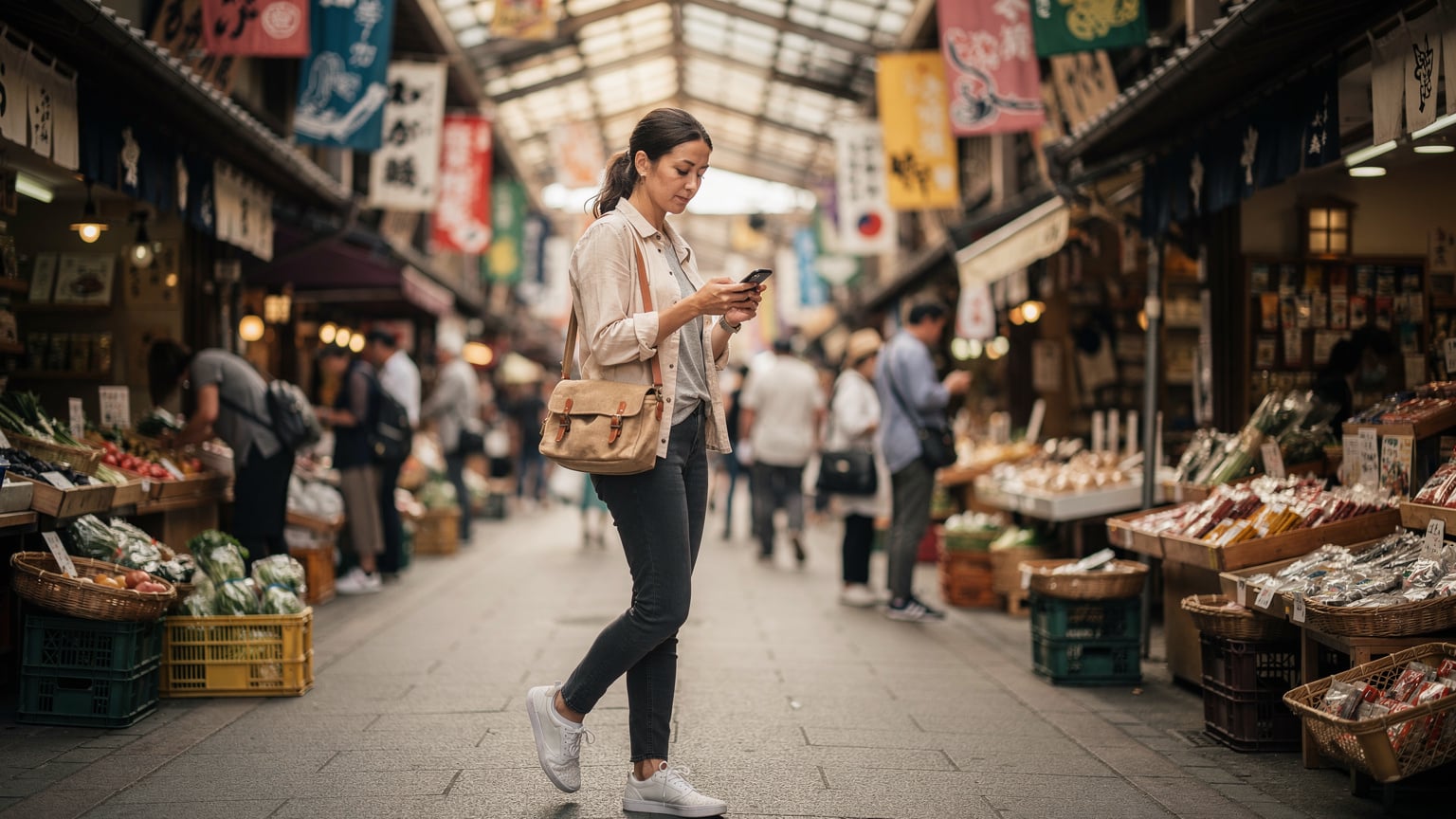
This is the go-to method for eSIM activation. Most Cellesim plans, and many local carrier eSIMs, will give you a QR code. Here's how to do it on your new device:
- Purchase Your eSIM Plan: Before you even land, buy your desired eSIM plan from Cellesim or a local provider. You'll get a QR code via email or right in the app. Keep this handy, maybe on another device or printed out.
- Connect to Wi-Fi: When you arrive, connect your new iPhone 18 or Galaxy S26 to a reliable Wi-Fi network. Airport Wi-Fi or your hotel's network usually works, though I've found Wi-Fi at local cafes like 'The Coffee Academics' in Hong Kong are often faster and more stable than hotel connections.
- Navigate to Cellular Settings:
- iPhone 18: Go to Settings > Cellular > Add eSIM.
- Galaxy S26: Go to Settings > Connections > SIM Manager > Add eSIM.
- Scan the QR Code: Choose the option to 'Use QR Code' or 'Scan QR Code'. Hold your phone's camera over the QR code (displayed on another screen or printout) until it registers.
- Confirm & Activate: Your phone will detect the new eSIM profile. Follow the on-screen instructions to confirm and activate it. You might be asked to label the eSIM (e.g., 'Travel Data', 'Home Number'), which is incredibly helpful for telling your plans apart.
- Set as Primary for Data: Once activated, go back to your cellular settings and make sure the new eSIM is selected as your primary line for cellular data while traveling. You can often keep your home eSIM active for calls/texts, just turn off its data roaming.
Direct Carrier Activation (Less Common for Travelers)
Some carriers, especially in your home country, might offer direct digital activation where your eSIM profile is sent to your device without a QR code. This is usually for contract plans. While convenient, it's less common for prepaid travel eSIMs. If you have this option, you'll typically follow prompts from your home carrier's app or website. For international travel, the QR code method is still king.
Managing Multiple eSIMs for the Multi-Country Hop
The true power of eSIM-capable phones like the iPhone 18 and Galaxy S26 really shines when you're moving between countries. I've been based in Southeast Asia for months, bouncing from Thailand to Malaysia to Singapore, and being able to switch data plans on the fly without swapping physical cards is invaluable. No more frantic searches for local SIM vendors or dealing with language barriers just to get online. The trick is knowing how to manage these profiles effectively.
Naming and Organizing Your eSIM Profiles
Both iOS and Android on these new devices give you great ways to name and organize your eSIMs. Don't skip this step. Label them clearly: 'Home SIM', 'Portugal Data', 'Thailand Backup', etc. This stops confusion when you're trying to quickly switch networks or fix a connection problem. I once had four unlabeled eSIMs on my phone, and it was a nightmare figuring out which was which when I suddenly had a 'no service' issue. Your phone's settings will usually let you give custom names to each eSIM profile.
| Feature | iPhone 18 (Expected) | Samsung Galaxy S26 (Expected) |
|---|---|---|
| eSIM Capacity | 8-10+ eSIM profiles stored | 8-10+ eSIM profiles stored |
| Active eSIMs | 2 simultaneous active eSIMs | 2 simultaneous active eSIMs (potentially 3 with physical SIM hybrid) |
| Primary Data Selection | Easy toggle in Cellular Data settings | Easy toggle in SIM Manager > Preferred SIM for Mobile Data |
| eSIM Labelling | Customizable labels like 'Primary', 'Travel', 'Business' | Customizable labels for clear identification |
| eSIM Roaming Options | Granular control over data roaming for each eSIM | Granular control over data roaming per profile |
Switching Between Active eSIMs
Switching between your active eSIMs for data is usually quick, just a few taps. This is where you really start saving money. You can activate a local data-only eSIM, use it for your entire stay, and then switch back to your home eSIM (with data roaming off) if you need to get a call or text on your original number.
- Access Cellular Settings:
- iPhone 18: Go to Settings > Cellular.
- Galaxy S26: Go to Settings > Connections > SIM Manager.
- Select Cellular Data/Mobile Data: Tap the option that controls your mobile data usage.
- Choose Your Desired eSIM: You'll see a list of your installed eSIMs. Select the one you want to use for data. This will instantly switch your phone's data connection to that profile.
- Manage Roaming (Important): For any eSIM you're not actively using for data, make sure its 'Data Roaming' option is turned OFF to prevent accidental charges. This is especially important for your home number.
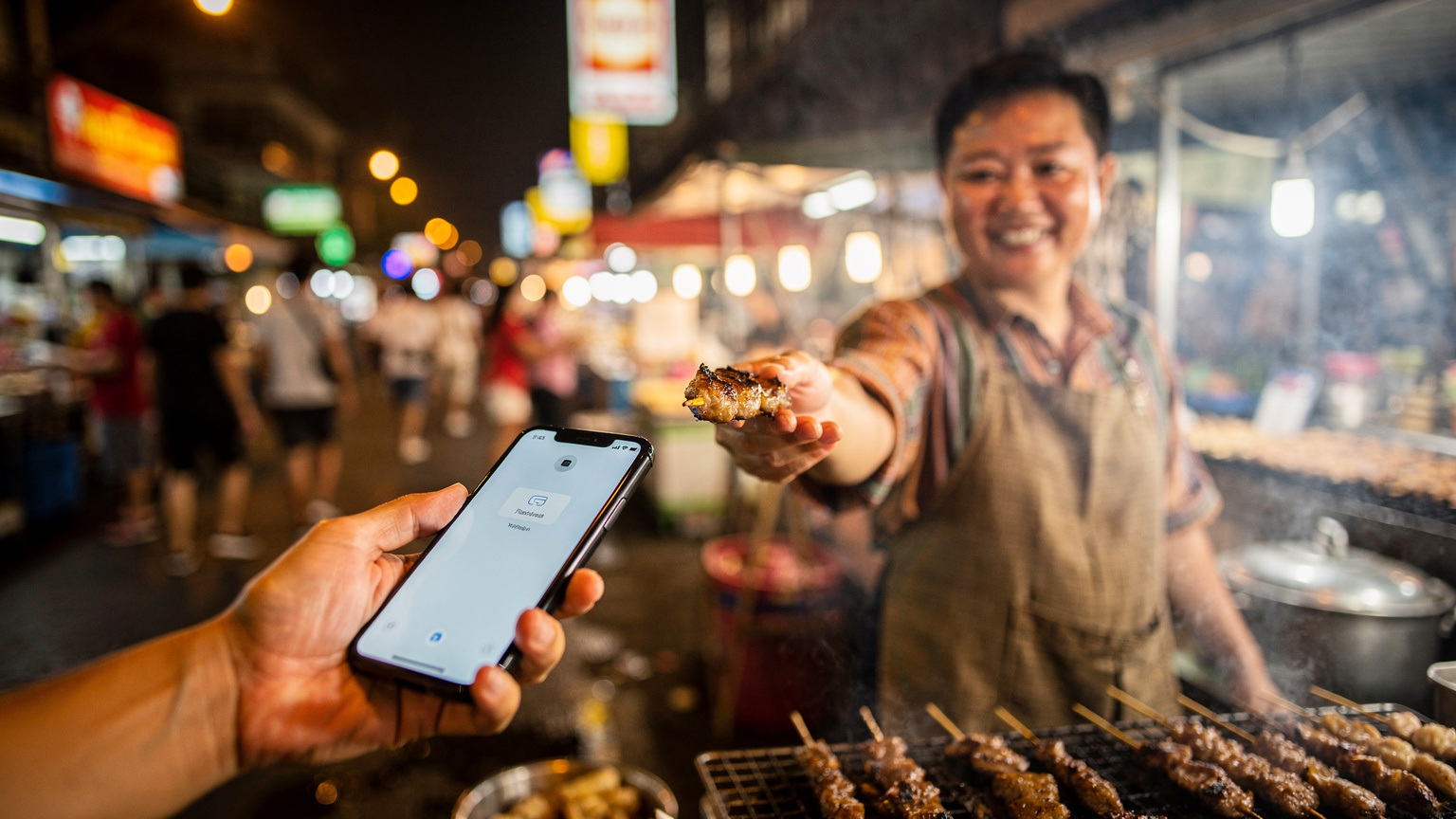
This method has saved me hundreds of euros in roaming fees over the years. When I was in Tbilisi, Georgia, for instance, I used a local eSIM for daily data but kept my main German number active for two-factor authentication from my bank. This allowed me to pay my €500 monthly rent in the Saburtalo district without any hassle, and still grab cheap local data for about 30 GEL for 10GB.
Country-Specific eSIM Considerations: Avoiding the Unexpected
While eSIMs make global connectivity easier, it's vital to remember that local rules and infrastructure can differ wildly. What works perfectly in Berlin might be a headache in Bangalore. The iPhone 18 and Galaxy S26 won't magically bypass these local quirks, so a little research before you land is always a good idea. Don't get caught off guard, especially with visa limitations or specific app requirements.
Visa and Local Registration Requirements
Some countries, for security or legal reasons, require local SIM cards to be registered to a local ID or passport. While eSIMs remove the physical SIM, the underlying registration requirement often stays the same. For example, countries like Brazil and India have strict SIM registration laws. In Brazil, activating a local SIM (even an eSIM) often needs a CPF (individual taxpayer registry) number, which tourists generally don't have. This means you might be limited to international roaming plans or travel-specific eSIMs that handle the registration for you. This is where a Cellesim global or regional plan really shines, as it often operates under different regulations.
Similarly, apps like India's Unified Payments Interface (UPI) or certain local banking apps in Brazil are tied to a local phone number. If you plan to stay long-term and really get involved in the local economy, you might still need to jump through hoops to get a locally registered number. Also, be aware of visa limitations; some tourist visas might not allow local SIM registration, pushing you towards international eSIM options. Always double-check with the latest travel advisories, such as the Turkey Travel Advisory 2026, before committing to a long-stay plan.
Network Compatibility and Bands
New phones usually have wider band support, but it's not truly universal. The iPhone 18 and Galaxy S26 will likely cover most global 5G and LTE bands, but unusual or older bands in certain regions might still cause problems. Before buying a local eSIM, quickly compare the carrier's supported bands against your phone's specifications. Most major carriers in developed nations, like Deutsche Telekom in Germany or Singtel in Singapore, operate on widely supported bands, but if you go off the beaten path, you might find some gaps.
I once had an older phone that struggled with specific bands in rural Georgia, making it impossible to get decent data outside of Tbilisi. While these new flagship phones are much better, it's still worth a quick check if you're heading somewhere particularly remote. This is also where having a multi-carrier eSIM can be helpful, as it can switch between different networks within a country to find the best signal.
| Country/Region | eSIM Compatibility Notes | Potential Issues for New Devices |
|---|---|---|
| USA | Already largely eSIM-only for new iPhones, extensive eSIM support from major carriers (Verizon, AT&T, T-Mobile). | Seamless, no major issues expected, but ensure your home carrier supports eSIM transfer for the iPhone 18. |
| EU (e.g., Germany, France) | Widespread eSIM support from major carriers (Deutsche Telekom, Vodafone, Orange). Easy QR code activation. | Generally smooth, but some smaller MVNOs might lag on eSIM availability. |
| Brazil | eSIM available from major carriers (Vivo, Claro, TIM), but local SIM registration (CPF) is required for full functionality. | Tourists without CPF may struggle with local eSIMs, relying on international plans. Local banking apps often require CPF-registered numbers. |
| India | eSIM offered by Airtel, Jio, Vodafone Idea, but strict KYC (Know Your Customer) requires in-person verification for registration. | Activating a local eSIM can be bureaucratic and require significant time at a carrier store for ID verification. Apps like Aadhaar or UPI need local numbers. |
| Japan | Major carriers (NTT Docomo, au, SoftBank, Rakuten Mobile) offer eSIMs, generally easy for tourists. | No major issues, but temporary visitors might find some prepaid options less straightforward than Cellesim. |
Troubleshooting Common eSIM Issues with Your New Phone
Even with the latest tech, things can go wrong. I've been there, staring at my phone in a foreign land, wondering why I have no signal even though I just activated an eSIM. It happens. The good news is that most common eSIM issues on new devices like the iPhone 18 and Galaxy S26 are easily fixed with a few basic checks. Don't panic and immediately assume your new expensive phone is broken.
No Service or Weak Signal
This is probably the most common problem. First, don't forget the basics: Why Your eSIM Shows No Service often comes down to simple settings. Toggle Airplane Mode on and off. Sometimes, a quick network reset is all it takes for your phone to reconnect with the local network. Also, check your phone's 'Network Selection' settings. It might be set to automatically pick a network, but sometimes manually choosing the correct local carrier can fix the issue, especially if you're near a border and your phone is trying to connect to a network in a different country.
If you're still stuck, go into your mobile data options and make sure 'Data Roaming' is enabled for your active travel eSIM (if it's a roaming eSIM, not a strictly local one). Also, double-check that your phone hasn't switched back to your home eSIM for data. These new phones are smart, but they can still get confused, especially after a software update or a hard reboot. I once wasted an hour trying to figure out a 'no service' issue only to realize I had forgotten to turn data roaming on for my Cellesim plan.
Incorrect APN Settings
While most eSIMs, especially from reliable providers like Cellesim, automatically set up APN settings, sometimes they don't. This is more common with smaller, local carriers or if you're trying to use a very specific data plan. If you have data enabled but still can't get online, check your APN settings.
- For iPhone 18: Go to Settings > Cellular > Cellular Data Network.
- For Galaxy S26: Go to Settings > Connections > Mobile networks > Access Point Names.
Your eSIM provider should give you the correct APN settings if they aren't automatically applied. It's usually something simple like 'internet' or 'data.carriername.com'. Entering these manually can often get your data connection working. I had to do this manually when I was using a local provider in rural Portugal; otherwise, my data was completely dead, even at my favorite café, 'Fábrica Coffee Roasters' in Lisbon's Baixa district, where the Wi-Fi is usually excellent.
Data Security and Privacy: eSIMs and Your Digital Footprint
As we rely more and more on digital tools for travel, discussing data security and privacy becomes even more important. eSIMs, by their design, offer some advantages here, but they also bring new things to consider. When you're constantly connected on your iPhone 18 or Galaxy S26, especially in public places, understanding your digital footprint is essential.
Enhanced Security with eSIMs
eSIMs are generally more secure than physical SIM cards because you can't physically remove or steal them from your device. This lowers the risk of SIM-swapping fraud, where criminals transfer your phone number to their device to access your accounts. Their digital nature also makes them harder to clone. Plus, the secure element inside your new iPhone 18 or Galaxy S26 that stores the eSIM profile is highly encrypted, adding another layer of protection. This is a small but significant win for peace of mind, especially when you're traveling through less secure areas.
Protecting Your Privacy While Connected
Even with secure eSIMs, your data privacy is still your responsibility. When you're using public Wi-Fi at a co-working space like 'WeWork' in Berlin or even a café, your connection can be vulnerable. Always use a Virtual Private Network (VPN) when connecting to public Wi-Fi networks to encrypt your data. Also, be careful about the permissions you give to apps, especially those that ask for access to your location or contacts. Regularly check your phone's privacy settings. Remember, your new flagship device has powerful tracking capabilities, and while helpful for navigation, they can also be misused. Be smart about what you share, and with whom.
Future-Proofing Your Travel Tech: Beyond 2027
The iPhone 18 and Galaxy S26 are just the next steps in a quickly changing mobile world. As we look towards 2027 and beyond, what else should digital nomads and frequent travelers think about to keep their connectivity smooth and stress-free? Trends suggest even deeper integration, smarter network management, and potentially new ways to communicate.
Satellite Connectivity for the Remote Nomad
While still new, satellite connectivity in smartphones is a game-changer for those who truly go off-grid. Future versions of devices beyond the iPhone 18 and Galaxy S26 might feature more robust, two-way satellite communication for data, not just emergency SOS. Imagine being able to send emails or browse basic web pages from a remote mountain trail in Patagonia or a tiny island in the Philippines where no cell tower exists. This technology is expensive now, but as it becomes more common, prices will drop, making truly global, constant connectivity a reality for even the most adventurous nomads.
AI-Powered Network Management
Expect your phones to get even smarter at managing your connection. Future devices will likely use on-device AI to predict network congestion, automatically switch to the best available eSIM or Wi-Fi network, and even optimize data usage based on what you're doing (e.g., prioritizing bandwidth for a video call over background app updates). This proactive network management will reduce interruptions and ensure you always have the best possible connection, even when you're in a bustling food court in Kuala Lumpur trying to order a Grab ride.
The Rise of Global eSIM Platforms
Platforms like Cellesim are already leading the way, but expect them to become even more advanced. We'll see more dynamic pricing, AI-driven plan recommendations based on your travel history, and even deeper integration with travel planning apps. The goal is a truly 'set it and forget it' connectivity experience, where your phone smartly manages your data across borders, making sure you're always connected without needing to manually do anything. This means less time worrying about your phone and more time experiencing the world around you, whether that's learning a new language in Vietnam or finding the cheapest studio apartment in Mexico City (currently around $400-600 USD per month in Roma Norte, if you're lucky).
Frequently Asked Questions
Will the iPhone 18 and Samsung Galaxy S26 still support physical SIM cards?
The iPhone 18 is expected to be eSIM-only in most, if not all, markets, following Apple's trend. The Samsung Galaxy S26, however, might retain dual eSIM with a physical SIM slot or go fully dual eSIM, offering more flexibility for users who still need a physical card for specific local services or personal preference.
Can I transfer my existing eSIM from an older phone to the new iPhone 18 or Galaxy S26?
Yes, both Apple and Samsung devices generally support eSIM transfer features. For iPhones, it's often a direct transfer during setup or via cellular settings. For Samsung, you might need to re-scan a QR code or use a carrier-specific transfer method. Always check with your current carrier for their specific eSIM transfer process.
Will new flagship phones support more eSIM profiles than current models?
While current models typically support storing 8-10+ eSIM profiles, the iPhone 18 and Galaxy S26 are likely to maintain or slightly increase this capacity. The practical limit for most travelers is usually the number of profiles you can actively manage, which remains around two simultaneous active connections.
Are there any countries where eSIMs on these new phones won't work?
eSIMs are widely adopted, but some countries still have limited support or strict local registration laws that make it challenging for tourists to acquire a local eSIM. Countries like Iran, Cuba, and Myanmar have historically had limited eSIM infrastructure. Always check local regulations and consider a global or regional eSIM from Cellesim for problematic areas.
How do I prevent unexpected charges when using multiple eSIMs on my new phone?
To avoid unexpected charges, always turn off 'Data Roaming' for any eSIM you are not actively using for data, especially your home number. Also, keep an eye on data usage alerts and regularly review your phone's cellular settings to ensure the correct eSIM is selected for mobile data.
Will my older travel eSIMs be compatible with the iPhone 18 and Galaxy S26?
Generally, yes. eSIM profiles are standardized, so any valid eSIM you've used on a previous eSIM-capable device should transfer and activate successfully on your new iPhone 18 or Galaxy S26. The technology is backward compatible.