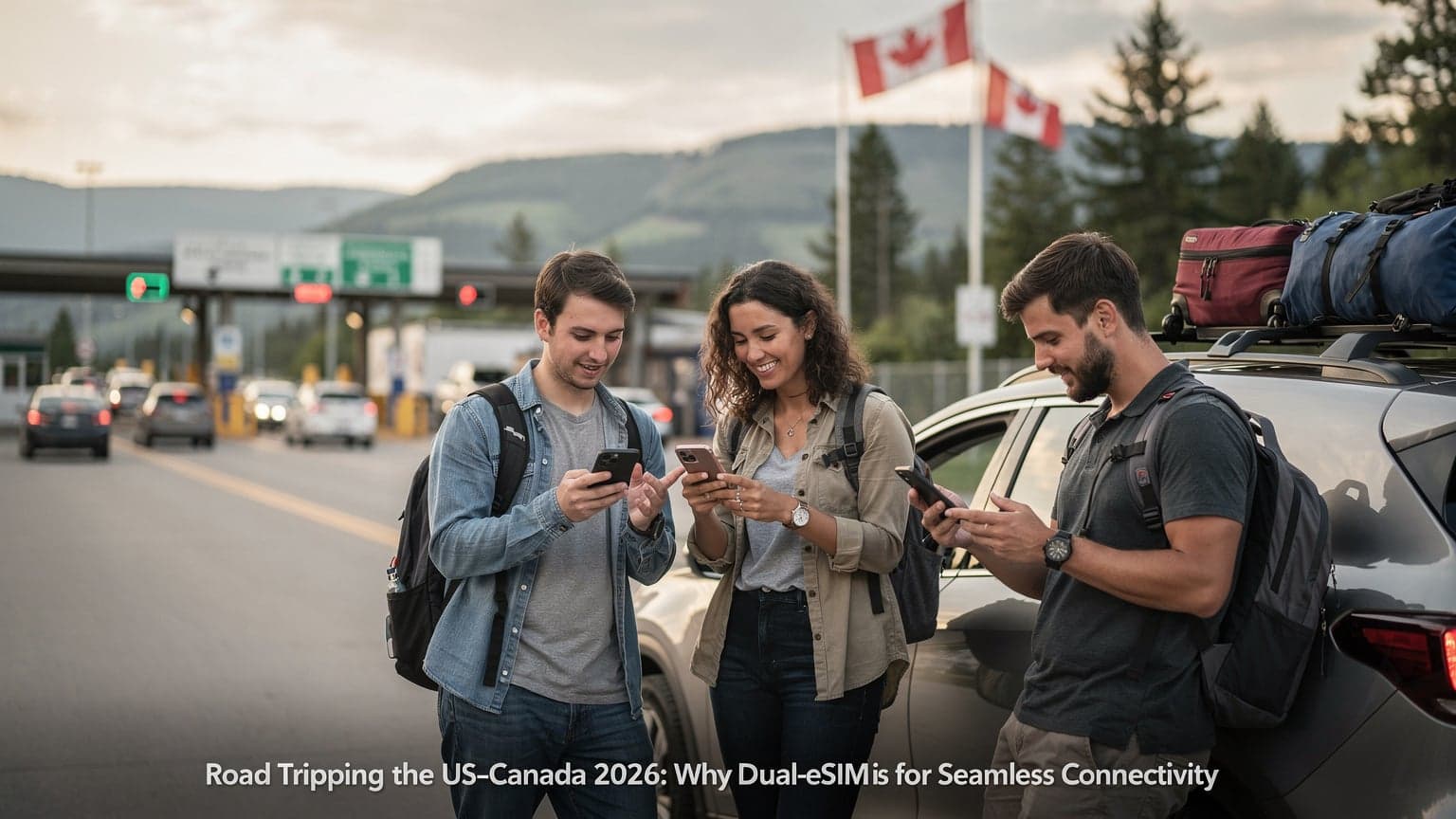
The Family Connectivity Conundrum of 2026
Remember those perfect family vacations where your biggest worry was packing enough sunscreen? Well, it's 2026, and while sunscreen is still important, the real travel stress often centers on keeping everyone connected without spending a fortune on international roaming. Parents need to be reachable for safety, directions, and emergencies. Kids, on the other hand, want to stream shows, play games, and post their adventures online (or at least stay busy during long airport delays). This isn't just about fun, it's a real need in our digital lives.
Sure, traditional roaming works, but it's a money pit. We've all heard the horror stories, or maybe even lived one, of getting a bill for thousands of dollars in data charges after a trip. The other option, finding local physical SIMs in every new country, is a pain. It eats up precious vacation time, you often face language barriers, and it's usually the last thing you want to do after a long flight when all you want is to get to your hotel. This is where a family eSIM plan comes in, designed specifically to solve these problems.
The Costly Reality of International Roaming
Let's be clear: phone companies set roaming rates to make a lot of money from people who don't travel internationally often. For example, a big US carrier might charge over $15 per MB in some places, or offer daily passes for $10-15 that give you a tiny 500MB before slowing way down. If you multiply that by a few family members, you could be looking at hundreds, even thousands, of dollars for a two-week trip. It's not just annoying, it forces families to choose between staying connected and staying on budget.
Imagine a family of four visiting the UK for two weeks. If each person uses just 2GB of data for maps, messages, and light streaming, a typical roaming package could cost them over £200-£300 each. A family eSIM plan, though, could give them 20-30GB of shared data for the whole trip for much less. That's a huge financial win for families watching their spending.
The Hassle of Physical SIMs Abroad
Local physical SIMs can be cheaper than roaming, but they bring their own headaches. After a long flight, often tired, the last thing you want to do is hunt down a foreign phone store, wait in line, fill out paperwork (sometimes needing a local address or ID), and then physically swap SIM cards for everyone. This can easily steal an hour or more of your valuable vacation time. Plus, if your phones are locked to your home carrier, a local SIM won't even work, leading to instant frustration and a frantic search for other options.
And then there's keeping track of all those tiny plastic cards for each family member, making sure they don't get lost, and remembering to swap them back when you get home. It's a small but constant annoyance. An eSIM completely removes this physical step, making setup and management much simpler.

What is a Family eSIM Plan, and How Does it Work?
An eSIM, or "embedded Subscriber Identity Module," is basically a digital SIM card built right into your phone. Instead of a plastic chip, your device downloads a profile over the air, letting you activate a cell plan without needing a physical card. A family eSIM plan takes this further, letting several devices share one large data pool, often managed from a single account. Think of it like a mobile hotspot, but without needing a separate device and with much more flexibility.
The tech behind eSIMs follows standards set by the GSMA, so they work across different devices and carriers. When you buy a family eSIM plan, you're getting a chunk of data that can be split among several linked eSIM profiles. For example, a parent might activate the main eSIM on their phone and then use it as a hotspot for other family members. More advanced plans let you install separate eSIM profiles on each family member's compatible device, all pulling from the same shared data. This is especially handy for newer phones that can handle multiple active eSIMs (Dual SIM Dual Standby, or DSDS) or even a physical SIM and an eSIM at the same time (DSDA, though that's less common).
The Technical Advantages of eSIMs
Beyond being convenient, eSIMs offer some real technical perks. First, they activate fast. You can buy a plan online, get a QR code, scan it, and have data in minutes. This is a lifesaver for last-minute trips or when you land and realize your usual roaming isn't working. Second, many new phones, like the iPhone 14 series and newer in the US, are eSIM-only, making them the standard for connectivity. For other phones, keeping your home SIM for calls and texts while using an eSIM for data offers crucial flexibility. This means you can often keep VoLTE (Voice over LTE) and VoWiFi (Voice over WiFi) features on your primary line.
It's worth remembering that while most newer smartphones support eSIMs, some older or budget models might not. Always check if your device is compatible before buying. Also, make sure your phone is unlocked. Carrier-locked phones usually only accept profiles from their specific carrier, even if they have eSIM capability. If you ever see a 'No Service' message, Cellesim has a good guide on Why Your eSIM Shows No Service: The Budget Backpacker's 2026 Fixes.
Data Sharing Mechanisms: Tethering vs. Multi-Device Plans
There are two main ways a family eSIM plan lets you share data:
- Personal Hotspot (Tethering): This is the easiest way. One parent activates a large data eSIM plan on their smartphone and then shares their cellular connection with other family members' devices (phones, tablets, laptops) using their phone's Wi-Fi hotspot. Most smartphones can do this, and it doesn't require other devices to be eSIM-compatible. The main downside is that the host phone's battery will drain faster, and all internet traffic goes through one device, which can slow things down if several people are streaming at once.
- Multi-Device eSIM Profiles: Some advanced family plans let you install separate eSIM profiles on multiple compatible devices, all drawing from the same data pool. This spreads the load better and gives each device independent internet access. For instance, a Cellesim plan for Europe might offer a 30GB data pool. You could install one profile on your phone, another on your partner's phone, and a third on a child's tablet. Each device then connects directly to the local network, often using different bands (like your phone on B7 for speed, a child's tablet on B20 for wider coverage) for better performance. This setup provides stronger individual connections and is generally better for families who use a lot of data.
Assessing Your Family's Data Needs: A Technical Breakdown
Knowing how much data your family typically uses is key to picking the right eSIM plan. It's not just about the total gigabytes, but also what kinds of apps you're using. Different activities use very different amounts of data. For instance, a child watching TikTok videos uses a lot more data than one playing an offline game or just sending texts.
Let's look at typical usage:
- Basic Messaging & Maps: WhatsApp, iMessage, Google Maps, Apple Maps. These don't use much data, usually less than 50MB per person per day.
- Social Media Browsing: Instagram, Facebook, X (formerly Twitter). These are more data-heavy because of images and videos, often 100-300MB per hour.
- Video Streaming: Netflix, YouTube, Disney+. These use a lot of data, especially for HD or 4K. Expect 1-3GB per hour for HD, and even more if multiple people are streaming.
- Online Gaming: Mobile legends, Fortnite, Roblox. This varies, but can be data-hungry due to constant server communication and updates, often 200MB-1GB per hour.
- Video Calls: FaceTime, Zoom, WhatsApp Video. Moderate to high data use, depending on video quality, typically 100-500MB per hour.
A good starting point for one person might be 5GB for a week of moderate use. For a family of four, especially with kids watching videos, you'll need much more. Doubling that baseline to 10GB per person per week would put you in a safer range, meaning a 40GB plan for two weeks could be a reasonable starting point for a family of four. It's always better to get a bit more data than you think you'll need to avoid having to buy extra.
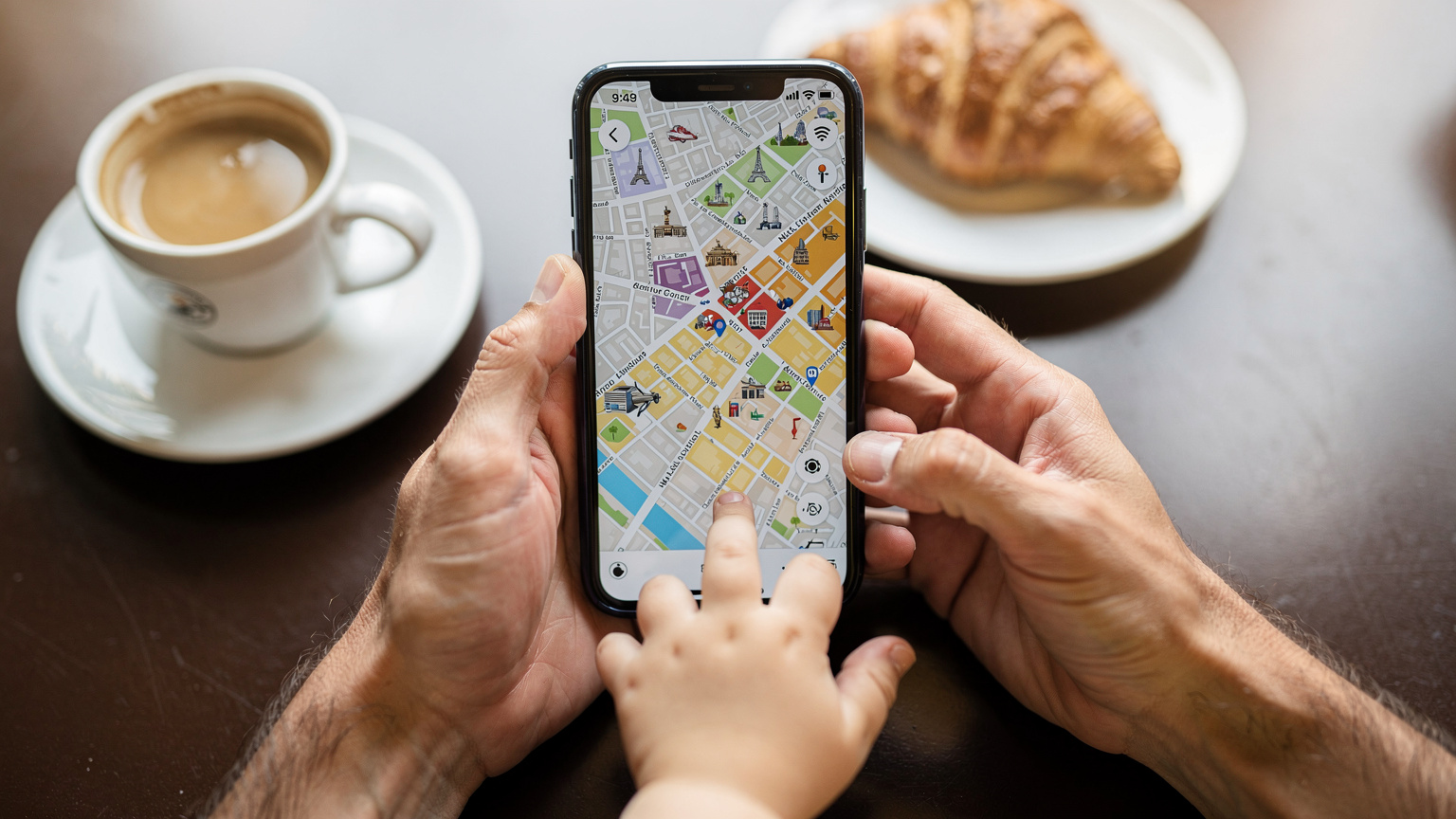
Estimating Data Usage for Common Activities
Here's a breakdown to help you guess your family's data use:
| Activity | Estimated Data Usage (per hour) | Family Impact (4 users) |
|---|---|---|
| Text Messaging (WhatsApp, iMessage) | ~5-10 MB | Negligible |
| Google Maps Navigation | ~20-50 MB | Low |
| Social Media Browsing (Instagram, TikTok) | ~100-300 MB | Moderate-High |
| Standard Definition (SD) Video Streaming | ~0.7 GB | High (2.8 GB/hr) |
| High Definition (HD) Video Streaming | ~1.5-3 GB | Very High (6-12 GB/hr) |
| Video Calls (FaceTime, Zoom) | ~100-500 MB | Moderate |
| Online Mobile Gaming | ~200 MB - 1 GB | High |
The Importance of Offline Content
To cut down on data use, especially for keeping kids entertained, load up on offline content. Before you leave Wi-Fi, download movies, TV shows, and games onto tablets and phones. Many streaming services like Netflix and Disney+ let you download content. App stores also have tons of fun offline games. This trick not only saves data but also provides entertainment in places with bad or no cell service, like on long flights, remote train rides, or underground subways.
Carrier Aggregation and Band Selection: Optimizing Your Family's Network Experience
For those of us who like to know how things work, understanding carrier aggregation and frequency bands is crucial for getting the best cell service for your family abroad. It's not just about having "4G" or "5G," but how well your device can use the available airwaves. Carrier aggregation (CA) is a feature that lets a device combine multiple frequency blocks, or "component carriers," to get faster data speeds and be more efficient. Think of it like several lanes on a highway merging into one super-fast lane.
For example, in many European cities, a main 5G New Radio (NR) band like n78 (3.5 GHz) might be combined with an LTE anchor band such as B3 (1800 MHz) or B7 (2600 MHz). This combo can theoretically deliver download speeds over 500 Mbps, though actual speeds will vary with network traffic and your device's capabilities. If you're traveling to the UK, for instance, major carriers like Vodafone and EE use a mix of bands including B1, B3, B7, B20 for LTE, and n3, n28, n78 for 5G. A device that supports many of these bands, and importantly, has good CA capabilities, will perform much better than one limited to just one band.
Understanding Network Bands for Optimal Performance
Different countries and phone companies use different frequency bands. Your phone's modem needs to support these bands to connect properly. For example, if you're in a country where the main 5G band is n78 (common in Europe and parts of Asia), and your phone only supports n41 (common in the US), you won't get the full 5G experience. Most modern flagship phones support a wide range of bands, but it's always smart to check your device's specs against the common bands in your destination country. This is especially true when buying a Cellesim plan for a region like Greece. Knowing the local operator's bands, such as Cosmote's use of B1 (2100 MHz) and B3 (1800 MHz) for LTE, and n78 for 5G, can help you know what to expect for speed and coverage, as discussed in Cosmote eSIM Greece: Your Nomad's 2026 Activation & Data Strategy.
When I'm checking out a destination, I often look at carrier coverage maps and their advertised band usage. For example, Orange France widely uses B20 (800 MHz) for rural coverage and B3 (1800 MHz) and B7 (2600 MHz) for city capacity. For 5G, n78 is becoming more common. Knowing this helps set realistic expectations for download and upload speeds. In a busy city, you might see 5G speeds of 100-300 Mbps for downloads and 20-50 Mbps for uploads. In a more rural area, 4G speeds of 20-50 Mbps for downloads and 5-10 Mbps for uploads are more typical.
The Role of APN Settings and VoLTE/VoWiFi
Access Point Name (APN) settings are the bridge between your device and the cell network. Most eSIM profiles automatically set the correct APN, but sometimes, especially with certain Android phones or when troubleshooting, you might need to enter these settings manually. A wrong APN can mean no data at all, or, more subtly, it can stop advanced services like VoLTE (Voice over LTE) from working. VoLTE sends your voice calls over the 4G/5G data network, giving you clearer audio and faster call setup compared to older 2G/3G connections. VoWiFi (Voice over Wi-Fi) offers similar benefits when you're connected to Wi-Fi.
A common issue for travelers is losing VoLTE/VoWiFi when using a data-only eSIM. If your home SIM is still active for calls and texts (even if data roaming is off), making sure it still supports VoLTE abroad is crucial for good call quality. Some carriers limit VoLTE roaming to their preferred partners, which can lead to dropped calls or your phone switching to older, less reliable 2G/3G networks for voice. Always test this when you arrive if call quality is important. For example, using an iPhone eSIM for Nordic travel might show that while data works perfectly, VoLTE support on your main US carrier's SIM depends on specific roaming agreements, a point discussed in iPhone eSIMs for Nordic Travel: Reality vs. The Roaming Myth 2026.
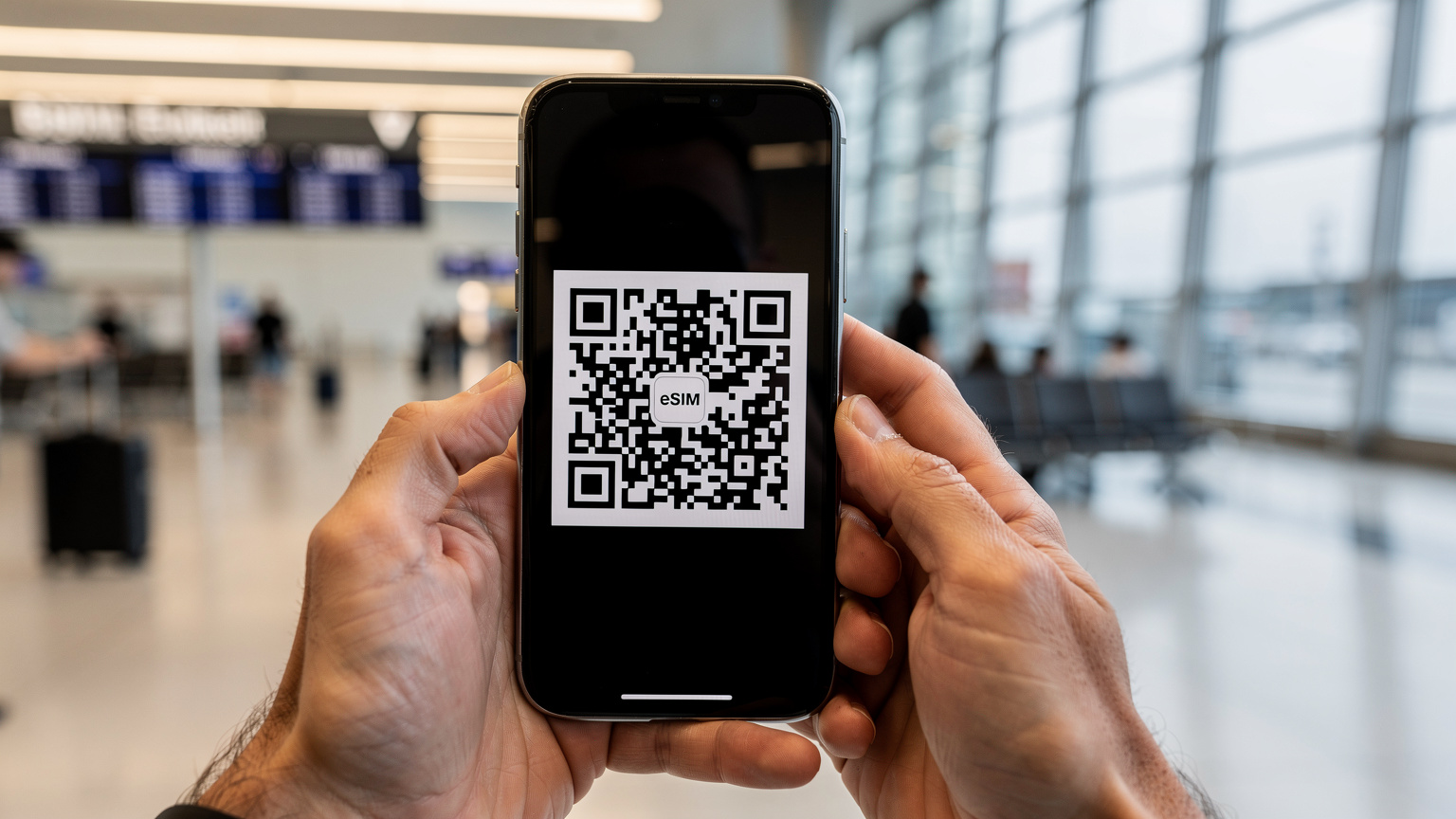
Avoiding the Pitfalls of Unmanaged Data Usage
The great thing about a family eSIM plan isn't just that it saves money, but also that it lets you manage data from one central spot. This is super important when traveling with kids, who might not understand data limits like adults do. Uncontrolled data use can quickly drain even a large shared plan, leading to unexpected costs or, worse, no internet when you really need it. It's all about using smart strategies, both tech-wise and behavior-wise.
One often-missed point is how much data apps use in the background. Many apps, even when you're not actively using them, refresh content, download updates, or sync data. On a limited plan, these background processes can silently chip away at your data. Changing app settings to limit background data, especially for photo uploads and big updates, can significantly extend your eSIM plan's life.
Setting Data Limits and Monitoring Usage
Most modern smartphones have tools to track and manage data use. For individual devices, you can set monthly or per-session data limits and get alerts when you're getting close. For a shared family eSIM, the Cellesim app provides a central dashboard where the main account holder can see real-time data use for all linked devices. This transparency is key for staying on top of your data.
Here are some practical steps for managing data:
- Talk to Your Family: Explain that the data pool is shared and how data-heavy activities impact everyone.
- Restrict Background App Refresh: On iOS, go to Settings > General > Background App Refresh. On Android, go to Settings > Network & internet > Data saver.
- Disable Auto-Downloads & Updates: Make sure app updates, podcast downloads, and cloud syncing (like Google Photos or iCloud Photos) are set to Wi-Fi only.
- Monitor via Cellesim App: Regularly check the Cellesim portal or app for real-time usage stats for your shared data.
- Set Daily Reminders: For older kids, a quick daily check on their data use can help them be more responsible.
The Challenge of CGNAT and IPv6-Only Networks
A more technical, but increasingly relevant, issue for some eSIM users is the use of Carrier-Grade Network Address Translation (CGNAT) and IPv6-only networks. CGNAT shares one public IPv4 address among many users, mainly because IPv4 addresses are running out. While it usually works fine for basic browsing and streaming, it can cause problems for certain apps that need direct incoming connections, like some peer-to-peer gaming, VPN passthrough (though most modern VPNs handle this), or hosting services. If you rely on an app that needs a publicly accessible IP address, check if the eSIM provider assigns one, or if they mostly use CGNAT.
Similarly, some networks are moving to IPv6-only infrastructure, providing IPv4 connections through translation (e.g., NAT64/DNS64). Most devices and apps handle this fine, but very old apps or niche VPN clients might struggle. For most family travel, this won't be an issue. But for a tech-savvy parent trying to keep a specific remote work setup running abroad, it's worth a quick check.
Real-World Scenarios Where a Family eSIM Shines
Imagine your family walking through the busy streets of Rome, trying to find that perfect trattoria hidden down a side alley. Or perhaps the kids are in the back seat during a road trip through the French countryside, glued to their tablets for entertainment. These are the moments when a family eSIM plan becomes more than just a piece of tech, it's an essential travel tool. Being able to cross borders without manually swapping SIMs or losing connection greatly reduces travel stress.
Think about a family visiting several European countries. With a regional eSIM, they can go from France to Italy, then to Spain, without ever losing internet or paying new roaming fees. The data pool stays active, providing constant internet access across the entire covered region. This is a huge contrast to local SIMs, which would mean buying a new one in each country, or traditional roaming, which would hit you with expensive charges every time you crossed a border.

Theme Parks and Resorts: Staying Connected in Crowded Areas
Theme parks like Disneyland Paris or Universal Orlando, and busy beach resorts, are notoriously tough for cell service. So many people means cell towers are overloaded. Here, a strong eSIM on a reliable local network is incredibly valuable. In these places, carrier aggregation (CA) is especially important for keeping speeds usable. For instance, if the local carrier uses a mix of B7 and B3 for LTE, and n78 for 5G, a device that can use these combined bands will perform better. You might get download speeds of 50-150 Mbps, even in crowds. This allows for smooth navigation with park apps, real-time ride wait times, and keeping track of family members. A generic roaming connection, which often gets lower priority, would likely struggle, giving speeds closer to 5-10 Mbps, leading to frustration.
Road Trips and Rural Adventures
When you're on a family road trip, say, through the Scottish Highlands or vast US national parks, consistent internet can be hit or miss. In these situations, an eSIM that connects to multiple local networks (if your plan supports it, or if you have multiple eSIMs) or a primary carrier with wide rural coverage (often using lower frequency bands like B20 or B28 for LTE, or n28 for 5G) is essential. These lower frequency bands go through buildings better and cover larger areas, though with slower peak speeds. While you won't always have perfect 5G in every valley, a reliable 4G connection for emergency calls, GPS, and basic messaging can be a lifesaver. This is a big advantage over just relying on spotty Wi-Fi at rest stops.
Setting Up Your Family's eSIM: A Step-by-Step Guide
Setting up an eSIM for your family is pretty easy, even if you're not a tech whiz. The main thing is to plan ahead and do most of the setup before you leave, ideally when you have good Wi-Fi.
Step-by-Step eSIM Activation:
- Choose Your Cellesim Plan: Go to the Cellesim website and pick a family or high-data individual plan for where you're going (e.g., a multi-country plan for Europe, or a plan for a specific country like eSIM Morocco). Make sure the data amount matches what your family expects to use.
- Purchase and Receive QR Code: Buy the plan. You'll get an email with a QR code or manual installation details. This QR code is your digital SIM profile.
- Scan QR Code on Primary Device: On your main smartphone (the one managing the shared data or acting as a hotspot), go to your phone's cellular settings (e.g., iPhone: Settings > Cellular > Add eSIM; Android: Settings > Network & internet > SIMs > Add more). Scan the QR code. Follow the steps on screen to activate the eSIM. Give it a clear name like "Cellesim Travel EU" so you don't confuse it with your home SIM.
- Configure Data Roaming & Default Line: This is important: once installed, make sure your home SIM's data roaming is turned OFF to avoid accidental charges. Set the new Cellesim eSIM as the main line for cellular data. Your home SIM can stay active for calls/texts, but ensure it's not racking up data roaming fees.
- Share Data (If Tethering): If you're using your phone as a hotspot, turn on your personal hotspot and give the Wi-Fi password to family members.
- Install on Secondary Devices (If Multi-Device Plan): If your Cellesim plan allows for multiple direct eSIM installations, repeat step 3 for each compatible family member's device using their unique QR code or installation details provided in your Cellesim account.
- Test Connectivity: Before you leave home, or right when you arrive at your destination, do a quick internet speed test on all connected devices to make sure everything works and you're getting the expected performance.
Managing eSIM Profiles and Data Top-Ups
Once installed, managing your eSIMs is pretty intuitive. From your phone's cellular settings, you can turn eSIMs on/off, change their names, and switch which one is active for data. For shared family plans, the Cellesim app or web portal will be your control center. Here, you can see how much data is left, check usage by individual devices (if the plan supports it), and buy extra data top-ups if needed. This real-time view is super helpful for avoiding big bills and staying connected.
A common question is how to find your eSIM number. While not strictly necessary for data, it can be useful for support. On an iPhone, go to Settings > Cellular, tap on your eSIM, and the ICCID (Integrated Circuit Card Identifier), which is your eSIM's unique ID, will be listed. On Android, it's usually under Settings > Network & internet > SIMs, then tap on the eSIM and look for the ICCID or EID (eSIM ID). For more details, see Finding Your eSIM Number: The €40/Day Backpacker's 2026 Guide for iPhone & Android.
| Feature | Traditional Roaming | Physical Local SIM | Family eSIM Plan |
|---|---|---|---|
| Activation Time | Instant (but costly) | 15-60 minutes (in-store) | 5-10 minutes (online) |
| Cost Efficiency | Very High Cost | Low to Moderate Cost | Very Low Cost |
| Data Sharing | Limited (personal hotpots only, still costly) | Via hotspoting (single device) | Pooled data, multiple devices |
| Cross-Border Travel | Automatic (but costly) | Requires new SIM per country | Seamless across region |
| Physical Interaction | None | Required (swap cards) | None |
| Primary SIM Retention | Yes (usually) | No (unless Dual SIM device) | Yes (Dual SIM Dual Standby) |
| Data Management | Difficult to track aggregate | Per-SIM tracking | Centralized dashboard |
Troubleshooting Common eSIM Connectivity Issues on the Go
While eSIMs are generally reliable, like any technology, they can have glitches. When you're traveling with family, losing internet can quickly go from a minor annoyance to a big problem, especially if you're relying on maps or need to make an emergency call. Knowing a few basic troubleshooting steps can save you a lot of stress and possibly avoid a frustrating call to customer support while you're battling jet lag.
Often, the issue isn't a fundamental problem with the eSIM itself, but rather a setting error or a temporary network hiccup. Before you panic, systematically go through the common causes. Remember that cell networks are complex, involving switching between different towers, varying signal strengths, and potential congestion. Even the best eSIM can't magically create a signal where there isn't one.

'No Service': Diagnosis and First Aid
If your device shows 'No Service' or a similar message after you install your eSIM, here's a quick checklist:
- Check Data Roaming Settings: On your phone, make sure 'Data Roaming' is ENABLED for your new eSIM. This might seem backward for your home SIM, but it's essential for an international eSIM to work.
- Verify APN Settings: Double-check that the Access Point Name (APN) settings for your eSIM are correct. Usually, they configure automatically, but sometimes you need to enter them manually. Cellesim usually provides this info with your QR code. For example, some regional carriers might need an APN like 'internet' or 'data.esim'.
- Restart Your Device: The classic tech fix often works. A full reboot can re-register your phone with the local network.
- Toggle Airplane Mode: Turn Airplane Mode on for 30 seconds, then off again. This forces your phone to rescan for available networks.
- Manual Network Selection: Go to your phone's cellular settings and try manually picking a different local network operator. Your eSIM plan usually partners with several, giving you options.
- Check eSIM Status in Settings: Make sure the eSIM profile is active and hasn't been accidentally turned off in your phone's SIM Manager.
If these steps don't fix it, you might want to look at Cellesim's general FAQ section for more troubleshooting tips or contact their support.
Poor Performance: Understanding Network Limitations
Even with an active connection, you might notice slower-than-expected speeds. Several things could cause this:
- Network Congestion: Busy areas (like theme parks or city centers during peak times) can overwhelm local cell towers, slowing speeds for everyone. This is a physical limit of the radio spectrum.
- Band Limitations: Your phone might be connecting to a lower-frequency band (e.g., B20/800MHz), which offers wider coverage but slower peak speeds compared to higher-frequency bands (e.g., B7/2600MHz or n78/3.5GHz).
- Device Capabilities: Older phones or budget models may not have advanced features like Carrier Aggregation (CA) or enough 5G band support, limiting their ability to reach higher speeds.
- Fair Usage Policies: While less common with premium eSIMs, some very cheap plans might have fair usage policies that slow down speeds after you've used a certain amount of data, even if you still have data left. Always read the fine print.
If your speeds are consistently slow, try moving to a less crowded area. If your device supports it, check which network bands it's currently using (some diagnostic apps can show this). In Azerbaijan, for instance, knowing the main bands used by Bakcell or Azercell (often B3, B7, B20 for LTE) is vital for understanding what speeds to expect, a topic covered in depth in Azerbaijan eSIM 2026: Stress-Free Data for Your Family's Caucasus Adventure.
The Future of Family Travel Connectivity: Beyond 2026
Looking past summer 2026, family travel connectivity is heading towards even smarter and more integrated solutions. eSIM technology is still quite new, and its capabilities are growing fast. We're moving to a world where internet isn't just available, but actively managed and optimized for everyone's different needs, from high-bandwidth streaming for teens to secure, fast connections for parents working remotely on the go.
One big trend is the rise of integrated travel platforms that combine booking, itinerary planning, and connectivity all in one smooth experience. Imagine landing from your flight, and your family's eSIM automatically activates with a pre-selected local plan, complete with custom data limits for each device, all managed from a single travel app. This level of automation will further simplify international travel, making it even easier for families to focus on their adventures instead of their phone settings.
Advanced Features on the Horizon for Family eSIMs
Expect to see more sophisticated features built into family eSIM plans:
- Dynamic Data Allocation: Smart systems that learn how your family uses data and then dynamically allocate it based on what's happening. For example, prioritizing a parent's video call over a child's background app updates.
- Geo-fencing & Parental Controls: Better parental controls that allow for geo-fencing (e.g., data automatically slows down or pauses if a child leaves a set area) and more detailed content filtering directly at the network level, rather than just relying on apps on the device.
- Seamless Global Handoffs: Even smoother transitions between international networks, possibly using technologies like Low Earth Orbit (LEO) satellite connectivity (e.g., Starlink Direct to Cell) in remote areas to fill in coverage gaps where traditional land-based networks struggle.
- Integrated IoT Devices: eSIM functionality expanding to more family IoT devices, from smartwatches for tracking kids to connected car systems for navigation and entertainment, all drawing from the same shared data plan.
The core goal will remain the same: giving families the power to stay connected, safely and affordably, no matter where their summer adventures take them. The technical stuff will just get smarter and less noticeable, letting you focus on making unforgettable travel memories.
Frequently Asked Questions
Can all family members use the same eSIM on their individual phones?
Typically, one eSIM profile goes on one device. For family plans, you might either share data from a primary phone with an eSIM (tethering), or the plan could give you multiple unique eSIM QR codes to install on each compatible family member's device, all using a shared data pool. It depends on the specific Cellesim family plan you pick.
What happens if we run out of data on our family eSIM plan?
Most Cellesim family eSIM plans make it easy to buy more data directly through the Cellesim app or website. You'll usually get alerts as you get close to your data limit, giving you plenty of time to add more data without interrupting your service. The process is quick, taking just a few minutes.
Will our home phone numbers still work for calls and texts with an eSIM?
Yes, if your phone supports Dual SIM Dual Standby (DSDS), you can keep your home physical SIM (or another eSIM) active for calls and texts while using the Cellesim eSIM for data. Just make sure to turn off data roaming for your home SIM to avoid charges. Your home number will receive calls and texts as usual, though calls might cost extra if you're not using VoWiFi.
Are there any specific phone models that work better with family eSIM plans?
Newer flagship smartphones from Apple (iPhone XS and up), Samsung (Galaxy S20 and up, including Fold/Flip models), Google Pixel (Pixel 3 and up), and many recent Huawei and Xiaomi phones have great eSIM support. Newer devices also tend to support more frequency bands and carrier aggregation, which means better network performance abroad. Always check your specific device's compatibility.
How can I monitor my children's data usage on a shared family eSIM?
Cellesim's platform usually offers a central dashboard in its app or on its website where the main account holder can see real-time data use for all devices linked to the family plan. This lets you track usage, set limits, and manage your data pool proactively to avoid going over.
What if we travel to multiple countries, do we need a new eSIM for each?
Not necessarily. Many Cellesim family eSIM plans are designed for regional travel, covering several countries within a specific area (e.g., Europe, Asia). These multi-country plans provide continuous internet as you cross borders within the covered region without needing to buy new eSIMs or top-up repeatedly.
See also: eSIM for Azerbaijan
See also: eSIM for Orlando