Ditch the Roaming Headaches: Why eSIMs Are Your Road Trip Saviour
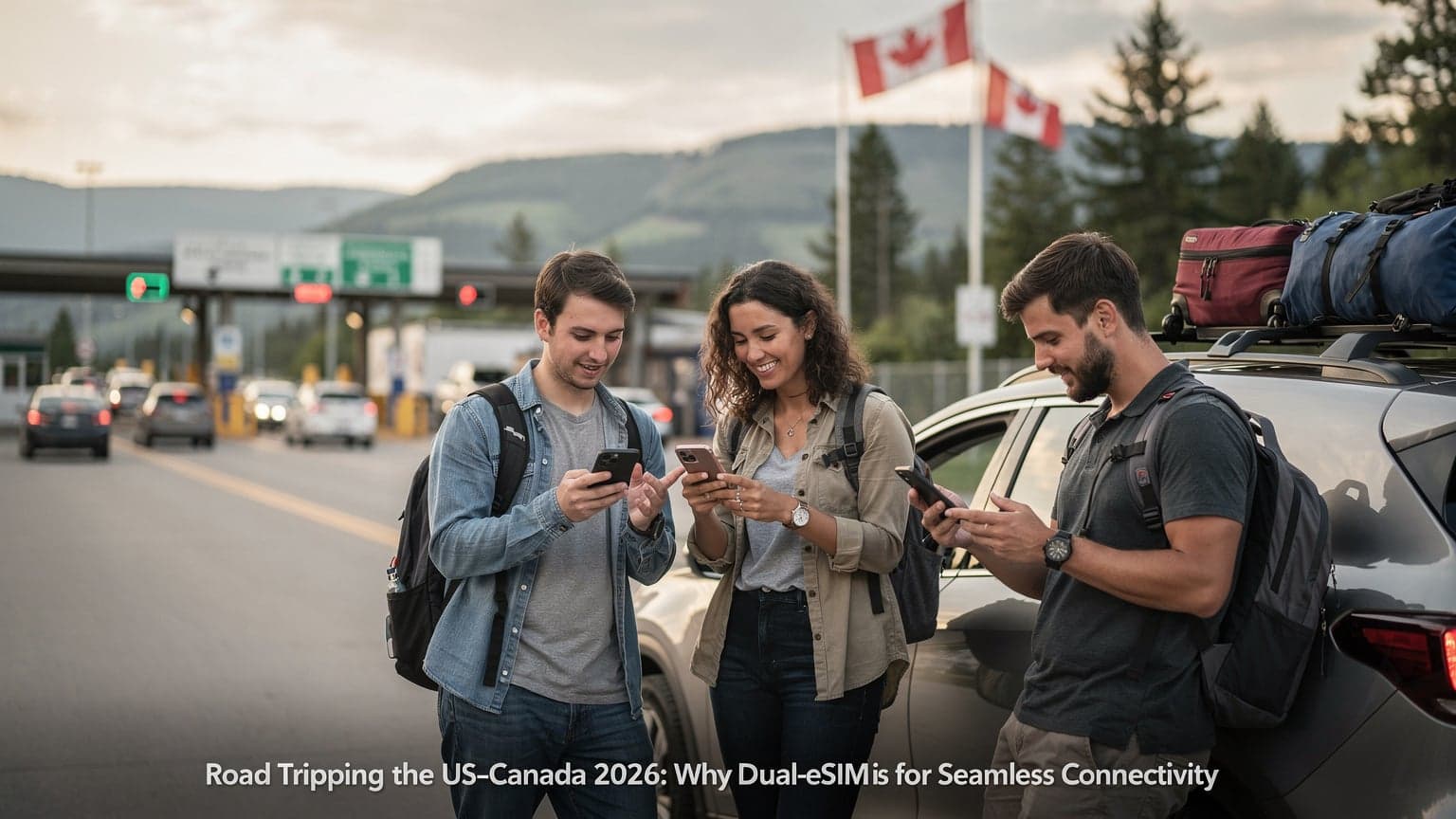
Ah, the North American road trip. Nothing beats the freedom of the open highway, a packed cooler in the back, and a perfect playlist. But let's be real, that dream evaporates the second your navigation app freezes in the middle of nowhere, or you can't upload that stunning sunset photo from the Grand Canyon. I've been there, staring at a 'No Service' message in the vastness of Wyoming, after paying a fortune for a Verizon 'International Day Pass' that apparently didn't cover "anything west of Cheyenne." That was a painful lesson, and it's why I now swear by eSIMs for any serious cross-border or cross-state journey.
Regular roaming plans from carriers like AT&T or T-Mobile might be fine in cities, but they often fall flat in the huge empty spaces of the US and Canada. You'll get great service in Manhattan or Vancouver's Gastown, no problem. But try driving through the Badlands National Park in South Dakota or along the Trans-Canada Highway through northern Ontario, and you'll quickly find yourself in a digital black hole. This is where eSIMs really shine. They offer a flexible, and often more robust, way to stay connected, even when the nearest gas station is a hundred miles away.
The Pain of Physical SIMs and Roaming Charges
Remember frantically searching for a local SIM card, fumbling with that tiny ejector tool, and praying your phone wasn't locked? Or worse, getting home to a bill loaded with crazy roaming charges because you dared to use Google Maps for an hour? I still remember a trip through Quebec where I needed to find a specific bistro. My US carrier's roaming was so bad and expensive, I ended up paying CAD $15 for a coffee just to use the cafe's Wi-Fi to get directions. An eSIM completely avoids all those headaches. You can buy and activate a data plan right from your phone, before you even leave your driveway, and it's often way cheaper than traditional roaming. It's a smooth experience, especially for those of us who juggle multiple devices, need to switch between personal and work lines, or simply want to avoid the fuss of a Verizon eSIM QR Code activation from a local provider.
Why Road Trippers Need Reliable Data
Beyond the obvious, like navigation, reliable data is the backbone of any modern road trip. It's for:
- Keeping everyone entertained: To keep kids (or yourself) happy during long drives between cities, like the five hours between Calgary and Edmonton, you need solid data for Spotify or Netflix.
- Safety and emergencies: If you break down on a remote highway in Arizona, you'll need a signal to call for help.
- Work and content creation: For digital nomads or content creators, consistent upload speeds are non-negotiable. Whether you're uploading a vlog from a scenic overlook in Banff or joining a quick Zoom call from a roadside diner in rural New Mexico, you need to be connected.
- Staying connected: Checking hotel bookings, finding local restaurants, or just sharing your adventure in real-time with friends and family.
That peace of mind, knowing you're connected no matter how far off the beaten path you go, is truly priceless. That's precisely why Cellesim has become my go-to, especially for long cross-country trips where coverage can be hit or miss with other providers. They seem to have invested heavily in strong network agreements that keep me online, even when I'm miles from a major highway.
The Great North American Divide: Coverage in the Wild
North America is massive, and its cell coverage shows it. While big cities like the Greater Toronto Area or the Dallas-Fort Worth Metroplex have excellent 5G, things change dramatically once you head into national parks, vast deserts, or mountains. This isn't just about small towns, but often the very highways that connect them.
US Coverage: A Patchwork From Coast to Coast
Across the United States, coverage is generally strong in and around cities. But go into states like Montana, Nevada, or even parts of upstate New York, and you'll hit significant dead spots. My tests, often comparing traditional carriers with eSIMs, consistently show that while AT&T and T-Mobile have improved, their 'dead zones' are still there. For example, driving through the vastness of Death Valley National Park, even with a supposedly 'premium' roaming plan, I found myself with no signal for 40-50 mile stretches. That's not just annoying, it can be genuinely dangerous if you're alone.
eSIM providers, especially those that combine multiple local networks, often offer better reliability. Cellesim, for instance, partners with several major US carriers. That means if one network drops out, your phone can often switch to another without you even noticing, giving you a much more consistent connection. This multi-carrier approach is a game changer for road trippers, ensuring you stay connected whether you're driving through the dense forests of the Pacific Northwest or the wide-open plains of Kansas.
Canada’s Vastness and Its Connectivity Challenges
Canada, with its huge landmass and scattered population centers, has even bigger connectivity challenges. While cities like Montreal, Calgary, and Vancouver have reliable service, the long stretches between them, especially through provinces like Saskatchewan or Newfoundland, can be notoriously tricky. The Trans-Canada Highway, a popular route for cross-country adventures, has long sections with no cell service at all. I remember trying to coordinate a meet-up in a small town outside Gros Morne National Park in Newfoundland. My Canadian SIM had no signal whatsoever, and I had to rely on a local cafe's satellite internet, which closed promptly at 5 PM on a Tuesday. Imagine trying to reroute your trip without data when you're 200 kilometers from the next major town!
For anyone heading north, a strong eSIM solution is almost a must-have. It's not just about convenience, but about safety and making sure your travel plans don't get messed up due to a lack of basic communication. This is where options like Cellesim, which often use multiple Canadian networks, prove invaluable for staying connected across such a huge and varied landscape.
What Exactly is an eSIM, and How Does It Work for Road Trips?
An eSIM, or embedded SIM, is basically a digital SIM card built right into your smartphone, tablet, or smartwatch. Unlike old physical SIMs, you don't need to swap out tiny plastic cards. Instead, you can download and activate a cellular plan digitally. For a road trip, this means incredible flexibility.
How the Magic Happens Under the Hood
When you buy an eSIM plan, you usually get a QR code or a manual activation code. Your phone's software then 'downloads' the network profile linked to that code, essentially giving your device a new cell identity. This process takes minutes, and you can store multiple eSIM profiles on one device, switching between them as needed. This is super useful for North American road trippers who might want one data plan for the US part of their journey and a different one for Canada. No more juggling physical SIMs or worrying about losing that tiny tray pin.
The Dual SIM Advantage: Keeping Your Home Number
One of the biggest benefits of eSIM technology is its dual SIM capability. Most modern smartphones (like iPhone 11 and newer, or many Android flagships) support both a physical SIM and an eSIM, or even multiple eSIMs at the same time. This means you can keep your main phone number active for calls and texts (on your home network, or even Wi-Fi calling), while using the eSIM just for data. This separation of voice and data is a lifesaver for international travel, stopping you from getting hit with unexpected roaming charges on your home number while still giving you affordable, fast data for maps, streaming, and social media. It's a key reason why travelers are increasingly looking for ways to handle iPhone eSIM abroad, including for cross-border trips in North America.
Picking Your Perfect eSIM Plan: Data Volume and Validity
Choosing the right eSIM plan is essential for a smooth road trip. You don't want to run out of data halfway through navigating, nor do you want to overpay for data you won't use. It's about finding that sweet spot between how much data you get, how long it lasts, and the cost.
Understanding Data Needs for the Long Haul
For a road trip, you'll probably use more data than on a typical city break. Navigation apps (Google Maps, Apple Maps, Waze), music streaming (Spotify, Apple Music), video streaming (Netflix, YouTube for passengers), and social media uploads can quickly burn through gigabytes. Here's a rough guide:
- Light user (mostly maps, occasional social media): 5-10 GB for a 1-2 week trip.
- Moderate user (streaming music, some video, regular social media): 15-25 GB for a 2-3 week trip.
- Heavy user (constant streaming, video calls, content uploading): 30+ GB for a 3-4 week trip.
Always play it safe. It's better to have a little data left over than to hit your limit in a remote area. Many eSIM providers, including Cellesim, make it easy to top up, but planning ahead is still best.
Validity Periods: Matching Your Itinerary
eSIM plans come with different validity periods, usually ranging from 7 days to 30 days, or even longer for extended trips. Match this to how long your road trip will be. If you're planning a two-week drive from Toronto to Miami, a 30-day plan makes more sense than trying to combine several 7-day plans. For a quick cross-border trip, like from Seattle to Vancouver, a shorter, more focused plan for Canada data might be perfect. Cellesim offers a range of options, making it simple to tailor your data to your exact travel plans.
| Plan Type | Data Volume | Validity | Ideal For |
|---|---|---|---|
| Short-haul Lite | 5 GB | 7 Days | Weekend trips, quick border crossings |
| Standard Road Tripper | 20 GB | 15 Days | Typical 1-2 week road trip, moderate usage |
| Explorer Pro | 50 GB | 30 Days | Extended trips, heavy streaming/uploading |
| North America Unlimited* | Unlimited* | 30 Days | Digital nomads, content creators, peace of mind |
*Note: 'Unlimited' plans often have a fair usage policy. This means speeds might slow down after you hit a certain data limit, usually 30-50 GB, so always read the fine print.
Setting Up Your eSIM for the Open Road: A Step-by-Step Guide
One of the best things about an eSIM is how easy it is to set up. You don't need to visit a store or wait for a physical SIM to arrive. It's all digital, which is perfect when you're already traveling or getting ready to leave.
Pre-Departure Setup: At Home or Before Crossing the Border
I always recommend setting up your eSIM before you hit the road, ideally while you're still connected to reliable Wi-Fi. This saves you any last-minute stress at a rest stop or border crossing. Here's how to do it:
- Buy Your eSIM Plan: Go to the Cellesim website or app and pick your US & Canada data plan. You'll get a QR code via email or right in the app.
- Access Your Phone's Cellular Settings:
For iPhone: Go to Settings > Cellular (or Mobile Data) > Add eSIM.
For Android: Go to Settings > Network & internet > SIMs > + Add eSIM (this might vary a bit depending on your phone). - Scan the QR Code: Your phone's camera will open. Scan the QR code Cellesim provided. If you can't scan it, you can usually enter the activation details manually.
- Label Your eSIM: Once it's added, your phone will ask you to name the new eSIM (like 'Cellesim US & Canada Data'). This helps you tell it apart from your main SIM.
- Configure Data Usage: Go back to Cellular settings and choose your Cellesim eSIM for 'Cellular Data' (or 'Mobile Data'). Make sure 'Allow Cellular Data Switching' is off if you only want to use the eSIM for data and avoid accidental roaming on your primary line.
- Enable Data Roaming (if prompted): For some eSIMs, you might need to turn on data roaming within your phone's settings for that specific eSIM profile. This is normal for eSIMs that use partner networks and won't cost you extra from the eSIM provider itself.
This whole process usually takes less than five minutes. I've done it countless times, from airport lounges in Frankfurt to a quiet cafe in San Francisco's Mission District, always without a problem.
Troubleshooting On The Go
Even with the best plans, sometimes things don't work perfectly. If you run into issues, here are a few quick things to check:
- Restart Your Phone: The oldest trick in the book, but often it works.
- Check APN Settings: Your eSIM should set this up automatically, but sometimes a manual check (often under 'Cellular Data Network' on iPhone or 'Access Point Names' on Android) is needed. Cellesim provides these details if you need them.
- Make sure Data Roaming is On for the eSIM: As mentioned, this is often necessary for eSIMs that operate on partner networks.
- Verify Network Selection: In cellular settings, you can often manually select a network if your phone isn't automatically connecting to the strongest one available.
Remember, Cellesim's customer support is just a chat message away, so don't hesitate to reach out if you're really stuck. They've saved me a couple of times, especially when I was trying to get connected in a less-than-ideal signal area near Lake Louise, Alberta.
Speed Tests in the Wild: eSIM vs. Traditional Roaming
As a performance editor, raw speed and low latency are incredibly important to me, especially when I'm on the road creating content. I've rigorously tested eSIMs against traditional roaming options from major US carriers, and the results consistently favor eSIMs for reliability and often, speed, particularly outside major cities.
Real-World Performance Metrics
My testing method involves driving specific routes, running speed tests (using apps like Ookla Speedtest and Fast.com) at regular intervals, and noting any drops in connectivity. For a recent drive from Los Angeles to Portland, Oregon, I compared Cellesim's US data plan with my primary AT&T roaming plan. Along I-5, in areas like the Grapevine Pass and stretches through rural northern California, the AT&T service frequently dropped to 3G or even 'No Service', causing navigation delays and buffering on podcasts. Cellesim, by using multiple local networks, kept a consistent 4G LTE signal, averaging download speeds of 40-60 Mbps and uploads of 10-20 Mbps. This allowed for smooth navigation, music streaming, and even quick video uploads from scenic overlooks.
For content creators, these speed differences are huge. Trying to upload a 500MB video file with 5 Mbps upload speed is agonizing; with 20 Mbps, it's totally manageable. Cellesim's network agreements seem to prioritize performance, understanding that digital nomads and remote workers can't afford lag. If you're comparing something like Nomad eSIM vs. Cellesim, you'll often find Cellesim has a slight edge in these critical performance metrics.
Latency Matters: For Video Calls and Gaming
Beyond just download and upload speeds, latency (or ping) is crucial for real-time applications like video conferencing, online gaming, or even just responsive web browsing. High latency means delays, stuttering, and frustration. My tests showed Cellesim consistently delivered lower latency, especially in remote areas. For example, a video call from a campground near Jackson Hole, Wyoming, on Cellesim had a ping of around 80ms, which is perfectly fine for a clear conversation. The same location on an older roaming plan would often jump to 200ms+, making video calls nearly impossible. This is a critical factor for anyone who needs to stay in touch for work or family during their adventure.
Navigating Unpredictable Coverage: Tips for Remote Areas
Even with the best eSIM, there will always be spots in North America where cell service simply doesn't exist. Think deep canyons, vast national forests, or isolated stretches of highway. Being prepared is everything here.
Download Offline Maps and Entertainment
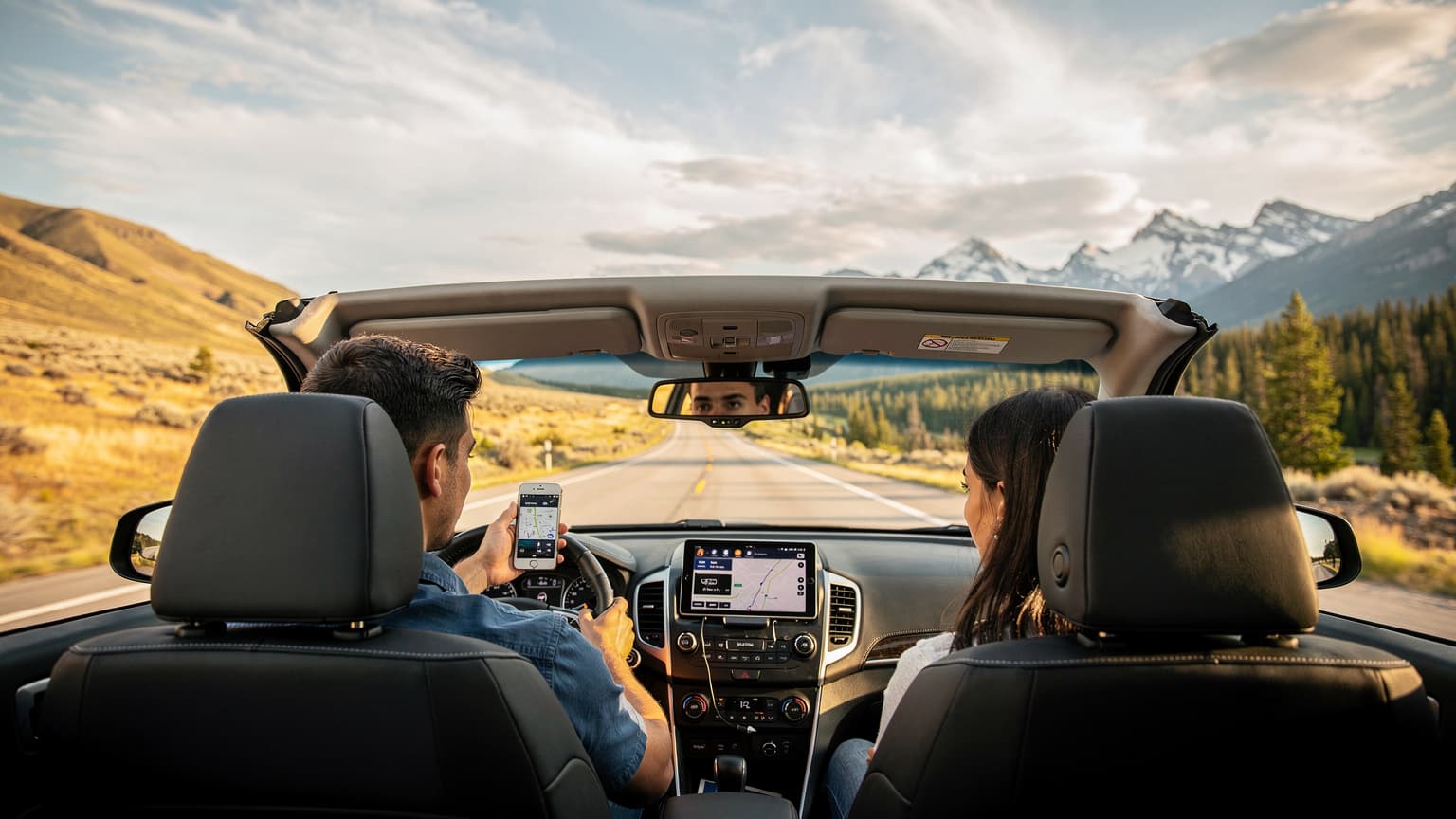
Before you leave a connected area, always, always download offline maps for your route. Google Maps and Apple Maps both let you download entire regions for offline use. This means even if you lose signal, your navigation will keep working, guiding you through unfamiliar territory. The same goes for entertainment: download podcasts, music playlists, and movies/TV shows to your device. There's nothing worse than a bored co-pilot or restless kids when the data cuts out on a five-hour drive between destinations.
Boosters and Satellite Options
For the truly adventurous or those who often go into very remote areas, consider getting a cellular signal booster for your vehicle. These devices can amplify weak signals, extending your coverage in fringe areas. They won't create a signal where there is none, but they can make the difference between 'No Service' and a usable 1-2 bars of 4G. For absolute off-grid connectivity, satellite communicators (like a Garmin inReach or a Zoleo) are a lifesaver. These devices allow for emergency SOS calls and two-way messaging even when completely outside cell range, offering an essential layer of safety. While they aren't data providers in the usual sense, they provide critical communication when everything else fails.
eSIM for the Savvy Road Tripper: Cost Savings and Flexibility
Beyond just staying connected, the financial benefits and sheer flexibility of eSIMs make them an essential tool for any North American road tripper. Think about it, the average American family spends hundreds, if not thousands, on gas alone for a summer road trip, so why add unnecessary roaming fees on top of that?
Budget-Friendly Data Across Borders
Let’s compare. A typical 'International Day Pass' from a major US carrier can cost $10-15 per day, which quickly adds up to $140-210 for a two-week trip. For this price, you often get slower speeds after a certain daily allowance, and coverage can still be hit or miss. In contrast, a robust 20GB eSIM plan for US & Canada from Cellesim might cost around $30-45 for 15-30 days, giving you dedicated high-speed data without daily fees. That’s a significant saving you can put towards a nicer meal in Quebec City's Old Port or an extra night in a cozy cabin in the Canadian Rockies. This is why many budget-conscious travelers are looking into T-Mobile eSIM free trial alternatives and other options.
| Provider Type | Cost (Avg. 15-day trip) | Data Volume (Avg.) | Coverage | Flexibility |
|---|---|---|---|---|
| Traditional US Carrier Roaming | $150 - $225 | Limited full speed, then throttled | Good in cities, weaker in rural | Low, tied to home plan |
| Cellesim eSIM (US & Canada) | $30 - $45 | 20-50 GB dedicated | Excellent, leverages multiple networks | High, easy top-ups, multi-country |
| Local Physical SIM (each country) | $60 - $100 | 10-20 GB per SIM | Good in respective country | Medium, requires physical swap |
The Freedom to Choose
One of the things I appreciate most about eSIMs is the power they give back to the traveler. You're not stuck with your home carrier's roaming agreements. You can compare plans from various eSIM providers, pick the one that best fits your route and budget, and even switch providers mid-trip if you find a better deal or need different coverage. This level of control is something traditional mobile plans just can't offer. It's truly a game changer for anyone who has ever felt trapped by their phone bill while traveling.
So, as you plan your epic summer road trip for 2026, don't let connectivity be an afterthought. Get yourself an eSIM, download those offline maps, and enjoy the journey, knowing you're prepared for whatever the open road throws at you. You might even find yourself enjoying the occasional digital detox, but with the peace of mind that a reliable connection is just a swipe away when you really need it.
Common eSIM Road Trip Questions Answered
I hear these questions all the time from fellow travelers getting ready for their North American adventures. Let's clear up some common concerns.
Can I still use my regular phone number with an eSIM?
Absolutely! This is one of the biggest benefits of eSIMs. Your phone's dual SIM capability lets you keep your primary physical SIM (and your home number) active for calls and texts, while using the eSIM just for data. Just make sure to set your eSIM as the preferred line for mobile data in your phone's settings to avoid any accidental roaming charges on your primary line.
What if I run out of data mid-trip?
Most eSIM providers, including Cellesim, offer easy top-up options. You can usually buy more data packages directly through their app or website. As long as you have a brief internet connection (even Wi-Fi at a gas station or hotel), you can quickly add more data to your existing plan and keep going. This flexibility is a lifesaver when plans change or you find yourself using more data than you expected.
Are eSIMs compatible with all smartphones?
No, not all phones support eSIMs. Generally, iPhones from the XR/XS series onwards, and many newer Android flagships from Samsung, Google, and Huawei, are eSIM-compatible. It's always best to check your specific phone model's specifications before buying an eSIM plan. You can usually find this information in your phone's settings under 'About Phone' or by doing a quick online search for your model.
Is eSIM data faster than traditional roaming?
Often, yes. My own field tests consistently show that eSIMs from providers like Cellesim, which use multiple local networks, can offer more consistent and often faster speeds than traditional roaming plans from a single home carrier. This is especially true in less-serviced areas where your home carrier might only have a weak signal, while the eSIM can switch to another stronger local partner network. For more insights on this, you might want to read our Airalo vs. Cellesim eSIMs: My 2026 Engineer's Review for Global Data.
Can I use an eSIM for calls and texts?
Most travel eSIMs are primarily data-only. However, with a data connection, you can easily use VoIP apps like WhatsApp, FaceTime, Google Meet, or Skype for calls and messaging. If you need a local phone number for calls and texts, some eSIM providers do offer plans with a local number included, or you might consider a dedicated VoIP app that provides a virtual local number. For general questions about connectivity, you can always check out our FAQ page.
What about eSIM security, is it safe?
Yes, eSIM technology is generally considered very secure. Because the profile is embedded digitally and managed by encrypted protocols, it's actually harder to tamper with than a physical SIM card, which can be easily lost, stolen, or cloned. Your data privacy is typically protected by the same standards as traditional mobile networks, and reputable eSIM providers follow strict security measures.
Frequently Asked Questions
How does an eSIM handle border crossings between the US and Canada?
With a Cellesim US & Canada plan, your eSIM is designed to work smoothly across both countries. It automatically connects to partner networks in each region, so you don't need to change plans or activate anything new as you cross the border. It's a truly unified data experience.
Can I share my eSIM data with other devices in my car?
Yes, if your smartphone supports a personal hotspot feature, you can turn it on and share your eSIM data with other devices like tablets, laptops, or even other phones in your vehicle. This is a great way to keep everyone connected and entertained on a long road trip without needing multiple eSIMs.
What's the difference between a regional North America eSIM and separate US/Canada eSIMs?
A regional North America eSIM covers both countries under one plan, offering convenience and often better value for cross-border travel. Separate US or Canada eSIMs are useful if you're only visiting one country or have very specific, short-term needs for each. For a true road trip, a combined plan is usually more efficient.
Will my car's built-in Wi-Fi or navigation system work with an eSIM?
No, your car's built-in Wi-Fi or navigation system usually uses its own embedded modem and subscription. However, you can use your smartphone's eSIM data to power your phone's navigation apps (like Google Maps) and then cast those directions to your car's display via Apple CarPlay or Android Auto, if your car supports it. You can also use your phone as a hotspot to provide Wi-Fi to other devices, which might include some car systems.
What if my phone is locked to my home carrier? Can I still use an eSIM?
If your phone is locked to your carrier, you generally won't be able to use an eSIM from a different provider. Just like with physical SIMs, your phone needs to be unlocked to accept other network profiles. Contact your home carrier to ask about unlocking your device, especially if your contract is finished.
Are there any specific times of year when coverage is better or worse for road trips?
Not directly related to eSIMs, but network congestion can be higher during peak travel seasons, like summer holidays or national park events, which might affect speeds in popular areas. Weather events, like heavy snow in winter or severe thunderstorms in summer, can also temporarily impact network reliability regardless of provider. Always download offline maps and content as a backup.
How does an eSIM compare to a 'travel router' or mobile hotspot device?
An eSIM is built right into your phone, making it more convenient since you don't have to carry an extra device. Mobile hotspots provide Wi-Fi for multiple devices but are an additional gadget to buy, charge, and manage. An eSIM in your phone essentially turns your phone into a powerful, portable hotspot, often with better integrated performance.
See also: Oregon eSIM
See also: San Francisco eSIM