AT&T eSIM: What Is It and Why It Matters for Family Travel
As a parent who plans a lot of family trips, I know reliable internet isn't just nice to have. It's essential. It keeps the kids happy with their iPads (and, let's be real, gives me a few minutes of peace). An eSIM, or embedded SIM, is basically a digital SIM card built right into your phone. No more fiddling with tiny physical cards or those easy-to-lose ejector tools when you land somewhere new.
For AT&T customers, most newer smartphones, like the iPhone 12 and up, support eSIM. This tech is fantastic because your phone can handle multiple cellular plans at once. You can keep your main AT&T line active for calls and texts (perfect for iMessages from Grandma!) while using a separate data plan for your international adventure. This dual-SIM feature is a total game-changer. Parents can stay connected to their home network for emergencies, but get affordable local data for maps, ride-sharing apps, and, most importantly, keeping the kids' devices running.
Imagine you're trying to find that perfect gelato shop in Rome, pushing a double stroller through crowded streets. A solid data connection, without worrying about huge roaming charges, is truly invaluable. It lets you use Google Maps, translate menus on the fly, and yes, even let the kids stream Disney+ in the hotel room after a long day of sightseeing, all without blowing your budget. That's why knowing your AT&T eSIM options makes such a difference.
eSIM Basics for the Uninitiated
Think of an eSIM like a digital chameleon. It can switch to different networks without needing a physical card swap. Your phone still has a SIM slot, but the eSIM is already inside. This means you can download a new cellular profile directly to your phone. For us parents, this means less stress before a trip. Instead of hunting for a local SIM card vendor right after a long flight, you can buy an eSIM card online before you even leave home and activate it when you arrive. It's a real time-saver, cutting down on those initial travel hassles.
AT&T eSIM Compatibility: Checking Your Devices
Before you dive into planning, always check if your devices, including those vital kid-friendly iPads, are eSIM compatible. Most flagship phones from the last few years will be, but it's worth a quick look.
- For iPhones: iPhone XS, XS Max, XR, and all newer models support eSIM.
- For Android: Samsung Galaxy S20 and newer, Google Pixel 3 and newer, plus many other recent Android flagships.
- For iPads: Cellular models of iPad Pro, iPad Air, iPad, and iPad mini from recent generations.
A quick Google search for "[Your Phone Model] eSIM compatibility" will give you a clear answer. Make sure to check the kids' devices too, especially if they have cellular service, as older models might only use physical SIMs. A little check now can prevent a big headache later.
Activating Your AT&T eSIM: A Step-by-Step Guide for Parents
Getting your AT&T eSIM working is usually pretty simple, whether you're setting up a new line or switching from a physical SIM. You'll typically use the myAT&T app or your phone's settings. I always suggest doing this a week or so before your trip. That way, you can sort out any problems without the added pressure of an upcoming flight.
Here's how to usually get your AT&T eSIM up and running:
- Check Eligibility and Backup: First, confirm your device supports eSIM and has the latest operating system. Before you change anything, always back up your device to iCloud or Google Drive, just in case.
- Via myAT&T App (Recommended): Open the myAT&T app, go to your plan details, and look for "Manage SIM" or "Convert to eSIM." Just follow the instructions on the screen. This is usually the fastest and easiest way.
- Through Device Settings: If the app isn't an option, you can go into your phone's settings. On iPhones, it's typically Settings > Cellular > Add eSIM. On Android, look under Settings > Network & Internet > SIMs or Mobile Network. You might need to scan a QR code from AT&T if you're activating a brand new eSIM, or manually enter activation details.
- Contact AT&T Support: If you run into any trouble, don't hesitate to call AT&T customer service. They can remotely set up an eSIM for you or walk you through the steps. I've found their chat support helpful for these kinds of technical questions.
Once activated, your AT&T line will show up as an eSIM in your cellular settings. This is your main line, and you'll want to make sure it's set up correctly for international use, or that you're ready to use a separate travel eSIM for data.

Prepping Your Phone for Dual eSIM Setup
The best part about eSIMs is running two lines at once. For international travel, this means your AT&T line can stay active for calls and texts (super important for those bank two-factor authentication codes) while you use a separate travel eSIM for all your data. Before you leave, make sure you know how to switch between your main AT&T line and your travel eSIM for data. This is usually done in your phone's cellular settings, where you pick which line handles mobile data.
My tip? Give your eSIMs clear names, like "AT&T Home" and "Europe Data." It makes managing them so much easier when you're tired and just need to get online.
Understanding AT&T International Day Pass and Roaming Costs
For international travel, AT&T mainly offers the International Day Pass. It sounds convenient, and it can be for short trips or light use. But for families, the costs can pile up fast. With International Day Pass, you pay a daily fee, usually around $10-15, for each day you use your phone abroad. This lets you use your regular domestic plan's talk, text, and data.
The catch? That daily fee is per line. So, if you and your partner both use the International Day Pass, you're looking at $20-30 a day, and that's before you even think about the kids' devices. Over a week, that's $140-210 just for two people. For longer trips, or if your kids need their own data, it gets incredibly expensive.
"After Brexit, UK carriers like EE and Vodafone brought back roaming charges. This makes daily passes a familiar, but often pricey, choice for many. What surprises business travelers and families alike is how fast these daily fees add up. A few days of convenience can easily cost as much as a budget flight. My detailed comparisons consistently show that a dedicated travel eSIM provides a predictable, and usually much lower, total cost for international connectivity."
The Hidden Perils of Pay-Per-Use Roaming
If you don't sign up for International Day Pass or another international plan, you'll be on pay-per-use roaming. This is where the horror stories come from. Data can cost as much as $2 per MB, or even more. A quick Instagram scroll or a 10-minute video call can quickly add hundreds of dollars to your bill. This simply isn't an option for anyone, especially a family whose kids might accidentally leave Wi-Fi Assist on or forget to turn off cellular data for their favorite game.
I once had a friend who accidentally left data roaming on for their teenager's phone in Japan. Three days later, they had a bill over $800, mostly from the teen's Snapchat and YouTube use. It was a painful lesson to check every single device's settings.The True Cost of AT&T Roaming With Multiple Devices
Here's where my family travel planning instincts kick in. We're not just talking about one phone anymore. There's my phone, my husband's phone, my daughter's iPad (yes, it has cellular), and my son's Nintendo Switch (which, surprisingly, can chew through data for online games and updates). This multi-device reality totally changes how much roaming costs.
| Scenario | AT&T International Day Pass Cost (Approx.) | Cellesim Equivalent (Approx.) | Savings with Cellesim (Approx.) |
|---|---|---|---|
| 1 Week, 2 Adults (Phones only) | $140 - $210 | $30 - $60 (2x multi-country eSIMs) | $110 - $150 |
| 2 Weeks, 2 Adults + 2 Kids (Phones + 2 Cellular iPads) | $560 - $840 | $60 - $120 (4x regional eSIMs) | $500 - $720 |
| 1 Month, 2 Adults + 2 Kids (Heavy Data Usage for streaming) | $1200+ (Capped at 10 days per billing cycle, then prorated) | $100 - $200 (Unlimited/Large data regional plans) | $1000+ |
As you can see, even with the Day Pass's daily cap (AT&T typically charges for a maximum of 10 days per billing cycle, then it’s prorated for the rest of the cycle), the numbers get scary fast. For a two-week trip to Europe with two adults and two kids who each have a cellular iPad, you could spend $420-600 just on data. That's a huge amount of money that could be much better spent on experiences, or maybe a nicer hotel with a pool. That's why, for me, avoiding roaming fees in Europe with an eSIM is a no-brainer.

Data-Hungry Kids: The Real-World Impact
Let's be honest: kids' devices aren't just for emergency calls. They're for streaming 'Bluey' on Disney+, playing 'Roblox' with friends, watching YouTube videos about obscure Minecraft hacks, and keeping up with 'Toca Life World.' All of that eats up data, and often, a lot of it. Just one hour of streaming HD video can use 1-3 GB of data. If you have two kids doing that for a couple of hours a day, you're easily looking at 4-12 GB daily. My 10-year-old, bless her heart, once streamed an entire season of a show when a shaky hotel Wi-Fi kept cutting out, causing her iPad to switch to cellular. The data usage from that was... unforgettable.
This is why a data plan big enough for two kids streaming Disney+ isn't a luxury, it's a necessity. Relying on patchy hotel Wi-Fi just doesn't work for consistent entertainment. And if you're on a cruise ship, forget it. Cruise ship internet is notoriously expensive and slow, making pre-purchased eSIM data even more important for shore excursions.
Pre-Trip Prep for Kid Devices and Data Management with an eSIM
This is my happy place. The pre-trip device checklist is just as important as the one for passports. For a smooth trip, every device, from your phone to the kids' tablets, needs to be ready for international data management. It's not just about activating your eSIM, it's about smart usage.
- Pre-load Everything: Before we even leave home, I make sure all essential apps are downloaded and updated. This includes offline maps (Google Maps lets you download regions), games that don't need constant internet (like Monument Valley or Minecraft Pocket Edition), movies/shows from Netflix or Disney+ downloaded for offline viewing, and audiobooks from Audible. This drastically cuts down on needing live data or Wi-Fi while traveling.
- Parental Controls and Screen Time: Set up and test parental controls before you leave. On iPhones and iPads, Screen Time lets you manage app usage, content restrictions, and even cellular data access for each app. For Android devices, Google Family Link offers similar strong controls. Most importantly, check that these parental controls work on the eSIM line. You want to be able to pause internet access if someone isn't behaving at dinner, even if they're using the travel eSIM.
- Disable Wi-Fi Assist / Smart Network Switch: This is a crucial one. Both iOS and Android have features that automatically switch to cellular data if a Wi-Fi connection is weak. While helpful at home, this can silently drain your international data plan. Turn it OFF for all devices, especially the kids' tablets.
- Limit Background App Refresh: Go into the settings of each device and turn off background app refresh for apps you don't absolutely need constantly updated. Apps like Instagram, Facebook, and even some news apps can constantly pull data in the background, chewing through your allowance.
- Educate the Kids: A quick chat with the kids about data usage, particularly if they have their own cellular devices, goes a long way. Explain that streaming HD video on cellular costs money and is best saved for Wi-Fi areas.
By taking these steps, you're not just saving money. You're also ensuring a more predictable and less stressful experience for everyone. No one wants to be the parent yelling about data overage charges while trying to enjoy a beautiful sunset.
Why a Dedicated Travel eSIM like Cellesim is Smarter for Families
This brings me to the heart of smart family travel: dedicated travel eSIMs. While your AT&T eSIM is great for keeping your home number, relying on it for international data through their roaming plans is almost always more expensive than using a specialized travel eSIM provider like Cellesim. The difference in cost, flexibility, and convenience is huge.
Cellesim, for example, offers local and regional eSIMs for hundreds of countries. You can buy a plan tailored to your destination, how long you're staying, and your family's actual data needs. Need 20GB for a month in the USA for you and the kids' devices? No problem. Traveling to Africa and need coverage across several countries? There's a regional eSIM for that too. This precise control is something AT&T's general roaming plans simply can't match.
Plus, Cellesim plans often use local networks. This means you get faster speeds and more reliable coverage than you might on a roaming agreement. This is especially important for USA travel, where network performance can vary quite a bit.

Cost-Effectiveness and Flexibility
The main benefit of Cellesim is the cost. Instead of paying $10-15 per day per line, you can often get a multi-gigabyte plan for your entire trip for a fraction of that. For example, a 10GB plan for 30 days in Europe might cost around $25-35 with Cellesim. Meanwhile, 10 days of AT&T International Day Pass for one person is already $100-150. Multiply that by multiple family members, and the savings are massive.
Flexibility is another key. With Cellesim, you can buy an eSIM for a specific country, a whole region (like Europe or Asia), or even a global plan. If your plans change, you can often buy another eSIM on the fly. This adaptability is crucial for the unpredictable nature of family travel (because, let's face it, kids always change their minds about where they want to go).
Seamless Activation and Management for Parents
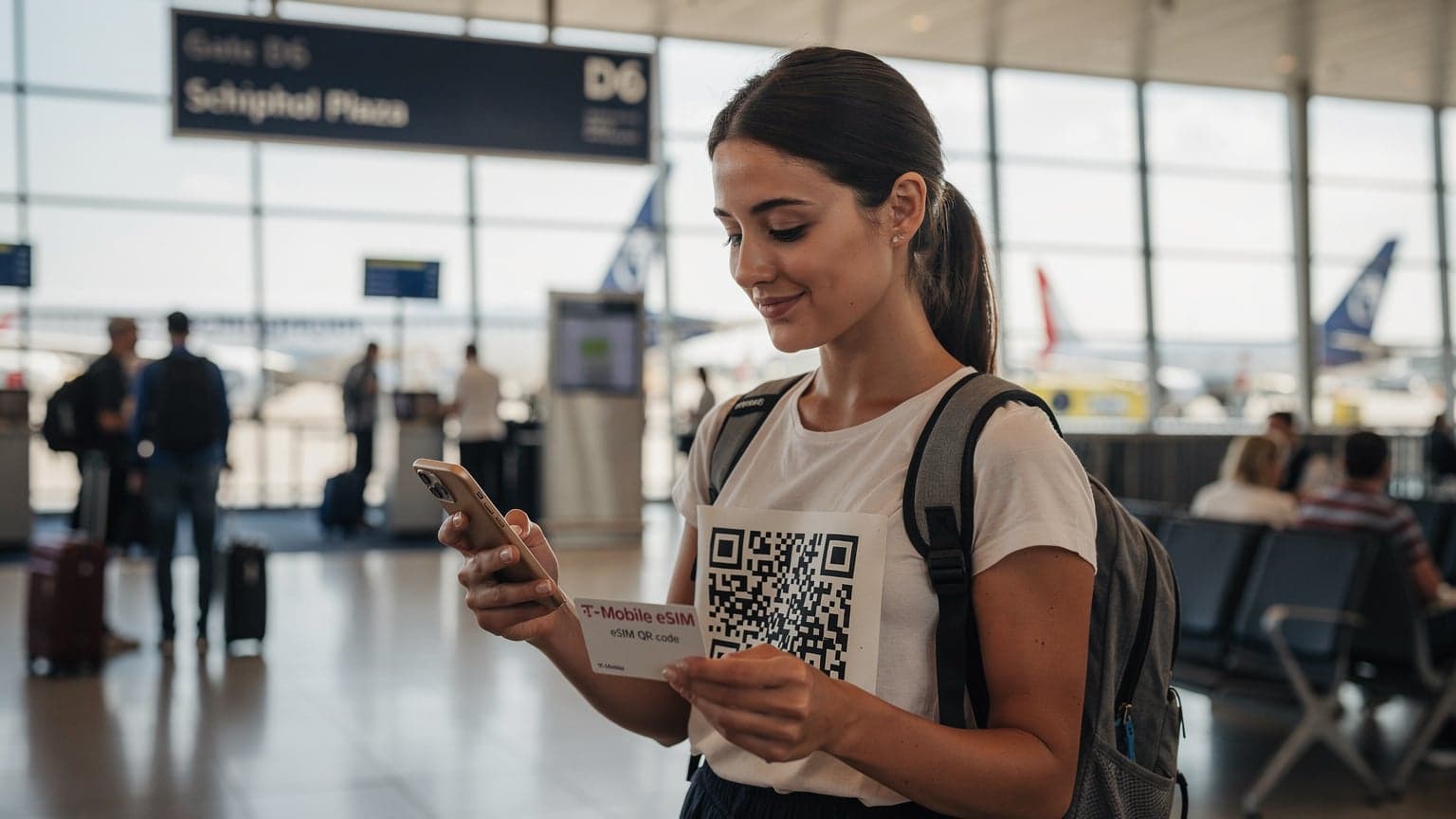
Activating a Cellesim eSIM is typically done with a QR code. You buy the plan online, get a QR code by email, scan it with your phone, and the eSIM profile installs. It's incredibly fast, often taking less than two minutes. This means you can do it in the airport lounge before you even board, or once you land and connect to airport Wi-Fi. No need to visit a local store, deal with language barriers, or worry about finding a SIM ejector tool.
Managing multiple eSIMs on one device, or across different family devices, is also simple. Each device can have its own Cellesim eSIM, ensuring everyone has their own dedicated data allowance. This helps you monitor usage and prevents one person from accidentally using up all the family data.
Cellesim vs. AT&T International Plans: A Family Budget Showdown
Let's crunch some numbers, because that's what truly matters for family budgets. I've broken down a typical two-week family trip to a popular European spot, like France or Italy, with two adults and two children (each with a cellular-enabled iPad for those long car rides and hotel downtime).
| Feature | AT&T International Day Pass | Cellesim Regional Europe eSIM (e.g., 20GB for 30 Days) |
|---|---|---|
| Cost for 14 Days, 1 Phone | $140 (capped at 10 days, so $14 per day) | $25-35 |
| Cost for 14 Days, 2 Phones + 2 iPads (cellular) | $560 (4 devices x $14/day x 10 days cap) | $100-140 (4x 5GB or 2x 10GB plans) |
| Data Allowance | Uses home plan allowance, but often deprioritized abroad. | Dedicated high-speed data (e.g., 20GB, 30GB, or even unlimited options). |
| Coverage & Speed | Roaming partners, speed can vary, deprioritization possible. | Local networks, often faster and more reliable. |
| Keep Home Number | Yes, main line active for calls/texts. | Yes, keep AT&T line active for calls/texts, use Cellesim for data. |
| Ease of Setup | Enroll via app/website. | Scan QR code, instant activation. |
The difference is clear. For a family of four, the money saved with Cellesim could easily cover a nice family dinner, or even a couple of tickets to a big attraction. It's not just about saving money; it's about spending your travel budget more wisely.
The Value of Predictable Data
One of my biggest frustrations when traveling is uncertainty, especially with costs. The great thing about a Cellesim eSIM is how predictable it is. You know exactly how much data you have, for how long, and what it cost you. No hidden fees, no unexpected overages. This peace of mind is invaluable, especially when you're trying to manage a budget in a foreign currency.
When my son's iPad needs more data for his online games, or my daughter wants to FaceTime her best friend from the hotel, I know exactly what our data situation is. No more guessing games or nervously checking the AT&T app for usage notifications that might be delayed.
Getting Connected in Popular Family Destinations with eSIM
Whether you're hitting the theme parks in Orlando, exploring ancient ruins in Rome, or going on safari in Tanzania, eSIMs simplify staying connected. Here's how they specifically shine in common family travel scenarios:
Theme Parks and Cruise Ships: Connectivity Challenges
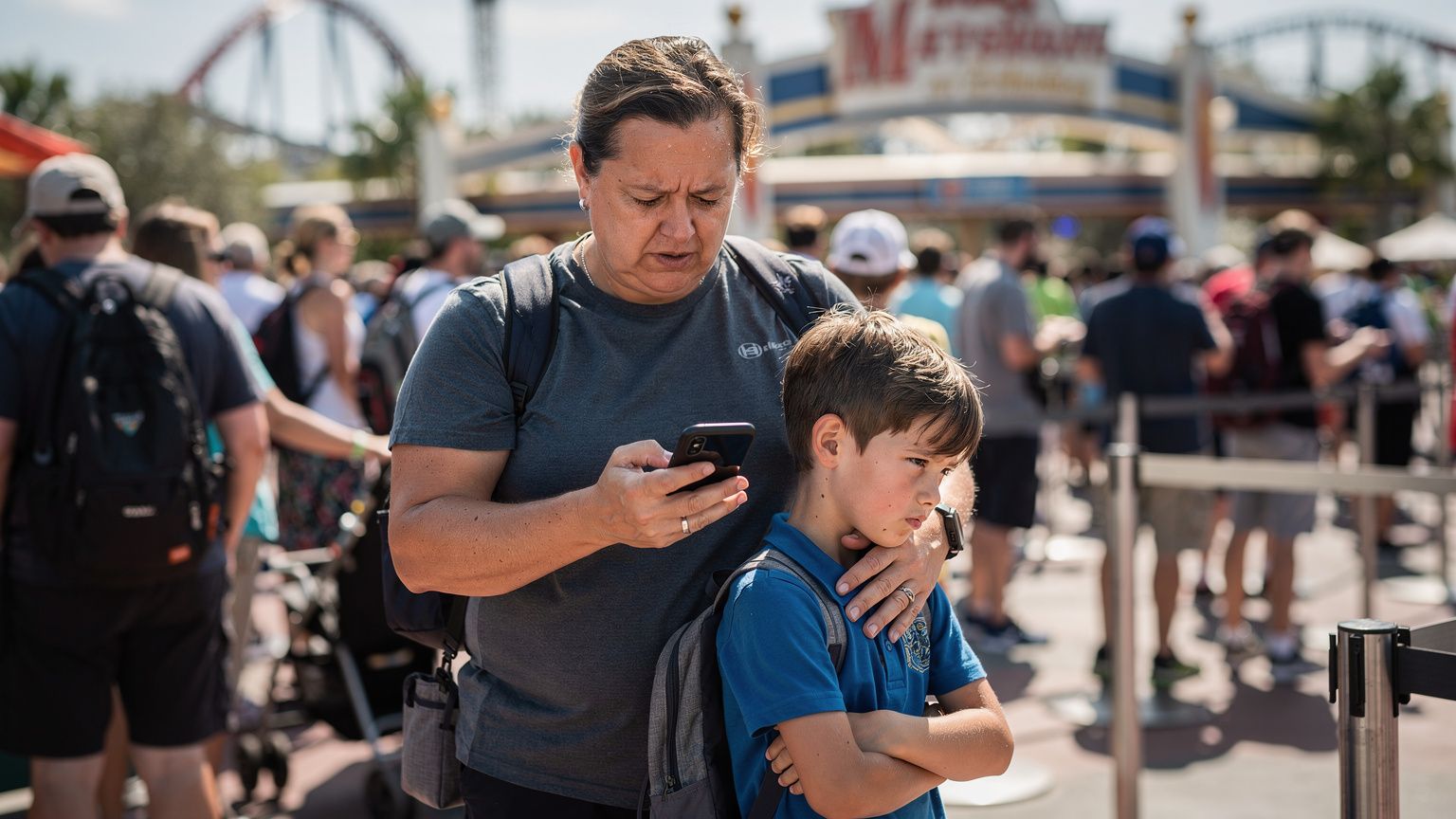
Ah, theme parks! Concrete walls, thousands of people trying to upload roller coaster selfies, and often, spotty Wi-Fi. Getting a good signal inside places like Disneyland Paris or Universal Studios Orlando can be surprisingly tough. Your AT&T roaming might work, but it could be slow or unreliable because of network congestion. A local eSIM often gives you priority on the local network, meaning better speeds.
Cruise ships are a whole different story. Cellular at sea uses satellites and is incredibly expensive. My rule of thumb: assume no internet at sea unless you pay a fortune for the ship's Wi-Fi. For shore excursions, though, a travel eSIM is your best friend. As soon as you hit port, your eSIM kicks in, giving you affordable data for finding your way around town, checking bus schedules, or locating that specific souvenir shop. This is where eSIM for African adventures can really save the day when you're exploring port cities like Cape Town or Mombasa.
Europe and the UK: Seamless Data Across Borders
One of the biggest perks of regional eSIMs is their ability to provide data across multiple countries in an area without needing to switch plans. For a family doing a multi-country tour of Europe, a single Europe-wide eSIM from Cellesim can cover you from Lisbon to Rome, and even into the UK (though post-Brexit, UK roaming can be a separate consideration). This means uninterrupted GPS, instant translation, and consistent entertainment for the kids, no matter which border you cross. It's like magic, but better, because it's reliable.
Troubleshooting Common eSIM Issues on the Go
Even with the best planning, sometimes things go wrong. Here are a few common eSIM issues you might hit and my go-to troubleshooting tips:
- No Service/No Data:
- Check Data Roaming Settings: Make sure data roaming is on for your Cellesim eSIM line (but off for your AT&T line, unless you're using International Day Pass).
- Verify APN Settings: Sometimes the Access Point Name (APN) settings need to be manually put in. Your eSIM provider (like Cellesim) will give you these details.
- Restart Your Device: The classic tech fix, but it often works.
- Toggle Airplane Mode: Turn airplane mode on for 30 seconds, then off. This can force your phone to reconnect to the network.
- Slow Data Speeds:
- Network Congestion: In really crowded areas (like a theme park!), speeds can naturally slow down. Try moving to a less congested spot.
- Check Data Usage: Make sure you haven't used up all your data.
- Contact Support: If speeds stay consistently bad, reach out to Cellesim support. They can check network status and offer more help.
- eSIM Not Activating:
- Check Wi-Fi Connection: You need a stable Wi-Fi connection to download and activate a new eSIM profile.
- Re-scan QR Code: Make sure you're scanning the correct QR code and that it's clear and well-lit.
- Check Device Compatibility: Double-check that your device actually supports eSIM.
- Contact Cellesim Support: Their support team can often fix activation issues quickly. Many providers also offer free trial eSIMs, so you can test them out before committing to a bigger plan. That's always a smart move. You can read more about free trial eSIMs and if they're worth your time.
Remember, the great thing about having multiple eSIMs is that if one isn't working, you usually have a backup. You can always switch back to your primary AT&T line for emergency calls or texts, even if it's not ideal for data.
Final Thoughts on AT&T eSIM and Family Travel Connectivity
Figuring out international data for a family can feel like solving a tough puzzle. But with the right strategy, it doesn't have to be stressful. While AT&T's eSIM technology is convenient, its international roaming plans, especially the International Day Pass, can quickly become very expensive when you factor in multiple devices and how much data modern families use.
For me, the clear winner for family travel is a combo approach: keep your AT&T eSIM active for calls and texts from your home number (super important for iMessage and those crucial bank authentication codes), but rely on a dedicated travel eSIM from a provider like Cellesim for all your data needs. This strategy gives you the best of both worlds: affordable, fast data that you can easily manage, plus the comfort of keeping your main number.
Planning ahead, pre-loading apps, setting parental controls, and buying a dedicated travel eSIM are small efforts that pay off big in terms of peace of mind and saving money. So, go explore the world with your family, knowing your connectivity is handled, leaving more room in the budget for extra gelato or an unexpected souvenir.
Frequently Asked Questions
Can I use my AT&T eSIM for international data without extra charges?
No, using your AT&T eSIM for international data will incur charges. You'll either be opted into their International Day Pass, typically $10-15 per day per line, or face very high pay-per-use roaming rates. Both options can quickly become expensive for families.
How do I activate an AT&T eSIM for my phone?
You can activate an AT&T eSIM through the myAT&T app by navigating to your plan details and selecting "Manage SIM" or "Convert to eSIM." Alternatively, you can do it via your phone's cellular settings by adding a new eSIM, or by contacting AT&T customer support for assistance.
Is AT&T International Day Pass worth it for family travel?
For short trips with minimal data needs, the International Day Pass might seem convenient. However, for families with multiple devices (phones, tablets, gaming consoles), the per-line daily fee of $10-15 can quickly accumulate, often making it significantly more expensive than a dedicated travel eSIM.
Can I keep my AT&T number active while using a travel eSIM for data?
Yes, absolutely. This is one of the biggest advantages of eSIM technology. You can keep your AT&T eSIM active for calls and texts from your home number, while simultaneously using a separate travel eSIM (like one from Cellesim) for all your international data needs. This is often the most cost-effective solution.
What's the best way to manage data for my kids' devices while traveling internationally?
The best approach involves pre-loading apps and content (movies, games, maps) for offline use, disabling Wi-Fi Assist and background app refresh on their devices, and setting up parental controls. For active data, consider a separate, affordable travel eSIM for their cellular-enabled devices, or ensure they connect only via Wi-Fi from your phone's hotspot with a generous travel eSIM plan.
Do parental controls work on a travel eSIM line?
Parental control features like Apple's Screen Time or Google Family Link are typically tied to the device's operating system, not the specific cellular line. Therefore, they should continue to function on a travel eSIM line, allowing you to manage app usage and data access for your children's devices regardless of the active data plan.
See also: Tanzania eSIM
See also: Cape Town eSIM