


eSIM PC Nedir ve Neden Şimdi Önemli?
Remember the days of fumbling with USB dongles, praying for a stable Wi-Fi signal, or tethering your phone until its battery cried uncle? I do, and frankly, I'm over it. For years, as someone who jumps countries every couple of months, connectivity has been the single biggest headache. This is where eSIM for PCs, laptops, and tablets steps in, and honestly, it's about time.
An eSIM, or embedded SIM, is a small chip built directly into your device. Unlike traditional SIM cards, you don't physically swap anything out. Instead, you download and activate cellular plans digitally. For a long-stay digital nomad like me, this isn't just a convenience, it's a lifeline. It means I can land in a new city, buy a data plan from Cellesim for, say, a month in Seoul, and be online on my laptop before I even leave Incheon Airport. No hunting for local SIM shops, no language barriers, no unexpected data charges. It’s the kind of seamless experience I wish I had four years ago when I was wrestling with a flaky local SIM in a café in Chiang Mai.
Dongle Döneminin Sonu mu?
Absolutely. The dongle era, for serious remote workers, is effectively over. Those bulky USB sticks were always a compromise, often offering unreliable speeds and requiring their own driver installations. Remember trying to get one to work on a new OS? Pure pain. With an eSIM-enabled PC, your laptop is its own hotspot, directly connected to the cellular network, often with better stability and lower latency than a shared Wi-Fi connection. This is crucial when you're on a video call with a client and the cafe Wi-Fi suddenly decides to take a nap.
Geleneksel Bağlantı Yöntemlerine Göre Ne Farkı Var?
The primary difference is integration and flexibility. Traditional methods, like Wi-Fi or tethering, rely on another device or a fixed network. Wi-Fi can be great, but it's often insecure in public places, congested, and prone to dropouts. Tethering drains your phone battery at an alarming rate, and if your phone loses signal, so does your laptop. An eSIM PC, however, operates independently. It's like having a dedicated modem built right into your machine, which means you're almost always connected, provided there's cellular coverage.
eSIM PC Desteği Olan Cihazlar Hangileri?
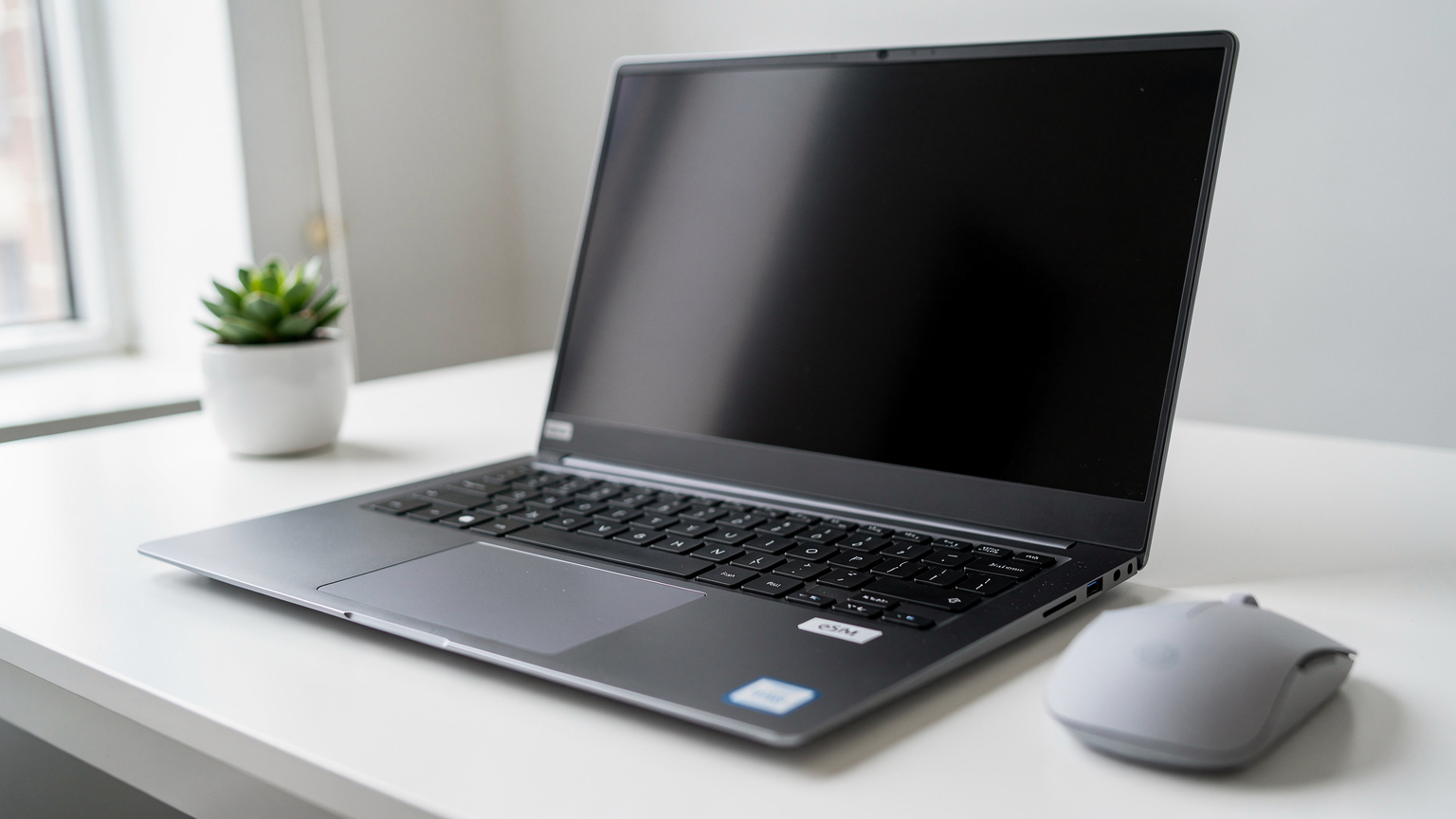
Not every laptop or tablet comes with eSIM capabilities, but the list is growing fast, especially among premium and business-oriented models. When I'm looking for a new machine, eSIM compatibility is now almost as high on my checklist as RAM and processor speed. (Because what's a powerful laptop if you can't get online?)
Popüler Dizüstü Bilgisayar ve Tablet Modelleri
You'll typically find eSIM in the higher-end lines from major manufacturers. Think about the devices aimed at professionals or those who are constantly on the move. Here are a few I've personally used or seen fellow nomads swear by:
- Microsoft Surface Pro/Laptop (LTE Advanced models): These have been solid workhorses for a while. I used a Surface Pro 7 for a year in Colombia, and its eSIM was a lifesaver for getting work done in cafes in Laureles, Medellín, where the Wi-Fi could be a bit spotty.
- Lenovo ThinkPad X series (certain models): Lenovo's business-grade laptops often include this. The ThinkPad X1 Carbon has been a popular choice in the co-working spaces in Lisbon, offering robust security and connectivity.
- HP Elite Dragonfly and Spectre x360 (select models): HP has been integrating eSIM into their premium consumer and business lines.
- Dell XPS (certain configurations): While less common, some XPS models, particularly the 2-in-1s, are starting to include eSIM support.
- Apple iPad (Cellular models): iPads have had eSIM for years, and they're fantastic for light work or content consumption on the go. Activating an eSIM for iPhones or iPads is usually a breeze, especially with Cellesim.
Always double-check the exact model specifications before buying, as eSIM support isn't universal across all configurations of a product line. Look for 'LTE' or '5G' alongside 'eSIM' in the tech specs.
eSIM Desteğini Kontrol Etmek İçin İpuçları
If you're not sure if your current device supports eSIM, here's how to check:
- Windows: Go to Settings > Network & Internet > Cellular. If you see an option for 'eSIM profiles' or 'Manage eSIM profiles,' you're good to go.
- macOS: As of my last check, Macs do not natively support eSIM for cellular connectivity. You'd need a Wi-Fi hotspot or an external dongle for those.
- iPadOS: Go to Settings > Cellular Data. If your iPad supports eSIM, you'll see options to 'Add a New Plan' or 'Set Up Cellular Data'.
It's always best to consult your device's manual or the manufacturer's website for the most accurate information. I learned this the hard way trying to troubleshoot a friend's supposedly 'eSIM-ready' tablet only to find out it was the Wi-Fi-only model.
Dizüstü Bilgisayarımda eSIM Nasıl Çalışır?
The magic of eSIM in a PC is that it fundamentally transforms your device into an always-connected machine, much like your smartphone. Instead of relying on external network sources, your laptop can directly communicate with cellular towers. This is incredibly liberating when you're trying to hit a deadline from a cafe that suddenly loses power, or when you're stuck in transit between cities.
Dahili Modem ve eSIM Profilleri
The core component enabling eSIM in your PC is an internal cellular modem. This modem is often integrated directly into the motherboard, supporting various LTE and 5G bands, much like the one in your phone. This is what allows your laptop to 'talk' to cell towers. When you purchase an eSIM data plan, you're essentially downloading a 'profile' onto this modem. This profile contains all the necessary information, like network access credentials, that a traditional physical SIM card would hold.
Think of it as storing multiple virtual SIM cards on your device, ready to be activated or switched at will. This means if I'm spending a month in Berlin and then heading to Rome, I can switch from my German Cellesim profile to my Italian one without ever touching a physical card slot.
Veri Ağlarına Doğrudan Bağlantı
With an active eSIM profile, your laptop connects directly to the cellular network of your chosen carrier. This bypasses the need for Wi-Fi routers, hotspots, or any intermediary devices. The connection is often more stable and secure than public Wi-Fi. In my experience, working from 'The Factory' co-working space in Mitte, Berlin, the Wi-Fi was generally good, but for crucial uploads, my laptop's direct 5G connection via eSIM was consistently faster and more reliable, especially during peak hours.
The process of finding your eSIM number on a laptop is similar to a phone, usually found within the cellular settings, and it's good to know for support issues.
eSIM vs. Fiziksel SIM: PC ve Tabletler İçin Hangisi Daha İyi?
While some older LTE-enabled laptops might have a physical SIM card slot, eSIM is quickly becoming the standard for newer devices. The advantages of eSIM are particularly pronounced for people who are frequently changing locations, which, let's be honest, is pretty much every digital nomad or global business traveler.
| Feature | eSIM (PC/Tablet) | Physical SIM (PC/Tablet) |
|---|---|---|
| Activation | Digital download, instant activation | Physical card insertion, potential activation delay |
| Flexibility | Multiple profiles, easy switching between carriers/plans | One card per slot, physical swap required for new plans |
| Security | Built-in, harder to lose/steal, remote management | Can be lost/stolen, physical access to device required |
| Convenience | No physical card, no tools needed, less bulk | Requires carrying cards, ejector tool |
| Travel Impact | Seamless global roaming, local plan activation on arrival | Requires local SIM purchase, roaming fees often higher |
| Cost (Long-term) | Often more competitive data rates with global/regional plans | Can be cheap locally, but roaming is expensive |
eSIM'in Avantajları: Dijital Göçmen Gözüyle
From a digital nomad's perspective, the advantages are clear:
- No More SIM Card Hunts: I cannot stress this enough. Landing in a new country and immediately having data on my laptop is priceless. No more haggling in broken Spanish at a dodgy phone shop in Buenos Aires or trying to understand confusing data plans in Japanese at a Narita Airport kiosk.
- Instant Connectivity: Buy a plan online, scan a QR code (or enter details), and you're connected. This is especially vital when you need to confirm a booking, check directions, or update a client on arrival.
- Multiple Profiles: My laptop effectively carries a dozen local SIM cards in its memory. I can have a Cellesim plan for Europe, another for Asia, and switch between them in seconds. This is far superior to carrying a collection of tiny plastic cards that are easy to lose.
- Enhanced Security: A physical SIM can be removed or swapped. An eSIM is embedded, making it harder for unauthorized access. Plus, many eSIM providers offer robust security features.
- Less Hardware Clutter: No dongles, no physical cards, no tiny ejector pins. One less thing to pack, one less thing to worry about losing in a hostel.
Fiziksel SIM Kartların Sınırlamaları
Physical SIM cards, while familiar, introduce friction. They can be damaged, lost, or stolen. Activating a new local SIM often requires going to a physical store, sometimes with passport registration, which can be a hassle, especially with visa limitations in certain countries. For instance, getting a local SIM in India used to require an Aadhaar card or lengthy verification, which is impossible for a short-term visitor without specific documentation. You also run into issues where some banks, especially in Brazil, often require a local SIM number for two-factor authentication for their banking apps, making it a nightmare if you're only using an international roaming plan.
Dijital Göçebeler İçin eSIM PC'nin Gerçek Dünyadaki Faydaları
This isn't just about convenience, it's about productivity and peace of mind. As someone whose livelihood depends on staying connected, eSIM in my laptop means I can actually do my job, no matter where I am.

Kesintisiz Üretkenlik ve Esneklik
Imagine this: You're at a conference in San Francisco, presenting remotely from your laptop. The event Wi-Fi is predictably overloaded. With an eSIM PC, you just switch to cellular data, and your presentation goes off without a hitch. Or, you're on a train from Seville to Madrid, and you need to upload a large file. Instead of waiting for the next station's Wi-Fi, your laptop connects directly to the 4G/5G network. I've personally used this on the Renfe AVE, getting solid speeds even through rural Spain. That kind of flexibility is a non-negotiable for me.
It also means you don't have to scramble for Wi-Fi in every cafe. Sometimes, you just need a quiet corner and a reliable connection. With eSIM, that corner can be anywhere with cellular coverage.
Güvenli ve İstikrarlı Bağlantı
Public Wi-Fi networks, even in supposedly reputable co-working spaces, can be risky. Man-in-the-middle attacks, data sniffing, and general insecurity are real concerns. While a VPN is always a good idea, a direct cellular connection via eSIM offers a more secure initial layer. It's a private connection between your device and the carrier, reducing the surface area for attack compared to a shared, open network. This is particularly important for tasks involving sensitive client data.
Yerel SIM Avantajları: Roaming Ücretlerini Ortadan Kaldırmak
This is where the Cellesim difference truly shines. Instead of paying exorbitant roaming fees to your home carrier like Verizon or AT&T, you can purchase a local or regional Cellesim plan for your laptop. For example, a month of unlimited data in France might cost you 30 Euros with a Cellesim eSIM, whereas AT&T's International Day Pass could run you $10 a day, quickly adding up to $300 for the same period. This isn't just a small saving, it's a game-changer for budgeting, especially when monthly rent for a decent apartment in a neighborhood like Gràcia in Barcelona can be around 900-1200 Euros. Every saving counts.
eSIM PC Kurulumu: Adım Adım Rehber
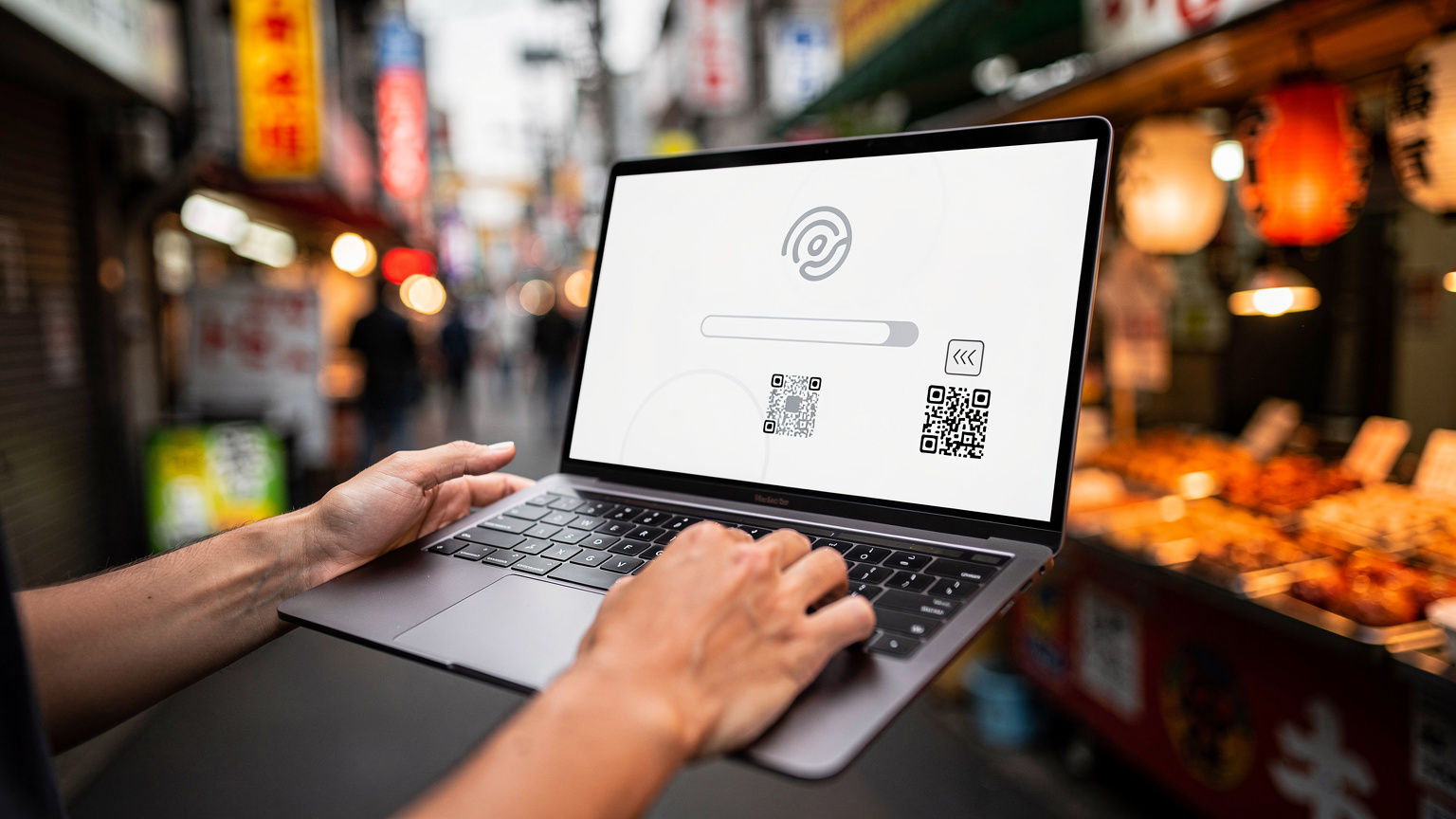
Getting your eSIM up and running on your laptop or tablet is surprisingly straightforward. Forget about fiddly little trays and microscopic cards. It's mostly software-based, which is a relief when you're jet-lagged.
Windows Cihazlarda eSIM Nasıl Etkinleştirilir?
Here’s a general procedure for Windows devices:
- Check for eSIM Support: Go to Settings > Network & Internet > Cellular. Look for 'Manage eSIM profiles.' If it's there, your device is ready.
- Purchase an eSIM Plan: Head to the Cellesim website (or your preferred provider) and purchase a data plan for your destination. You'll usually receive an activation code or a QR code. For example, if you're headed to the United States, grab a US-specific plan.
- Add a New Profile: In the 'Manage eSIM profiles' section, click 'Add a profile.'
- Scan QR Code or Enter Activation Code: If you have a QR code, use your laptop's camera (if available) to scan it. Otherwise, select 'Enter an activation code' and paste the code provided by Cellesim.
- Install and Connect: Follow the on-screen prompts to install the profile. Once installed, you should see the new cellular plan listed. Select it and click 'Connect.'
- Set as Default (Optional): You can set this eSIM as your primary cellular connection, ensuring your laptop always tries to connect via cellular if Wi-Fi isn't available.
iPad'lerde eSIM Kurulumu
For iPads with cellular capability, the process is equally simple:
- Go to Settings: Tap on the 'Settings' app.
- Navigate to Cellular Data: Tap 'Cellular Data' (or 'Mobile Data' in some regions).
- Add a New Plan: Tap 'Add a New Plan.'
- Scan QR Code or Enter Details: Most providers, including Cellesim, will give you a QR code. Use your iPad's camera to scan it. If you have an activation code, you can choose 'Enter Details Manually.'
- Confirm and Activate: Follow the prompts to confirm your plan details and activate it. Your new cellular plan should now appear in your list of plans, and you can switch between them easily.
eSIM Destekli PC'ler İçin Veri Planları Nasıl Seçilir?
Choosing the right data plan for your eSIM PC is critical. It's not just about the cheapest option, it's about reliability, speed, and coverage in the places you actually work. I've learned that lesson the hard way trying to save a few bucks only to end up with unusable data in a critical moment.
İhtiyaçlarınıza Uygun Plan Nasıl Bulunur?
Consider your usage patterns:
- Data Volume: Are you just browsing emails and light web work, or are you uploading large video files and participating in constant video calls? For heavy users, unlimited plans are often worth the premium.
- Duration: Are you in a country for a week or a month? Cellesim offers plans ranging from a few days to several weeks, which is ideal for my 1-3 month stays.
- Coverage: Always check the network coverage for the specific regions you'll be in. Cellesim usually partners with major local carriers, so you're getting robust coverage, often on par with what locals use. For example, in South Korea, Cellesim partners with KT or SK Telecom, giving you excellent coverage even in smaller cities outside of Seoul.
- Speed: For content creators or anyone needing to upload large files, 5G support is a must. Verify that the eSIM plan supports the fastest available network in your area. This is where a Cellesim vs. Nomad eSIM comparison often reveals Cellesim's edge in specific regions for speed and latency.
Farklı eSIM Sağlayıcılarını Karşılaştırma
While many providers offer eSIMs for phones, fewer explicitly cater to PCs and tablets, but Cellesim is one that does, offering flexible plans that work across devices. When comparing, look for:
- Transparent Pricing: No hidden fees, clear data limits.
- Easy Activation: QR code activation is a huge plus.
- Customer Support: When you're in a foreign country and your internet drops, good support is invaluable.
- Regional vs. Global Plans: For multi-country trips, a regional plan (e.g., 'Europe-wide') can be more cost-effective than buying individual country plans.
eSIM PC ile Karşılaşabileceğiniz Potansiyel Sorunlar
While eSIM on PC is a game-changer, it's not entirely without its quirks. I've hit a few snags over the years, and knowing what to look out for can save you a lot of frustration.
Uyumluluk ve Sürücü Sorunları
The biggest hurdle is often device compatibility. Not all laptops with cellular modems support eSIM, and some might require specific driver updates. If you're having trouble, first check your manufacturer's support page for the latest drivers for your cellular modem. I once spent an entire afternoon in a cafe in Tbilisi trying to get an eSIM to work on an older Dell Latitude, only to discover a driver update from six months prior was the culprit. This is where resources like the Tbilisi Digital Nomad Visa 2026: Your eSIM Connectivity Blueprint can be helpful for specific location advice.
Ağ Bağlantı ve Hız Sorunları
Just like with a physical SIM, your eSIM performance is tied to the local network. If the local carrier has poor coverage or a congested network in your area, your eSIM connection will suffer. I've experienced this in smaller towns in Vietnam, where even major carriers struggle with consistent 4G speeds. Always check local coverage maps if you're venturing off the beaten path. Also, remember that sometimes your device might default to a slower network if signal strength is an issue. Manually selecting the preferred network in your settings can sometimes force a better connection.
Çözümler ve Destek
Most issues can be resolved with basic troubleshooting:
- Restart Your Device: The oldest trick in the book, but often effective.
- Check Network Settings: Ensure your eSIM profile is active and selected. Toggle airplane mode on and off.
- Update Drivers: Visit your laptop manufacturer's website for modem driver updates.
- Contact Cellesim Support: If all else fails, Cellesim's customer support can often diagnose profile issues or confirm network status. Always have your eSIM number (EID) handy, which you can find in your cellular settings. For general issues, checking the Cellesim FAQ can also provide quick answers.
Geleceğe Bakış: eSIM PC'nin Evrimi
The trajectory for eSIM in PCs and tablets is clear: it's becoming standard. As more manufacturers integrate it and network providers optimize their offerings, the experience will only get smoother and more robust. We're already seeing a move towards ubiquitous connectivity, where every device is inherently connected.
5G Entegrasyonu ve Yeni Nesil Cihazlar
The rollout of 5G is a huge boon for eSIM PCs. With its lower latency and significantly higher speeds, 5G connectivity transforms what's possible on the go. Imagine downloading massive design files or uploading 4K video from a park bench with speeds comparable to fiber internet. This isn't theoretical; I've hit consistent 400-500 Mbps on 5G in places like Seoul's Gangnam district, making the old idea of 'mobile internet' feel archaic.
We can expect future laptops and tablets to have even more advanced 5G modems, supporting a wider range of bands and potentially offering dynamic switching between networks for optimal performance. Devices are becoming 'always-on, always-connected' by default, blurring the lines between mobile and desktop computing.
Kurumsal ve Eğitim Sektöründeki Potansiyel
Beyond individual digital nomads, eSIM PCs have massive implications for enterprises and education. Imagine deploying thousands of laptops to remote employees or students, each pre-loaded with a secure, managed eSIM profile. IT departments can remotely provision, manage, and secure connectivity, eliminating the need for physical SIM distribution or relying on potentially insecure home Wi-Fi networks. This simplifies logistics, enhances security, and ensures everyone stays connected, regardless of their location. For field workers, sales teams, or even just employees working from different office locations, it's a huge leap forward in operational efficiency.
Frequently Asked Questions
Can I use any eSIM data plan on my laptop or tablet?
No, you need to ensure your laptop or tablet explicitly supports eSIM. While most eSIMs are primarily designed for smartphones, many Cellesim plans are compatible with eSIM-enabled PCs and tablets. Always check the device specifications and the plan's compatibility details before purchasing.
Is eSIM on PC more secure than public Wi-Fi?
Yes, generally. A direct cellular connection via eSIM is a private connection between your device and the carrier, which is inherently more secure than connecting to a shared, open public Wi-Fi network. While a VPN is still recommended for an extra layer of security, eSIM reduces many risks associated with public hotspots.
Can I switch between multiple eSIM profiles on my PC?
Absolutely. One of the key advantages of eSIM is the ability to store multiple profiles on a single device. You can easily switch between different Cellesim plans for various countries or even different carriers within the same country, all from your device's cellular settings, without physically swapping cards.
What if my laptop doesn't have an eSIM, but has a physical SIM slot?
If your laptop has a physical SIM slot but no eSIM, you'll need to use a traditional physical SIM card for cellular connectivity. While this isn't as flexible as eSIM, it still provides direct cellular access. However, you won't be able to enjoy the digital activation and multi-profile benefits of eSIM.
Will eSIM on my PC drain my battery faster?
Using cellular data, whether via eSIM or a physical SIM, generally consumes more battery than Wi-Fi, especially if you're in an area with weak signal where the modem has to work harder. However, modern laptops are optimized for power efficiency, and the convenience often outweighs the slight battery trade-off. Carrying a power bank is always a good idea for long work sessions on the go.
Can I make calls or send SMS with an eSIM on my laptop?
Typically, no. eSIM plans for PCs and tablets are primarily data-only. While some data plans might support VoIP calls (like WhatsApp or Zoom) over the data connection, they generally do not come with a traditional phone number for voice calls or SMS, unlike smartphone eSIMs.