
The T-Mobile Free eSIM Trial, Unpacked for Parents
It's 2026, and the words "free trial" for anything, especially mobile data, sound pretty good to a parent. We're always trying to save money without losing our minds, right? T-Mobile has a free eSIM trial that usually gives you a limited amount of data, often around 30GB, for a short time, like three months. This trial is mostly for potential new customers in the US to see how T-Mobile's domestic network works before they sign up for a full plan. For families planning trips outside the US, this domestic focus is where things start to look a little off.As someone who plans a lot of family trips, I've learned that "free" often has strings attached, especially when you're trying to keep several kids and their devices happy and connected. The T-Mobile trial is great if you want to check your local coverage, maybe see how well your teenager's FaceTime calls work on a walk to the store. But will it give you smooth internet for a week in Tuscany or two weeks getting around Tokyo's Yamanote line?
What the T-Mobile Free eSIM Trial Actually Offers
The T-Mobile free eSIM trial typically gives you high-speed data right here in the United States. It's a good way to test your signal in your neighborhood or on a Summer Road Trip 2026 from state to state.However, it's important to know that this trial usually doesn't include international roaming. That means if you cross a border, even into Canada or Mexico, those 30GB won't help you at all for your trip. It's like packing a swimsuit for a ski trip; it's just not the right tool for the job.
Activating the Trial: A Quick How-To
Getting the T-Mobile free eSIM trial onto your phone is pretty simple, as long as your phone supports eSIMs. Most newer iPhones (XS and up) and many Android phones work with eSIMs, which is great because you don't have to mess with physical SIM cards.- Check Your Phone: Make sure your smartphone can use eSIMs. You can usually find this in your phone's settings under "About Phone" or by searching for your specific model online.
- Get the T-Mobile App: You usually start the trial through the T-Mobile app, which you can find in the App Store or Google Play.
- Follow the App: The app will walk you through the steps, which usually involve proving who you are and downloading the eSIM profile right to your phone. It's often a smooth process, much like getting a T-Mobile eSIM QR Code for a regular plan.
- Turn on the eSIM: Once the profile is downloaded, activate it in your phone's cellular settings. You'll probably be asked which line to use for data, calls, and texts.
- Watch Your Data: Keep an eye on how much data you're using within the T-Mobile app. Remember, it's a trial, and those gigabytes can disappear faster than a plate of cookies at a kids' party.
Why a Free Trial Might Not Cut It for Family Trips
The idea of "free" is very appealing, but for international family trips, especially with kids who need their screens, a domestic free trial rarely does the trick. We're talking about more than just checking emails. We're talking about two kids streaming Disney+ in the back of a rental car in Spain, or enough internet for Minecraft during a long layover.A domestic trial simply doesn't handle the complexities of using your phone abroad, sharing data across many devices, or the peace of mind that comes with a dedicated travel data plan.
International Roaming: The Missing Link
Here's the big problem for international travelers: the T-Mobile free eSIM trial doesn't include international roaming. If your 2026 travel plans go beyond US borders, this trial gives you absolutely no internet when you're abroad. You'd still have to rely on expensive daily roaming passes from your main carrier, or run around looking for local SIM cards when you arrive, which, let's be honest, is the last thing you want to do with two tired kids and a pile of luggage.Those daily roaming passes can quickly cost more than any savings from a "free" trial. Imagine paying $10-$15 a day, per device, just to keep your phone working overseas. For a family of four with two iPads always on, that's a huge chunk of your vacation budget gone before you even get your first gelato.
Data Plan Sized for 2 Kids Streaming Disney+
Let's talk about how much data people actually use. Two kids, say 7 and 10, watching Disney+ on their iPads or playing Nintendo Switch Online for a couple of hours on a long flight, or even just during quiet time in a hotel room, can use up data incredibly fast. Standard definition streaming uses about 1GB an hour, per device. High definition? Double that.If your kids stream for just two hours each day, that's 4GB daily. Over a 10-day trip, you're looking at a minimum of 40GB. The T-Mobile trial's 30GB is only for use in the US, and even if it did roam, it wouldn't last. This is where dedicated travel eSIMs really shine, with bigger, country-specific, or even global data plans made for heavier use.
Multi-Device Connectivity: A Parental Challenge
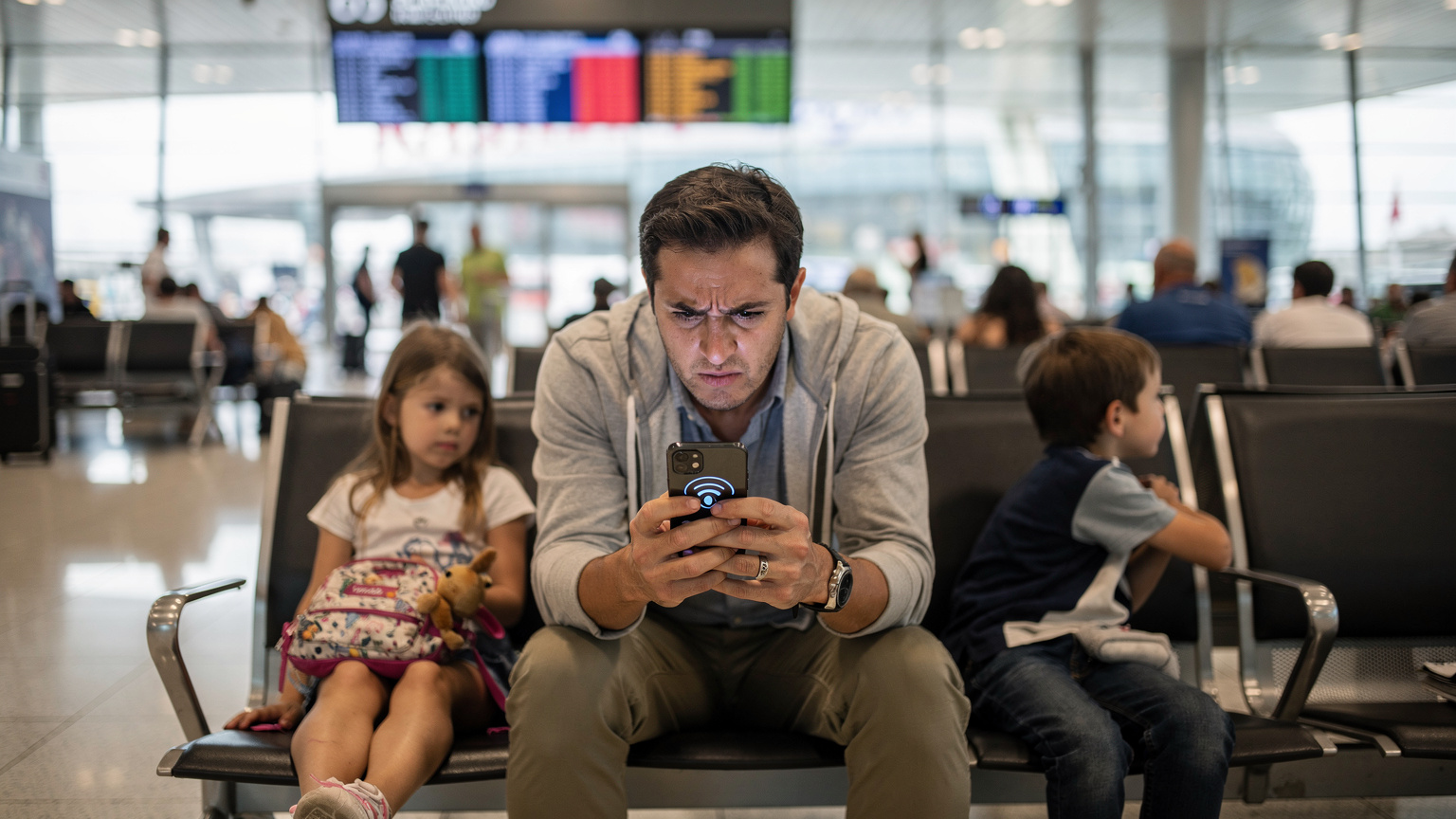
The T-Mobile trial is typically for one device, the one you use to activate it. As parents, we often have many devices: our own smartphones, our partner's phone, an iPad for drawing, and maybe a kids' tablet for Duolingo or educational games. Trying to share a single, domestic eSIM trial across all these devices for international travel simply won't work.You'd have to turn your phone into a hotspot, which kills your battery fast and often makes the internet slower for other devices. This isn't a solid way to make sure everyone stays connected, especially when you need Google Maps at the same time your child is trying to beat the next level in Roblox.
Comparing T-Mobile to Dedicated Travel eSIMs: The Family Edition
For international travel, you're not really comparing T-Mobile's free trial to a travel eSIM, because they do totally different things. It's more about how T-Mobile's *regular* international roaming options stack up against the flexibility and value of a dedicated travel eSIM.For families, what matters most is coverage, how much data you get, how easy it is to manage across devices, and clear costs. Nobody wants a surprise bill after their vacation, especially one that costs as much as another night at the hotel. (Those $40 hotel kids' menus are bad enough!)
Global Coverage and Network Reliability
Dedicated travel eSIMs from companies like Cellesim are made for worldwide coverage. They often work with several local networks in each country, so you get the best signal possible no matter where you are. This is very different from your domestic carrier's roaming deals, which can vary a lot in speed and reliability.Imagine trying to find your way through the busy markets of Marrakech or the winding streets of Venice with a slow, unreliable connection. It's a recipe for stress, especially with little ones in tow. Travel eSIMs prioritize consistent, fast data in dozens, sometimes hundreds, of countries.
Cost-Effectiveness for Multi-Country Journeys
If your family trip involves visiting several countries, a travel eSIM becomes even more appealing. Many offer regional or global plans that cover multiple nations with one data package. This means no fussing with new SIM cards or plans every time you cross a border.T-Mobile's international roaming, while included in some postpaid plans, often slows down your speed after a certain amount of data, or requires expensive add-ons for faster access. For a family, this can quickly eat into your budget, especially if you're trying to keep up with schoolwork or upload vacation photos.
| Feature | T-Mobile Free eSIM Trial | Dedicated Travel eSIM (e.g., Cellesim) |
|---|---|---|
| Primary Use | Domestic US network test | International data connectivity |
| International Roaming | Not included | Included, often multi-country |
| Data Allowance | Limited (e.g., 30GB for 3 months) | Flexible plans (e.g., 1GB to 100GB+) |
| Duration | Short term (e.g., 3 months) | Flexible (e.g., 7 days to 30 days+) |
| Multi-Device Support | Single device, hotspot possible but drains battery | Single device, but easy to purchase multiple plans |
| Cost | Free (for domestic trial) | Varies by data/region, generally cost-effective |
Planning for Kids' Devices: Data Demands and Digital Peace
Any parent who's traveled with children knows their devices aren't just for fun; they're often for navigation, translation, and even learning. My kids, bless their little hearts, consider their iPads essential travel buddies. This means I have to think about their data needs just as much as my own, if not more.Pre-loading apps, setting screen time limits, and having a reliable connection for when offline isn't an option are all part of keeping digital peace.
Pre-Loaded Apps Before the Flight
This is my golden rule for any trip: download everything ahead of time. Before you even leave your home Wi-Fi, make sure all important apps, games, movies, and audiobooks are on every child's device. Think about those long plane rides or unexpected delays.Key apps to pre-load:
- Streaming Services: Download movies and shows from Disney+, Netflix, Amazon Prime Video.
- Educational Games: ABCmouse, Osmo, or language learning apps specific to your destination.
- Offline Maps: Google Maps or Apple Maps let you download whole regions for use without internet, which is super valuable for finding your way without data.
- E-books/Audiobooks: Libby, Audible, or Kindle apps.
- Creative Apps: Procreate or the Toca Life series for imaginative play.
Even with an eSIM, relying only on streaming can get expensive. Offline content is your best friend for managing data usage and avoiding meltdowns when the Wi-Fi is bad.
Offline Maps and Navigational Tools
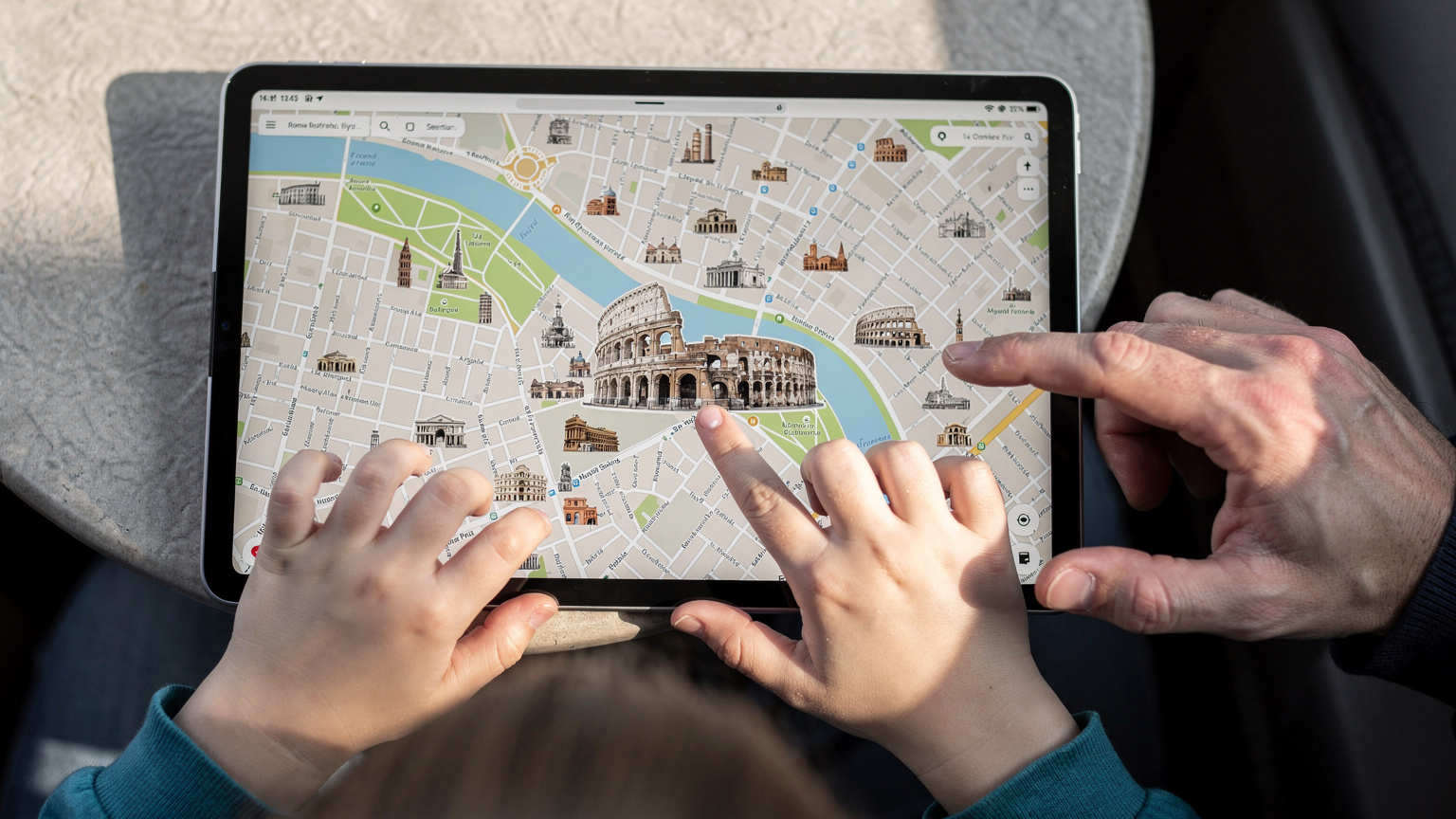
I can't say this enough: download offline maps! Before we head out to a new city, I make sure Google Maps for that entire area is on my phone and at least one of the kids' iPads. This way, even if our data connection drops in a subway tunnel or a busy market, we can still find our way.It's also a great way to teach older kids about navigation, letting them "lead" the way using the offline map. This saves precious data for when you really need it, like looking up restaurant reviews or emergency contacts.
What to Do When the iPad Needs a Top-Up
Sometimes, even with the best planning, an iPad needs more data. Maybe a new game came out, or you need to download a last-minute school assignment. This is where a travel eSIM's flexibility really shines.With a dedicated travel eSIM, you can easily add more data to your plan right from an app or website, often in minutes. This means no hunting for local SIM cards, no language barriers at a phone store, and no interruption to your family's digital peace. Most travel eSIM providers, like Cellesim, make this process incredibly simple, much like finding your eSIM number on iPhone and Android; it's just a few taps.
Navigating Connectivity in Tricky Terrains: Theme Parks and Cruise Ships
These are the places that truly test a data plan. Theme parks are known for slow internet, and cruise ships are basically floating internet deserts without special, usually expensive, solutions. Your T-Mobile domestic trial won't help you here, but a good travel eSIM strategy can.I've been to both with my family, and staying connected is crucial for everything from checking ride wait times to finding a lost teenager (it happens!).
Connectivity Inside Theme Parks
Theme parks like Disneyland Paris or Universal Studios Japan are a data nightmare. Thousands of people are all trying to use Wi-Fi, update apps, check ride times, and upload selfies. This causes huge internet slowdowns.A dedicated travel eSIM, especially one that gives you fast local data, can often get around some of this congestion by using a different network provider than the park's overloaded Wi-Fi. It's not a magic fix, but it greatly improves your chances of staying connected for those essential park apps (like My Disney Experience or Universal Express) and for keeping track of family members.
Data on a Cruise Ship: A Different Beast
Cruise ships are a completely different challenge. Once you're out at sea, your phone will likely connect to the ship's satellite network, which is notoriously slow and pricey. Your regular cell plan, and definitely the T-Mobile free trial, won't cover this.While some travel eSIMs might offer specific cruise ship plans, it's more common to use the ship's Wi-Fi packages (which can be expensive) or to buy data specifically for ports of call. For example, if you're cruising the Mediterranean, you'd buy an eSIM for Italy, an eSIM for Greece, and so on, to use when you're docked. This gives you fast data to download maps, check reviews, and contact local guides while on land, saving the ship's costly Wi-Fi for emergencies.
Parental Controls and Your eSIM Line: What You Need to Know
Parental controls are a must-have for me. Whether it's limiting Minecraft screen time or blocking certain websites, I need to know these controls will work, especially when we're somewhere new. The good news is that most parental control features are part of the device's operating system, not the data line itself.However, understanding how the eSIM works with these features is important for keeping digital boundaries.
Device-Level Parental Controls and eSIMs
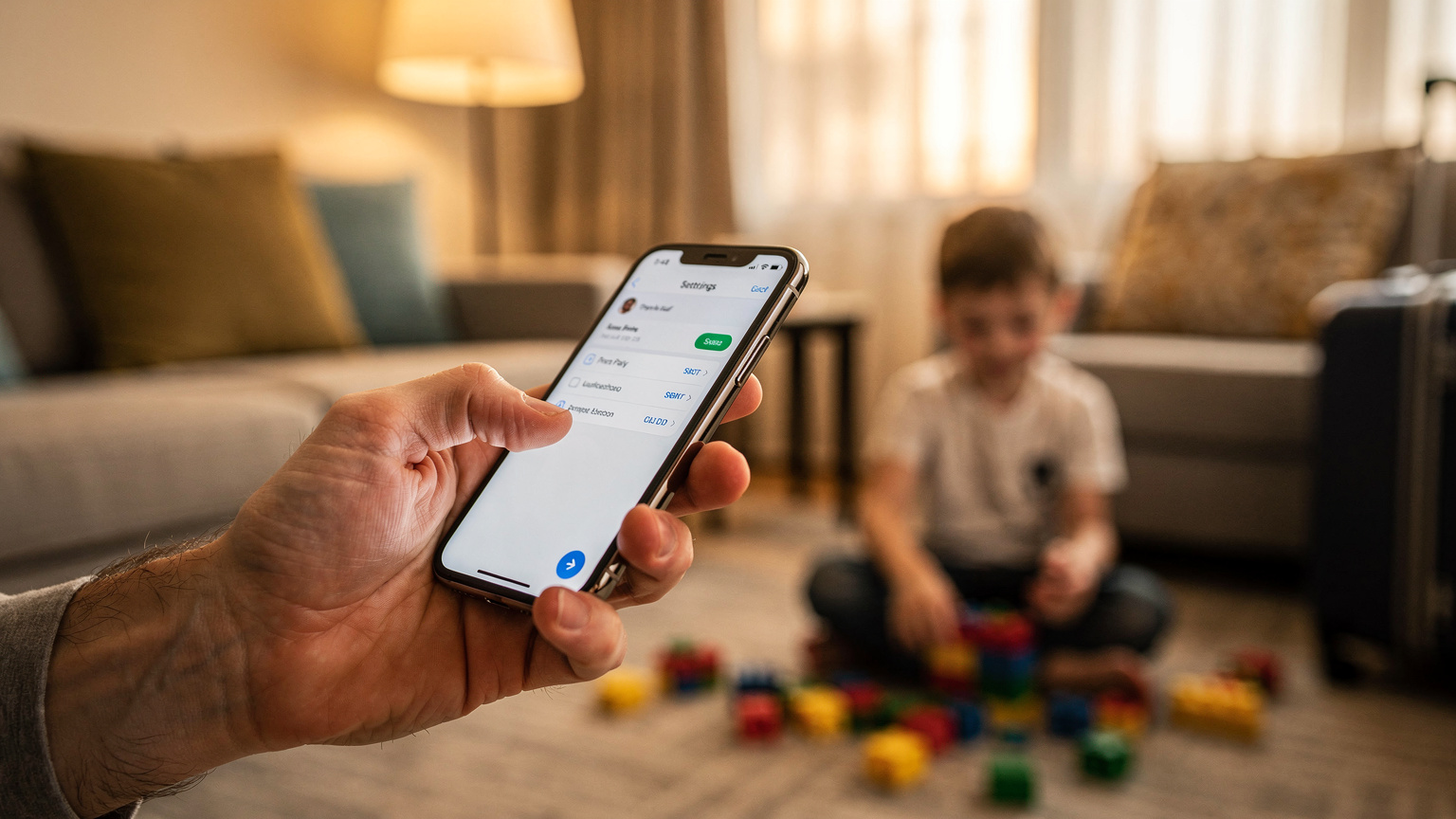
Most parental controls, like Apple's Screen Time or Google's Family Link, work directly on the device. This means they'll function whether the device is using a physical SIM, an eSIM, or just Wi-Fi.You can set app limits, content restrictions, and downtime schedules right on your child's iPad or phone. The eSIM simply provides the internet connection that these controls manage. So, if you've set a 2-hour limit on YouTube, it will still apply whether they're using your travel eSIM data or the hotel's Wi-Fi.
Monitoring Data Usage for Each Child
While device-level controls manage *what* they do, watching *how much* data they use is key for budgeting. If each child has their own eSIM (or if you're hot-spotting), you'll need a way to track how much they're using.Tips for monitoring:
- Check Device Settings: Both iOS and Android have built-in data usage monitors that show which apps are using the most data.
- E-SIM Provider App: Most dedicated travel eSIM apps offer real-time data usage tracking.
- Set Data Warnings: On your child's device, you can often set data warnings or limits, which tell you when they're getting close to a certain amount. This is especially helpful for avoiding unexpected data overages.
By actively managing data, you avoid that awful moment when the iPad needs more data right when you need to navigate the family somewhere important.
Pre-Trip Checklist: Optimizing Devices for Travel with eSIMs
Before any big family trip, I have a routine. It's a bit like packing, but for devices. This helps things run smoothly and minimizes those "no signal" panic moments, which, as an events editor, I know can ruin a live stream, or in a parent's world, a peaceful dinner.This checklist goes beyond just packing chargers; it's about getting your devices and data plan ready for the specific challenges of international travel with kids.
Downloading and Activating Your Travel eSIM
This should happen *before* you leave home. Trying to fix an eSIM activation problem at Heathrow with two exhausted kids is not my idea of a fun start to a vacation.Here's my step-by-step:
- Buy Your eSIM: Pick a trusted provider like Cellesim and choose a plan that fits your destination(s) and your whole family's data needs. If you're visiting multiple countries, consider a regional plan.
- Get Your Activation QR Code/Details: You'll usually get an email with a QR code or instructions for manual activation. Print it or save it to another device, just in case.
- Activate on Home Wi-Fi: While you still have a stable Wi-Fi connection, go to your phone's cellular settings and add the eSIM. Scan the QR code or type in the details.
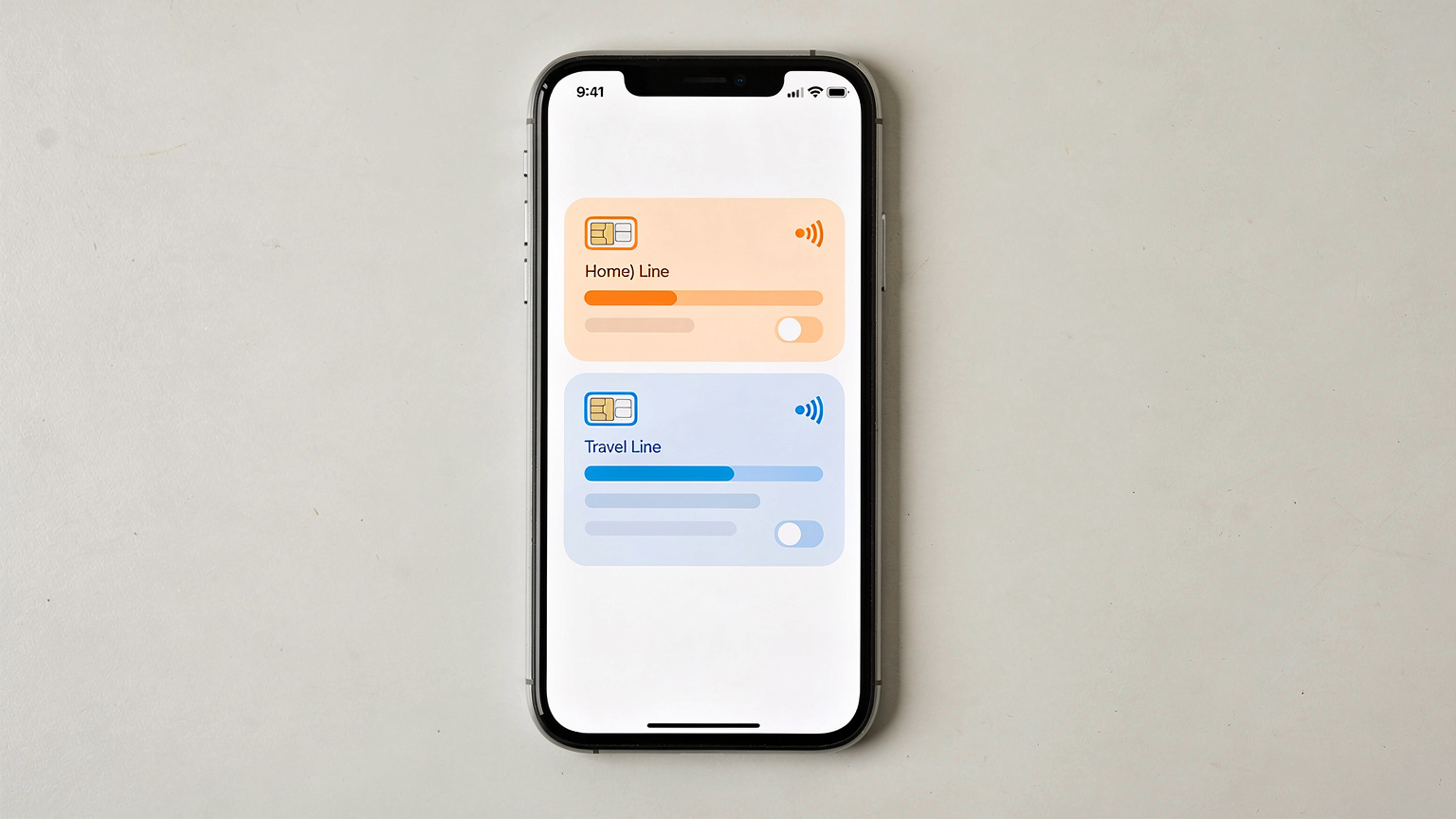
- Label Your eSIM: Immediately give your new eSIM line a clear name, like 'Italy Travel Data' or 'Europe eSIM'. This prevents confusion with your main phone line.
- Set Primary Line for Calls/SMS: Make sure your main domestic SIM stays active for calls and texts (if you want to get them), and set the new eSIM for data only.
- Test It (If Possible): If your plan activates right away, briefly turn off data for your main SIM and see if the eSIM connects to a local network (if you're still at home, it might connect to a roaming partner, but this is less common). The real test will be when you land.
Managing Primary and eSIM Lines on the Go
Dual SIM capability (physical SIM + eSIM, or two eSIMs) is a lifesaver. It lets you keep your home number active for calls and texts from back home (often free to receive, but check with your carrier) while using the travel eSIM for all your internet needs abroad.Key management tips:
- Data Roaming Off for Primary SIM: Double-check that data roaming is OFF for your main domestic SIM to avoid unexpected charges.
- Default Voice Line: Decide which line you want to use for making calls. For international travel, it's often best to use an internet-based calling app like WhatsApp or FaceTime over your travel eSIM data.
- Switching Lines: Pay attention to which line is active for data. Your phone's settings make it easy to switch, but a quick look at the status bar will confirm which network you're on.
Device Charging and Power Bank Strategy
With several devices, charging turns into an Olympic sport. A power bank (or two) is absolutely essential.My must-haves:
- High-Capacity Power Bank: At least 20,000mAh, able to charge multiple devices.
- Multi-Port Wall Charger: One that can charge 3-4 devices at once to cut down on adapter clutter.
- Universal Travel Adapter: One that works in all your destination countries.
- Dedicated Charging Station: In the hotel room, set aside one spot as the "charging station" to keep everything tidy.
Nothing is worse than a dead iPad halfway through a flight with hours left, or even worse, a dead phone when you're trying to find your way back to the hotel after a long day at the Colosseum.
Making the Final Decision: T-Mobile or a Travel eSIM?
The T-Mobile free eSIM trial is a great offer for what it's meant for: testing out their network at home. For that, it's excellent. However, for the specific, complicated, and important situation of international family travel in 2026, it just doesn't cut it. It falls dramatically short.Parents need things to be predictable, reliable, and to have strong data solutions that meet not just their own needs, but also the significant screen demands of their kids.
When the T-Mobile Trial Might Be Useful for Travelers
The T-Mobile trial could have a very specific use for international travelers:If you're already a T-Mobile customer with a monthly plan that includes international roaming, and you simply want to test the *domestic* network performance before a trip within the US, then the trial is fine. But it won't make your international experience any better. It's also handy if you're only traveling within the US and want a temporary data boost without committing to a full plan for USA travel.
The Undeniable Advantages of Dedicated Travel eSIMs
For any family going outside their home country, dedicated travel eSIMs offer benefits that a domestic free trial simply can't touch:Seamless Connectivity: Made for global use, they activate as soon as you arrive.
Cost-Effectiveness: Prices are clear and paid upfront, often cheaper than roaming.
Flexibility: Choose plans by country, region, or worldwide coverage, with different data amounts and durations.
Reliability: Access to multiple local networks means better signal.
Ease of Management: Simple activation, topping up, and data monitoring through an app.
Multi-Device Potential: While each device needs its own eSIM, how easy it is to buy and manage them makes it a workable plan for the whole family.
Ultimately, a smooth family vacation often comes down to good planning, and that includes making sure everyone, especially those little screen-addicted travel companions, stays connected without spending a fortune. Get a proper travel eSIM, and you'll be glad you did when you're enjoying that peaceful moment with a cappuccino, while the kids are happily busy with their pre-loaded content.
Frequently Asked Questions
Can I use the T-Mobile free eSIM trial for international travel?
No, the T-Mobile free eSIM trial is designed for use only within the United States. It does not include international roaming, so it won't give you data connectivity once you leave US borders for your 2026 trip.
How much data do two kids streaming Disney+ need on a trip?
Two children streaming Disney+ in standard definition for two hours a day each will use about 4GB of data daily. Over a 10-day trip, that's at least 40GB, not counting other app usage. A strong travel eSIM plan is a must for this kind of data need.
Do parental controls work with an eSIM?
Yes, parental controls like Apple's Screen Time or Google's Family Link work at the device level. They will function normally whether your child's device uses an eSIM, a physical SIM, or Wi-Fi, managing app usage and content restrictions.
Is T-Mobile's free trial sufficient for connectivity in a theme park abroad?
No, the T-Mobile free eSIM trial isn't good for theme park connectivity abroad. It doesn't have international roaming, and even T-Mobile's regular roaming might struggle with the common network congestion in busy international theme parks. A dedicated travel eSIM with local network access is a better choice.
Should I pre-load apps and movies before flying internationally with kids?
Absolutely. Downloading apps, games, movies, and offline maps before your flight, while you're still on your home Wi-Fi, is highly recommended. This greatly reduces how much you rely on cellular data or unreliable Wi-Fi during your trip, saving data and preventing boredom on long journeys or delays.
How can I get data on a cruise ship with an eSIM?
The T-Mobile free trial won't work on a cruise ship. For data at sea, you'll usually need to buy the ship's satellite Wi-Fi package. For data when you're docked at ports, you can use a dedicated travel eSIM for each specific country you visit, ensuring fast internet while you're on land.