

 eSIM Destination
United States eSIM
United States: compare travel eSIMs for maps, messages, and mobile data.
United States: mobile networks
2 carriers supported
- AT&T5G
- Verizon5G
Highest generation per operator is displayed; some plans may use a fallback band based on local conditions.
Free VPN with your eSIM
Every active Cellesim eSIM comes with a free VPN. Browse securely on public Wi-Fi and reach the apps you rely on from anywhere, at no extra cost and with no separate signup.
- 4.4(484)
- 5G
- Digital setup
- Refund policy
Data Plans / Unlimited
7 days
30 days
United States: mobile networks
2 carriers supported
- AT&T5G
- Verizon5G
Highest generation per operator is displayed; some plans may use a fallback band based on local conditions.
Free VPN with your eSIM
Every active Cellesim eSIM comes with a free VPN. Browse securely on public Wi-Fi and reach the apps you rely on from anywhere, at no extra cost and with no separate signup.
United States: our plans at or below the market median
We compare our United States plans with the public prices of other eSIM providers. The plans below cost the same as or less than the median price for the same data and validity.
- 1 GB · 7 days$3.49market median $4.00 · 13% below
- 3 GB · 30 days$7.99market median $9.00 · 11% below
- 5 GB · 30 days$8.92market median $12.74 · 30% below
- 10 GB · 30 days$13.88market median $19.00 · 27% below
Travelers who used one of our United States eSIMs used a median of 3 GB per eSIM.
Competitor prices checked on Oct 19, 2026. Prices change; the price shown at checkout is final.
United States: choose an eSIM for your trip
Choose how much data you need and for how long. Before you buy, check that your phone is compatible and that the plan covers where you're going. United States: plans start from $1.84. 4.4/5 · Based on 484 reviews Compare the plans below, including details on activation, hotspot use, and top-ups.
- Compare price and how much data you get
- Check networks and coverage
- Contact support if you need help
Frequently Asked Questions
Yes, WhatsApp, FaceTime, and other video/voice calling apps work perfectly fine over data connections throughout the United States.
When you're traveling in the US, you can use popular communication apps like WhatsApp, FaceTime, Google Meet, Zoom, and Skype without any restrictions for both voice and video calls. These services rely on an active data connection, which your eSIM provides.
Our eSIM plans ensure you have reliable internet access, allowing you to stay connected with friends, family, and colleagues just as you would at home. The eSIM automatically connects to the strongest available major network in the area, providing consistent service across various regions. This means you can make calls, send messages, and browse the internet seamlessly whether you're exploring New York City, hiking in a national park, or visiting family. Unlike some countries with specific VoIP restrictions, the United States has no such limitations, so you can communicate freely using your preferred apps.
Our eSIMs for the United States connect to the strongest available major 4G LTE and 5G networks, including those of AT&T, T-Mobile, and Verizon.
The specific network your device connects to is automatically selected based on signal strength and availability in your location, ensuring optimal coverage across the country. While we don't promise a specific partner network, different eSIM plans may prioritize or predominantly utilize one of these major carriers. The United States has extensive mobile network coverage, but performance can vary, especially in very rural or mountainous areas like parts of the Rocky Mountains or national parks. While our eSIMs are designed to provide reliable service, network speeds and availability may differ depending on your exact location and the specific data plan purchased.
Mobile coverage in remote regions and many national parks across the United States can be very limited or non-existent, even with major networks.
The vastness of the U.S. and its diverse, often mountainous or desert terrain, makes it challenging for any single provider to offer universal coverage. While major carriers like Verizon, AT&T, and T-Mobile have extensive networks, their reach significantly diminishes outside of populated areas, major highways, and specific tourist hubs. Our eSIM automatically connects to the strongest available major network, but even this will be subject to the existing infrastructure in truly isolated spots.
For areas like national parks (e.g., Yellowstone, Grand Canyon) or wilderness regions, it's crucial to prepare for connectivity gaps. We recommend:
- Checking specific carrier coverage maps for your planned route before you travel.
- Downloading offline maps and essential information to your device.
- Considering a satellite communication device if venturing into extremely isolated areas where emergency contact is vital.
Yes, for most travelers arriving in the United States, an eSIM is significantly easier and more convenient than purchasing a physical SIM card at the airport.
Buying a physical SIM at major US airports like JFK, LAX, or ORD often means navigating kiosks, waiting in lines, dealing with sales processes, and potentially paying inflated prices. You also face the hassle of physically swapping cards, which can mean misplacing your home SIM.
- Instant Activation: Purchase and activate your data plan from home or upon arrival, without needing to find a store.
- Seamless Connectivity: Your eSIM automatically connects to the strongest available major network in the US, providing reliable coverage.
- Dual SIM Functionality: Keep your primary SIM active for calls and texts from home, using the eSIM solely for data.
- No Physical Swap: Avoid the risk of losing your home SIM card and the inconvenience of handling tiny hardware.
No, roaming in the United States is generally not free with EU, UK, or even most US mobile plans, and can incur significant charges.
For travelers from the EU or UK, "roam like at home" benefits apply only within the European Economic Area. When you travel to the United States, your existing plan will typically switch to international roaming rates, which are notoriously expensive for data, calls, and texts on major US networks like AT&T, T-Mobile, and Verizon. Even with a US-based plan, while you won't be "roaming" in the traditional sense, coverage can vary significantly by location, and some plans may have limitations or extra costs for extensive travel or specific services outside your primary coverage area.
To avoid bill shock, consider a local solution. An eSIM provides a convenient and cost-effective alternative, connecting you to strong local networks without the high roaming fees.
Planning the trip? See our United States eSIM plans, install in one tap before you fly, and land online. Free VPN included.
Yes, ride-hailing apps like Uber and Lyft work seamlessly across the United States when using your eSIM for data connectivity.
Your eSIM provides the essential mobile data connection needed for these apps to function, allowing you to request rides, track your driver's location, and communicate with them. In the U.S., Uber and Lyft are the two primary ride-hailing services available in most major cities and many smaller towns. Having a reliable data connection is crucial for a smooth experience, especially for navigation and real-time updates.
Our eSIM automatically connects to the strongest available major network in the United States, ensuring you have consistent access to these services. The exact network provider may vary depending on your specific eSIM plan and location within the country.
Planning the trip? See our United States eSIM plans, install in one tap before you fly, and land online. Free VPN included.
Yes, significantly. This is the #1 reason to buy an eSIM. Most home carriers (from the UK, Europe, Australia, etc.) charge a fixed daily roaming fee (e.g., $10-$15 or £6 per day). This can cost $150 for a 10-day trip. A Cellesim eSIM is a one-time prepaid fee that gives you a large data bundle (e.g., 20GB or Unlimited) for a fraction of that cost.
This specific plan is valid only within the USA (or, if it's a regional plan, you'd say "Yes"). This is the most important question for "North America" travelers. If you drive to Niagara Falls (Canada) or Cancun (Mexico), your connection will stop at the border. For a seamless trip, we highly recommend our North America Regional eSIM, which covers the USA, Canada, and Mexico with one single plan.
It depends on the plan you choose. Our single-country United States plans currently connect to AT&T and Verizon. Some multi-country plans that include the United States use T-Mobile instead.
Every plan card on our United States eSIM page lists the exact network that plan connects to, so check it before you buy if a specific operator matters to you. After you land, your phone joins the plan's network automatically; you do not need to choose it by hand. If you see no signal, make sure data roaming is turned on for the eSIM line.
You must set expectations. You will have strong 5G/LTE coverage in all cities (New York, Los Angeles, Chicago) and on interstate highways.
- National Parks: You will have a good signal in the "gateway" towns (Flagstaff, Jackson Hole) and at the main visitor centers and lodges (e.g., Grand Canyon Village).
- Deep Wilderness: Once you are on remote hiking trails or in the deep valleys of Yellowstone or Yosemite, you must expect long "dead zones" with no signal from any provider.
About United States eSIM
United States eSIM — Data plans
$1.84. Compare data allowance, validity and the total package price in the plan list. Check coverage, hotspot support and any fair-use limits before buying.
Install with Wi-Fi before departure. Check when your selected plan starts; installation and activation are not always the same. Network speed varies by location, device and plan.
🏙️ Los Angeles · Miami · San Francisco · Las Vegas · California · Florida · Texas · New York State · Nevada · Hawaii · Illinois · Georgia (USA) · Washington State · Massachusetts · Colorado · Arizona · Oregon · Virginia · Washington D.C. · Michigan · Chicago · Orlando · Seattle · Boston
USA eSIM: Fast 5G & 4G Internet Across the United States
Traveling across the United States requires fast, reliable mobile internet.
Whether you are exploring New York City, driving along Route 66, relaxing on California’s coast, or visiting theme parks in Florida, staying connected is essential for navigation, communication, and daily travel needs.
With Cellesim USA eSIM, you can access nationwide 5G and 4G LTE networks instantly , without roaming fees, physical SIM cards, or airport queues. Our USA eSIM plans are designed to give travelers a smooth, reliable internet experience from the moment they land.
We offer 9 limited data plans and 12 unlimited data plans, giving you flexible options for short trips, long vacations, and business travel across the United States.
Reliable Connectivity on Major U.S. Networks
Cellesim USA eSIM connects you to leading mobile network providers in the United States, including AT&T, T-Mobile, and Verizon.
This ensures strong signal quality and stable coverage across cities, highways, and rural areas.
What you can expect:
- Fast 5G & 4G LTE speeds for streaming, navigation, and social media
- Nationwide coverage from the East Coast to the West Coast
- Hotspot support, allowing you to share your connection with laptops or other devices
USA Tourist SIM Card , Now Fully Digital with eSIM
A USA eSIM works just like a traditional tourist SIM card, but without the inconvenience of purchasing a physical SIM after arrival.
Instead of waiting at mobile kiosks in airports such as JFK, LAX, or SFO, your eSIM is delivered digitally and connects to local U.S. networks automatically.
How a USA eSIM works:
- No physical SIM card is required
- Your eSIM profile is installed digitally on your phone
- You receive the same local mobile data experience as a tourist SIM, with faster setup and more flexibility
Why Travelers Choose Cellesim USA eSIM
Choosing the right mobile internet solution can make a big difference during your trip. Cellesim USA eSIM is designed specifically for travelers who want convenience, transparency, and reliable performance.
Key advantages:
- Instant activation by scanning a QR code
- No roaming fees from your home carrier
- Keep your original number, so WhatsApp and iMessage continue to work
- Email delivery, no physical pickup required
Why a USA eSIM Is Essential for Traveling in America
Staying connected in the United States helps you travel more comfortably and efficiently.
- Instant connectivity: Order rides with Uber or Lyft as soon as you land
- Transparent pricing: Avoid unexpected roaming charges
- Navigation anywhere: Use Google Maps across cities, highways, and national parks
- Reliable communication: Stay reachable for calls, messages, and verification codes
Stay Connected Across Major U.S. Destinations
Cellesim USA eSIM provides strong coverage in popular travel destinations and beyond.
Popular locations include:
- New York City: Navigate the subway and explore Manhattan with ease
- Los Angeles: Share moments from Hollywood, Santa Monica, and Venice Beach
- Miami: Stay online while enjoying beaches and nightlife
- National Parks: Use GPS and travel apps in the Grand Canyon, Yosemite, or Yellowstone
Limited data plans:
- 1 GB / 7 Days
- 3 GB / 15 Days
- 5 GB / 30 Days
- 10 GB / 30 Days
- 20 GB / 30 Days
Planning to Visit Canada or Mexico Too?
If your itinerary includes traveling beyond the United States, you don’t need separate plans for each country.
Cellesim offers a North America Regional eSIM that covers the USA, Canada, and Mexico under one plan.
New to eSIM Technology?
If you are using an eSIM for the first time, you can:
- Check our eSIM Compatible Devices List
- Follow our step-by-step installation guide to activate your plan easily and stress-free
Visiting for the 2026 World Cup?
One eSIM covers all three host countries — the USA, Canada and Mexico — on a single plan, so you stay online across every host city. See our World Cup 2026 eSIM guide to pick the right plan.
Best eSIM plans for the United States: prices & data
Looking for the best eSIM for the United States? Cellesim lets you buy a US eSIM online in minutes — no store, no contract, no physical SIM. Choose a prepaid United States eSIM sized to your trip: light travelers do well on a small US data plan, while remote workers and streamers can pick unlimited data options. Every plan runs on AT&T and Verizon 5G, so a cheap US eSIM still gives you real local coverage — a smarter USA tourist SIM alternative than airport kiosks or roaming.
- Cheap US eSIM: short-trip data plans from $1.84
- Prepaid & flexible: pay once, top up anytime — no monthly bill
- Unlimited data eSIM for the USA: ideal for long stays & hotspots
- Instant delivery: QR code by email, activate before you fly
How much does a US eSIM cost?
A United States travel eSIM from Cellesim starts at $1.84, with larger and unlimited USA data plans priced by data and days. You only pay for the data you need, and there are no roaming surcharges or hidden fees.
Is an eSIM worth it in the USA?
Yes — for most travelers a prepaid eSIM for the USA is cheaper and faster than international roaming or buying a local US tourist SIM on arrival. You keep your home number active, skip the queues, and get online the moment you land.
Can I buy a US eSIM online before I travel?
Absolutely. Buy your United States eSIM online today, receive the QR code instantly, and install it before departure. It stays dormant until you arrive, so activation and your data window start exactly when you need them.
United States eSIM reviews from real travelers
Based on 484 reviews
Used in US
sam·Jul 4, 2026Used in US, brilliant experience. Super! The app was great. Would buy again. I used it without any issues.
Used in US
Anon X.·Jun 21, 2026Used in US, awesome experience. Great! Setup was great.
- Anon375·Jun 13, 2026
Useless service.
Nice! Setup was
Chris B.·Jun 1, 2026Nice! Setup was solid
- Dave512·May 30, 2026
used in us, excellent experience. the coverage was nice. i set up without any issues. awesome
- user199·May 30, 2026
Fine! The coverage was good.
לא עובד
Yossi G.·Jul 1, 2026·heלא עובד. איטי מדי 👎
- Nutt·Jul 1, 2026·th
ยอดเยี่ยม. เร็วมาก
- Ana Y.·Jun 30, 2026·pt
Rápido. Funciona. Excelente. Perfeito.
US seyahatimde denedim
Mehmet K.·Jun 29, 2026·trUS seyahatimde denedim, süper. Kurulum hemen oldu. Tekrar kullanırım.
- Client A.·Jun 29, 2026·fr
Je recommande. ...
Sangat lambat WiFi
Aisyah T.·Jun 27, 2026·msSangat lambat WiFi. Teruk 😡
United States eSIM guides:what travellers ask before they go
Coverage, install steps, real connection speeds, and the small stuff that ruins a trip if you skip it. Curated for United States.
 Travel Tips
United States Travel 2026: Navigating Connectivity & Safety Like a Pro
Planning a trip to the United States in 2026 requires more than just booking flights and hotels. Understanding local regulations, health guidelines, and ensuring reliable mobile connectivity are paramount for a smooth journey. This guide provides an in-depth look at what travelers can expect, from navigating visa requirements to securing dependable data, all designed to make your experience both safe and enjoyable.
Read the guide Events & Festivals
CES 2027 Las Vegas: Essential eSIM for International Attendees
For international attendees heading to CES 2027 in Las Vegas from January 6-9, reliable mobile data is crucial for navigating the expansive event, staying in touch, and managing business communications. An eSIM offers a practical solution to maintain connectivity without relying solely on potentially inconsistent public Wi-Fi or incurring high roaming charges.
Read the guide Travel Tips
Croatia's Islands in 2026: 7 eSIM Tips to Avoid Data Disaster and Roaming Shock
Croatia island hopping in 2026? Roaming can cost $10/day. Learn 7 insider eSIM tips to save 80% on data, stay connected from Hvar to Korčula, and avoid internet issues.
Read the guide Destination Guides
Conquer US National Parks: Best eSIM for Remote Road Trips
Explore US National Parks with reliable eSIM data in 2026. Stay connected on remote road trips, navigate safely, and share memories. Get your Cellesim eSIM now.
Read the guide Destination Guides
T-Mobile International Data Pass vs. Cellesim eSIM: Save More Abroad in 2026
Compare T-Mobile's International Data Pass with Cellesim eSIM in 2026. Discover how to get reliable data, avoid roaming, and save money on your next international trip.
Read the guide Destination Guides
T-Mobile International Data Pass Alternatives: Discover Cellesim eSIM
Ditch expensive T-Mobile International Data Passes in 2026. Discover Cellesim eSIM for faster speeds, wider coverage, and transparent pricing. Explore plans now!
Read the guide Destination Guides
iPhones & SIM Cards: The Traveler's Ultimate eSIM Guide for 2026
Master iPhone travel with eSIMs in 2026. Avoid roaming fees, get instant data, and stay connected globally. Explore Cellesim's worldwide eSIM plans now!
Read the guide eSIM 101 / Tech Hub
What is Data Roaming? The Essential Guide for Cellesim Travelers in 2026
Understand data roaming in 2026 and how to avoid high fees. Learn about eSIMs as the smart alternative for Cellesim travelers. Stay connected affordably.
Read the guide Destination Guides
Affordable eSIM for North America Travel in 2026: Your Smart Guide
Find the cheapest eSIM for North America travel in 2026. Get instant data for USA, Canada, and Mexico with Cellesim's affordable plans. Explore now!
Read the guide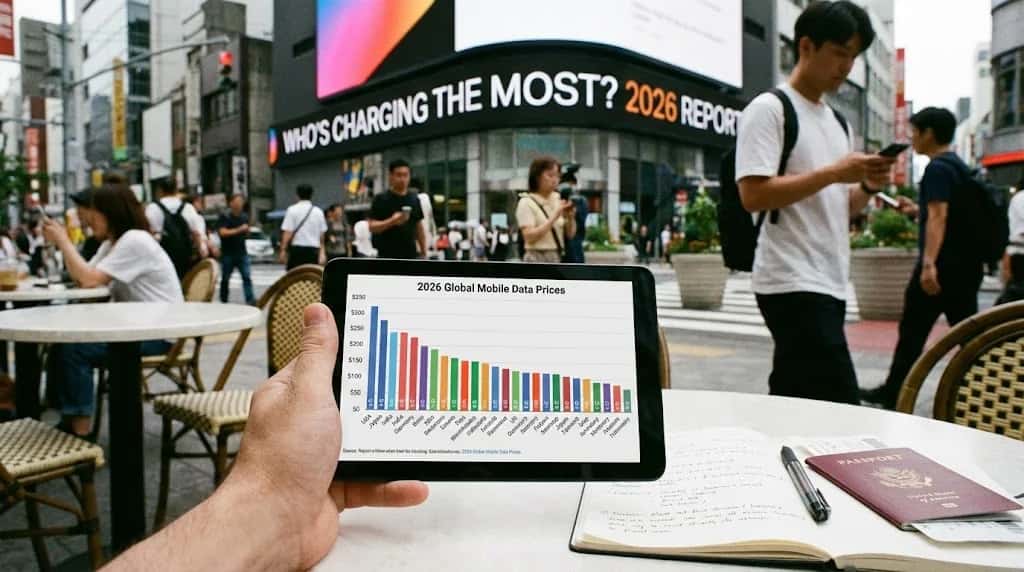 Savings & Comparisons
The 2026 Global Mobile Data Price Report: Who's Charging the Most?
A deep dive into the 2026 global mobile data price rankings. We uncover the most expensive countries for internet and show you how to stay connected affordably.
Read the guide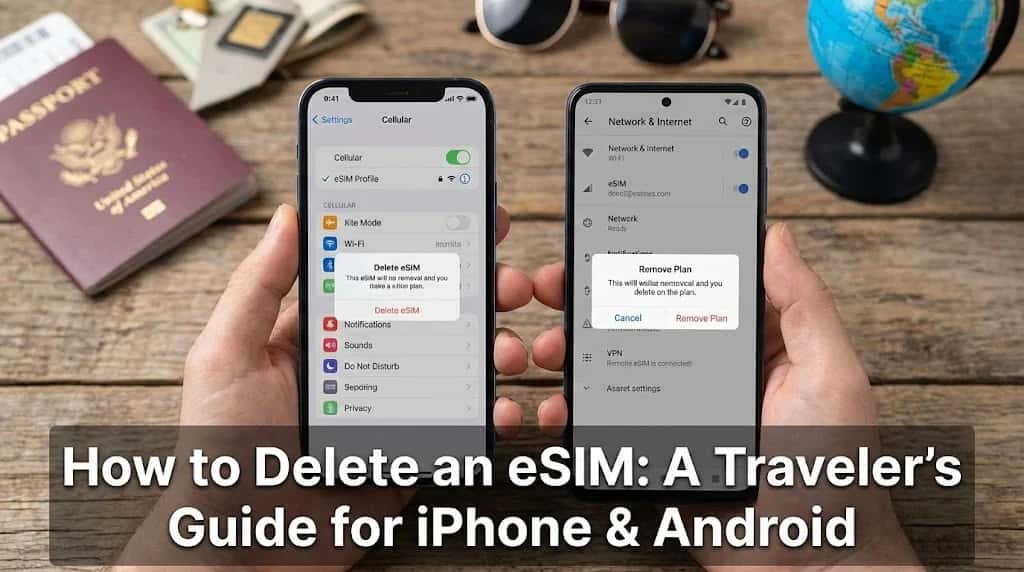 How-to & Guides
How to Delete an eSIM: A Traveler's Guide for iPhone & Android
Keep your phone organized by learning how to delete an eSIM after your trip. Our step-by-step guide for iPhone and Android makes travel eSIM management simple.
Read the guide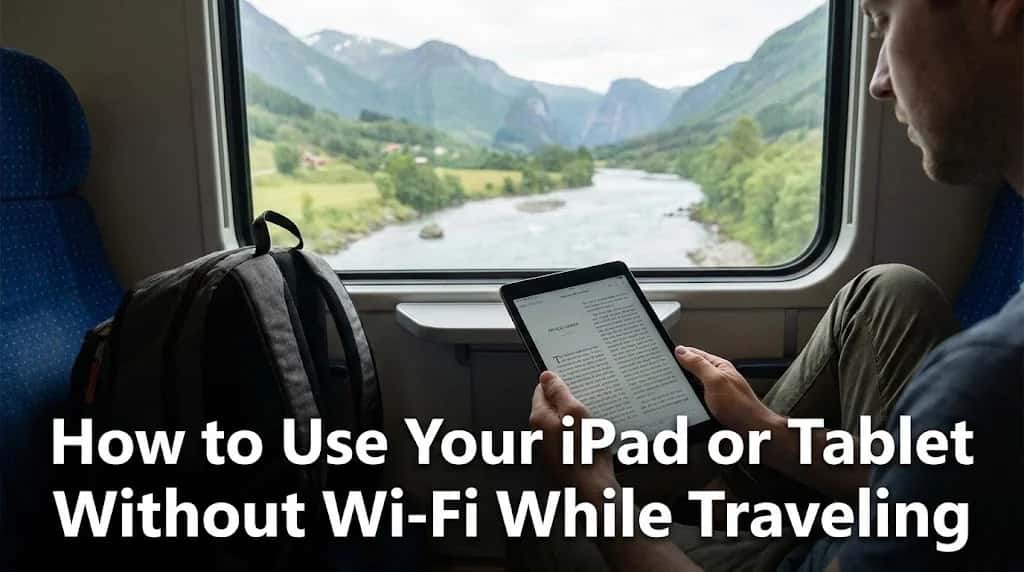 How-to & Guides
How to Use Your iPad or Tablet Without Wi-Fi While Traveling
Your iPad is a powerful travel tool, but not without the internet. Learn how to use your iPad without Wi-Fi using eSIMs, hotspots, and other smart travel tricks.
Read the guide
United States: Popular cities
City-specific connectivity guides


Nearby Countries
Check coverage for every stop on your trip.


