

 eSIM Destination
China eSIM
China: compare travel eSIMs for maps, messages, and mobile data.
China: mobile networks
3 carriers supported
- China Mobile5G
- China Telecom5G
- China Unicom5G
Highest generation per operator is displayed; some plans may use a fallback band based on local conditions.
Free VPN with your eSIM
Every active Cellesim eSIM comes with a free VPN. Browse securely on public Wi-Fi and reach the apps you rely on from anywhere, at no extra cost and with no separate signup.
- 5G
- Digital setup
- Refund policy
Data Plans / Unlimited
7 days
30 days
China: mobile networks
3 carriers supported
- China Mobile5G
- China Telecom5G
- China Unicom5G
Highest generation per operator is displayed; some plans may use a fallback band based on local conditions.
Free VPN with your eSIM
Every active Cellesim eSIM comes with a free VPN. Browse securely on public Wi-Fi and reach the apps you rely on from anywhere, at no extra cost and with no separate signup.
China: our plans at or below the market median
We compare our China plans with the public prices of other eSIM providers. The plans below cost the same as or less than the median price for the same data and validity.
- 1 GB · 7 days$2.99market median $4.00 · 25% below
- 3 GB · 30 days$7.31market median $9.45 · 23% below
- 5 GB · 30 days$10.43market median $13.25 · 21% below
- 10 GB · 30 days$16.49market median $20.84 · 21% below
Travelers who used one of our China eSIMs used a median of 3.4 GB per eSIM.
Competitor prices checked on Oct 22, 2026. Prices change; the price shown at checkout is final.
China: choose an eSIM for your trip
Choose how much data you need and for how long. Before you buy, check that your phone is compatible and that the plan covers where you're going. China: plans start from $2.99. Compare the plans below, including details on activation, hotspot use, and top-ups.
- Compare price and how much data you get
- Check networks and coverage
- Contact support if you need help
Frequently Asked Questions
Usually not. On mainland-China handsets (国行), the eSIM function is restricted to the three domestic operators. A foreign travel eSIM profile cannot be written to the device at all.
This is a device-level restriction, not a signal or settings problem. The install simply fails or the profile never appears. No amount of troubleshooting changes it, and it is not something a provider can fix remotely.
Hong Kong, US, European and other international models of the same phone do not have this limitation. If you are unsure which model you have, check before buying any travel eSIM — we would rather lose the sale than have you pay for something your phone cannot install.
No, popular international calling apps like WhatsApp and FaceTime are generally blocked in mainland China and require a reliable VPN to function.
Due to China's 'Great Firewall,' many foreign-based communication services, including WhatsApp, FaceTime, Instagram, Facebook, and Google services, are inaccessible. This means that even with a local SIM or an eSIM providing data connectivity, these apps will not work without an additional solution.
To use these apps for video or voice calls, you will need to install and activate a robust Virtual Private Network (VPN) *before* you arrive in China. Ensure your chosen VPN is known to work reliably in China, as many VPN services are also blocked. Your eSIM will provide the necessary data connection, automatically connecting to the strongest available major network like China Mobile or China Unicom, though the exact network may vary by your specific plan.
Planning the trip? See our China eSIM plans, install in one tap before you fly, and land online. Free VPN included.
Answer: Yes, they work seamlessly! Cellesim eSIM technology routes your internet traffic through international servers (Roaming). This means you can freely access restricted apps like Google Maps, WhatsApp, Instagram, Facebook, and YouTube without needing an extra VPN app to bypass the "Great Firewall."
Planning the trip? See our China eSIM plans, install in one tap before you fly, and land online. Free VPN included.
Answer: No, you don't. While buying a physical SIM card at a Chinese airport requires strict passport registration and long wait times, Cellesim eSIM requires no paperwork or identity scanning. You simply scan the QR code and get online instantly.
Answer: Cellesim partners with China's largest and most reliable network providers, such as China Mobile or China Unicom. This ensures you get high-speed 4G/5G connectivity not just in major cities like Beijing or Shanghai, but even at the Great Wall or in rural areas.
Planning the trip? See our China eSIM plans, install in one tap before you fly, and land online. Free VPN included.
Answer: Please check the specific plan details. If you purchased a "Mainland China Only" plan, it generally does not cover Hong Kong or Macau. If your trip includes these regions, we highly recommend choosing our specific "China, HK, Macau" bundle or the "Regional Asia" plan to ensure uninterrupted connectivity across borders.
Answer: Yes, absolutely. You can smoothly use essential local apps like WeChat, Alipay, and Didi (Taxi) with your Cellesim internet connection, which are crucial for daily payments and transportation within China.
No, Uber does not operate in China. You need reliable data to use Didi Chuxing (often accessed via Alipay) to book rides, and importantly, to use the in-app translation features to communicate with drivers.
Yes. Coverage is surprisingly strong at the most popular restored sections like Mutianyu and Badaling, allowing you to video call or upload photos from the watchtowers instantly.
Generally, yes. You will have 4G/5G connectivity while traveling between cities like Beijing and Shanghai, though the signal frequently cuts out when the train passes through long tunnels or mountainous regions.
About China eSIM
China eSIM — Data plans
$2.99. Compare data allowance, validity and the total package price in the plan list. Check coverage, hotspot support and any fair-use limits before buying.
Install with Wi-Fi before departure. Check when your selected plan starts; installation and activation are not always the same. Network speed varies by location, device and plan.
eSIM China: Reliable 5G/4G for Beijing, Shanghai & Guangzhou
Welcome to the Middle Kingdom, where ancient history meets futuristic skylines. Whether you are walking the Great Wall or exploring the neon lights of Shanghai, stay connected effortlessly with Cellesim China eSIM plans starting at just $2.99. We offer 8 and 10 tailored for every type of traveler.
🧭 Related eSIM destinations: eSIM Taiwan · eSIM Macau · eSIM Hong Kong · eSIM China
Escape Extreme International Roaming Charges
China is a unique travel destination, and international roaming fees from your home carrier can be extremely high. Additionally, accessing your favorite apps can be tricky. Avoid the hassle of physical SIM cards and switch to a seamless digital solution.
Why a Cellesim eSIM is Essential for Your China Trip
- Instant Airport Connection: Get online the moment you land at Beijing Capital (PEK), Shanghai Pudong (PVG), or Guangzhou Baiyun (CAN). Skip the long queues at airport kiosks.
- Massive Cost Savings: With plans starting from $2.99, our rates are a fraction of daily roaming passes.
- Keep Your Home Number: Your WhatsApp and iMessage stay active with your original number while you use Cellesim for data.
- Reliable Coverage: Enjoy the ultra-fast China 5G/4G network across the country, from bustling cities to rural landscapes.
Connect Across China's Key Cities
- Beijing: Navigate the hutongs with maps and share photos from the Forbidden City instantly.
- Shanghai: Post stunning skyline videos from The Bund without worrying about data limits.
- Guangzhou: Stay connected for business or pleasure in this vibrant trading hub.
Stay Connected at Top China Attractions
- The Great Wall of China: Share live video calls from one of the world's greatest wonders.
- The Bund (Shanghai): Upload high-quality night shots of the futuristic Lujiazui skyline.
- Terracotta Warriors (Xi'an): Research the history of the emperor's army while you explore.
Your Best China eSIM for Travel Data
Planning your next adventure to China? Get the best connectivity with an eSIM! Forget physical SIM cards and high roaming charges. Our prepaid eSIM for China offers seamless travel and abundant data, perfect for every tourist. You can even find options with unlimited data to share all your incredible moments.
- Affordable & Prepaid: Get connected for as little as $2.99.
- Stay Connected: Options for unlimited data so you never run out.
- Instant Activation: Receive your QR code immediately after purchase.
- No Roaming Fees: Enjoy local rates without bill shock.
How much does an eSIM for China cost?
The cost of a China eSIM starts from as low as $2.99, depending on the data package and duration you choose. We offer a range of flexible plans to suit every traveler's budget and data needs.
Is an eSIM worth it in China?
Absolutely! An eSIM for China is incredibly convenient and cost-effective. It eliminates the need to search for local SIM cards upon arrival, ensures you have instant connectivity, and often provides better value than international roaming plans.
Can I buy a China eSIM online before travel?
Yes, you can easily buy your China eSIM online before you even depart! This allows you to activate it immediately upon arrival, ensuring you're connected from the moment you land. Simply purchase, receive your QR code, and activate when ready.
China eSIM reviews from real travelers
Be the first to review the Cellesim eSIM for China.
No reviews yet for China. Yours could be the first.
China eSIM guides:what travellers ask before they go
Coverage, install steps, real connection speeds, and the small stuff that ruins a trip if you skip it. Curated for China.
 Destination Guides
China Travel eSIM: Coverage, Data and App Access Checks
Getting online in China requires more than just a data plan. From navigating the Great Firewall to finding reliable Wi-Fi in co-working spaces, an eSIM is your best bet for staying connected without the hassle of a local SIM. Here's what I've learned from years on the road.
Read the guide Destination Guides
China eSIM 2026: Bypass the Great Firewall & Keep the Kids Streaming
Navigating China's internet can feel like a labyrinth, especially with kids who expect their streaming services to work without a hitch. An eSIM is your secret weapon, offering reliable data and a direct path past the Great Firewall, ensuring everyone, from the youngest traveler to the planning-obsessed parent, stays connected and entertained.
Read the guide Destination Guides
Best eSIM for China 2026: Bypass the Firewall & Stay Connected
China's internet can be a maze, especially with the Great Firewall. As someone who's crossed countless borders and relied on every trick in the book to stay online, I'll tell you straight: an eSIM is your best bet for bypassing restrictions and keeping your budget intact. Forget expensive roaming or the hassle of local SIMs. Let's get you connected.
Read the guide Destination Guides
China eSIM 2026: Firewall Bypass for Under €30
Navigating China's internet can be tricky, especially with the Great Firewall. This guide cuts through the noise, showing you how to get online with an eSIM, bypass restrictions, and keep your budget intact. We're talking real numbers, real tactics, and how to avoid getting stuck offline.
Read the guide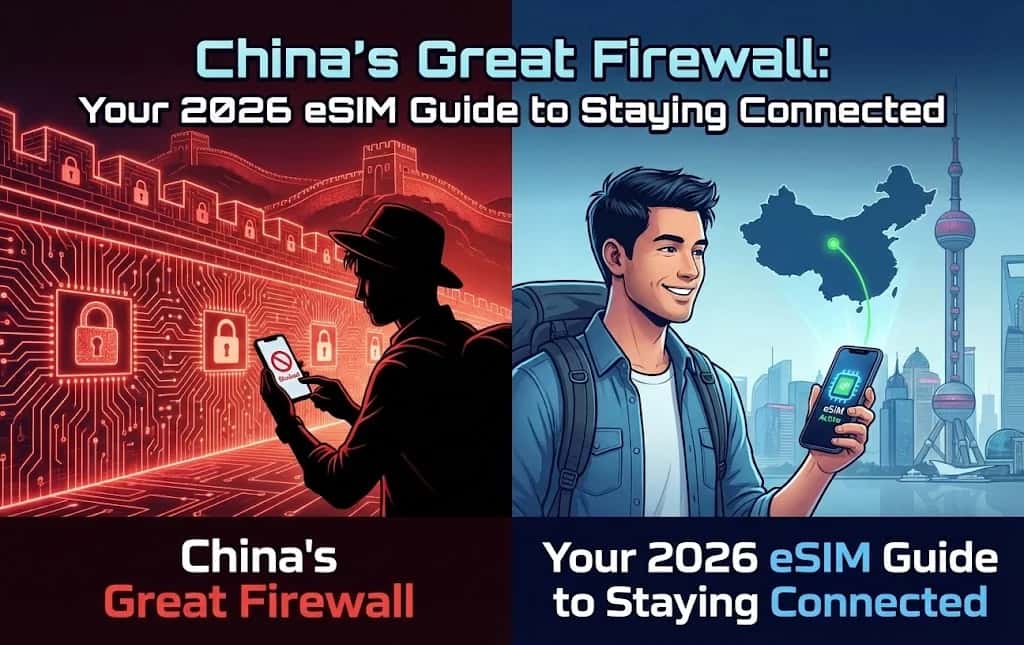 eSIM Guide
China's Great Firewall: Your 2026 eSIM Guide to Staying Connected
Navigate China's complex internet landscape with ease. This 2026 guide explains how an eSIM can provide unrestricted access, bypassing the Great Firewall for seamless connectivity.
Read the guide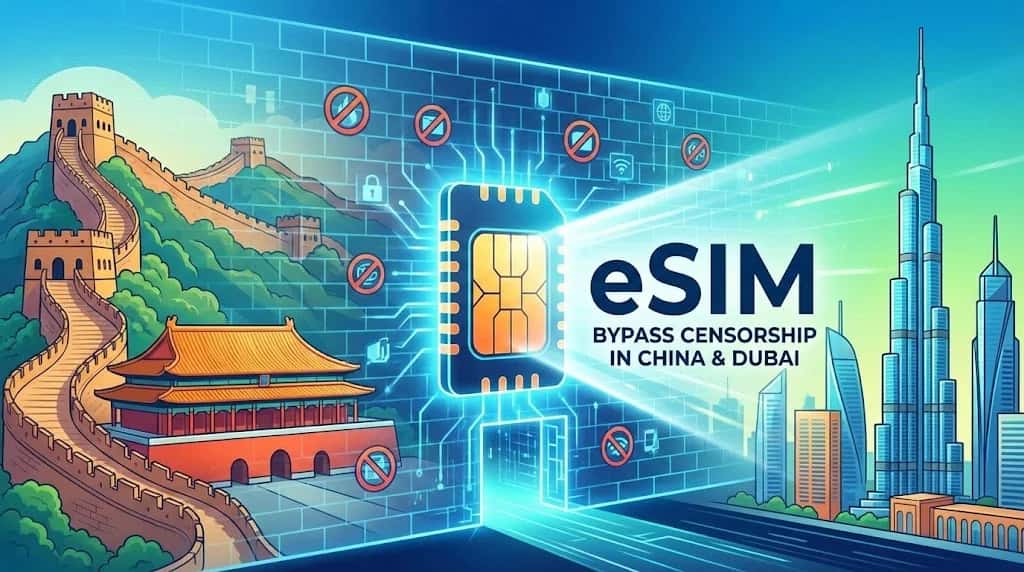 How-to & Guides
How to Bypass Internet Censorship in China & Dubai with an eSIM
Traveling to China or Dubai? Discover how an international eSIM acts as a built-in VPN, bypassing the Great Firewall and other restrictions for seamless access to Google, WhatsApp, and more.
Read the guide Travel Tips
Navigating Asia in 2026: 7 Essential Tips for Seamless eSIM Connectivity
Imagine losing GPS in Bangkok. Roaming bills can hit $200. This 2026 guide reveals 7 insider tips to save 90% on data across Asia with eSIM. Get connected instantly.
Read the guide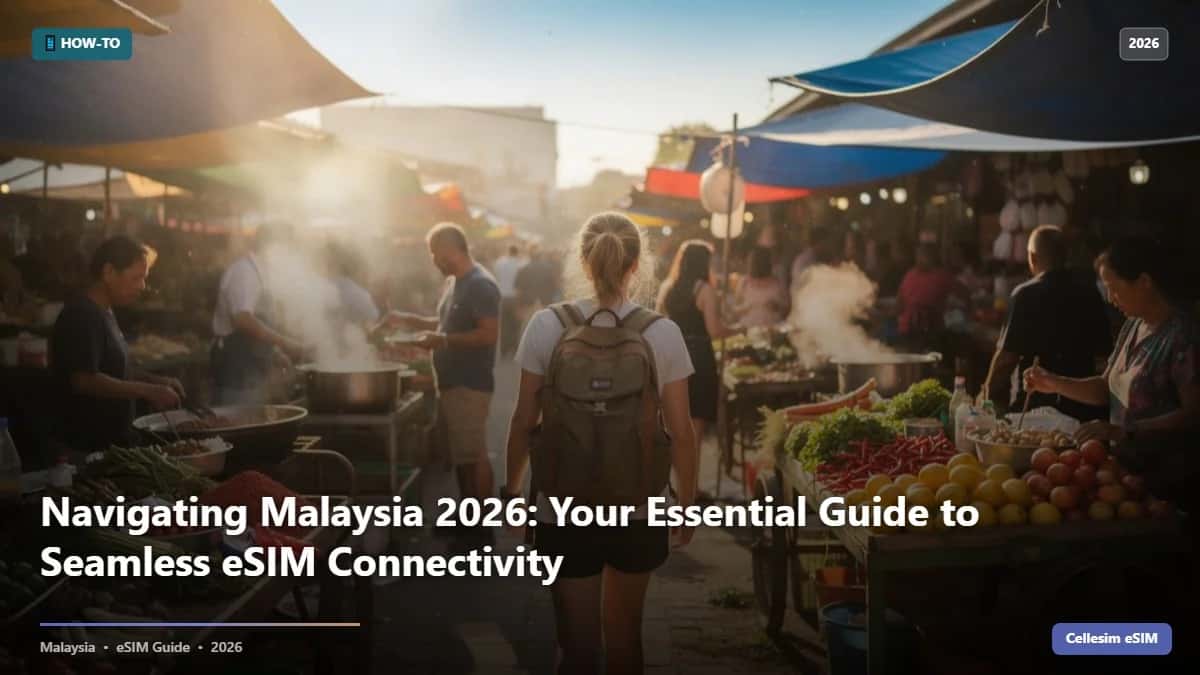 Destination Guides
Navigating Malaysia 2026: Your Essential Guide to Seamless eSIM Connectivity
Malaysia roaming costs $12/day. With Cellesim eSIM? From $3. Ditch airport queues and connect instantly in Kuala Lumpur, Penang, and beyond.
Read the guide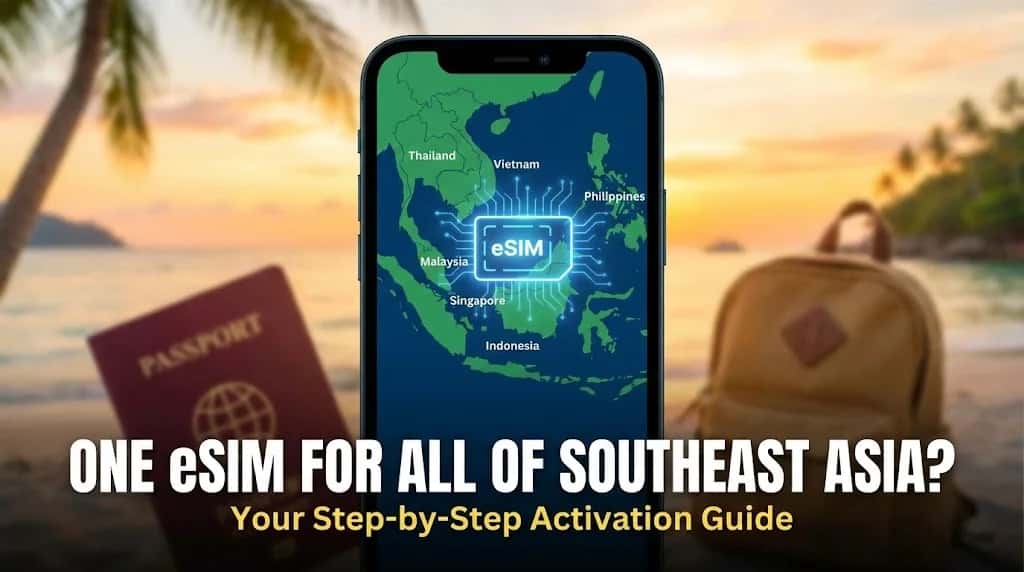 How-to & Guides
One eSIM for All of Southeast Asia? Your Step-by-Step Activation Guide
Planning a multi-country trip to Southeast Asia? This guide provides clear, step-by-step instructions on how to activate a single regional eSIM for seamless data across countries like Thailand, Vietnam, and more.
Read the guide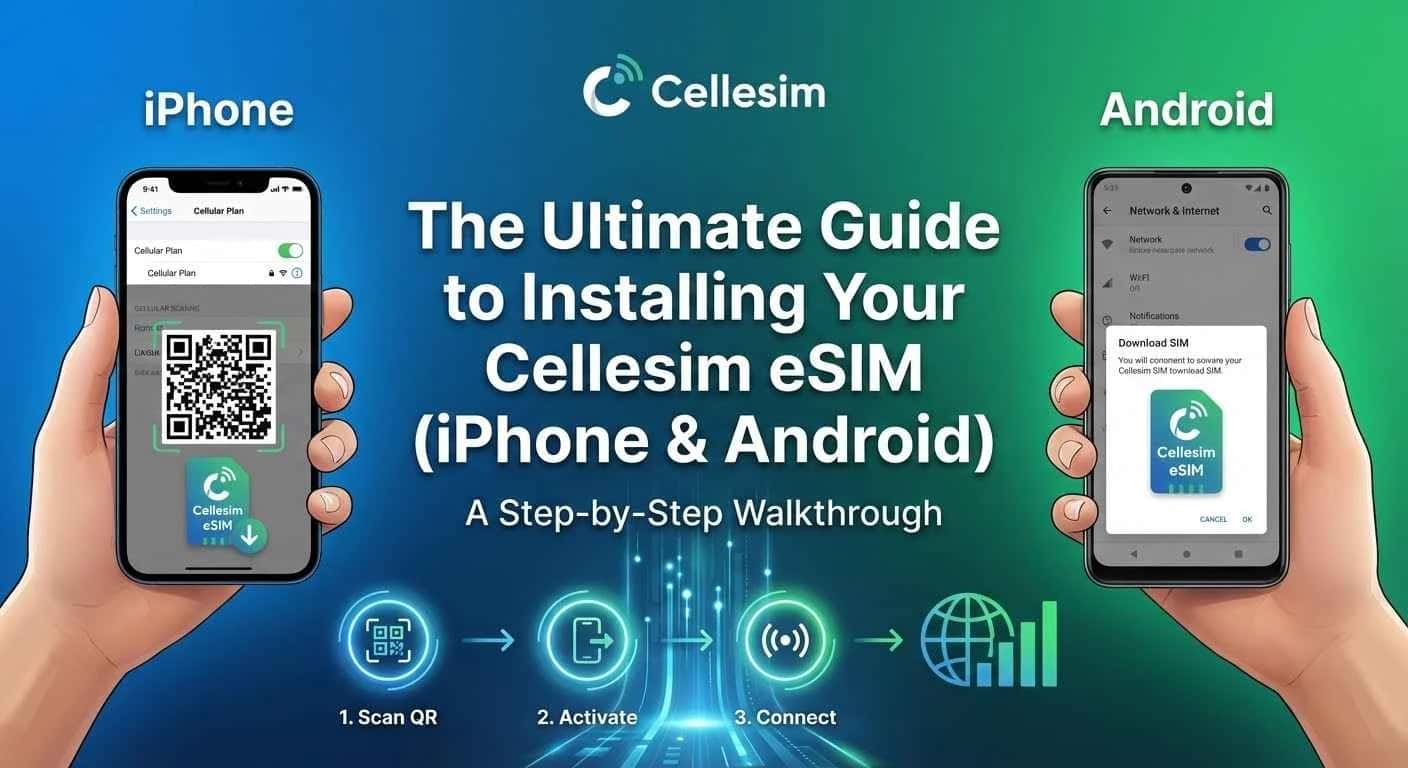 eSIM 101 / Tech Hub
The Ultimate Guide to Installing Your Cellesim eSIM (iPhone & Android): A Step-by-Step Walkthrough
Don't let technology ruin your trip. Learn exactly how to install and activate your Cellesim eSIM on iPhone and Android. A complete guide to avoiding roaming charges and staying connected globally.
Read the guide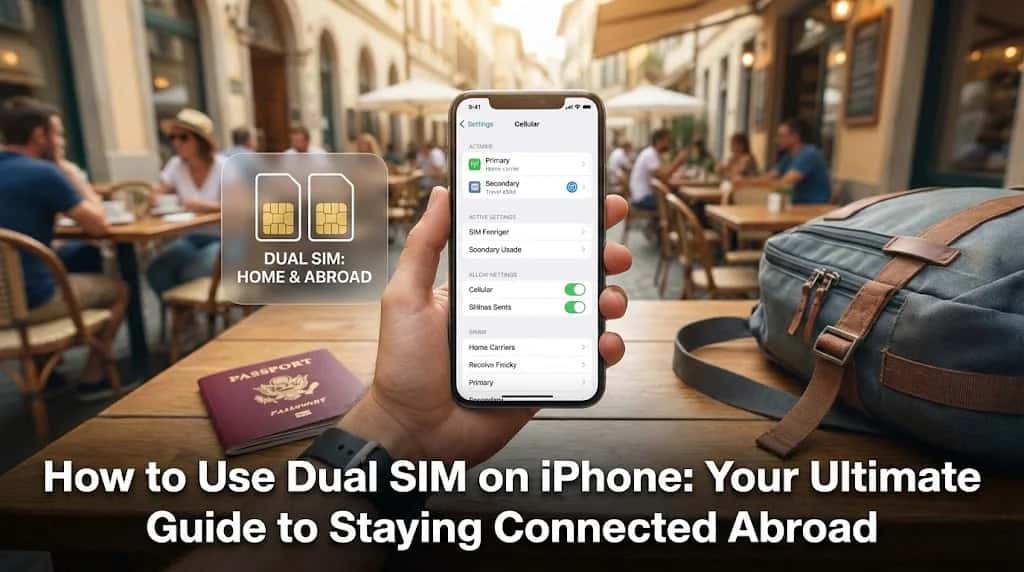 How-to & Guides
How to Use Dual SIM on iPhone: Your Ultimate Guide to Staying Connected Abroad
Unlock your iPhone's full potential for travel. This guide provides step-by-step instructions on how to use dual SIM to make calls on your home number while using affordable data from a travel eSIM abroad.
Read the guide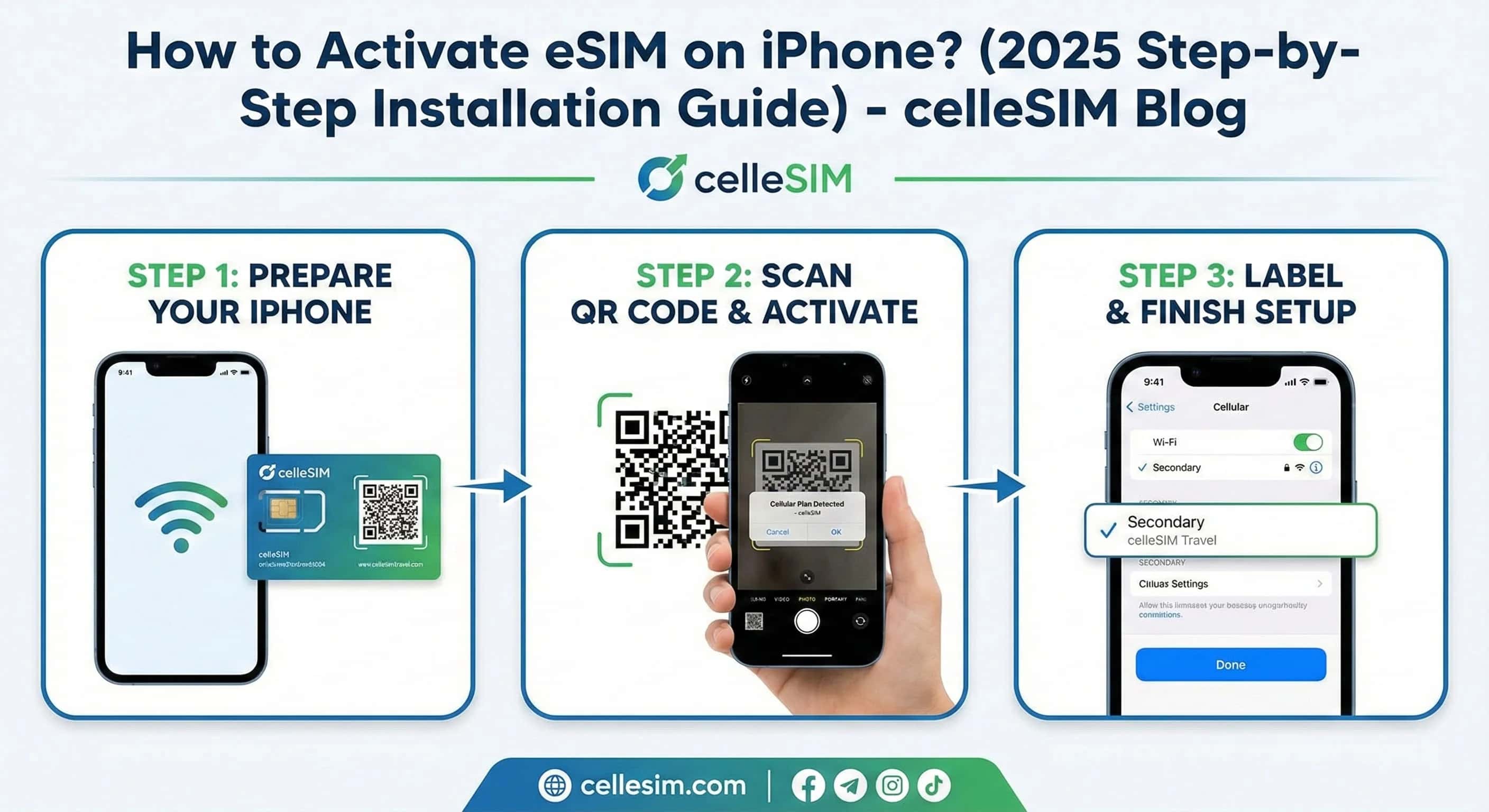 eSIM 101 / Tech Hub
How to Activate eSIM on iPhone? (2026 Step-by-Step Installation Guide)
Learn how to activate eSIM on iPhone. Our 2025 step-by-step guide shows you how to install your eSIM via QR code or manually. Get connected in seconds.
Read the guide
China: Popular cities
City-specific connectivity guides


Nearby Countries
Check coverage for every stop on your trip.


