


The Unsung Hero of Family Travel: Your eSIM
Let's be honest, family travel can be a glorious, chaotic ballet. From managing luggage for four (or more!) to navigating unfamiliar public transport with a stroller and a pre-teen who needs to know if the hotel has WiFi, every detail matters. And that's where your data connection, specifically an eSIM, steps in as the quiet MVP. It's not just about posting vacation selfies, it's about keeping the peace, staying safe, and making sure everyone, from the youngest Roblox enthusiast to the oldest parent checking flight delays, has what they need.
For years, I dragged my family through airports, hunting for local SIM cards, wrestling with activation instructions in foreign languages, and ultimately, overpaying for data we didn't fully use (or worse, running out mid-trip). The dread of a surprise roaming bill from our home carrier was a constant shadow. Then, eSIMs entered the chat, and truly, they've been a game-changer for our travel routine. No more fumbling with tiny plastic cards, no more wondering if my kids' iPads will suddenly lose their connection in the middle of a vital Minecraft session.
If you're still wondering how this digital marvel works, I highly recommend a quick primer on How Does an eSIM Work? Your No-Nonsense Guide to Digital Connectivity in 2026. It breaks down the tech without the jargon, which is perfect for us busy parents.
What is an eSIM and Why Should Families Care?
An eSIM, or embedded SIM, is essentially a digital SIM card that's built right into your phone or tablet. Instead of popping in a physical chip, you download a data plan digitally. Think of it like streaming a movie instead of buying a DVD. For families, this translates to:
- No more lost SIM cards: A blessing when dealing with small hands and even smaller parts.
- Instant activation: Purchase a plan online, scan a QR code, and you're connected. It's truly that simple, even from your living room before you leave.
- Multi-device management: One parent can often manage multiple eSIMs for various devices, simplifying billing and monitoring.
- Cost savings: Ditch the exorbitant roaming fees from your home carrier. Seriously, the savings can be hundreds of dollars on a multi-week trip, especially when you factor in data for multiple devices.
Why Autumn is Prime Time for eSIM Prep
The summer rush might be winding down, but for many families, early autumn marks the sweet spot for travel. School holidays like Columbus Day, Veterans Day, or the mid-term breaks in Europe offer fantastic opportunities for a quick getaway before the real winter chill sets in. Whether it's a theme park adventure, a European city break, or a cruise, these trips often involve intricate planning, and connectivity needs are no exception.
Autumn travel often means slightly cooler weather, fewer crowds, and sometimes, better deals. But it also means a potential shift in how you use data. During summer, it might be more about outdoor navigation and quick updates. In autumn, with shorter daylight hours and cooler temperatures, you might find more indoor time, leading to increased demand for streaming and gaming on kids' devices. This makes pre-emptive eSIM planning even more crucial.
Avoiding the Post-Summer Roaming Shock
We've all heard the horror stories, or perhaps lived one ourselves, a phone bill that arrives weeks after a trip, inflated by hundreds, sometimes thousands, of dollars in roaming charges. It's the kind of shock that can make you regret that lovely family photo you posted from Rome. With school holidays often being shorter, intense bursts of travel, it's easy to forget about data consumption until it's too late.
By planning your eSIMs in advance, you lock in predictable costs. No hidden fees, no surprise charges. This transparency is invaluable for family budgets, allowing you to allocate funds to, say, an extra gelato or that slightly overpriced but memorable souvenir, rather than line your mobile carrier's pockets. My personal rule of thumb: if I can't clearly see the cost per gigabyte, I'm probably paying too much. As T-Mobile eSIM Free Trial: Smart Move for Global Roaming in 2026? points out, even established carriers can have tricky roaming policies.
The Unique Connectivity Challenges of Early Autumn Getaways
Autumn trips often blend different environments, presenting unique connectivity challenges. You might be in a bustling city like Paris one day, exploring the Louvre, and then on a scenic train to the countryside the next. This requires flexible data solutions that can handle varying network conditions. Furthermore, if your autumn getaway involves a specific event, like a fall festival or a sporting match, reliable connectivity is non-negotiable for tickets, schedules, and keeping track of the kids. Think about a trip to Turkey for example, exploring Istanbul's Grand Bazaar then taking a ferry to the Princes' Islands. A robust Turkcell eSIM for Tourists 2026 would be essential for seamless transitions.
Decoding Your Family's Data Needs: Beyond Google Maps
This is where the rubber meets the road. Before you even think about purchasing an eSIM, you need to realistically assess your family's data consumption. It's not just about you checking emails; it's about two kids trying to stream Disney+, your pre-teen on TikTok, and your partner needing to upload vacation photos to the family cloud. Trust me, underestimating this is the fastest way to a mid-trip data drought and a very unhappy iPad user.
My golden rule: estimate high. You can always top up, but running out of data when you're trying to navigate an unfamiliar city with tired, hungry children is a special kind of hell. We've all been there, squinting at a blurry screenshot of Google Maps, desperately trying to find the nearest public restroom.
The Kid Factor: Streaming, Gaming, and Endless Scrolls
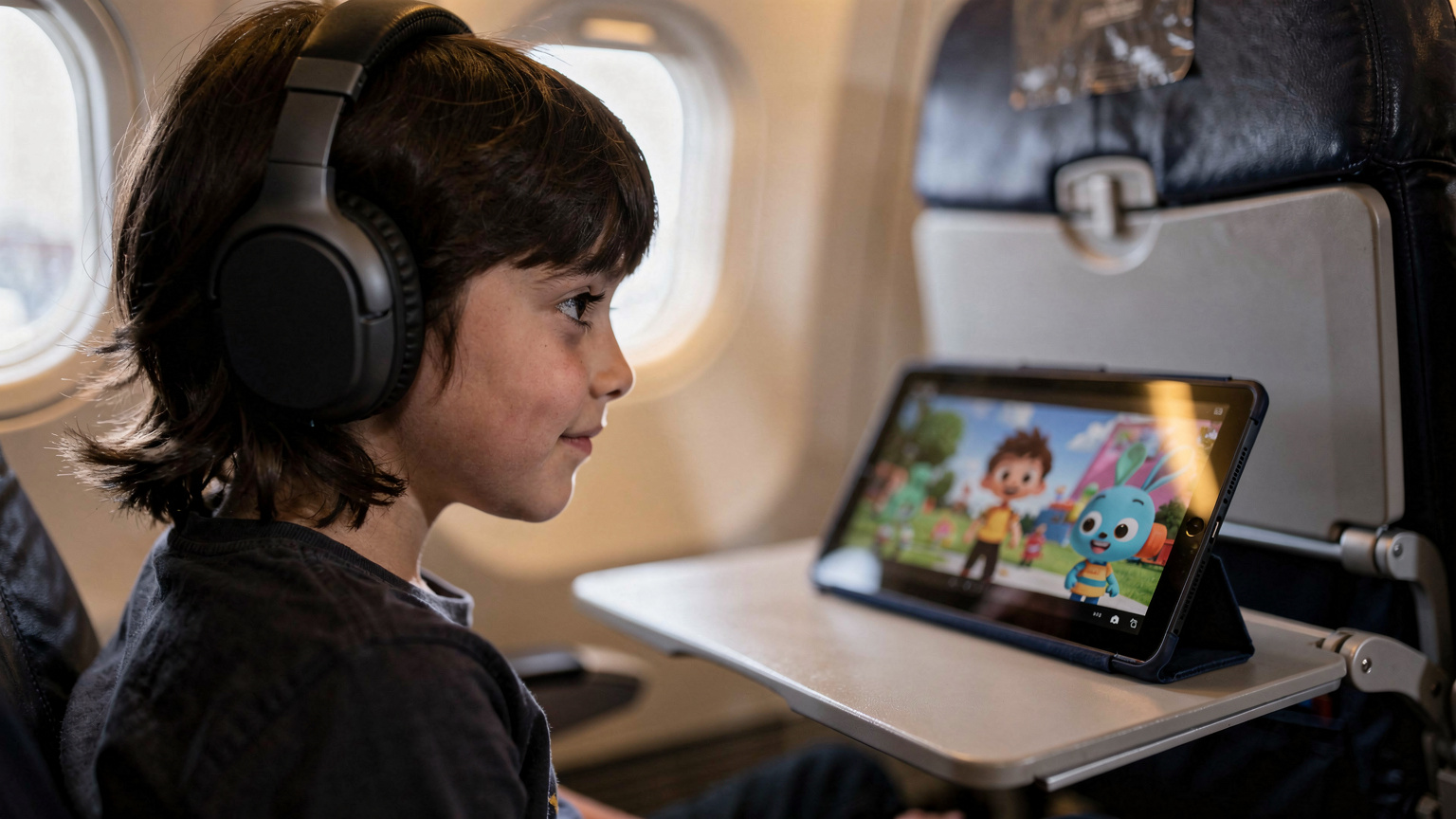
Let's talk about the elephants in the room, the devices that keep our children entertained and, frankly, give us a moment of peace. iPads, Nintendo Switches, and even their own phones (for older kids) are data hungry. My 10-year-old could probably stream an entire season of 'Bluey' on Disney+ in a single long-haul flight, and my 12-year-old's online gaming on his Switch is a data black hole. And let's not forget the endless YouTube Kids videos.
Here's a rough breakdown of what common kid activities gobble up:
- Streaming (Disney+, Netflix, YouTube Kids): 1GB per hour for standard definition, 3GB for HD. If you have two kids streaming in HD for just two hours a day, that's 12GB gone in two days!
- Online Gaming (Roblox, Minecraft, Switch Online): While less data-intensive than streaming, constant online play can still add up. Figure 100-200MB per hour, per game.
- Social Media (TikTok, Instagram): For older kids, this can be a huge drain, especially with video content. Easily 500MB per hour.
- Video Calls (FaceTime, WhatsApp): Talking to grandparents back home is lovely, but it uses significant data, around 200-300MB per hour.
My advice? Pre-load as much as possible before you leave home. Download movies and shows on Disney+, Netflix, and Prime Video. Cache maps on Google Maps or Maps.me. Encourage offline games. But for the inevitable moments when live streaming or online gaming is the only answer, you need a robust plan.
Estimating Data for Multiple Devices (The Whole Family)
Beyond the kids, consider the adults. We need data for navigation, checking bookings, sending work emails (if you must!), and, yes, the occasional social media scroll. My partner and I usually budget an additional 5-10GB each for our own needs on a typical week-long trip, on top of what the kids devour. So, for a family of four, where the kids have their own iPads, we're often looking at a total data requirement of 50GB to 100GB for a 10-day trip if we want to avoid any mid-trip rationing or panic.
| User/Device | Typical Daily Data Usage | Weekly Data Estimate | Key Activities |
|---|---|---|---|
| Parent 1 (e.g., navigator) | 1-2 GB | 7-14 GB | Maps, bookings, email, light social media |
| Parent 2 (e.g., photographer) | 1-2.5 GB | 7-17.5 GB | Photo uploads, video calls, messaging |
| Child 1 (iPad streamer) | 3-5 GB | 21-35 GB | Disney+, YouTube Kids, educational apps |
| Child 2 (Switch gamer/TikTok) | 2-4 GB | 14-28 GB | Online gaming, TikTok, casual browsing |
| Family Total (Average) | 7-13.5 GB | 49-94.5 GB | Combined usage, assuming some offline content |
Choosing the Right eSIM for a Multi-Device Family
Now that you have a clearer picture of your family's data appetite, it's time to select the right eSIM. This isn't a one-size-fits-all situation, especially with multiple devices and varying usage patterns. Some family members might need less data, others a lot more. The beauty of eSIMs is the flexibility they offer.
Regional vs. Country-Specific Plans: What's Best for Your Itinerary?
Your itinerary dictates your best plan. Are you hitting multiple European capitals? A regional Europe eSIM makes the most sense. If you're focusing solely on one country, say Italy for a week, then a country-specific plan often offers better value per gigabyte. For instance, if you're planning a trip to several European countries, you might consider a regional plan that covers all your stops, such as those that would have been ideal for the Summer Festival Circuit 2026: The Savvy Traveller's eSIM Guide for European Music & Arts Events.
- Regional eSIMs: Great for multi-country trips (e.g., Europe, Asia-Pacific). You get one plan that works across borders, eliminating the need to buy a new eSIM for each country.
- Country-Specific eSIMs: Often offer more generous data allowances or faster speeds for less money if you're staying in one place. Ideal for longer, single-destination trips.
Consider the number of devices. If everyone has an eSIM-compatible device (many newer iPads and phones do), you can buy individual plans. If only one or two devices are compatible, consider a hotspot feature if allowed by your eSIM plan, or choose a higher data plan for the primary user and use them as a personal hotspot for the kids' devices, though this can drain battery quickly.
Comparing Cellesim Plans for Family Travel
Cellesim offers a range of plans, and for families, the key is balancing cost with data volume. We usually look for plans with at least 50GB for a 10-14 day trip. Unlimited plans are tempting, but often come with a higher price tag. Sometimes, two smaller, cheaper plans for different devices are more cost-effective than one giant plan.
| Cellesim Plan (Example) | Data Allowance | Validity | Best For | Notes for Families |
|---|---|---|---|---|
| Europe 10GB | 10 GB | 15 Days | Light users, parents with strong WiFi access | Suitable for one adult's navigation/messaging. Not enough for kids' streaming. |
| Europe 30GB | 30 GB | 30 Days | One heavy user or two moderate users | Could cover one parent and one child's basic needs. Still tight for streaming. |
| Europe 50GB | 50 GB | 30 Days | Two adults and light kid usage | A solid option for a family's primary phone. May still need a second plan for heavy kid streaming. |
| Global Unlimited (Fair Use) | Unlimited (with FUP) | 30 Days | Data-hungry families, multiple devices | Great for peace of mind, but check fair use policy for hotspot/throttling. |
Frequently Asked Questions
Can I use one Cellesim eSIM for multiple devices in my family?
Typically, an eSIM is tied to a single device. However, you can purchase individual eSIMs for each family member's compatible phone or tablet. Alternatively, one phone with a high-data eSIM plan can enable a personal hotspot, allowing other devices to connect, though this can drain battery and may be subject to fair use policies.
What if my kids use up all their data on streaming apps?
To prevent excessive data usage, pre-load movies, shows, and games onto devices before your trip. Utilize parental controls like iOS Screen Time or Google Family Link to set app limits. If data runs out, Cellesim allows for easy top-ups directly from your account dashboard, providing a quick solution.
Will my eSIM work on a cruise ship?
Your Cellesim eSIM will work when the cruise ship is docked in a port where your plan offers coverage. While at sea, your phone will likely connect to the ship's satellite network, which is very expensive and not covered by your eSIM. It's best to turn off cellular data and use airplane mode at sea to avoid unexpected charges.
How can I monitor my family's data usage abroad?
You can monitor data usage directly through your Cellesim account dashboard, which provides real-time tracking for each active eSIM. On individual devices, iOS and Android have built-in cellular data usage trackers within their settings. This allows you to identify data-hungry apps and adjust usage as needed.
Is it better to buy a regional eSIM or country-specific eSIM for autumn school holidays?
If your family is visiting multiple countries during the school holidays (e.g., a European tour), a regional eSIM offers seamless connectivity across borders without needing new plans. If your trip focuses on a single country for an extended period, a country-specific eSIM often provides more data or better rates for that particular destination.
My child's iPad isn't connecting to the eSIM, what should I do?
First, ensure the iPad is eSIM compatible and the eSIM profile has been successfully installed. Check that 'Data Roaming' is enabled for the Cellesim eSIM and that it's set as the primary data line. Restart the device. If issues persist, check the Cellesim app or website for network status in your area or contact customer support for guided troubleshooting.
When comparing Cellesim to local providers, consider the convenience factor. While a local SIM might offer slightly cheaper data in a single country like Indonesia, the hassle of acquiring it versus the simplicity of a Cellesim eSIM can often outweigh the small price difference, especially when you compare Cellesim vs. Telkomsel eSIM 2026: Indonesia Data, No Rip-Offs.
Pre-Trip Checklist: Loading Up for a Smooth Departure
My planning brain thrives on checklists, and eSIM preparation is no different. The more you do at home, the less stress you'll have when you're juggling passports and trying to find Gate B23 with a toddler who just discovered the joy of running in circles. It's about setting yourself up for success, ensuring that from the moment you land, everyone can connect.
Step-by-Step eSIM Installation for the Family
Installing an eSIM is surprisingly straightforward, but doing it correctly for multiple devices ensures a smooth transition. Don't wait until you're at the airport with 5% battery left. Do this a day or two before you leave.
- Check Device Compatibility: First, confirm that all devices (phones, iPads, smartwatches) that need an eSIM are compatible. Most newer models are, but a quick Google search for 'eSIM compatible [device name]' will confirm.
- Purchase Your Cellesim Plan(s): Visit the Cellesim website, select your destination (or regional) plan, and choose the data volume and validity period that matches your family's estimated needs. Complete the purchase.
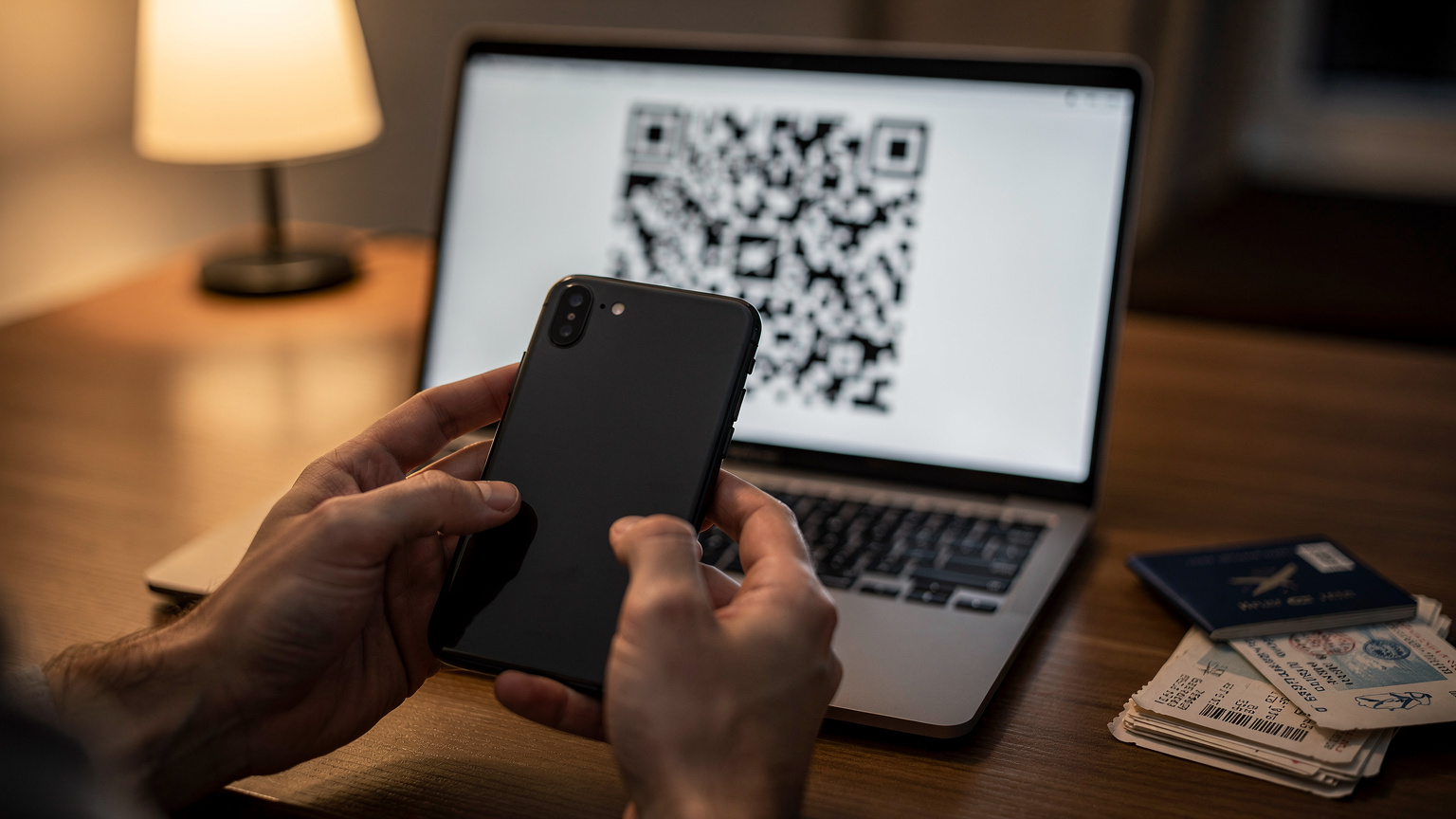
- Receive QR Code/Activation Details: Cellesim will email you a QR code or manual activation details. Keep this email accessible, perhaps by saving it to a cloud drive or taking a screenshot.
- Install eSIM on Each Device (while on home WiFi):
- For iPhones/iPads: Go to Settings > Cellular > Add eSIM. Choose 'Use QR Code' and scan the code. Follow the prompts. Label the eSIM clearly (e.g., 'Cellesim Europe' or 'Kids iPad Data').
- For Android Devices: Go to Settings > Network & internet > SIMs > Add more. Follow the instructions to scan the QR code. Again, label it appropriately.
- Configure Settings for Travel: Once installed, go back into Cellular/SIM settings. Make sure 'Data Roaming' is turned ON for the Cellesim eSIM and OFF for your home carrier's physical SIM (unless you have a specific roaming plan with them). Set the Cellesim eSIM as the primary line for cellular data.
- Test Connectivity (optional, but recommended): If possible, test the eSIM with a small data purchase or by momentarily disabling your home SIM to ensure it's ready.
Pre-Loading Apps and Content for Offline Access
This is a lifesaver, especially for long flights, train rides, or those moments when you're stuck in a connectivity dead zone (hello, cruise ships!).
- Download Offline Maps: Apps like Google Maps, Maps.me, or Citymapper allow you to download entire city or region maps for offline navigation. Do this for every destination you plan to visit.
- Media Downloads: Before leaving, encourage everyone to download their favorite movies, TV shows, podcasts, and audiobooks onto their devices. Disney+, Netflix, Prime Video, Spotify, and Audible all offer offline download features.
- Educational Apps: For younger kids, download educational games and apps that don't require an internet connection. Khan Academy Kids, PBS Kids Games, and various puzzle apps are great for this.
- Digital Books & Comics: Load up e-readers or tablet apps like Kindle, Libby (for library books), or Marvel Unlimited with plenty of reading material.
By doing this, you drastically reduce the pressure on your precious eSIM data and provide entertainment even when WiFi is nonexistent or unreliable. It's truly a win-win.
Parental Controls and Screen Time Abroad: A Digital Lifeline
Managing screen time and ensuring online safety is a constant battle for parents, and travel complicates it further. The temptation to let kids have unlimited screen time to keep them quiet on a long journey is real. However, setting boundaries and using parental controls, even with an eSIM, is crucial for their well-being and your peace of mind.
Leveraging Built-in Device Controls
Both iOS and Android have robust parental control features that work regardless of the network connection (e.g., WiFi or eSIM cellular data). Now, these controls won't block the eSIM itself, but they will restrict what apps and content can be accessed through it.
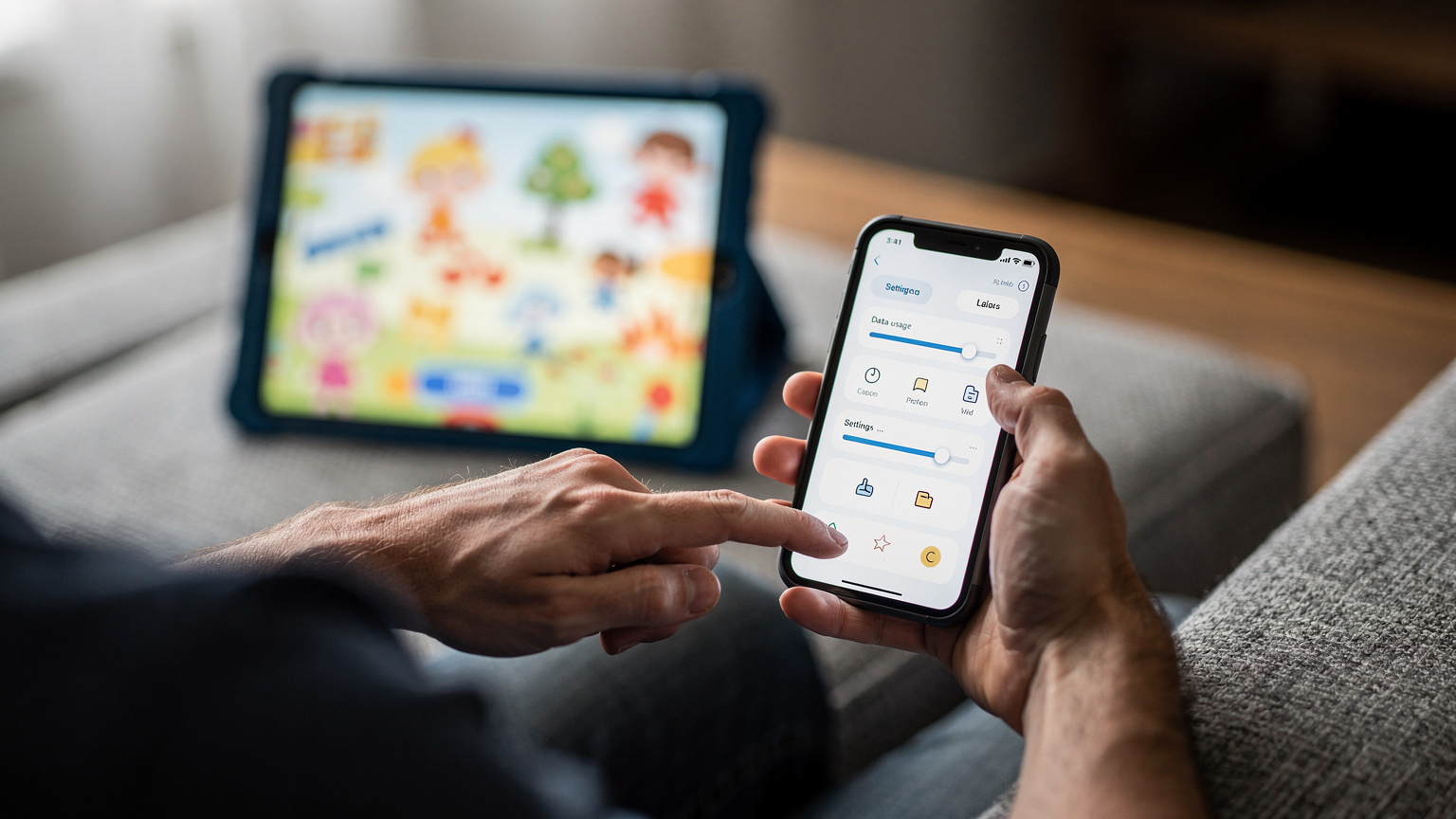
- iOS Screen Time: This allows you to set daily time limits for apps, schedule downtime (e.g., no apps after 9 PM), restrict content (web filtering, explicit content), and manage app purchases. You can set it up on your child's device and manage it from your own via Family Sharing.
- Android Digital Wellbeing and Family Link: Similar to iOS, Android devices offer Digital Wellbeing to set app timers and focus modes. For comprehensive parental controls, Google Family Link allows you to remotely manage app usage, filter content, track device location, and even lock devices.
My advice? Set these up before you leave. It's much harder to enforce new rules when everyone is already in vacation mode.
Parental-Control Features that Work on the eSIM Line
While the eSIM itself doesn't typically have built-in parental controls like a traditional phone plan, the way you manage data usage can act as a de facto control. This is where Cellesim's dashboard can be very useful.
- Data Monitoring: Regularly check your Cellesim account dashboard to see data consumption for each active eSIM. If one child's iPad is suddenly burning through gigabytes, you can investigate which apps are responsible and adjust settings or screen time accordingly.
- Data Top-Ups as a Reward/Consequence: Use data top-ups strategically. If a child has behaved well or completed a task, a data top-up for their device (if they have their own eSIM) can be a small reward. Conversely, if they're exceeding limits, a temporary data restriction (by not topping up) can be a consequence. This is easier if you've purchased separate, smaller data plans for each child's device rather than one massive shared pool.
- Hotspot Management: If you're using your phone as a hotspot for kids' devices, you have direct control. You can turn the hotspot off when it's time for a break or when data is running low. Some phones also allow you to see which devices are connected to your hotspot and their data usage.
On-the-Go Connectivity: Theme Parks, Cruise Ships, and Beyond
Connectivity isn't just about getting from the airport to your hotel. It's about staying connected in those crucial, often challenging, environments where losing signal can mean lost children, missed showtimes, or simply increased anxiety. Autumn travel often includes unique destinations, each with its own connectivity quirks.
Navigating Theme Parks and Major Attractions
Theme parks like Disneyland Paris or Universal Studios Orlando are massive, sprawling complexes. While they often have park-wide WiFi, it can be notoriously slow, unreliable, and sometimes requires constant re-logging. This is where a reliable eSIM connection truly shines.
- Real-time App Usage: Theme park apps are essential for wait times, show schedules, mobile ordering food, and navigating crowded pathways. A strong data connection ensures these apps update instantly.
- Lost and Found: If a child gets separated, having a phone with an active data connection for location tracking (e.g., Apple's Find My, Google's Find My Device) and direct communication is invaluable.
- Sharing Memories: Quick photo and video uploads to family groups or social media (if that's your thing) are much smoother with reliable cellular data.
Ensure your eSIM plan covers the specific country your theme park is in. For example, if you're hitting Efteling in the Netherlands or Europa-Park in Germany, a Europe-wide Cellesim plan would be perfect.
Staying Connected on Cruise Ships and Remote Destinations
Cruise ships are a whole different beast when it comes to connectivity. Once you're out at sea, your phone will likely switch to the ship's satellite network, which is incredibly expensive. However, in port, your eSIM will kick back in, giving you reliable local data.
- In Port: While docked in a port city, your Cellesim eSIM will provide local data connectivity just like it would on land. This is the time to check maps, message family, and upload photos without fear of astronomical charges.
- At Sea: Turn off cellular data on your Cellesim eSIM and enable Airplane Mode to avoid connecting to the ship's satellite network. Rely on the ship's WiFi (often paid and slow) or embrace the digital detox.
For more remote destinations, like a national park or a small village, research local network coverage before you go. Even with an eSIM, some truly off-the-grid locations might have limited signal. Always download maps and essential info beforehand.
When Wi-Fi Isn't Enough: The Need for Dedicated Data
Relying solely on public WiFi is a gamble. It's often slow, insecure, and rarely available exactly when you need it most. Imagine trying to book a last-minute train ticket from a cafe in Florence with a sputtering WiFi connection, or attempting to stream 'Paw Patrol' for a restless toddler on an overloaded hotel network. It's not worth the stress.
Dedicated eSIM data provides the freedom and reliability that public WiFi simply can't match. It means you can:
- Access Banking & Sensitive Apps Securely: Avoid logging into banking apps or other sensitive accounts on public, unsecure networks.
- Make Reliable Calls & Messages: Use WhatsApp, FaceTime, or other VoIP services without dropouts.
- Emergency Situations: In a true emergency, you need a reliable connection immediately, not one that might drop out or require a login.
Troubleshooting Common eSIM Family Fumbles
Even with the best planning, sometimes things go sideways. It's travel, it happens. But with eSIMs, many common issues have straightforward solutions. Don't panic, just troubleshoot.
Related reading
 Travel Styles / Personas
Summer School Holiday Travel 2026: Keeping Family Connected & Parents Sane with eSIM
Summer holidays with the kids can be a whirlwind of excitement and, let's be honest, a dash of chaos. But what if staying connected didn't add to the stress? A family eSIM plan can be your secret weapon, ensuring everyone has data for maps, games, and essential communication, no matter where your adventures take you.
 Charlotte DaviesTravel Styles / Personas
Road Tripping the US-Canada Border 2026: Why Dual-eSIM is Your Best Bet for Seamless Connectivity
Crossing the US-Canada border on a road trip can turn your data plan into a nightmare. Roaming fees bite hard, and physical SIMs are a pain. I just wrapped up 10 days, 3 states, and 2 provinces, spending only €28 on data with a dual-eSIM setup. Here's how to skip the stress and stay connected.
 Ryan Mitchell
 Travel Styles / Personas
Australia & New Zealand Cruises 2026: Ditch Ship Wi-Fi, Embrace eSIM
Planning a cruise around Australia and New Zealand for 2026? Don't fall for the cruise line's exorbitant Wi-Fi packages. An eSIM is your secret weapon for staying connected, managing shore excursions, and sharing those unforgettable moments without breaking the bank. I've sailed these waters, and trust me, reliable data on land is a game-changer.
 Sophie Clarke
Family eSIM Prep for Autumn Getaways 2026: Avoid Roaming
Related reading
Travel Styles / PersonasSummer School Holiday Travel 2026: Keeping Family Connected & Parents Sane with eSIM
Summer holidays with the kids can be a whirlwind of excitement and, let's be honest, a dash of chaos. But what if staying connected didn't add to the stress? A family eSIM plan can be your secret weapon, ensuring everyone has data for maps, games, and essential communication, no matter where your adventures take you.
Charlotte DaviesRoad Tripping the US-Canada Border 2026: Why Dual-eSIM is Your Best Bet for Seamless Connectivity
Crossing the US-Canada border on a road trip can turn your data plan into a nightmare. Roaming fees bite hard, and physical SIMs are a pain. I just wrapped up 10 days, 3 states, and 2 provinces, spending only €28 on data with a dual-eSIM setup. Here's how to skip the stress and stay connected.
Ryan MitchellTravel Styles / PersonasAustralia & New Zealand Cruises 2026: Ditch Ship Wi-Fi, Embrace eSIM
Planning a cruise around Australia and New Zealand for 2026? Don't fall for the cruise line's exorbitant Wi-Fi packages. An eSIM is your secret weapon for staying connected, managing shore excursions, and sharing those unforgettable moments without breaking the bank. I've sailed these waters, and trust me, reliable data on land is a game-changer.
Sophie Clarke