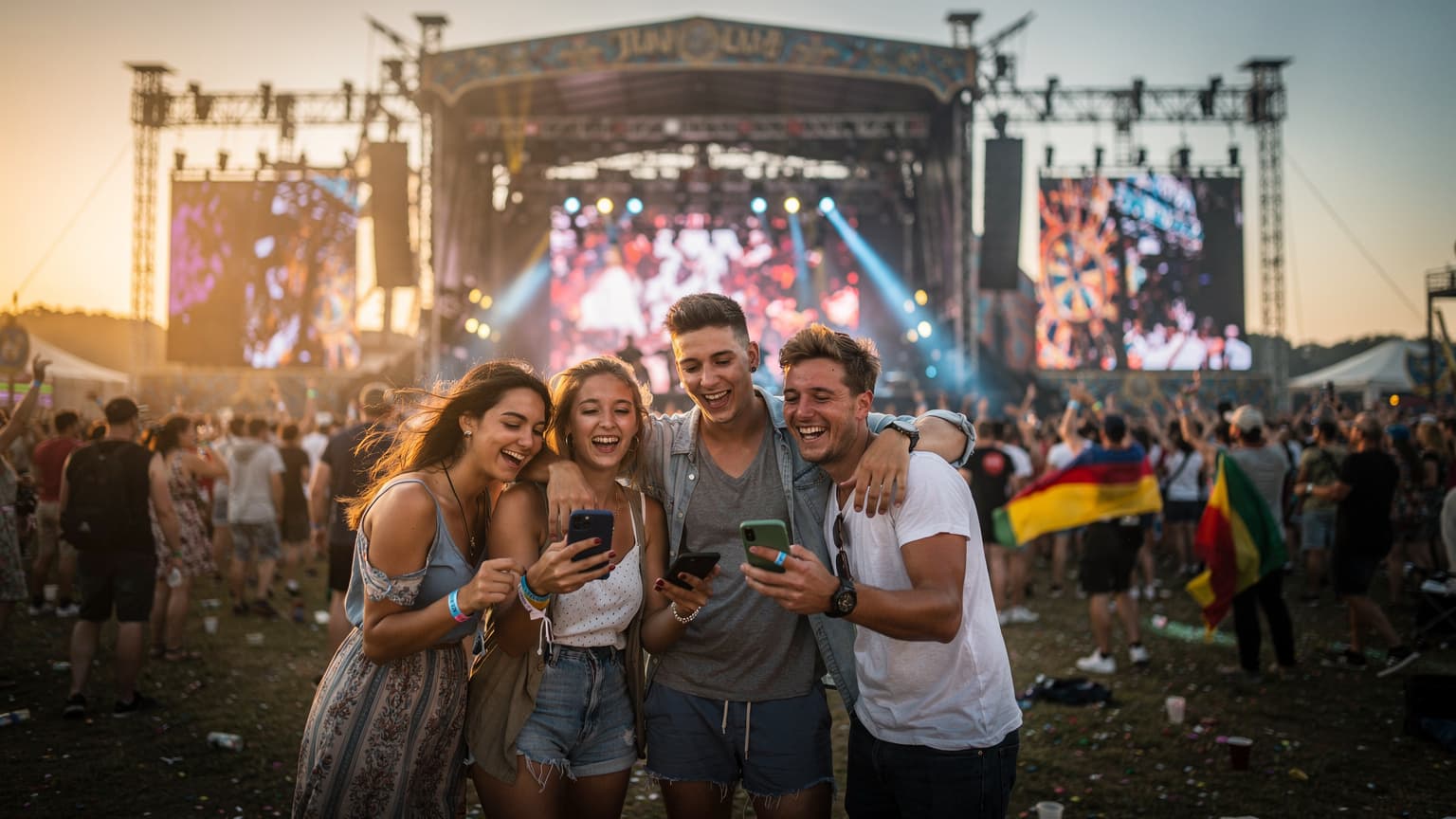
Why Your Home Carrier Will Fail You at a Festival
I've seen it countless times, from the muddy fields of Glastonbury to the scorching heat of Primavera Sound in Barcelona's Parc del Fòrum. You arrive, phone fully charged, ready to snap that first main stage shot, and then, nothing. Or worse, a single bar of 'E' for Edge, reminding you it's 2005 all over again. The issue isn't always the festival's fault, though. It's often the way your home carrier handles international roaming.
Many US carriers, like T-Mobile with its 'free' international roaming, promise seamless connectivity. But 'free' often means throttled speeds, sometimes down to 2G after a meager data allowance. This isn't just an inconvenience, it's a real problem when you're trying to meet up with friends near the Pyramid Stage or trying to hail an Uber from the outskirts of Daresbury after Creamfields wraps at 3 AM. Imagine trying to load Google Maps or WhatsApp on 2G. You'd have better luck sending a message by carrier pigeon.
Beyond the speed, there's the cost. While some plans offer flat daily rates, those add up quickly. A friend of mine once racked up a £200 bill just sending a few photos from the Leeds festival site in Bramham Park, thinking his 'international pass' covered it all. It turned out to be a tiny data allowance, with every megabyte after costing a small fortune. I've personally had to buy emergency local SIMs at ridiculous markups at Heathrow T5, just to get online and book a train ticket on National Rail Enquiries, because my 'unlimited' plan was anything but. For a deep dive into how these plans stack up, you might want to check out this guide on AT&T eSIM for Global Travel.
The Hidden Costs of Roaming
It's not just the per-MB charges that sting. Many travellers overlook the fact that even receiving calls or texts can incur charges on some roaming plans. Voicemail? Another potential fee. These small, hidden costs accumulate, turning what seemed like a budget-friendly festival trip into a financial headache. When you're trying to keep an eye on your spending, especially as a student or backpacker, every penny counts. My Cellesim budget breakdowns are legendary for a reason, after all.
Network Congestion, A Festival-Goer's Nightmare
Even if your home carrier *did* offer decent speeds, festivals are notorious for network congestion. Tens of thousands of people, all trying to stream, upload, and communicate simultaneously, can overwhelm local cell towers. This is where a robust local connection, like that provided by a well-chosen eSIM, makes all the difference. While the local networks will still be busy, an eSIM often connects you directly to a local operator's infrastructure, bypassing the sometimes convoluted and deprioritized roaming agreements.
Understanding UK Network Coverage at Festival Sites
The UK has four primary mobile network operators: EE, Vodafone, O2, and Three. Each has its strengths and weaknesses, especially when it comes to covering sprawling, temporary festival sites. Knowing which operator offers the best coverage in areas like Daresbury (Creamfields), Bramham Park (Leeds), or Richfield Avenue (Reading) is crucial.
EE generally boasts the widest 4G coverage across the UK, often performing well in rural and semi-rural areas where many festivals are held. This makes them a strong contender for festival connectivity. Vodafone also offers extensive coverage, particularly in urban centres, but has been expanding its rural footprint. O2 provides solid coverage, often with good performance in congested areas due to its network architecture. Lastly, Three has focused heavily on data capacity, which can be a boon in high-traffic situations, though their overall geographical coverage might be slightly less extensive than EE's.
For example, if you're heading to Creamfields, situated near Warrington in Cheshire, you'll find that both EE and Vodafone tend to offer the most reliable signals in that specific northwest region. Reading & Leeds, being further south and in more established areas, might see all four operators performing reasonably well. It's always worth checking a specific network's coverage map for the exact postcode of the festival site a few weeks before you depart, as network improvements are ongoing.
What About 5G at Festivals?
While 5G is rapidly expanding across the UK, it's still less common to find robust 5G infrastructure specifically deployed for temporary festival sites. Most festival-goers will rely on 4G LTE, which, if the network isn't overly congested, is perfectly sufficient for social media, messaging, and navigation. Focus on consistent 4G coverage rather than chasing elusive 5G signals. After all, you're there for the music, not for benchmarking your phone's download speeds.
Checking Local Network Performance
Before committing to an eSIM, a quick check on independent coverage maps like Ofcom's Mobile Checker or OpenSignal can give you a clearer picture. These tools often show user-generated data, which can be more accurate than carrier-provided maps, especially for niche locations. Just type in the festival postcode, like WA4 5AB for Creamfields, RG1 8EQ for Reading, or LS23 6ND for Leeds, and see what comes up.
eSIM vs. Physical SIM Cards for Festival Travelers
This is where the rubber meets the road for modern travellers. For years, the default was to hunt down a local SIM card upon arrival. I’ve spent countless hours in tiny phone shops, from the Sukhumvit Road in Bangkok to a small corner store in Rome's Trastevere, trying to explain in broken Italian or Thai that I just needed a data SIM, not a new phone contract. Sometimes, they’d demand my passport, other times it would take 30 minutes to activate, or the shop would simply be closed when I needed it most (often between 1 PM and 4 PM in Italy for their *riposo*).
An eSIM sidesteps all that. It's a digital SIM, embedded directly into your phone's hardware. No more fumbling with tiny trays, no more worrying about losing your home SIM in the chaos of a festival campsite. It’s perfect for iPhone eSIM Abroad users, who often value simplicity.
| Feature | eSIM | Physical SIM Card |
|---|---|---|
| Activation Process | Instant digital download via QR code or app | Requires physical purchase and insertion, often in-store |
| Convenience | Activate before you travel, switch plans easily | Requires finding a local shop, potential language barrier |
| Security | Cannot be lost or stolen physically | Physical card can be lost or damaged |
| Dual SIM Capability | Allows retention of home SIM for calls/texts while using eSIM for data | Usually requires removing home SIM, losing access to home number |
| Cost-Effectiveness | Often cheaper per GB, especially for short trips | Can be cheap for longer stays, but initial setup can be a hassle |
| Compatibility | Requires an eSIM-compatible device (most modern smartphones) | Works with any unlocked GSM phone |
The beauty of eSIMs is their flexibility. You can purchase a plan specifically for the UK (or even a regional Europe plan if you’re hopping across the Channel before or after the festival) and activate it before you even leave home. That means landing at Manchester Airport for Creamfields, or Leeds Bradford Airport for Reading & Leeds, with data already working. No frantic searching for a vending machine or a phone shop that's open at 10 PM. This is particularly useful if your phone is unlocked for eSIM, which is a key step for any budget-backpacker.
Choosing the Right eSIM Plan for Your Festival Needs
This is where my cost-analyst hat comes on. Not all eSIM plans are created equal, especially when you're looking for value and reliability at a crowded event. You need to consider data allowance, validity period, network partner, and of course, the price per gigabyte.
Data Allowance: How Much Do You Really Need?
At a festival, your data usage can be higher than normal. You're constantly checking set times, coordinating with friends on WhatsApp, uploading stories to Instagram, and perhaps even streaming a missed performance on YouTube later. I typically recommend at least 5GB for a standard 3-day festival. If you're staying for a full week, or planning to do some sightseeing in London or Edinburgh before or after, aim for 10-15GB. Remember, it's better to have a bit more than to run out and have to scramble for a top-up, especially if you're in a tent in the middle of a field. For those who travel often and need to compare options, looking at Nomad eSIM alternatives can provide useful context.
Validity Period: Matching Your Trip
eSIM plans come with various validity periods, from 7 days to 30 days or even longer. For a festival, a 7-day or 15-day plan is usually sufficient. If you arrive a couple of days early to explore a nearby city like Manchester (for Creamfields) or York (for Leeds), make sure your plan covers the entire duration of your stay. Don't let your data expire the morning of the last day when you still need it to navigate your way home.
Network Partner and Coverage
As discussed, the underlying network partner is critical. When choosing an eSIM, check which UK network (EE, Vodafone, O2, Three) it primarily uses. Cellesim, for instance, often partners with major local networks to ensure robust coverage. Prioritise plans that leverage networks known for strong performance in the festival region. Sometimes, an eSIM provider might offer multiple network options, allowing you to pick based on your destination's specific coverage.
Cost Per Gigabyte: Your Festival Budget Friend
This is my bread and butter. Always calculate the cost per gigabyte. A 5GB plan for £10 is £2/GB. A 3GB plan for £8 is £2.67/GB. Over the course of a festival, these differences add up. Be wary of plans that seem cheap but offer very little data, as top-ups can sometimes be more expensive per GB than the initial purchase. Also, look for any hidden fees or activation costs. The simpler the pricing, the better.
| eSIM Provider | Data Allowance | Validity | Estimated Cost (GBP) | Network Partner (Primary) |
|---|---|---|---|---|
| Cellesim UK | 5 GB | 7 Days | £9.50 | EE/Vodafone |
| Cellesim UK | 10 GB | 15 Days | £16.00 | EE/Vodafone |
| Local Carrier eSIM (e.g., Vodafone UK) | 10 GB | 30 Days | £20.00 | Vodafone |
| Budget eSIM Provider A | 3 GB | 7 Days | £7.00 | Three |
| Budget eSIM Provider B | 15 GB | 30 Days | £25.00 | O2 |
Activating Your eSIM, A Step-by-Step Guide
Activating an eSIM is remarkably simple, which is why I recommend it for travellers. You can do it from the comfort of your home before you even pack your bags, or while waiting for your luggage at Heathrow. No more hunting for a local shop or dealing with paper forms.
Pre-Travel Checklist for eSIM Activation
- Check Device Compatibility: Ensure your smartphone supports eSIM technology. Most iPhones (XS and newer), Google Pixels (3 and newer), and many Samsung Galaxy models are compatible. If you’re unsure, a quick Google search for “eSIM compatibility [your phone model]” will confirm it.
- Unlock Your Phone: Your phone must be unlocked by your home carrier. If it’s still locked, you won’t be able to activate a new eSIM from another provider. Contact your carrier well in advance to request an unlock. This process can sometimes take a few business days.
- Stable Wi-Fi Connection: You'll need a stable internet connection to download and activate your eSIM profile. Do this at home or at the airport, not when you're already in a crowded field with flaky Wi-Fi.
- Purchase Your eSIM Plan: Select your desired UK eSIM plan from Cellesim or another reputable provider. You'll usually receive a QR code via email immediately after purchase.
Installation Process for iPhone and Android
The exact steps might vary slightly depending on your phone's operating system, but the general process is straightforward.
For iPhone Users (iOS 18 and newer):
- Go to Settings > Cellular (or Mobile Data).
- Tap Add eSIM.
- Choose Use QR Code.
- Scan the QR code provided by your eSIM provider.
- Follow the on-screen prompts to label your new eSIM (e.g., "UK Travel") and set it as your primary line for cellular data. Keep your home SIM active for calls/texts if you wish, but ensure data roaming is off for your primary line to avoid accidental charges.
For a detailed walkthrough, especially if you're managing family devices, this T-Mobile eSIM QR Code Activation guide offers helpful insights.
For Android Users (specifics vary by manufacturer, but generally):
- Go to Settings > Network & Internet (or Connections).
- Tap SIMs (or Mobile Network).
- Select Add SIM (or Download a SIM).
- Choose Download an eSIM instead.
- Scan the QR code provided by your eSIM provider.
- Follow the on-screen prompts to configure your new eSIM. Make sure to set it as your preferred option for mobile data while abroad.
Once activated, your phone will register on the local UK network. You should see the network name (e.g., EE, Vodafone) appear in your status bar. If you don't get service immediately, a quick restart of your phone often does the trick.
Troubleshooting Common eSIM Issues On the Go
Even with the best preparation, sometimes things don't go exactly as planned. But don't fret, most eSIM issues are easily resolved. I've been there, staring at a 'No Service' message in the middle of a bustling market in Marrakech, wondering if I'd missed a crucial step. It usually boils down to a few common culprits.
What to do if your eSIM isn't connecting:
- Check Data Roaming Settings: While it sounds counter-intuitive, some eSIMs require 'Data Roaming' to be turned ON for the eSIM profile in your phone's settings. This is because the eSIM is technically 'roaming' onto a partner network within the UK, even though it's a local plan. This is distinct from your home SIM's roaming, which you absolutely want OFF.
- Select Network Manually: Sometimes, your phone struggles to automatically pick up the strongest signal. Go to your phone's Cellular/Mobile Data settings, select your eSIM, then look for 'Network Selection' and turn off 'Automatic'. You'll then see a list of available networks. Try connecting to EE, Vodafone, O2, or Three one by one until you get a signal.
- Restart Your Device: The classic tech support advice, but it works surprisingly often. A quick power cycle can refresh your phone's network connection.
- Verify APN Settings: In rare cases, the Access Point Name (APN) might not be configured correctly. Your eSIM provider's support pages will usually list the correct APN settings. You can typically find APN settings under Cellular/Mobile Data settings for your eSIM profile.
- Contact Support: If all else fails, reach out to your eSIM provider's customer support. Cellesim, for example, offers 24/7 support. They can often diagnose the issue remotely or provide specific instructions for your device and location.
Remember, patience is key. And always try to troubleshoot *before* you're in the middle of a field trying to find your friends during a particularly loud set. Having a fully charged power bank is also a lifesaver for situations like these.
How to Save Battery Life While Staying Connected at a Festival
Connectivity is useless if your phone dies by lunchtime. Festivals are notorious for sucking the life out of phone batteries, what with constant photo-taking, video recording, and signal searching in crowded areas. Here are some tried-and-true tactics I've picked up over years of chasing bands and cheap eats.
Essential Battery-Saving Tips:
- Portable Power Bank: This is non-negotiable. Bring at least one high-capacity power bank (20,000 mAh or more) and ensure it's fully charged every morning. I usually pack two, especially if I'm camping for multiple days.
- Low Power Mode/Battery Saver: Activate your phone's low power mode as soon as you arrive. It reduces background app refresh, limits visual effects, and conserves precious juice.
- Reduce Screen Brightness: Your screen is one of the biggest power drains. Keep the brightness as low as is comfortable, especially in darker areas.
- Turn Off Unnecessary Features:
- Wi-Fi and Bluetooth: Unless you're actively using them (e.g., connecting to a speaker, using festival Wi-Fi), turn them off. Your phone constantly scans for networks, which drains battery.
- Location Services: Only enable GPS when you absolutely need it, like for navigating the festival map or finding friends.
- Push Notifications: Limit notifications for non-essential apps. Do you really need to know about every new 'like' on your Instagram story immediately?
- Close Background Apps: Swipe away any apps you're not actively using. They can consume power in the background.
- Optimise Camera Settings: If you're shooting a lot of video, consider lowering the resolution slightly. High-resolution video and continuous shooting can drain your battery rapidly.
- Consider a 'Dumb Phone': For core communication, some festival-goers bring a cheap feature phone for calls and texts, saving their smartphone for photos and emergencies. Not for everyone, but a valid strategy.
Beyond the Festival, Using Your eSIM in the UK
Your UK eSIM isn't just for Creamfields or Reading & Leeds. It's your ticket to seamless connectivity across the entire United Kingdom. Whether you're planning to explore London's vibrant Shoreditch district, hike in the Scottish Highlands, or visit the historic Roman Baths in Bath, your eSIM will keep you connected.
I often use my UK eSIM to navigate the London Underground with the Citymapper app, or to check train times on the ScotRail app when I'm up in Glasgow's West End. It's invaluable for booking tickets, finding restaurants, and using ride-sharing apps like Bolt or Uber. Having reliable data means you're not constantly hunting for public Wi-Fi, which can be spotty and insecure, especially in busy tourist areas or on public transport like a packed Piccadilly Line train. (Though, credit where it's due, the London Underground now has pretty good Wi-Fi coverage on most platforms and in tunnels, thanks to providers like BAI Communications.)
If your festival trip is part of a larger European adventure, you might consider a regional eSIM plan that covers multiple countries. Cellesim offers options that include the UK and other popular destinations like France, Germany, and Spain. This means you can seamlessly transition from the fields of Leeds to a café in Paris without needing a new SIM or eSIM. I've done this countless times, using a single regional eSIM to cover trips from Berlin to Prague, relying on the BVG app in Berlin and then the PID Litacka app in Prague without a single hiccup. It's true convenience for the multi-city explorer.
Top UK Apps to Download Before You Go
- Citymapper: Indispensable for navigating public transport in major cities like London, Manchester, and Glasgow.
- WhatsApp: The primary messaging app in the UK. Essential for coordinating with friends and family.
- Google Maps/Apple Maps: For general navigation and exploring. Download offline maps of the festival site and surrounding areas as a backup.
- Trainline / National Rail Enquiries: For booking and checking train times across the UK.
- BBC iPlayer: Catch up on UK TV (might require a VPN if abroad, but works great on a local UK IP).
- Bolt / Uber: For ride-sharing, especially useful for getting to and from festival sites if taxis are scarce.
Final Thoughts on Festival Connectivity
Heading to Creamfields, Reading, or Leeds in 2026 should be about the music, the atmosphere, and making memories, not about stressing over phone service or unexpected charges. By opting for an eSIM, you're not just buying data, you're investing in peace of mind. You're ensuring that when that spontaneous group photo happens, you can actually send it to everyone. When you need to find your way back to your tent at 2 AM, your map loads instantly. And when you want to look up the next band's set time, you're not battling a glacial connection.
So, do your homework, pick a reliable eSIM provider like Cellesim, activate your plan before you leave home, and make sure your phone is unlocked. Pack those power banks, turn down your screen brightness, and then, truly, let loose. Your phone will be your reliable companion, not another festival headache. This is the smart way to travel, the budget-conscious way, and frankly, the only way I'd do it myself these days.
Frequently Asked Questions
What is the best way to get data at a UK festival like Creamfields?
The best way is to use an eSIM from a reputable provider like Cellesim. It offers reliable, affordable data by connecting you to local UK networks like EE or Vodafone, avoiding expensive and often slow international roaming charges from your home carrier.
Will my US phone work with an eSIM in the UK?
Yes, most modern smartphones, including iPhones (XS and newer) and recent Android models, are eSIM compatible. The crucial part is ensuring your phone is unlocked by your home carrier before you travel, otherwise, you won't be able to activate a new eSIM.
How much data do I need for a 3-day festival?
For a 3-day festival, I recommend at least 5GB of data. This allows for messaging, social media uploads, map navigation, and general browsing. If you plan to stream a lot or stay longer, consider a 10-15GB plan to be safe.
Can I keep my home phone number active with an eSIM?
Absolutely. One of the major benefits of an eSIM is dual SIM functionality. You can keep your home SIM active for calls and texts (just remember to turn off data roaming for it) while using your UK eSIM for all your data needs, ensuring you don't miss important calls.
Is network congestion a big problem at UK festivals?
Yes, network congestion is a common issue at large festivals due to the sheer number of people trying to connect simultaneously. While an eSIM uses local networks, which are generally more robust, peak times will still see some slowdowns. Choosing an eSIM that uses a strong network like EE or Vodafone helps mitigate this.
Can I activate my eSIM before I arrive in the UK?
Yes, and it's highly recommended. You can purchase your eSIM plan and activate it via a QR code while you still have a stable internet connection at home or at your departure airport. This ensures you land in the UK with immediate connectivity, saving you time and hassle.