


































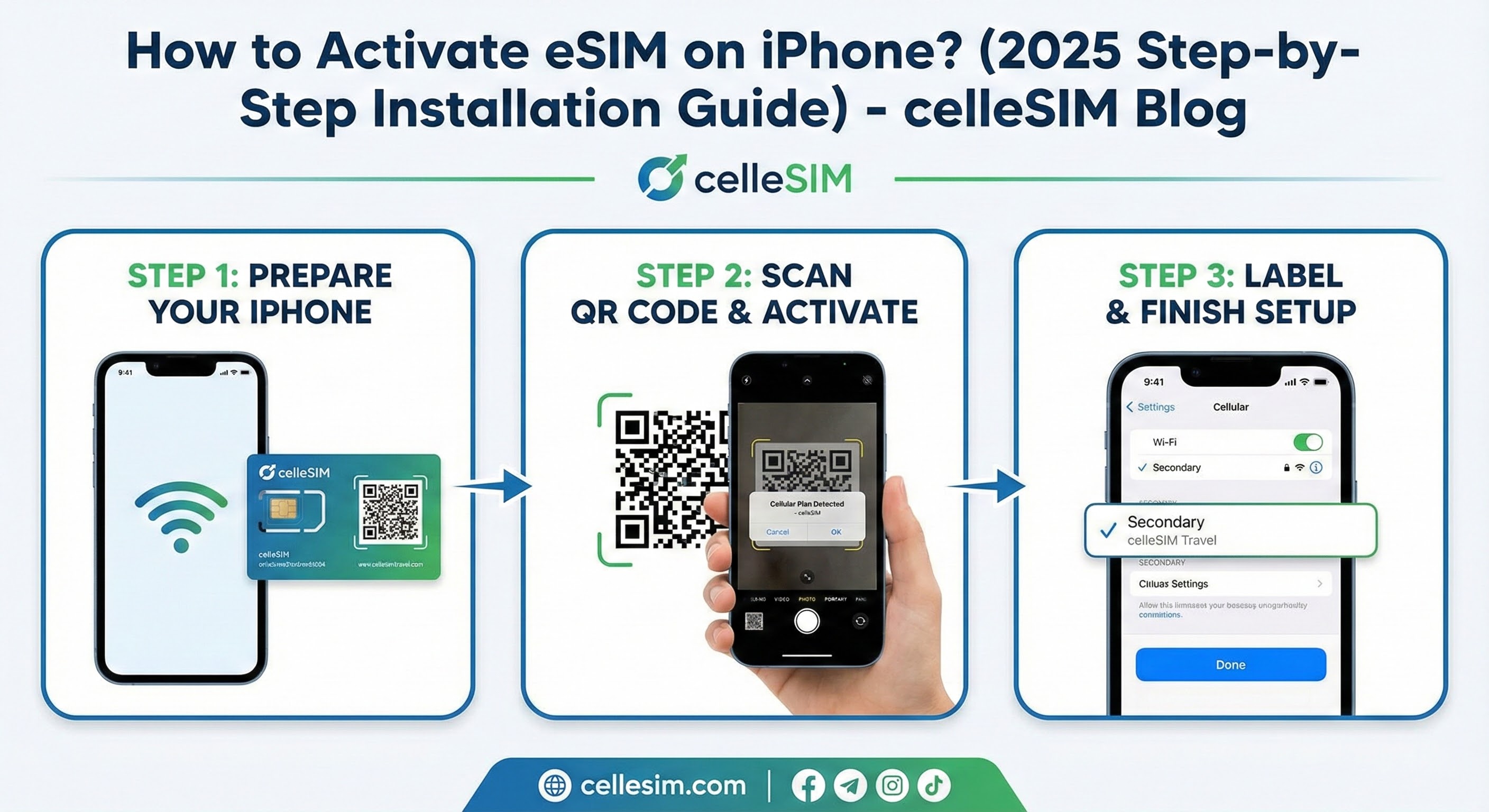
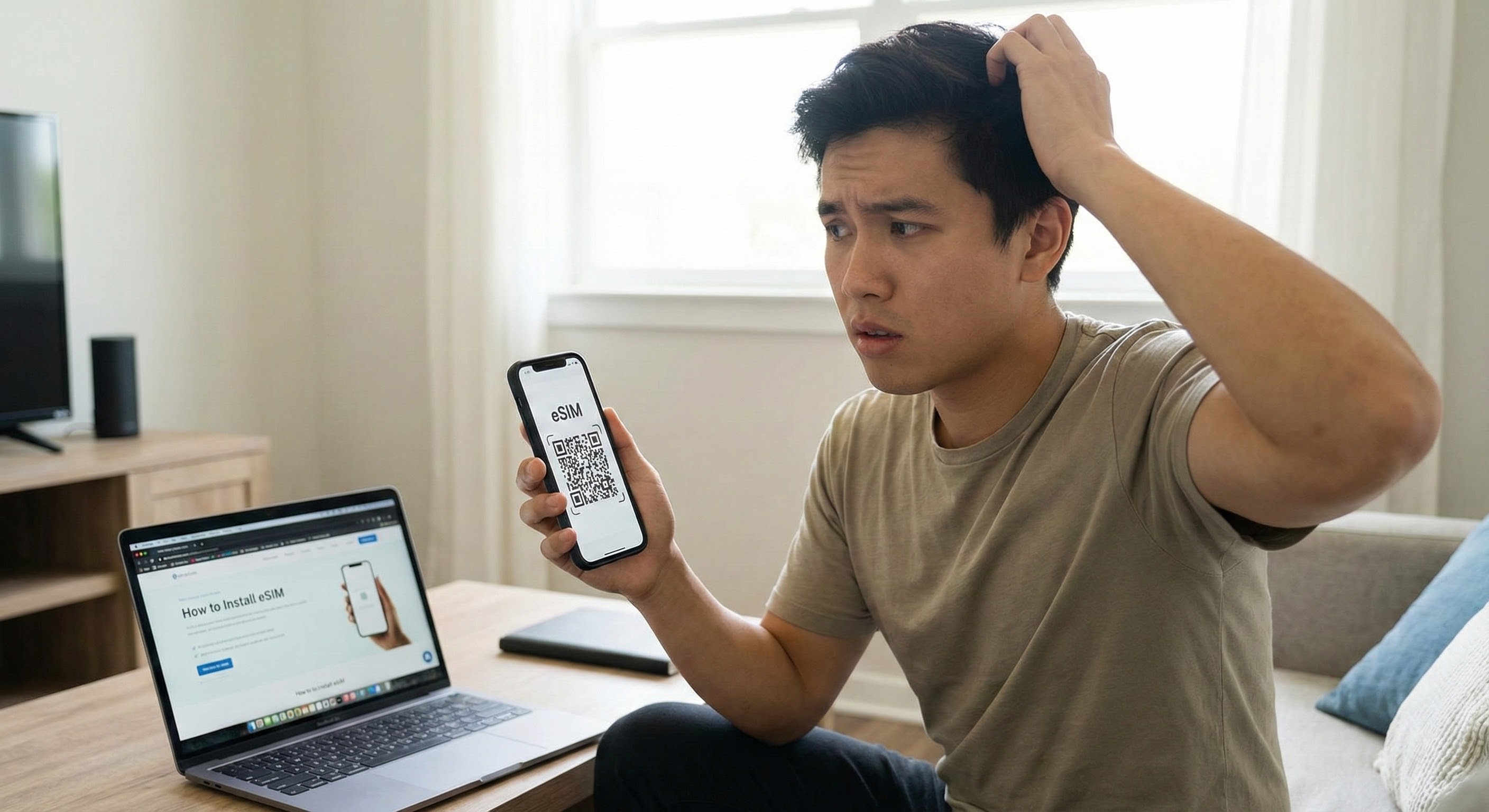
You’ve purchased an eSIM for your upcoming trip, and the QR code has arrived in your email. But there’s a catch: The QR code is on your phone screen,...
Ţară
A-B
C-E
F-H
I-Z
 Afghanistan
 Africa de Sud
 Albania
 Algeria
 Andorra
 Anguilla
 Antigua și Barbuda
 Arabia Saudită
 Argentina
 Armenia
 Australia
 Austria
Activare instantanee
Viteze mari de internet
Partajare hotspot
Fără taxe ascunse
Afghanistan
DE LA $4.60
4G
Furnizor de rețea:
Afghan Wireless Afghanistan, Etisalat, Roshan Afghanistan
- 11 opțiuni de plan disponibile
- 5G și hotspot activat
- Activare în 2 minute
- Serviciu Clienți 24x7
- 100% Garanție de rambursare a banilor

Africa de Sud
DE LA $1.16
5G
Furnizor de rețea:
South Africa - Vodacom, Vodacom
- 27 opțiuni de plan disponibile
- 5G și hotspot activat
- Activare în 2 minute
- Serviciu Clienți 24x7
- 100% Garanție de rambursare a banilor

Albania
DE LA $0.99
4G
Furnizor de rețea:
Vodafone
- 27 opțiuni de plan disponibile
- 5G și hotspot activat
- Activare în 2 minute
- Serviciu Clienți 24x7
- 100% Garanție de rambursare a banilor

Algeria
DE LA $0.50
4G
Furnizor de rețea:
Mobilis, Ooredoo, Optimum Telecom Algeria Spa
- 24 opțiuni de plan disponibile
- 5G și hotspot activat
- Activare în 2 minute
- Serviciu Clienți 24x7
- 100% Garanție de rambursare a banilor

Andorra
DE LA $2.50
5G
Furnizor de rețea:
Mobiland, STA Andorra
- 25 opțiuni de plan disponibile
- 5G și hotspot activat
- Activare în 2 minute
- Serviciu Clienți 24x7
- 100% Garanție de rambursare a banilor

Anguilla
DE LA $5.99
4G
Furnizor de rețea:
FLOW
- 9 opțiuni de plan disponibile
- 5G și hotspot activat
- Activare în 2 minute
- Serviciu Clienți 24x7
- 100% Garanție de rambursare a banilor

Antigua și Barbuda
DE LA $6.50
4G
Furnizor de rețea:
Digicel Antinua and Barbuda, FLOW
- 10 opțiuni de plan disponibile
- 5G și hotspot activat
- Activare în 2 minute
- Serviciu Clienți 24x7
- 100% Garanție de rambursare a banilor

Arabia Saudită
DE LA $1.79
5G
Furnizor de rețea:
STC, Zain
- 25 opțiuni de plan disponibile
- 5G și hotspot activat
- Activare în 2 minute
- Serviciu Clienți 24x7
- 100% Garanție de rambursare a banilor

Argentina
DE LA $2.50
4G
Furnizor de rețea:
Claro, Movistar, Telefonica Moviles Argentina S.A.
- 27 opțiuni de plan disponibile
- 5G și hotspot activat
- Activare în 2 minute
- Serviciu Clienți 24x7
- 100% Garanție de rambursare a banilor

Armenia
DE LA $0.50
4G
Furnizor de rețea:
Orange, UCOM Armenia, Ucom
- 28 opțiuni de plan disponibile
- 5G și hotspot activat
- Activare în 2 minute
- Serviciu Clienți 24x7
- 100% Garanție de rambursare a banilor

Australia
DE LA $0.50
5G
Furnizor de rețea:
OPTUS MOBILE PTY LTD, Optus, Vodafone
- 17 opțiuni de plan disponibile
- 5G și hotspot activat
- Activare în 2 minute
- Serviciu Clienți 24x7
- 100% Garanție de rambursare a banilor

Austria
DE LA $1.36
5G
Furnizor de rețea:
3, Orange, Three
- 26 opțiuni de plan disponibile
- 5G și hotspot activat
- Activare în 2 minute
- Serviciu Clienți 24x7
- 100% Garanție de rambursare a banilor
Regiune







Activare instantanee
Viteze mari de internet
Partajare hotspot
Fără taxe ascunse
Africa (29 Țări)
DE LA $9.69
5G
Furnizor de rețea:
Airtel, AirtelTigo, Cell C
- 3 opțiuni de plan disponibile
- 5G și hotspot activat
- Activare în 2 minute
- Serviciu Clienți 24x7
- 100% Garanție de rambursare a banilor
Asia (20 Țări)
DE LA $6.12
5G
Furnizor de rețea:
3, AirTel, CTM
- 9 opțiuni de plan disponibile
- 5G și hotspot activat
- Activare în 2 minute
- Serviciu Clienți 24x7
- 100% Garanție de rambursare a banilor
Australia și Noua Zeelandă
DE LA $1.87
5G
Furnizor de rețea:
Optus, Spark
- 10 opțiuni de plan disponibile
- 5G și hotspot activat
- Activare în 2 minute
- Serviciu Clienți 24x7
- 100% Garanție de rambursare a banilor
Balcani (5+ zone)
DE LA $2.55
5G
Furnizor de rețea:
A1, T-Mobile, Tele2
- 9 opțiuni de plan disponibile
- 5G și hotspot activat
- Activare în 2 minute
- Serviciu Clienți 24x7
- 100% Garanție de rambursare a banilor
Caraibe (24 Țări)
DE LA $5.10
5G
Furnizor de rețea:
Altice, Antel, Claro
- 5 opțiuni de plan disponibile
- 5G și hotspot activat
- Activare în 2 minute
- Serviciu Clienți 24x7
- 100% Garanție de rambursare a banilor
Asia Centrală
DE LA $1.02
4G
Furnizor de rețea:
Beeline, Hutch, Jazz
- 8 opțiuni de plan disponibile
- 5G și hotspot activat
- Activare în 2 minute
- Serviciu Clienți 24x7
- 100% Garanție de rambursare a banilor
China (HK continentală Macao)
DE LA $1.53
5G
Furnizor de rețea:
CTM, China Unicom, csl
- 13 opțiuni de plan disponibile
- 5G și hotspot activat
- Activare în 2 minute
- Serviciu Clienți 24x7
- 100% Garanție de rambursare a banilor
Europa (42 Țări)
DE LA $5.44
5G
Furnizor de rețea:
3, 7acht, A1
- 6 opțiuni de plan disponibile
- 5G și hotspot activat
- Activare în 2 minute
- Serviciu Clienți 24x7
- 100% Garanție de rambursare a banilor
America Latină (17 Țări)
DE LA $9.69
5G
Furnizor de rețea:
Antel, Claro, Digicel
- 5 opțiuni de plan disponibile
- 5G și hotspot activat
- Activare în 2 minute
- Serviciu Clienți 24x7
- 100% Garanție de rambursare a banilor
Orientul Mijlociu (11 Țări)
DE LA $11.90
5G
Furnizor de rețea:
Bakcell, Beeline, Etisalat
- 3 opțiuni de plan disponibile
- 5G și hotspot activat
- Activare în 2 minute
- Serviciu Clienți 24x7
- 100% Garanție de rambursare a banilor
America de Nord (3 Țări)
DE LA $1.95
5G
Furnizor de rețea:
AT&T, Bell, Movistar
- 16 opțiuni de plan disponibile
- 5G și hotspot activat
- Activare în 2 minute
- Serviciu Clienți 24x7
- 100% Garanție de rambursare a banilor
eSIM Global (127 Țări)
DE LA $12.92
5G
Furnizor de rețea:
3, 7acht, A1
- 6 opțiuni de plan disponibile
- 5G și hotspot activat
- Activare în 2 minute
- Serviciu Clienți 24x7
- 100% Garanție de rambursare a banilor