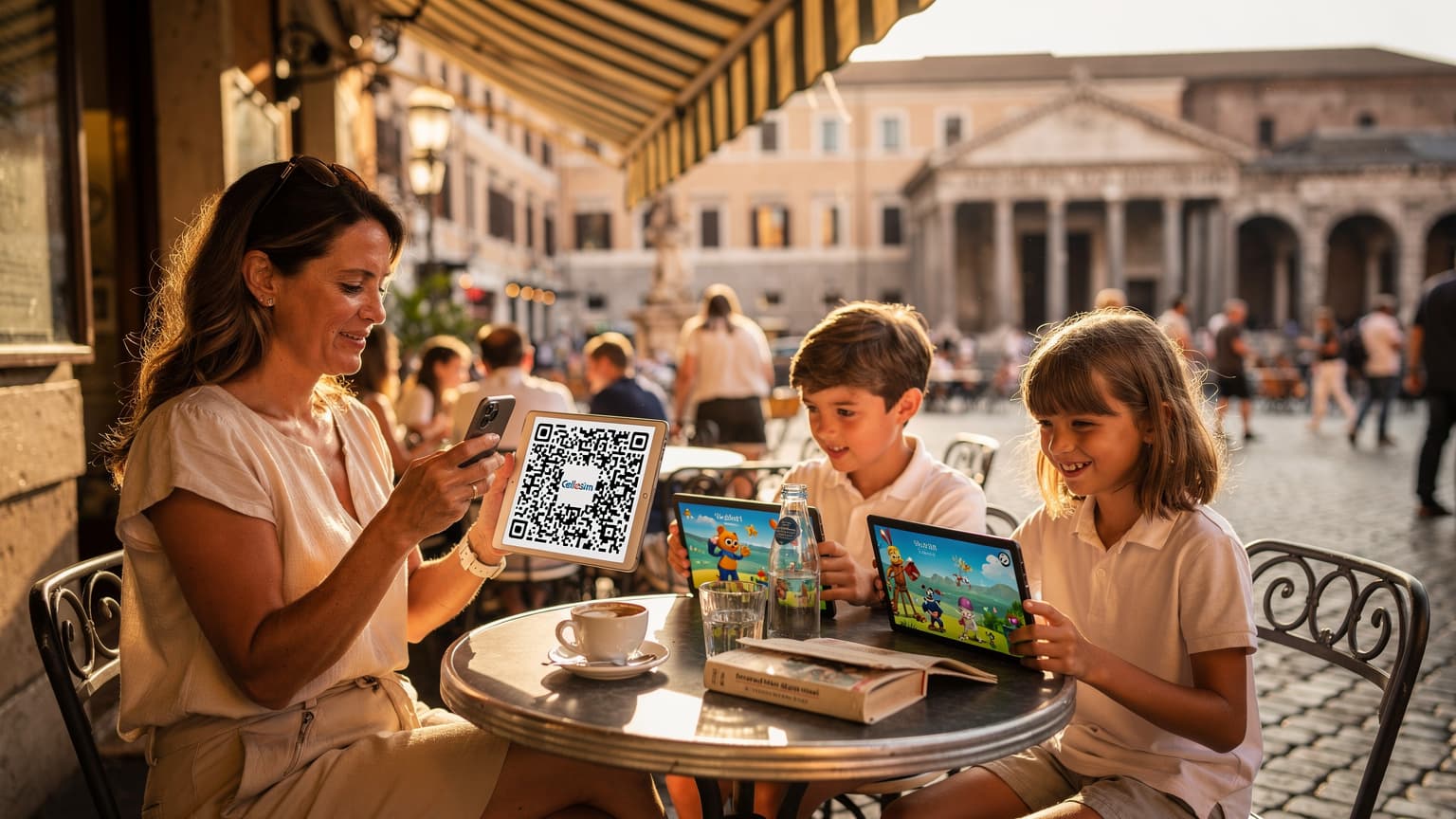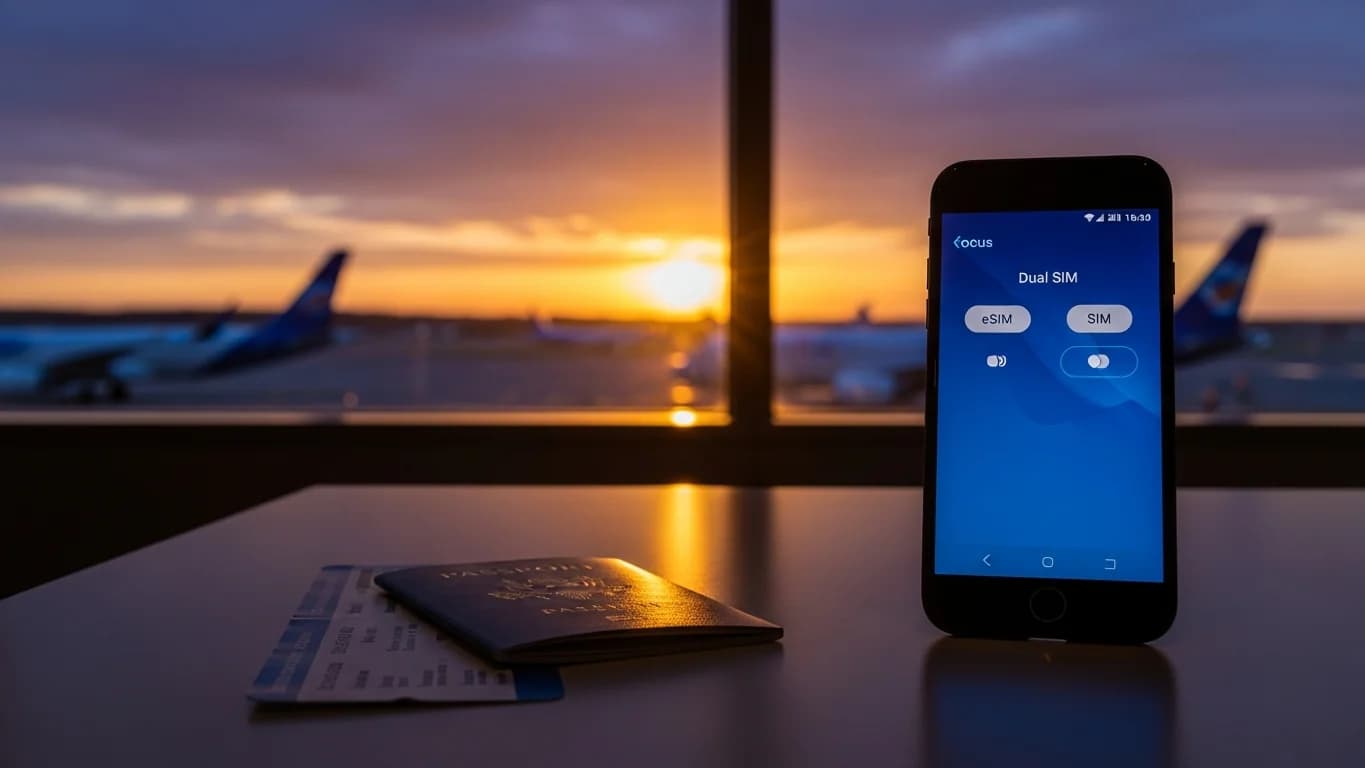
You have just landed. The cabin doors open, and the first thing you want to do is let your family know you have arrived safely, check a rideshare app, and pull up your hotel address. But your home SIM might be racking up significant roaming charges, and airport Wi-Fi often requires a local phone number you do not possess. This scenario is familiar to many international travelers. For years, solutions involved either paying a fortune, searching for a physical SIM card kiosk, or accepting being disconnected. However, a more flexible option now exists.
What if you could leverage the benefits of using an eSIM and a regular physical SIM at the same time? This capability is not only possible but represents one of the most effective strategies for maintaining seamless connectivity while abroad. This guide explains exactly how dual SIM functionality works, why it offers a significant advantage for travelers, and how to configure your device to ensure you always have the best connection.
- Understanding Dual SIM Technology: eSIM and Physical SIM Together
- Why Dual SIM with eSIM is a Game-Changer for Travelers
- Setting Up Your Device for Dual SIM Use
- Managing Data, Calls, and SMS with Dual SIM
- Who Benefits Most from a Dual SIM Setup?
- Potential Challenges and Solutions for Dual SIM Users
- Choosing the Right Cellesim eSIM for Your Dual SIM Strategy
- Frequently Asked Questions
Connect Globally with Cellesim eSIMs
Stay connected in 200+ countries with Cellesim. Join 50,000+ happy customers and set up in minutes.
View All eSIM PlansUnderstanding Dual SIM Technology: eSIM and Physical SIM Together
Dual SIM technology allows a single smartphone to operate with two separate phone numbers and network connections simultaneously. This has traditionally involved two physical SIM card slots, but with the advent of eSIM technology, the process has become far more streamlined.
An eSIM, or embedded SIM, is a digital SIM that allows you to activate a cellular plan from a carrier without needing a physical nano-SIM card. Modern smartphones, particularly premium models from Apple, Samsung, Google, and others, support both a physical SIM card and at least one eSIM. Many devices even support multiple eSIM profiles, allowing you to switch between different local plans as needed.
When your phone supports dual SIM with an eSIM, it means you can keep your primary physical SIM card (likely your home country number) active while simultaneously installing a Cellesim eSIM for data in your destination country, such as Italy or Turkey. This setup allows for incredible flexibility, separating your domestic and international connectivity.
Why Dual SIM with eSIM is a Game-Changer for Travelers
The ability to use an eSIM and a physical SIM concurrently offers significant benefits for international travelers, transforming how you stay connected:
- Maintain Your Primary Number: Your home number remains active for calls and texts, crucial for banking, two-factor authentication, and staying in touch with family or business contacts who only have that number. You avoid the hassle of switching numbers and updating contacts.
- Affordable Local Data: By installing a Cellesim eSIM, you gain access to local data rates in your destination country, often at a fraction of the cost of international roaming. This is particularly valuable for data-heavy activities like navigation, social media, and video calls.
- Cost Savings: Eliminate exorbitant roaming charges for data. While you might still incur charges for calls/texts on your primary SIM, using an eSIM for data drastically reduces your overall communication expenses abroad. Compare potential savings with our Roaming Savings Calculator.
- Seamless Transition: Activate your Cellesim eSIM before you even depart. Upon arrival, your phone automatically connects to the local network, providing instant data connectivity without needing to find a local SIM shop or rely on spotty airport Wi-Fi.
- Business and Personal Separation: For business travelers, this setup allows you to keep your business line active on your physical SIM for professional contacts, while using the eSIM for personal data and communication without mixing the two.
- Backup Connectivity: Should one network experience issues, having a second active connection provides a reliable backup. This is especially useful in remote areas or during unexpected outages.
"The convenience of keeping my home number for urgent calls while using an affordable eSIM for all my data needs abroad has fundamentally changed how I travel. No more juggling SIM cards or worrying about surprise bills."
Setting Up Your Device for Dual SIM Use
Activating dual SIM functionality with an eSIM is a straightforward process, though the exact steps may vary slightly depending on your smartphone's operating system (iOS or Android). Here's a general guide:
- Ensure Compatibility: First, confirm your device supports eSIMs. Most newer iPhones (XS and later), Google Pixel phones (3 and later), and many Samsung Galaxy models (S20 and later) are compatible. You can use our eSIM Compatible Devices list or eSIM Checker.
- Purchase Your Cellesim eSIM: Visit cellesim.com and select an eSIM plan for your destination. You will receive an email with a QR code or manual activation details.
- Install the eSIM Profile:
- For iOS (iPhone): Go to Settings > Cellular (or Mobile Data) > Add eSIM. Choose "Use QR Code" and scan the code Cellesim provided. Follow the on-screen prompts.
- For Android: Go to Settings > Network & Internet (or Connections) > SIMs (or SIM Card Manager) > Add eSIM. Scan the QR code or enter details manually.
- Label Your SIMs: Your phone will prompt you to label your physical SIM (e.g., "Primary," "Home," "Personal") and your new eSIM (e.g., "Travel," "Business," "Data"). This helps you identify which line is which.
- Configure Primary and Secondary Lines: In your phone's cellular settings, you will specify which line to use for:
- Cellular Data: Select your Cellesim eSIM for data to ensure you use the affordable local rates.
- Default Voice Line: Choose your home physical SIM if you want to receive calls and texts on your primary number.
- iMessage & FaceTime (iOS): Select your preferred line for these services.
Managing Data, Calls, and SMS with Dual SIM
Once your device is configured for dual SIM, understanding how to manage its features is key to optimizing your travel connectivity experience.
Data Management
Your primary objective is typically to use your Cellesim eSIM for all data while traveling to avoid roaming charges. In your phone's settings (Cellular/Mobile Data for iOS, Network & Internet/Connections for Android), ensure your travel eSIM is selected as the default line for "Cellular Data" or "Mobile Data."
Voice Calls and SMS
Your home physical SIM will remain active, allowing you to receive calls and SMS messages. When making calls, most phones will prompt you to choose which line to use, or you can set a default outgoing line. For international calls back home, using VoIP apps like WhatsApp or Messenger over your eSIM data connection is often the most cost-effective solution.
If you anticipate needing to make outbound calls on your home number while abroad, be aware of your carrier's international roaming rates for voice and SMS. Some travelers opt to disable data roaming for their physical SIM entirely to prevent accidental charges, while leaving voice and SMS roaming on.
| Feature | Cellesim eSIM | Home Physical SIM |
|---|---|---|
| Data | Affordable Local Rates | Expensive Roaming (Can Disable) |
| Incoming Calls | Via VoIP apps (WhatsApp) | Active (Roaming Charges Apply) |
| Outgoing Calls | Via VoIP apps | Choose Line (Roaming Charges) |
| SMS | Via data apps | Active (Roaming Charges Apply) |
Who Benefits Most from a Dual SIM Setup?
While advantageous for almost any international traveler, certain groups find the dual SIM eSIM setup particularly indispensable:
- Frequent International Travelers: Individuals who regularly cross borders for leisure or business can maintain a consistent primary number while always accessing affordable data in new destinations.
- Business Travelers: Keep your professional line active for critical communications while managing data costs with a travel eSIM. This ensures clients and colleagues can reach you without interruption. Cellesim offers specific solutions for business travelers.
- Expats and Digital Nomads: Living abroad often means needing a local number while also maintaining ties with your home country. Dual SIM provides this balance seamlessly.
- Family Travelers: Parents can keep their primary numbers for emergencies while providing children with an eSIM for data-dependent apps. This is also beneficial for family travel to ensure everyone stays connected.
- Long-Term Travelers: For extended trips, the cost savings from using an eSIM for data quickly add up, making the initial setup a worthwhile investment.
- Individuals Requiring Two-Factor Authentication (2FA): Many banking and security services rely on SMS 2FA to your primary number. Keeping your physical SIM active ensures you can always receive these crucial codes.
Find Your Next Travel eSIM
Potential Challenges and Solutions for Dual SIM Users
While highly convenient, a dual SIM setup can present a few minor challenges. Understanding them beforehand can help ensure a smooth experience:
- Device Compatibility: Not all phones support eSIM, and some older dual SIM phones might only support dual physical SIMs.
- Solution: Always verify your phone's capabilities before purchasing an eSIM. The Cellesim eSIM checker is a reliable tool for this.
- Battery Drain: Running two active connections can sometimes consume slightly more battery power than a single SIM.
- Solution: Carry a portable power bank, especially on long travel days. Modern phones are generally optimized to minimize this impact.
- Configuration Confusion: Initially, managing which line is for data and which for calls might feel complex.
- Solution: Take time to label your SIMs clearly in your phone settings (e.g., "Home SIM," "Travel Data"). Familiarize yourself with how to switch data lines if needed.
- Accidental Roaming Charges: If you forget to set your eSIM as the default for data, your home SIM might accidentally use roaming data.
- Solution: Double-check your cellular data settings, and consider disabling data roaming for your home physical SIM entirely while abroad, leaving it only for calls/SMS.
- Network Coverage: The quality of your eSIM's network connection will depend on the local carrier Cellesim partners with in your destination.
- Solution: Cellesim partners with top-tier local networks. You can review network information on individual country eSIM pages.
Choosing the Right Cellesim eSIM for Your Dual SIM Strategy
Selecting the appropriate Cellesim eSIM plan is crucial to maximizing the benefits of your dual SIM setup. Consider these factors:
- Destination Specificity: Cellesim offers eSIMs for over 200+ countries. Choose a plan specifically tailored for your travel destination to ensure the best local rates and coverage. For example, if you are traveling to the USA, select an eSIM USA plan.
- Data Needs: Estimate your data usage. Are you a heavy streamer, or do you primarily use messaging and maps? Cellesim offers various data packages, from small bundles for light users to large plans for digital nomads. Our Smart Data Calculator can help estimate your needs.
- Validity Period: Match the eSIM's validity period to the length of your trip. Plans are available for durations ranging from a few days to a month or longer.
- Top-Up Options: Check if your chosen Cellesim eSIM plan offers easy top-up options, should you need more data during your trip. Most Cellesim plans allow for quick and easy top-ups directly from your account.
- Customer Support: Cellesim provides 24/7 customer support via email at [email protected], ensuring assistance is always available if you encounter any issues with your eSIM.
By thoughtfully choosing your Cellesim eSIM, you equip your dual SIM device with the perfect partner for affordable, reliable, and hassle-free connectivity on your travels. This approach represents the modern way to stay connected, blending the familiarity of your home number with the practicality of local data rates.
Ready for Seamless Global Connectivity?
Experience the ultimate travel freedom with Cellesim. Keep your number, get affordable data.
Start Your Connected JourneyTrusted by 50,000+ travelers worldwide. 24/7 Support.
Frequently Asked Questions
Can I make and receive calls on my physical SIM while using an eSIM for data?
Yes, absolutely. This is one of the primary benefits of a dual SIM setup. You can set your physical SIM as the default for voice calls and SMS, ensuring you receive calls and texts to your primary number, while directing all your data traffic through the eSIM to avoid roaming charges.
What if my phone doesn't support dual SIM or eSIM?
If your phone does not support eSIM, you will need to rely on a physical SIM card for connectivity. You could purchase a local physical SIM card upon arrival, or use international roaming services from your home provider. Check Cellesim's compatible devices list or eSIM checker to confirm your phone's capabilities.
Do I need to turn off data roaming for my physical SIM when using an eSIM?
It is highly recommended to turn off data roaming for your physical SIM in your phone's settings when using an eSIM for data. This prevents accidental data roaming charges from your home provider, ensuring all internet usage goes through your more affordable Cellesim eSIM.
Can I use multiple eSIMs at the same time?
Most modern smartphones that support eSIM can store multiple eSIM profiles, but typically only one eSIM can be actively used for data at a time, in addition to your physical SIM. You can easily switch between your stored eSIM profiles in your phone's cellular settings.
How do I switch between eSIM and physical SIM for data?
You can switch your preferred cellular data line in your phone's settings. For iOS, go to Settings > Cellular (or Mobile Data) > Cellular Data, and select the desired line. For Android, it's typically in Settings > Network & Internet (or Connections) > SIMs, where you can choose the preferred SIM for mobile data.
Will my WhatsApp number stay the same with an eSIM?
Yes, your WhatsApp number is linked to the phone number you registered it with, not necessarily the active data connection. When using an eSIM for data, your WhatsApp will continue to function normally using the internet connection provided by the eSIM, while your registered number (usually your physical SIM) remains unchanged. For more details, see our guide on keeping your WhatsApp number with a travel eSIM.