

 eSIM Destination
France eSIM
France: compare travel eSIMs for maps, messages, and mobile data.
France: mobile networks
4 carriers supported
- Bouygues5G
- Free Mobile5G
- Orange5G
- Orange France
Highest generation per operator is displayed; some plans may use a fallback band based on local conditions.
Free VPN with your eSIM
Every active Cellesim eSIM comes with a free VPN. Browse securely on public Wi-Fi and reach the apps you rely on from anywhere, at no extra cost and with no separate signup.
- 4.4(446)
- 5G
- Digital setup
- Refund policy
Data Plans / Unlimited
7 days
30 days
France: mobile networks
4 carriers supported
- Bouygues5G
- Free Mobile5G
- Orange5G
- Orange France
Highest generation per operator is displayed; some plans may use a fallback band based on local conditions.
Free VPN with your eSIM
Every active Cellesim eSIM comes with a free VPN. Browse securely on public Wi-Fi and reach the apps you rely on from anywhere, at no extra cost and with no separate signup.
France: our plans at or below the market median
We compare our France plans with the public prices of other eSIM providers. The plans below cost the same as or less than the median price for the same data and validity.
- 1 GB · 7 days$3.19market median $4.00 · 20% below
- 3 GB · 30 days$5.99market median $7.72 · 22% below
- 5 GB · 30 days$9.19market median $10.53 · 13% below
- 10 GB · 30 days$12.99market median $14.79 · 12% below
Competitor prices checked on Oct 25, 2026. Prices change; the price shown at checkout is final.
France: choose an eSIM for your trip
Choose how much data you need and for how long. Before you buy, check that your phone is compatible and that the plan covers where you're going. France: plans start from $3.19. 4.4/5 · Based on 446 reviews Compare the plans below, including details on activation, hotspot use, and top-ups.
- Compare price and how much data you get
- Check networks and coverage
- Contact support if you need help
Frequently Asked Questions
You can usually install the eSIM over Wi-Fi before leaving. Check the activation policy of the selected package: some validity periods start on installation, while others start when the eSIM connects to a supported network. Follow the instructions supplied with your purchase.
An eSIM is a digital SIM profile installed on a compatible, unlocked device. After installation, select it for mobile data and follow the package instructions, including the data-roaming setting if required. Supported networks and coverage are listed in the selected package details.
Check the exact model and regional variant in our device compatibility guide. The phone must support eSIM and be unlocked. A model family name alone does not guarantee support in every market.
The Cellesim package is prepaid for its included data and covered destinations. Your home SIM is billed separately: making or answering calls, sending texts or using data on that line may trigger roaming fees. Check your home carrier settings and disable automatic mobile-data switching if you do not want it to use that line.
Check the package details for voice and SMS support. A data-only package does not supply a local phone number or ordinary mobile calls. Messaging and calling apps can use its data allowance. Calls on your home SIM remain subject to that carrier’s charges.
It depends on the roaming benefits included in your home plan, your destination and how you use each SIM. Check your carrier account before buying extra data. Compare the whole trip’s data allowance, validity, calls and total cost with the available France packages.
Only the destinations listed in the selected package’s coverage are included. Do not assume a France package covers a neighbouring country. For a multi-country trip, check each stop against a suitable Europe package before buying.
Coverage and speed can change between stations, tunnels, buildings and train routes. A supported network or 5G label does not guarantee uninterrupted service throughout the Paris Metro or a TGV journey. Download tickets and essential maps before travelling.
Use the network information shown for your selected package. Available operators can differ between packages and providers; a general list of French mobile networks is not a promise that every plan can use all of them. Coverage and speed also depend on location and device.
Install over a reliable Wi-Fi connection before departure if the package’s activation policy allows it. Keep the installation instructions available offline and check exactly when validity begins. See the CDG arrival guide for arrival planning.
About France eSIM
Get Connected with a France eSIM
A Cellesim eSIM for France gives you mobile data access across the country without needing a physical SIM card. Whether you're visiting Paris, exploring the French Riviera, or traveling for business, you can get online as soon as you arrive. This data-only eSIM is compatible with most modern smartphones, including iPhone and Android models, making it a simple way to stay connected. Plans start from $3.19.
🏙️ Paris
Which France Data Plan Is Right for You?
Choosing the right eSIM plan depends on the length of your trip and how much you'll use your phone for data. We offer a range of options to match different travel styles.
- For short trips or light use: If you're in France for a weekend trip of up to 5 days and mainly need data for maps and messaging, smaller plans like 1 GB or 2 GB are a good starting point.
- For week-long stays: For a 7 to 10-day vacation, a plan with 5 GB or 10 GB provides enough data for regular social media use, browsing, and some light streaming.
- For longer trips: If your journey is 15 days, 30 days, or more, consider larger data packages like 20 GB or 50 GB. These are ideal for heavier usage or for travelers who need to work remotely.
- For unlimited needs: For those who prefer not to track their data usage, an unlimited data plan is available. It is designed for standard, everyday use and ensures you stay connected throughout your trip.
Network Coverage in France
Your France eSIM will connect to the networks of established local providers to ensure reliable coverage. These partners include Bouygues, Free Mobile, and Orange. This provides strong connectivity in major cities like Paris, Marseille, and Lyon, as well as in most towns and along major motorways.
Please note that all our plans for France are for data only. They do not include a phone number for making traditional calls. However, you can easily make voice and video calls using internet-based apps like WhatsApp, FaceTime, Telegram, or Skype.
Tips for Using Your eSIM in France
To make the most of your mobile data during your visit, keep these points in mind:
- Arrival: Major international airports like Paris Charles de Gaulle (CDG) and Nice Côte d'Azur (NCE) have good cellular reception, so you can activate your eSIM's data connection right after you land.
- Coverage in Remote Areas: While coverage is excellent in populated areas, you may experience weaker signals in mountainous regions such as the Alps and Pyrenees, or in very remote rural parts of the country. Planning ahead by downloading offline maps can be helpful.
- Public Wi-Fi: Free Wi-Fi is widely available in hotels, cafes, restaurants, and public transport hubs. Using it when possible is a great way to conserve your eSIM data for when you're on the go.
- Keep Your Primary Number: An eSIM for data allows you to keep your regular SIM card in your phone. This means you can still receive calls and SMS on your home number while using the eSIM for affordable local data. Apps like iMessage and WhatsApp will continue to work with your existing number.
Easy Installation in a Few Steps
Activating your Cellesim plan is straightforward. Follow these steps to get set up:
- Install before you travel: Scan the QR code and install your eSIM profile while you still have a stable Wi-Fi connection at home. Do not activate it yet.
- Activate upon arrival: Once you arrive in France, go to your phone's settings, turn on your Cellesim eSIM line, and make sure Data Roaming is enabled for it.
- Check your plan details: The validity period of your plan may start at installation or upon first connection to a network in France. Always refer to the specific details of your purchased plan to be sure.
Is an eSIM a good option for Paris?
Yes, an eSIM is an excellent choice for visiting Paris. It gives you instant data access upon arrival, which is useful for navigating the city's transport system, looking up museum hours, or finding a restaurant without having to search for a physical SIM card vendor.
How do I get an eSIM for France on my iPhone?
Getting a data plan for your iPhone is simple. After purchasing your plan, you will receive a QR code via email. On your iPhone, go to Settings > Cellular > Add eSIM, and scan the code. The process takes just a couple of minutes.
Can I use this eSIM data plan anywhere in France?
Yes, the eSIM data plan is designed to provide coverage throughout France. You can use it in cities, towns, and most rural areas, connecting to the best available local network wherever you are.
🧭 Related eSIM destinations: eSIM Spain · eSIM Germany · eSIM Italy
The Tour rolls through France for three weeks. Stay online across every stage with one eSIM — see our Tour de France 2026 eSIM guide.
France eSIM reviews from real travelers
Based on 446 reviews
- Anonymous·Jun 27, 2026
I tried it without any issues. The esim was nice.
good coverage.
Traveler U.·Jun 23, 2026good coverage. !!
Excellent service. 👍
Traveler268·Jun 22, 2026Excellent service. 👍
- User199 C.·Jun 17, 2026
Great connection
Total waste of
Traveler H.·Jun 11, 2026Total waste of money in FR. The connection was bad.
Brilliant app
Mike A.·Jun 9, 2026Brilliant app.
Rapide. Excellent. Parfait
hugo·Jul 4, 2026·frRapide. Excellent. Parfait. Top. (FR
- Priya L.·Jul 3, 2026·hi
शानदार. बढ़िया काम कर रहा है.
FR seyahatimde denedim
Can I.·Jun 30, 2026·trFR seyahatimde denedim, tavsiye ederim. Tekrar kullanırım. Kurulum çok iyi.
Ça marche. Très
Hugo M.·Jun 28, 2026·frÇa marche. Très bien. Aucun problème. ...
Top. Heel goed
emma·Jun 20, 2026·nlTop. Heel goed
- Oksana K.·Jun 16, 2026·uk
Швидко. Рекомендую!
France eSIM guides:what travellers ask before they go
Coverage, install steps, real connection speeds, and the small stuff that ruins a trip if you skip it. Curated for France.
 Destination Guides
Fun Facts About France: 15 Surprising Things to Know Before Your Family Trip
France is more than just Eiffel Tower selfies and croissants. As a seasoned parent-travel planner, I've uncovered some truly delightful and practical insights that will make your family's next French adventure smoother, more connected, and infinitely more interesting.
Read the guide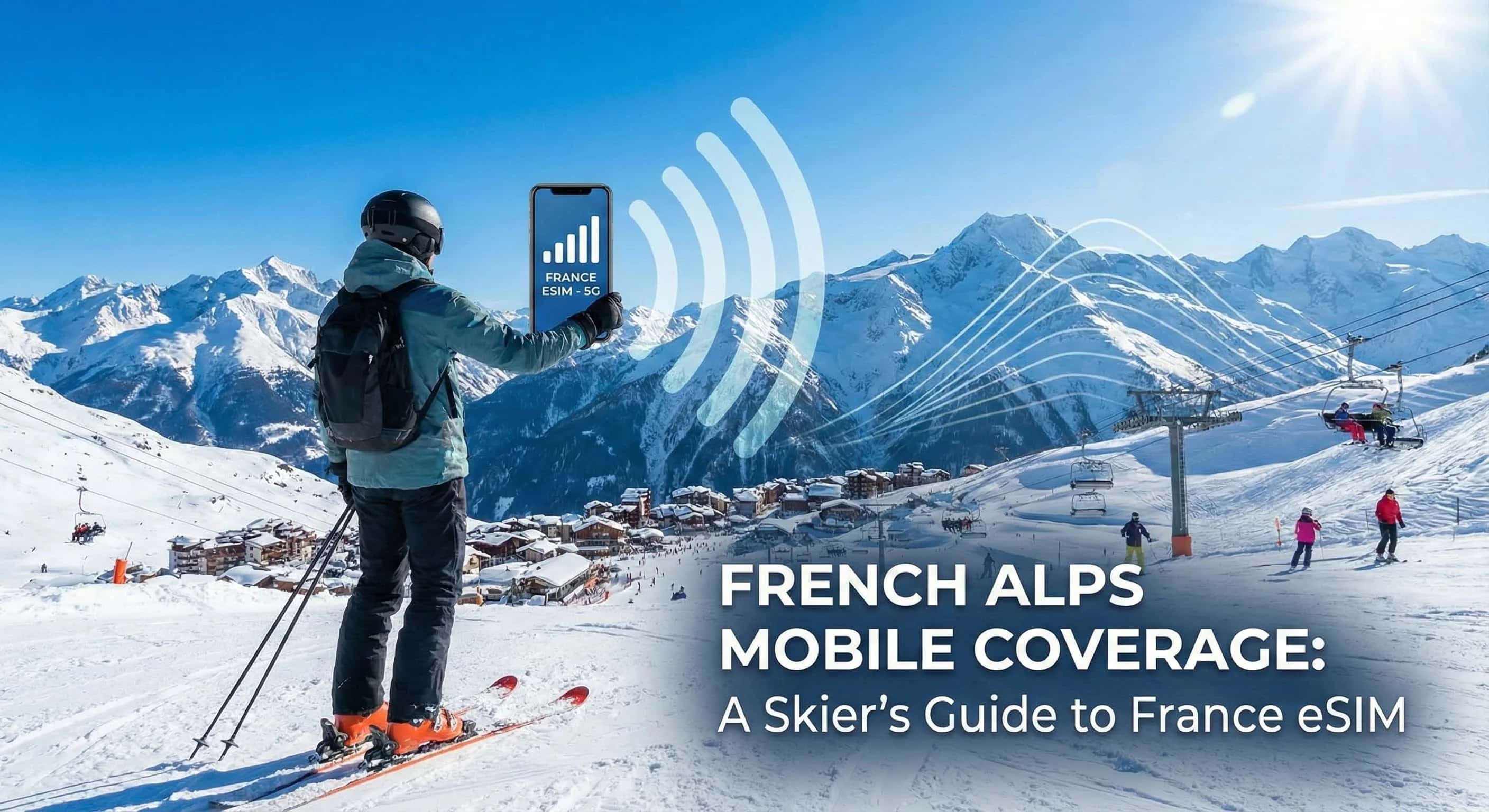 Travel Styles / Personas
French Alps Mobile Coverage: A Skier's Guide to France eSIM
Planning a ski trip to the French Alps? Discover the realities of mobile coverage on the slopes of Chamonix, Val d'Isère, and more. Learn how a Cellesim France eSIM ensures you stay connected safely and affordably.
Read the guide Travel Styles / Personas
The Savvy French Traveler’s Guide to International eSIMs
Traveling outside the EU? Avoid shocking roaming bills from your French carrier. This guide explains how to choose the best eSIM for your international trips for affordable, instant connectivity.
Read the guide Destination Guides
T-Mobile International Data Pass vs. Cellesim eSIM: Save More Abroad in 2026
Compare T-Mobile's International Data Pass with Cellesim eSIM in 2026. Discover how to get reliable data, avoid roaming, and save money on your next international trip.
Read the guide Destination Guides
T-Mobile International Data Pass Alternatives: Discover Cellesim eSIM
Ditch expensive T-Mobile International Data Passes in 2026. Discover Cellesim eSIM for faster speeds, wider coverage, and transparent pricing. Explore plans now!
Read the guide Destination Guides
iPhones & SIM Cards: The Traveler's Ultimate eSIM Guide for 2026
Master iPhone travel with eSIMs in 2026. Avoid roaming fees, get instant data, and stay connected globally. Explore Cellesim's worldwide eSIM plans now!
Read the guide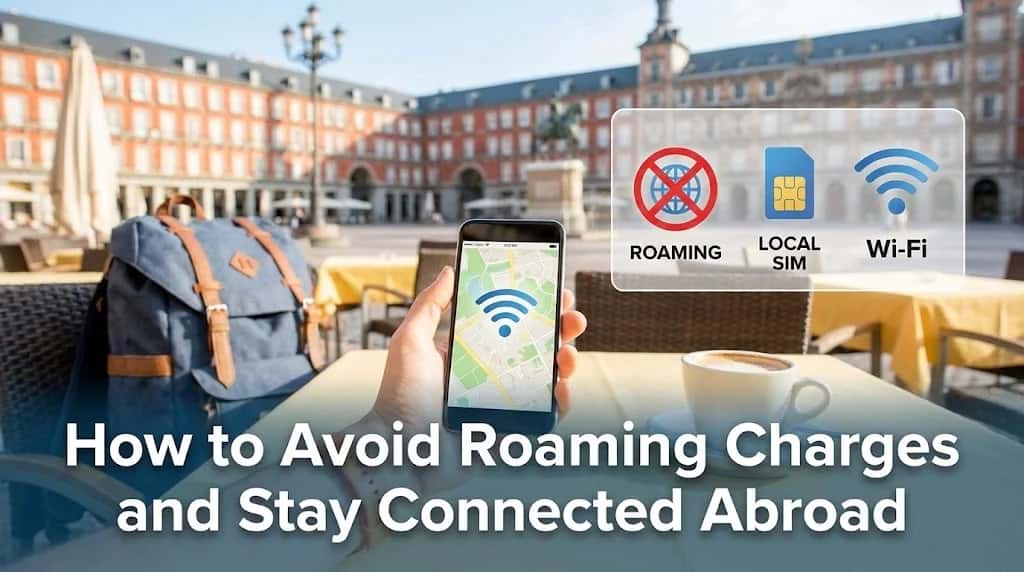 How-to & Guides
How to Avoid Roaming Charges and Stay Connected Abroad
Don't let a massive phone bill ruin your trip. Discover the best strategies to avoid roaming charges, from the convenience of a travel eSIM to smart data-saving habits.
Read the guide Savings & Comparisons
How Much Data for 2 Weeks in Europe? A 5–20 GB Planning Guide
Calculate a 14-day mobile data budget, compare 5, 10 and 20 GB examples, and check the country coverage and validity of your Europe eSIM.
Read the guide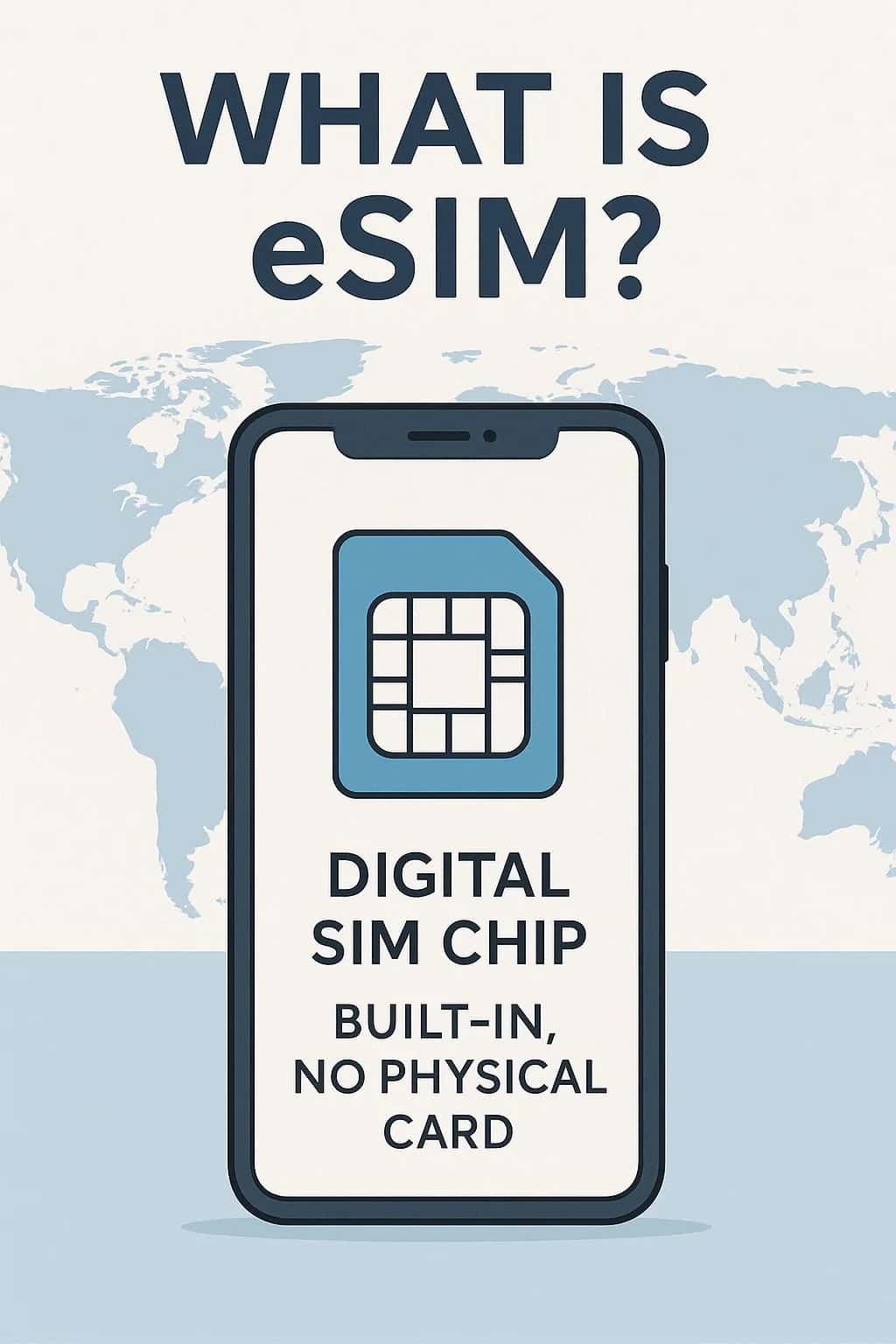 eSIM 101 / Tech Hub
What is eSIM? Will Physical SIM Cards Disappear by 2026?
Discover how eSIM technology is changing mobile communication. Learn why physical SIM cards are becoming obsolete and how Cellesim helps you connect globally in seconds.
Read the guide Travel Tips
The Savvy Traveler’s Guide to Tourist Scams in Europe & Asia
Traveling to Europe or Asia? Our expert guide breaks down the most common tourist scams, from classic taxi tricks to modern digital dangers, and shows you how to stay safe.
Read the guide Destination Guides
Ultimate Guide to Internet for Your Alps Ski Holiday 2026
Ensure seamless connectivity on your 2026 Alps ski holiday with an eSIM. Get high-speed internet in France, Switzerland, Austria & more. Explore Cellesim plans now!
Read the guide Savings & Comparisons
The Bulgarian Traveler's Guide to the Best eSIM for EU & UK Trips
Planning a trip from Bulgaria to the EU or UK? This guide breaks down why your local SIM might not be enough and shows you how to find the best eSIM for seamless, affordable travel data.
Read the guide
France: Popular cities
City-specific connectivity guides


Popular eSIM-compatible phones
Before you buy a France eSIM, check your model: SIM layout, regional exceptions and setup steps.
- iPhone 14 eSIM
- iPhone 15 Pro eSIM
- Samsung Galaxy A36 5G eSIM
- iPhone 14 Pro eSIM
- iPhone 17 Pro eSIM
- iPhone 16 eSIM
Nearby Countries
Check coverage for every stop on your trip.


